Breaking the Subscription Cycle
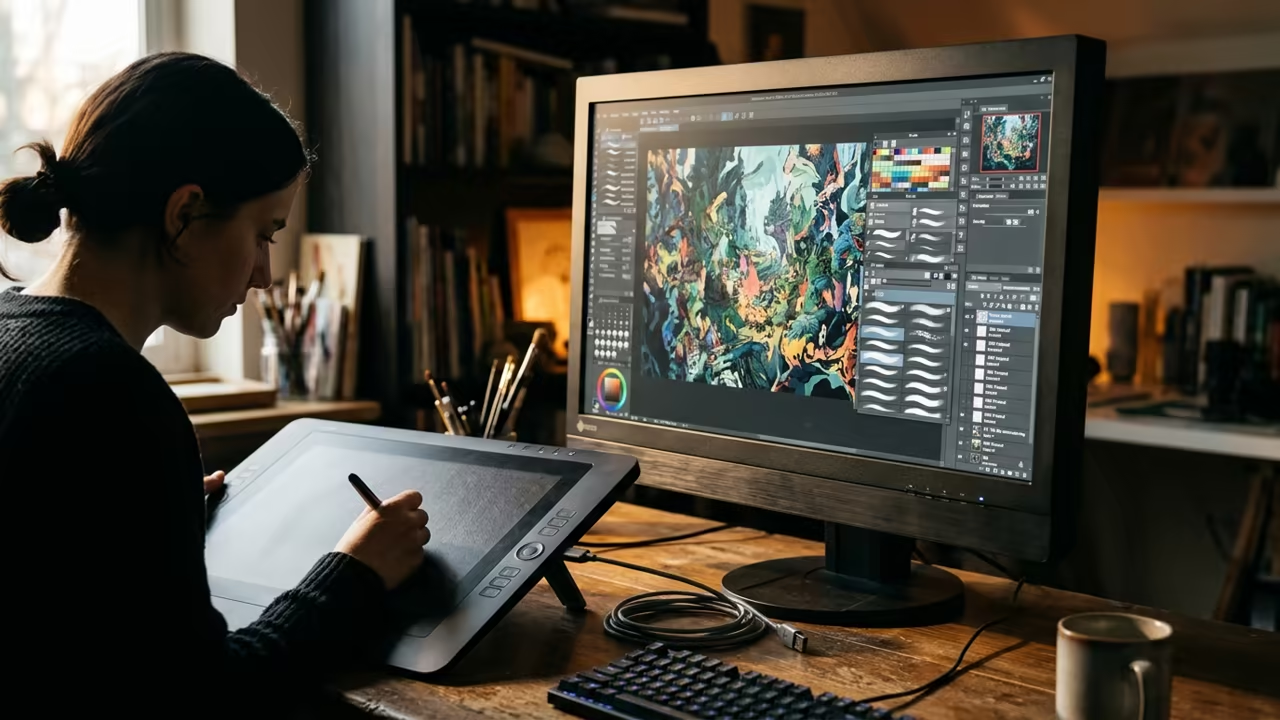
Most designers are trapped in a monthly subscription cycle that drains their bank accounts. They accept bloated software that slows down their high end hardware.
This cycle ends now with a native open source alternative. The creative industry has relied on closed ecosystems for too long.
These systems prioritize profit over performance and user privacy. A new paradigm emerges with the arrival of Photocraft.
Disclaimer: I may earn a commission from purchases made through these links at no extra cost to you.


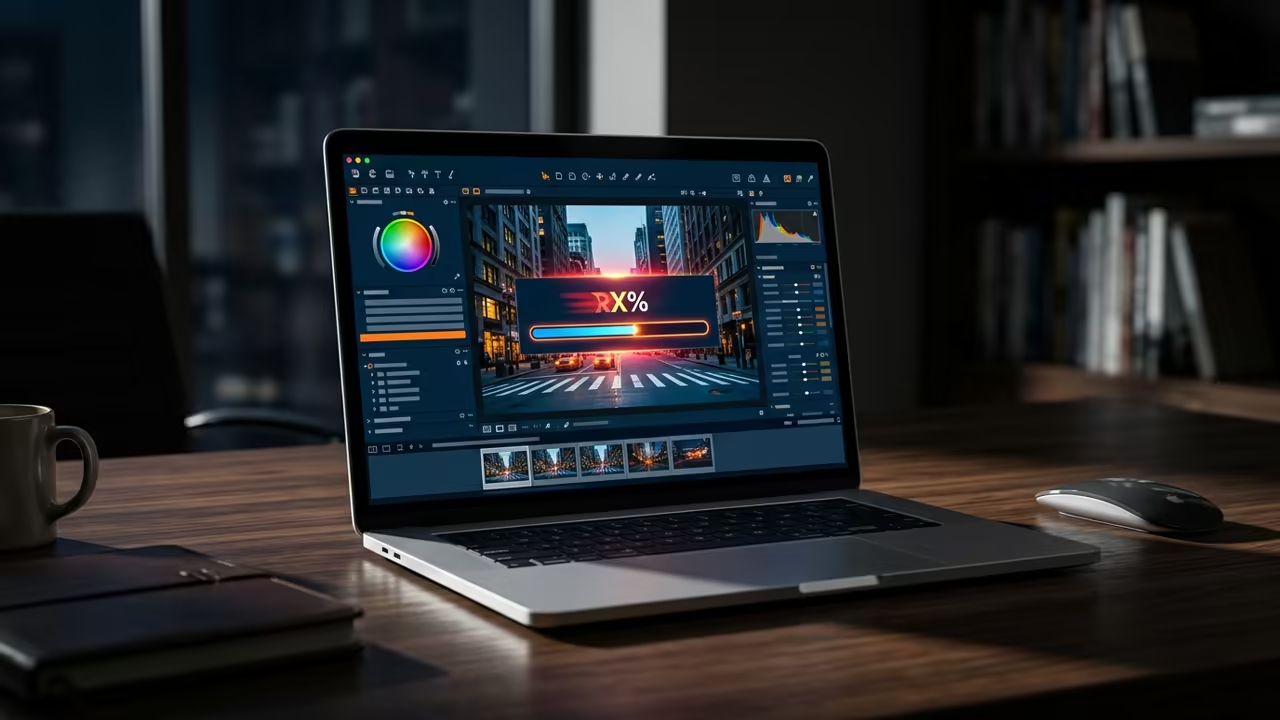
Implementing this tool feels like unlocking a hidden superpower for your workstation. The interface responds instantly because it bypasses the typical overhead of web based wrappers.
You finally feel total control over your local assets.
The Architecture of Speed
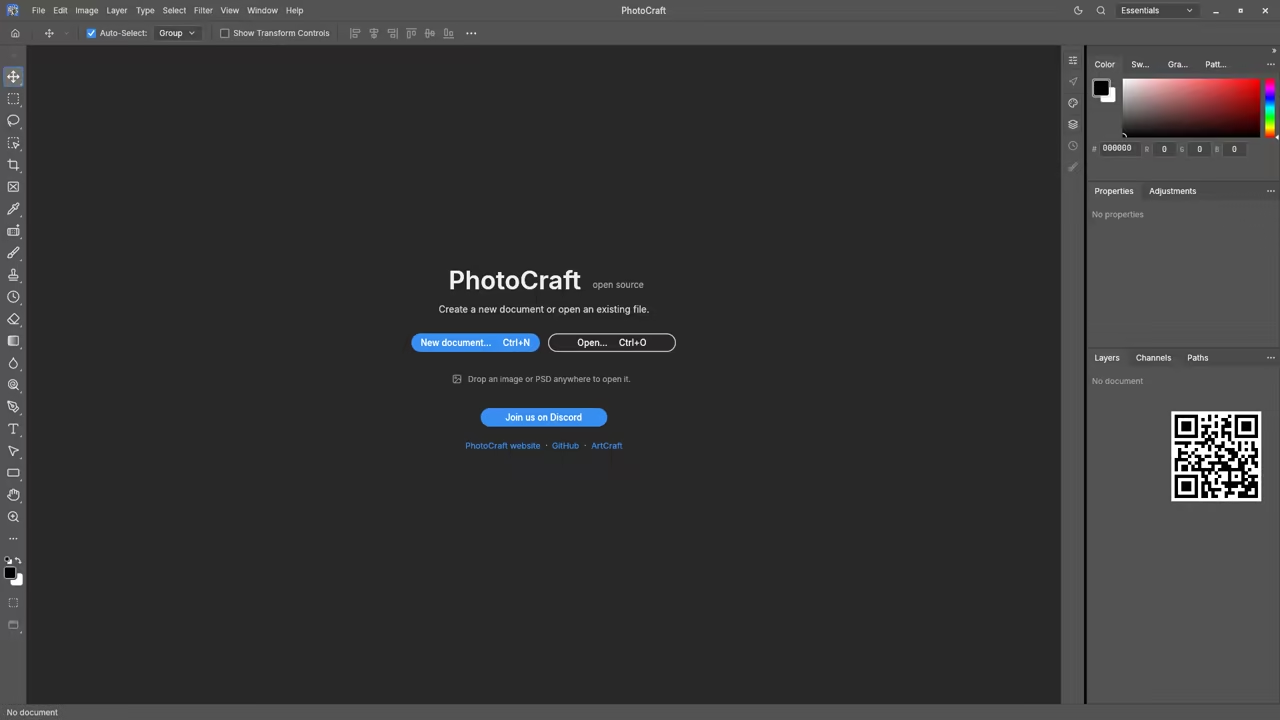
Photocraft is written entirely in Rust for maximum memory efficiency and speed. It handles complex layers and masks without the usual lag found in Electron apps.
This native architecture allows it to scale across multiple CPU cores effectively.
The software provides a professional suite including adjustment layers and layer styles. You can manage vectors and brushes within a single unified native environment.
It mirrors the workflow of industry standards while remaining completely free.
Technical Insider Optimization
To optimize the viewport on specific Nvidia hardware users should modify the config file. Disabling certain hardware acceleration flags prevents flickering during heavy rasterization tasks.
This insider detail ensures a stable experience for professional artists.

Current development in version 0.10.0 focuses on refining the Artist Mode. Some users report issues with pen pressure on specific tablet drivers.
This is a common hurdle for bleeding edge open source projects. The development team is actively addressing text alignment bugs in the latest commits.
You can contribute directly to the project on GitHub to accelerate these fixes. Community driven development ensures the software evolves based on real user needs.
Digital Sovereignty and Performance
This architectural shift mirrors the breakthroughs seen in previous high performance GPU optimizations. It connects deeply to the evolution of memory safe systems in creative software.
The transition to Rust represents a major leap in software reliability.
| Parameter | Description | Value |
|---|---|---|
| Core Language | Implementation | Rust |
| License Type | Access Model | Open Source |
| Privacy Model | Data Storage | Offline First |
| Execution Speed | Performance | Native Binary |
| Parameter | Description | Value |
To install the latest build from source use the following terminal commands. This allows you to access the most recent bug fixes immediately.
git clone https://github.com/storytold/photocraft.git
cd photocraft
cargo build --release
The software avoids the pitfalls of telemetry and forced cloud synchronization. Your work remains on your disk where it belongs.
This approach appeals to those who value digital sovereignty and security. Using a native Rust backend means the application starts almost instantly.
It does not consume gigabytes of RAM for a simple canvas. This efficiency makes it ideal for laptops and older hardware.
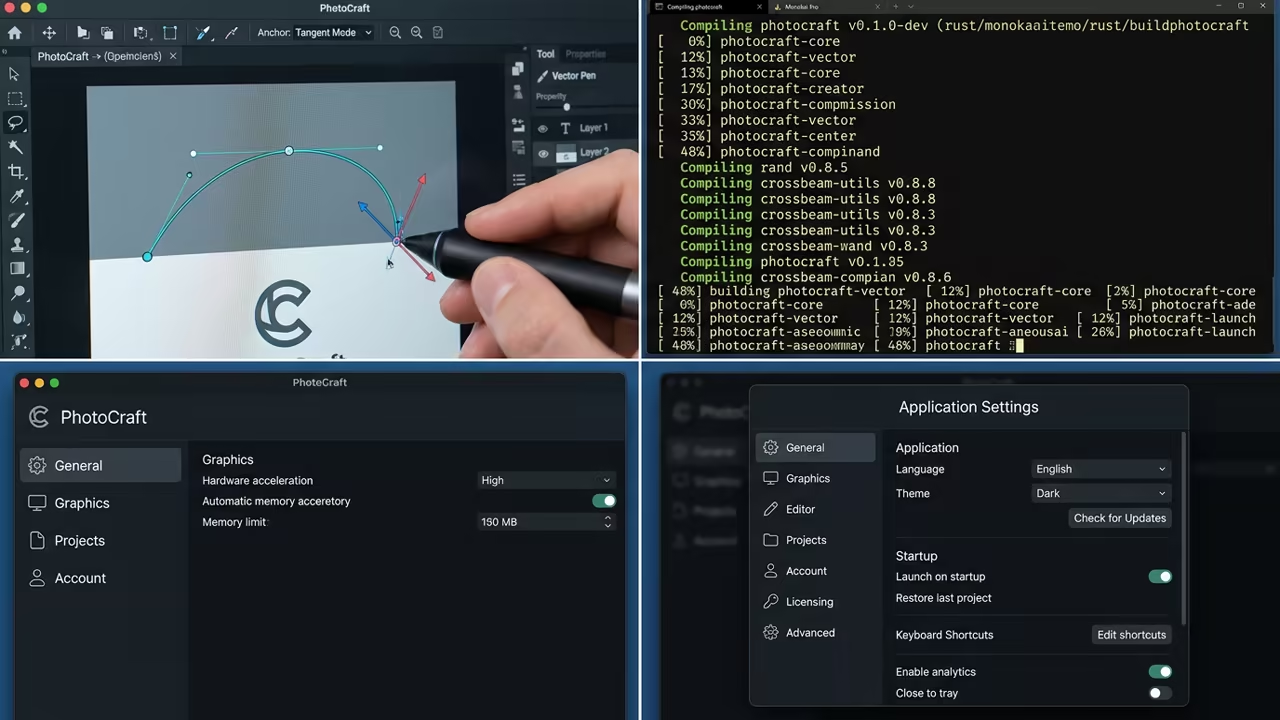
The inclusion of vector tools allows for scalable graphics without leaving the app. You can blend raster elements with sharp vector lines for complex compositions.
This versatility reduces the need for multiple separate applications.
Learning and Support
Need a custom build for your specific hardware setup. Reach out for personalized technical help or dive deeper with the online tutorials.
Online Tutorials and Technical Help: https://ojambo.com/contact
🚀 Recommended Resources
Disclosure: Some of the links above are referral links. I may earn a commission if you make a purchase at no extra cost to you.
Leave a Reply