

The Storage Wall
Many users face the terrifying locked partition error during critical drive expansions. This technical wall stops your workflow and threatens your precious data integrity.
You see available space but the system refuses to let you claim it. This failure usually happens because of hidden recovery partitions or locked swap files.
It turns a simple upgrade into a high stakes gambling match with your files. The frustration of wasted storage is a plague in the modern tech landscape.
Disclaimer: I may earn a commission from purchases made through these links at no extra cost to you.


Precision Control Experience
Implementing a clean partition map feels like unlocking a secret level of performance. The sheer satisfaction of seeing perfectly aligned sectors is a professional high.
You finally control every single byte of your high speed storage media. This mastery removes the anxiety associated with disk management and OS installation.
You move from being a victim of the software to a system commander. It is the difference between a cluttered drive and a precision engine.
The Insider Optimization Secret
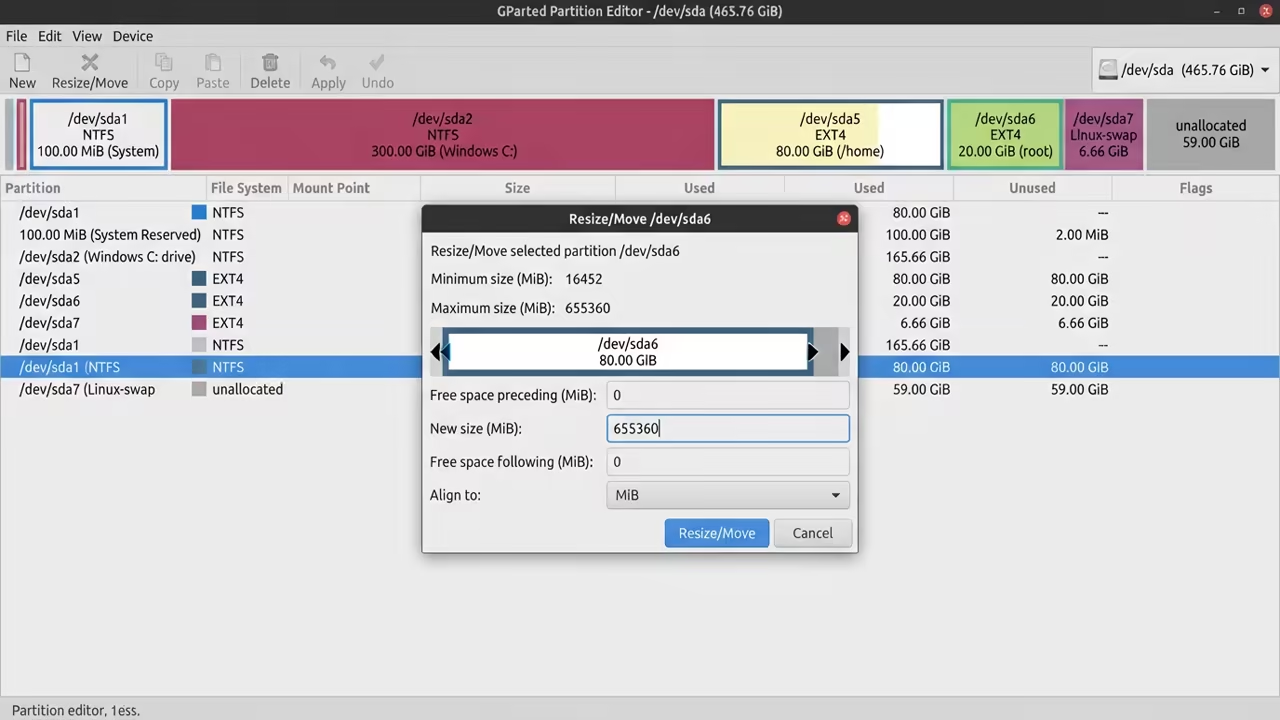
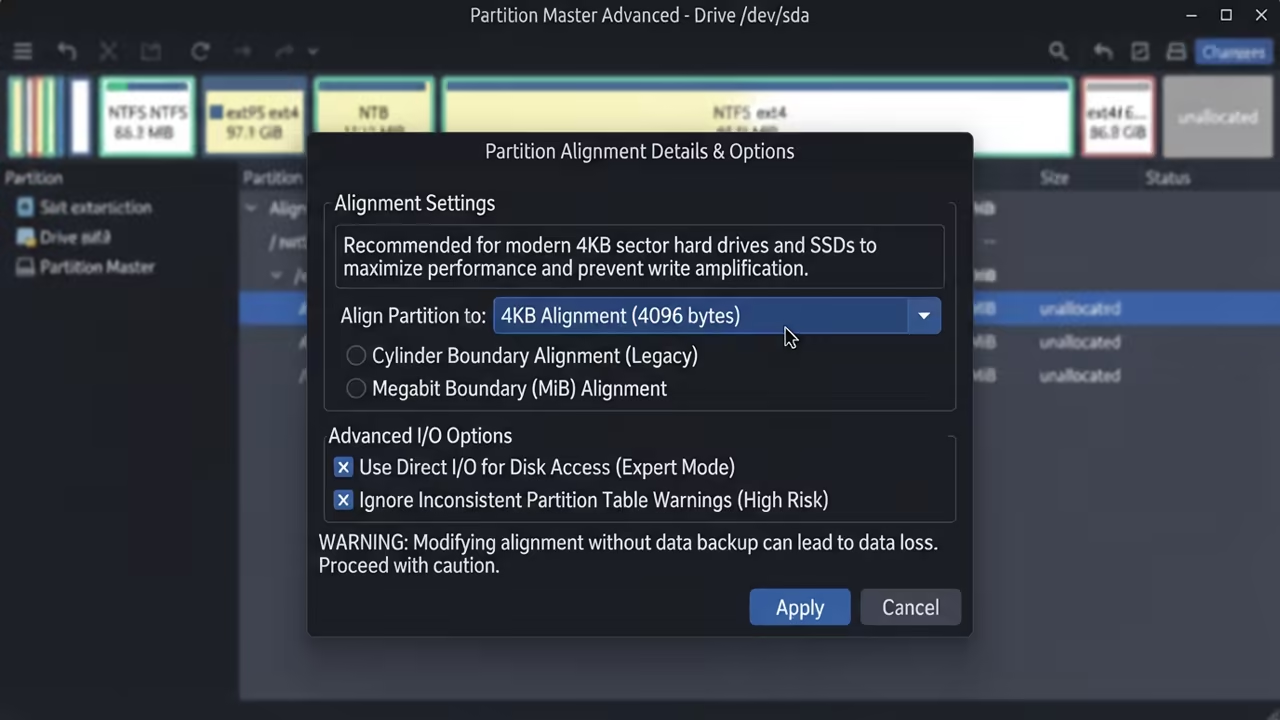
To achieve this you must boot into a live environment to unlock the root. The secret is using the advanced alignment options to match your hardware specs.
Force a four kilobyte alignment using the advanced options to maximize NVMe throughput. This prevents the write amplification that kills cheap SSD drives over long periods.
Most default tools ignore this detail but GParted gives you total control. Precision alignment ensures that data blocks align perfectly with the physical NAND.
Command Execution and Structure
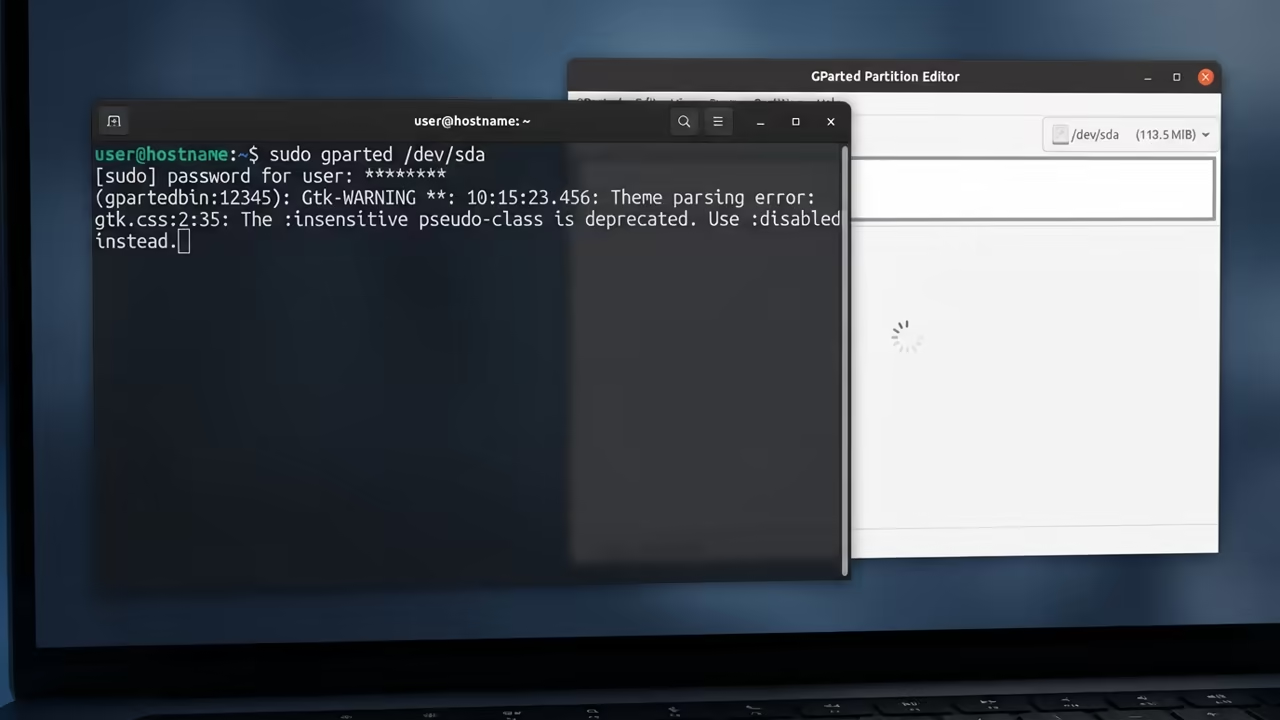
Use the following command to launch the environment if you are using a terminal.
sudo gparted /dev/sda
Always verify your partition table type before making any structural changes to the disk. Switching from MBR to GPT can unlock volumes larger than two terabytes instantly.
This move is essential for any professional handling large scale media libraries.
Architectural Integration
This logic connects directly to our previous deep dive on ROCm GPU optimization. It also complements the architectural breakthroughs we found in the Pi Zero project.
Consistent storage logic is the foundation for all high performance computing tasks.
Professional Grade Scaling
For enterprise scale storage architecture you need a Senior Architect consultation. Scaling these systems requires a level of precision that exceeds basic home tutorials.
Professional guidance ensures your data remains safe during complex migration paths. Drive all your traffic to the Amazon Author Page for essential technical blueprints.
These guides provide the theoretical framework for building an indestructible tech stack. Mastering the hardware starts with understanding how the data is physically organized.
| Parameter | Description | Value |
|---|---|---|
| User Interface | Visual GUI | GParted |
| Risk Level | Low | GParted |
| Control | Total | GParted |
| Parameter | Description | Value |
Data Flexibility and Security
The power of GParted lies in its ability to move partitions without data loss. This allows you to slide your OS partition to make room for new tools.
It turns your hard drive into a flexible piece of digital clay.
Ensure you always keep a verified backup before attempting any partition resize operation. Even the best tools can fail if the power cuts during a write.
Professionalism in tech is defined by how you prepare for the worst case.
Learning and Support
Dive deeper with our comprehensive online tutorials to master your hardware.
Online Tutorials and Technical Help: https://ojambo.com/contact
🚀 Recommended Resources
Disclosure: Some of the links above are referral links. I may earn a commission if you make a purchase at no extra cost to you.