
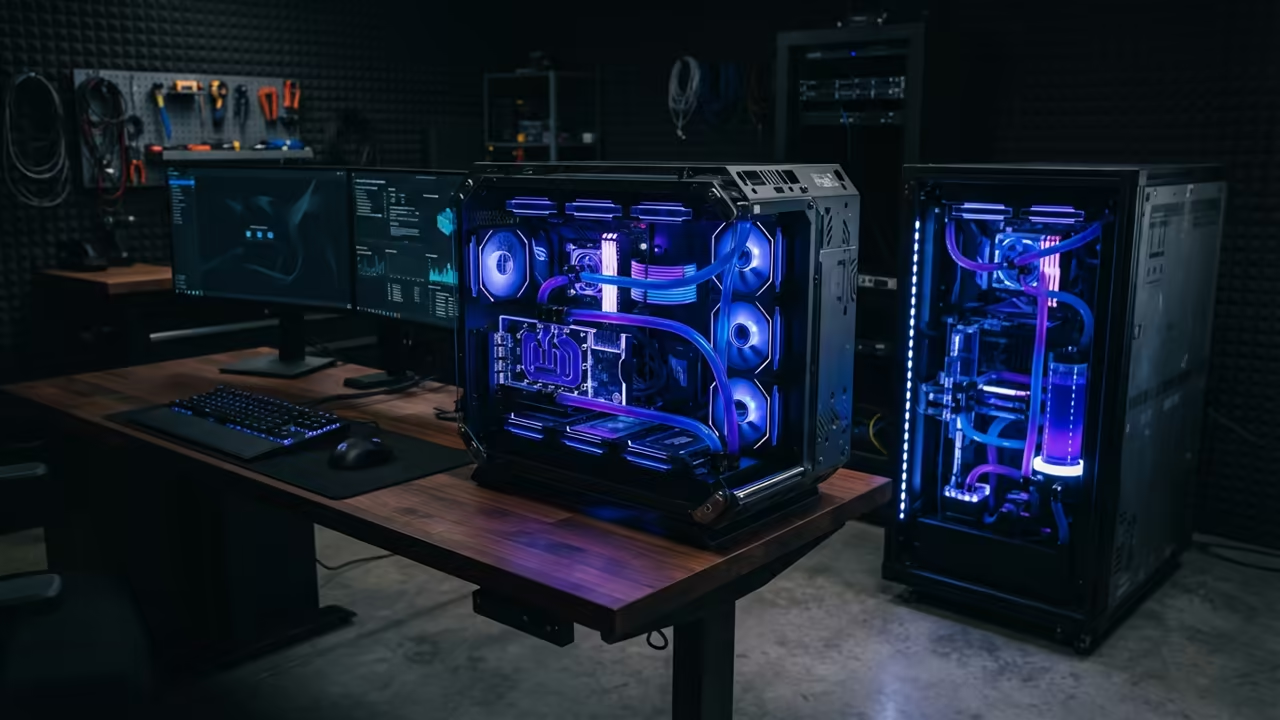
The Digital Sovereignty Trap
Most people settle for overpriced SaaS documentation tools that steal your data. You are essentially paying a monthly tax for a digital filing cabinet you do not own.
The industry has conditioned you to believe that cloud hosting is the only way to scale. This belief keeps your intellectual property in the hands of corporate giants.
Disclaimer: I may earn a commission from purchases made through these links at no extra cost to you.


The Experience of Absolute Control
Implementing Docmost on Podman Desktop feels like reclaiming your digital sovereignty. The moment the dashboard loads on port 3000 the power shift is palpable.
If you want to truly master this level of independence read The Sovereign Business. This book provides the blueprints for running a business entirely on your own infrastructure.
You will stop worrying about monthly subscription hikes or sudden service shutdowns. Your data stays on your hardware where it belongs.

Bridging Podman and Docker
Setting up Podman Desktop on Fedora 44 provides a seamless bridge to Docker compatibility. You can run standard Docker images without the heavy overhead of a virtual machine.
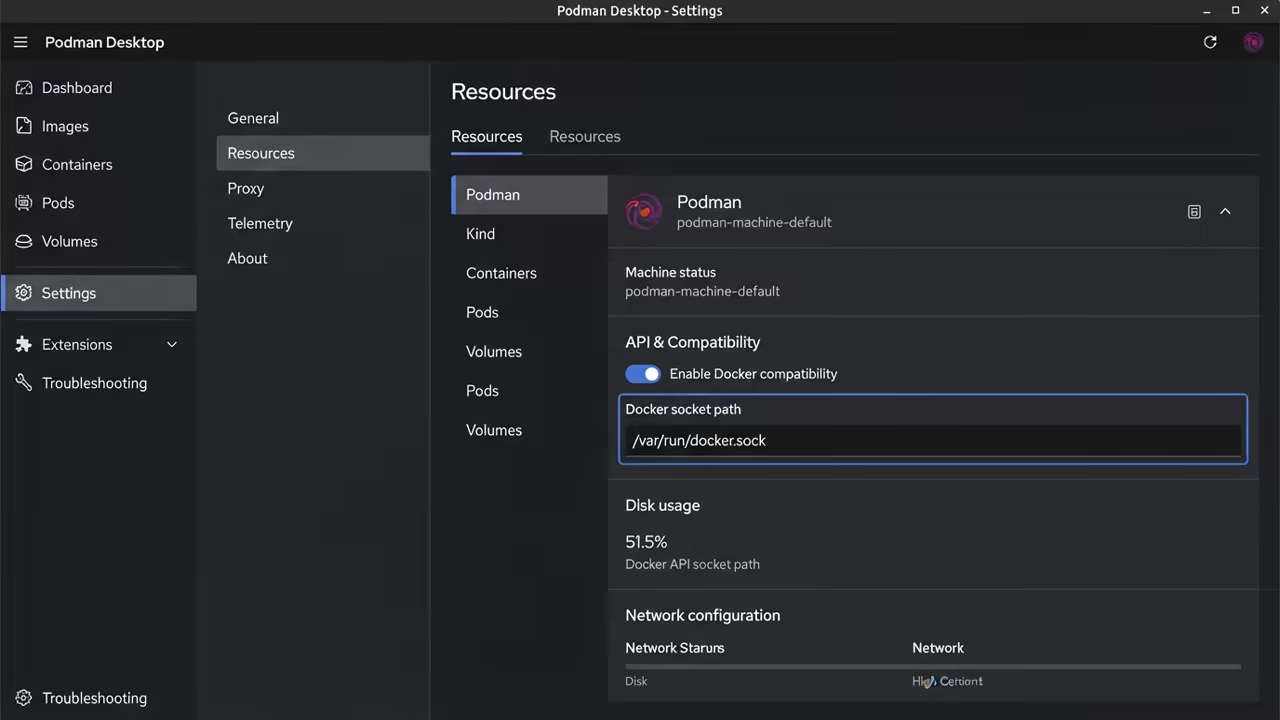
First you must enable the Podman socket in the settings menu of Podman Desktop. This ensures that compose tools can communicate with the container engine.
The Professional Configuration Secret
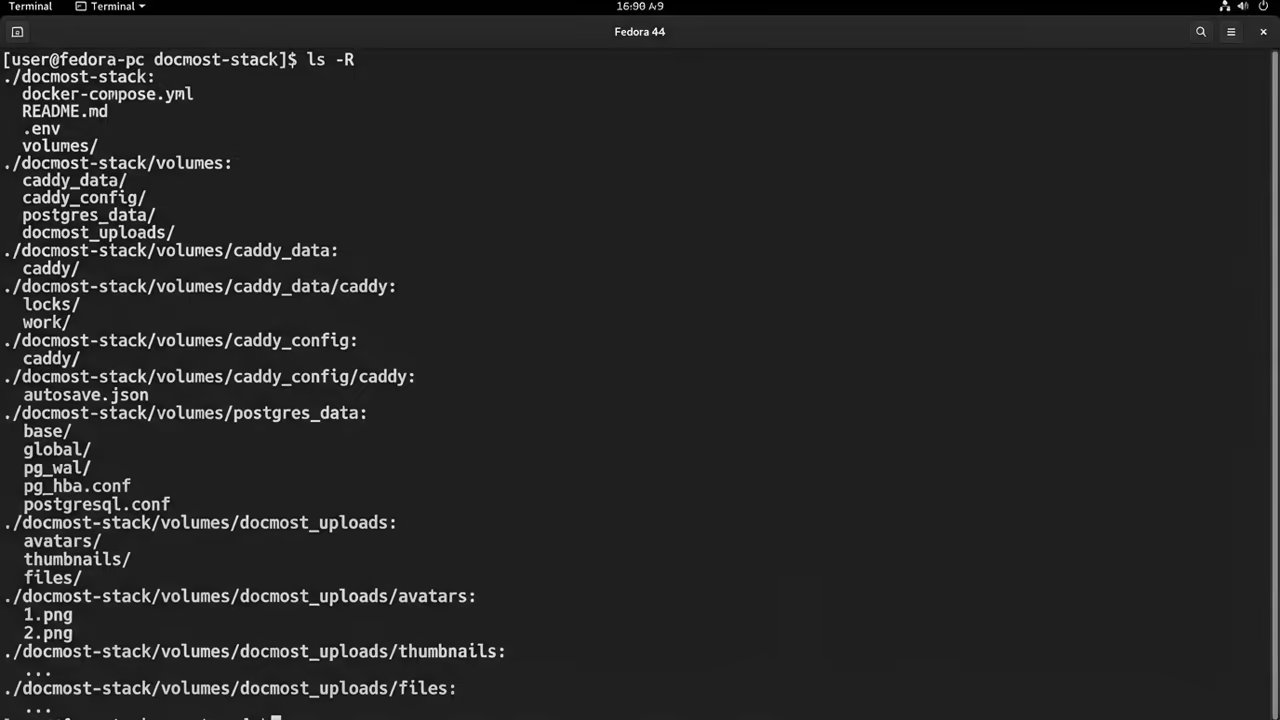
Create a dedicated directory for your configuration to keep your home folder clean. This prevents configuration drift when you update your container images.
The insider secret for Fedora users is using podman generate systemd for these containers. This ensures your documentation site boots automatically after a system restart.
mkdir docmost-stack && cd docmost-stack
curl -sSL https://raw.githubusercontent.com/docmost/docmost/main/docker-compose.yml -o docker-compose.yml
podman-compose up -d
Ensuring Data Persistence
Ensure you map a persistent volume for the Postgres database to avoid data loss. Without a volume your documentation vanishes the moment the container is deleted.

Hardware Performance Gains
The performance difference between shared cloud hosting and local hardware is staggering. Your Ryzen 5 5600GT handles these requests with negligible CPU load.
| Parameter | Description | Value |
|---|---|---|
| Data Control | Ownership of raw files | Fully Sovereign |
| Monthly Cost | Subscription fees | Zero |
| Performance | CPU resource allocation | Dedicated Ryzen 5 |
| Privacy | Data access policies | Absolute |
| Parameter | Description | Value |
Advanced Integration and Scaling
You can now integrate your own custom domains and SSL certificates for professional access. This setup allows for rapid iteration without waiting for cloud propagation.
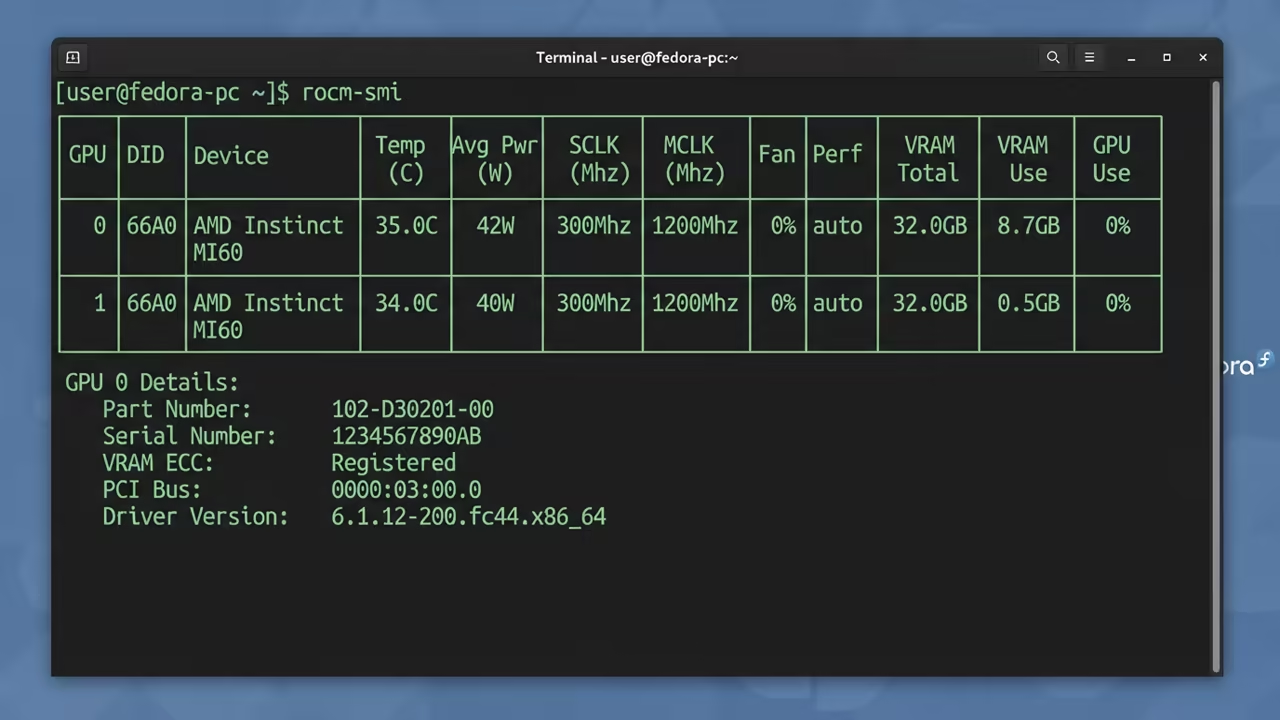
This architectural breakthrough connects to previous deep dives into GPU acceleration and local AI. Using an MI60 allows you to scale other services alongside Docmost.


The Professional Edge
The feeling of total control over your technical stack is an unmatched professional advantage. You are no longer a tenant in someone else digital empire.
Mastering these tools is the first step toward a truly layoff proof technical career. Your value increases when you own the means of production.
Learning and Support
Reach out for personalized technical help to optimize your local container stack. Dive deeper with our specialized online tutorials for high impact results.
Online Tutorials and Technical Help: https://ojambo.com/contact
🚀 Recommended Resources
Disclosure: Some of the links above are referral links. I may earn a commission if you make a purchase at no extra cost to you.