
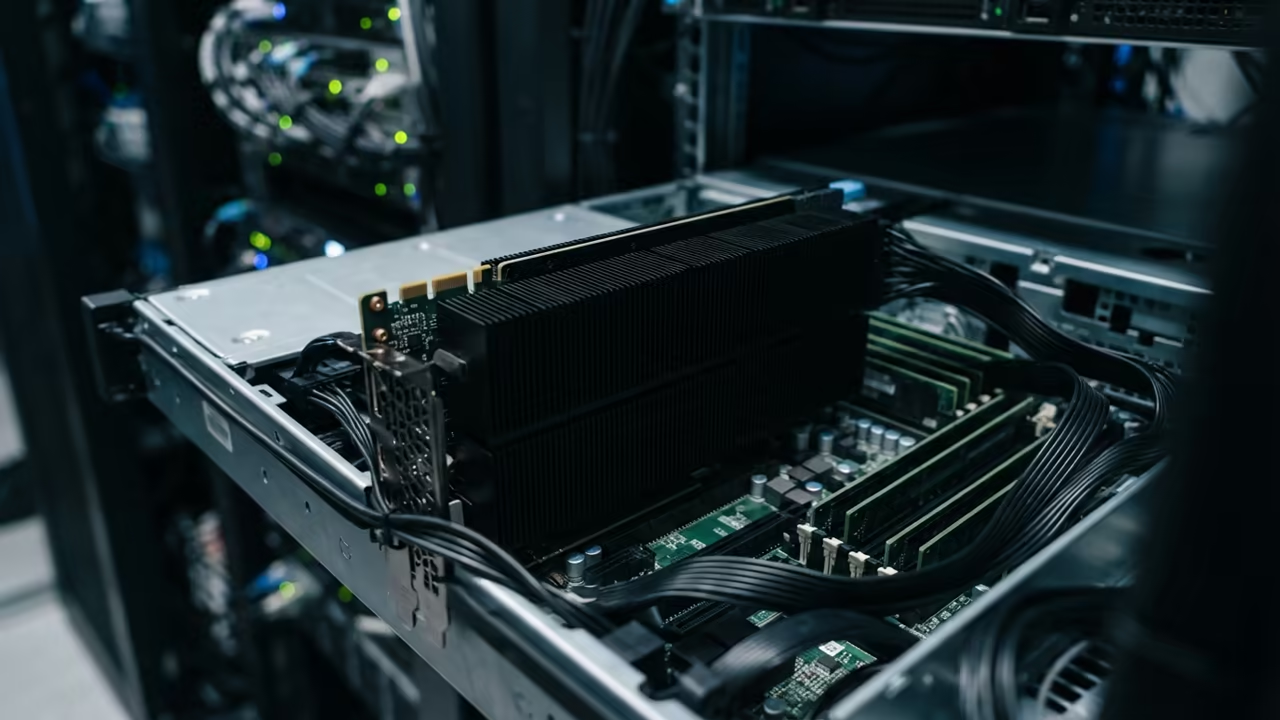
Bypassing the AI Dependency Nightmare
Modern AI setups are often trapped in a cycle of Python dependency hell. Mismatched CUDA drivers create a nightmare for anyone trying to host locally.
This friction stops creative professionals from utilizing their own hardware effectively. The solution is a lightweight C++ implementation combined with containerized GPU passthrough.
This approach bypasses the bloated environments and fragile libraries of traditional stacks. You can finally achieve native performance without the installation headaches.
Disclaimer: I may earn a commission from purchases made through these links at no extra cost to you.


The Power of Local Hardware Mastery
Implementing this system feels like unlocking a hidden superpower in your workstation. Watching the first image render on a deprecated Instinct card is pure adrenaline.
You realize that hardware longevity is about software cleverness. The secret lies in the Vulkan backend of stable diffusion cpp.
Unlike other runtimes this setup ignores the deprecated ROCm stack entirely. It speaks directly to the hardware using the standard kernel drivers.
Compiling for High Performance
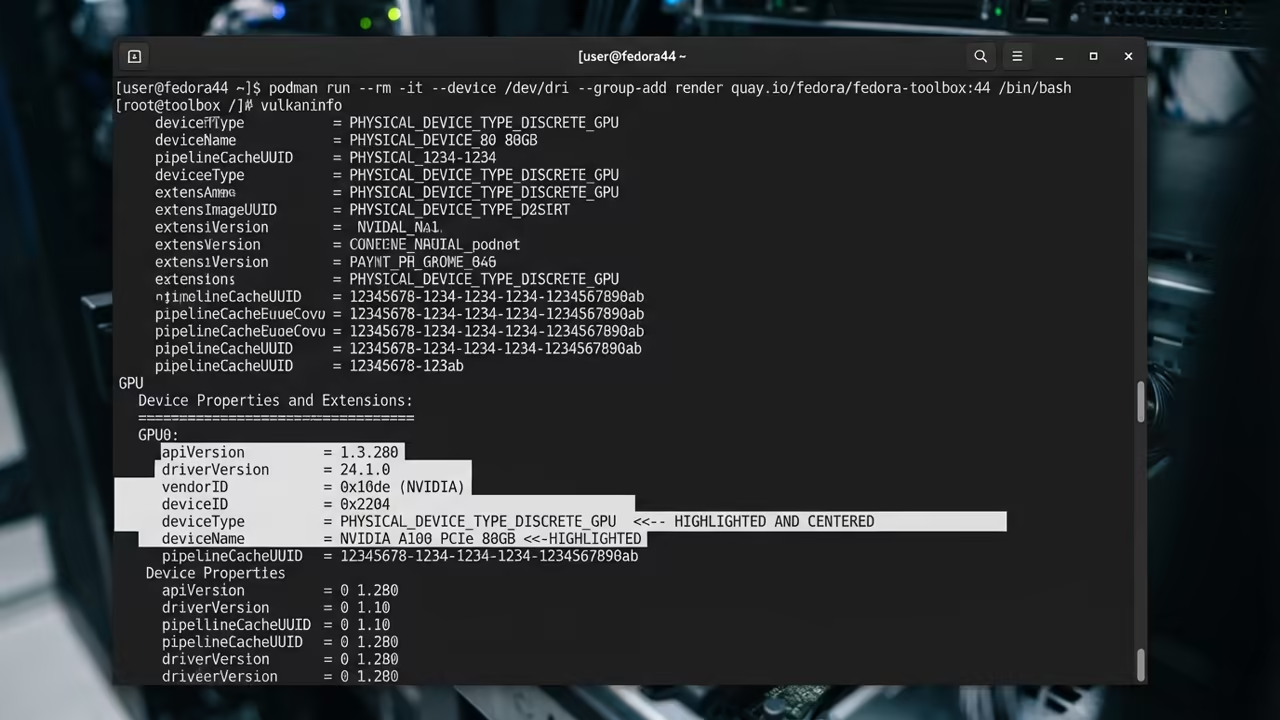
You must first compile the project with the Vulkan flag enabled. Use the following command to configure the build system.
cmake .. -DSD_VULKAN=ON
After building the executable handles the hardware initialization automatically. This removes the need for complex environment mapping during the initial run.
Bridging the Podman Security Gap
The real challenge appears when moving this process into a Podman container. Fedora 44 enforces strict security policies that block direct hardware access by default.
You must bridge the gap between the host kernel and the container. To solve this you need to map the DRI subsystem and the KFD device.
Use the following flags in your podman run command to enable hardware access.
--device /dev/dri --device /dev/kfd --group-add keep-groups
The group add flag is critical for rootless container operations. It ensures the container user retains the necessary permissions for the render nodes.
Overcoming SELinux Restrictions
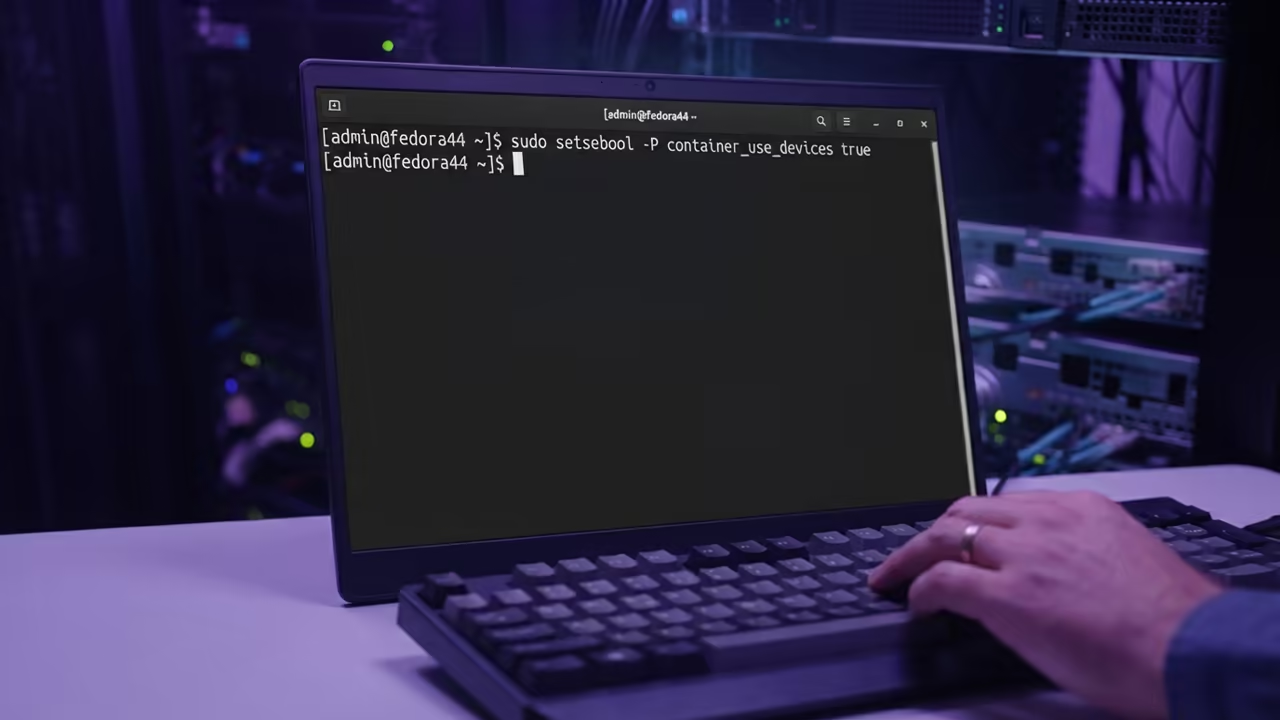
SELinux will still attempt to block the memory mapping of graphics files. You can resolve this by enabling the global container device boolean.
sudo setsebool -P container_use_devices true
This command allows all containers to leverage host device nodes cleanly. Alternatively you can disable the label for a single specific container instance.
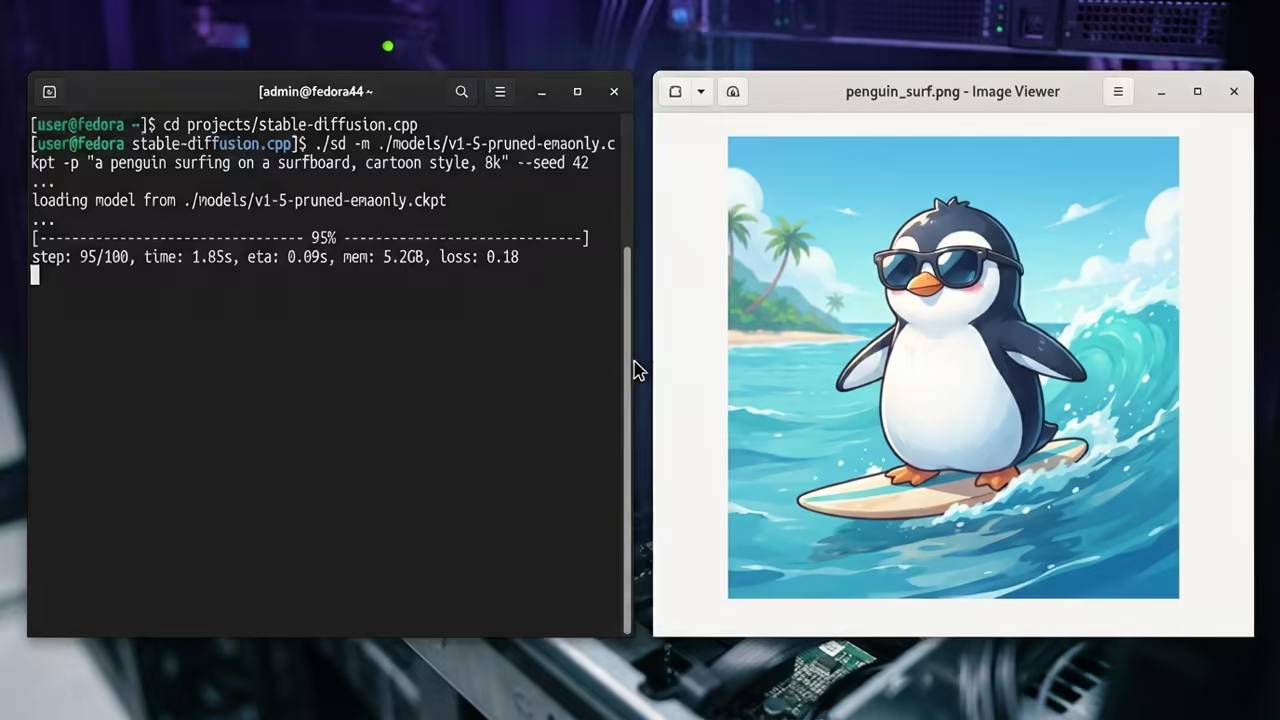
Unlocking the MI60 Power Profile
The AMD Instinct MI60 has a specific quirk regarding power management. Passive datacenter cards often downclock aggressively in containerized environments.
This leads to severe performance throttling during heavy inference tasks. To fix this you must modify the host kernel boot line.
amdgpu.ppfeaturemask=0xffffffff
This insider detail ensures the GPU maintains its peak frequency. Without it your render times will fluctuate wildly.
Finalizing the Vulkan Driver Path
You also need to tell the Vulkan loader where to find the driver. Pass the ICD filename as an environment variable during the container start.
-e VK_ICD_FILENAMES=/usr/share/vulkan/icd.d/radeon_icd.x86_64.json
This mapping tells the application exactly how to communicate with the MI60. Combining this with DRI_PRIME=1 ensures the discrete GPU is prioritized.
| Parameter | Vulkan Backend | ROCm Stack |
|---|---|---|
| Legacy Support | High gfx906 | Limited Deprecated |
| Setup Complexity | Low | High |
| Dependency | Driver only | Full Toolchain |
| Stability | High | Variable |
This architecture represents a massive shift toward leaner AI implementations. You no longer need to fight with pip or virtual environments.
The combination of C++ and Podman creates a rock solid deployment. This ensures your creative workflow remains uninterrupted by software updates.
Learning and Support
Reach out for personalized technical help to optimize your specific hardware. Dive deeper into these architectural breakthroughs with our online tutorials.
Online Tutorials and Technical Help: https://ojambo.com/contact
🚀 Recommended Resources
Disclosure: Some of the links above are referral links. I may earn a commission if you make a purchase at no extra cost to you.