

The Hidden Speed of Thunar
Most users settle for the default file manager. They suffer through sluggish load times every single day. This bloat kills productivity for high tier power users.
Thunar is the dark horse of the Linux world. It offers raw speed without sacrificing essential features. You can transform it into a professional workstation tool.
Disclaimer: I may earn a commission from purchases made through these links at no extra cost to you.


The Professional Experience
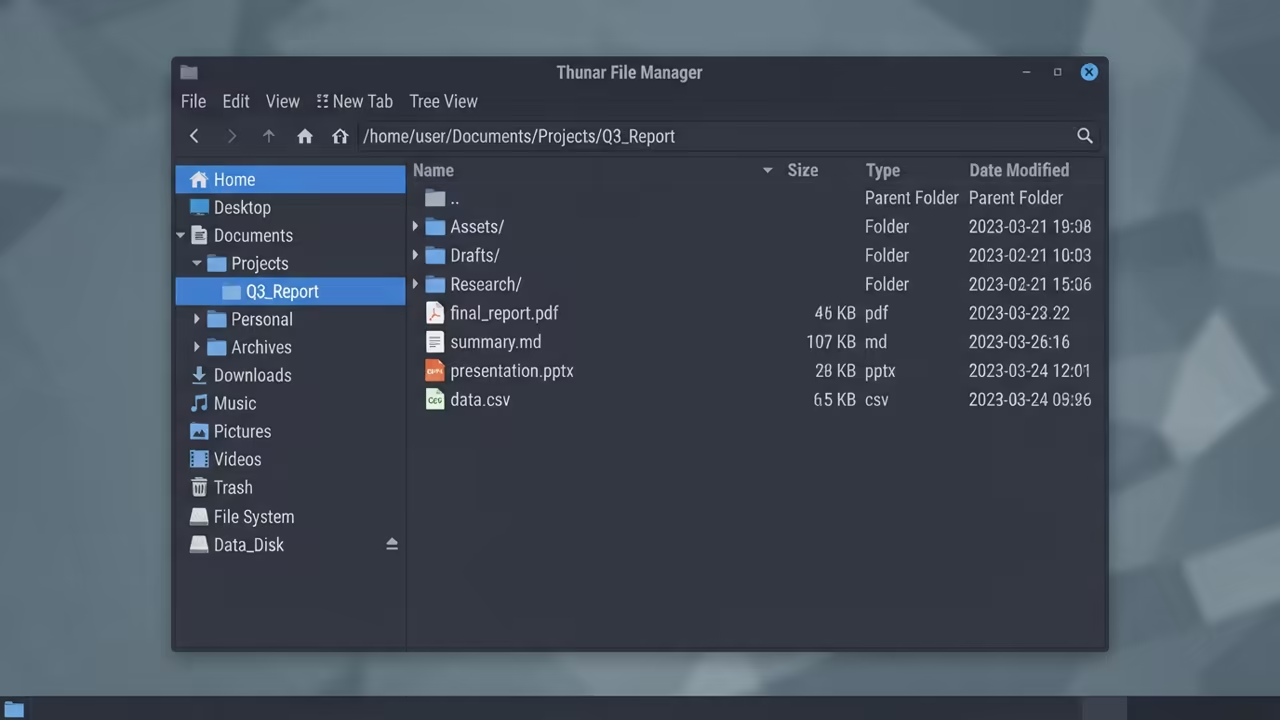
Implementing a streamlined workflow feels like a sudden breath of air. Every folder opens instantly and every click feels precise. You finally own your data movement instead of fighting it.
Unlocking Advanced Customization
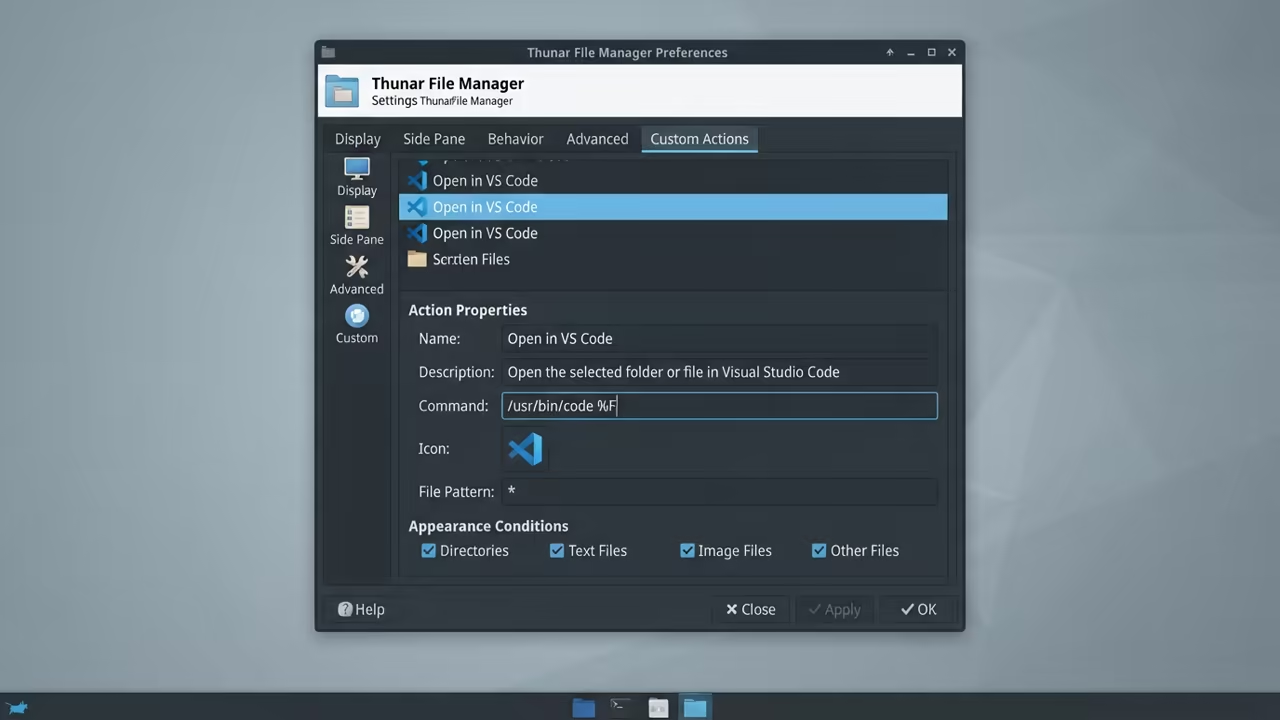
The secret power of Thunar lies in Custom Actions. These allow you to execute any shell script via right click. You can automate complex tasks in a single second.
One insider detail is the integration of custom Python scripts. Map a script to the thunarx API for advanced file sorting. This bypasses the need for heavy third party software.
Global Data Connectivity
Configure your remote locations using GVFS and SSHFS for seamless access. This turns your local machine into a global data hub. You can mount remote servers as if they were local disks.
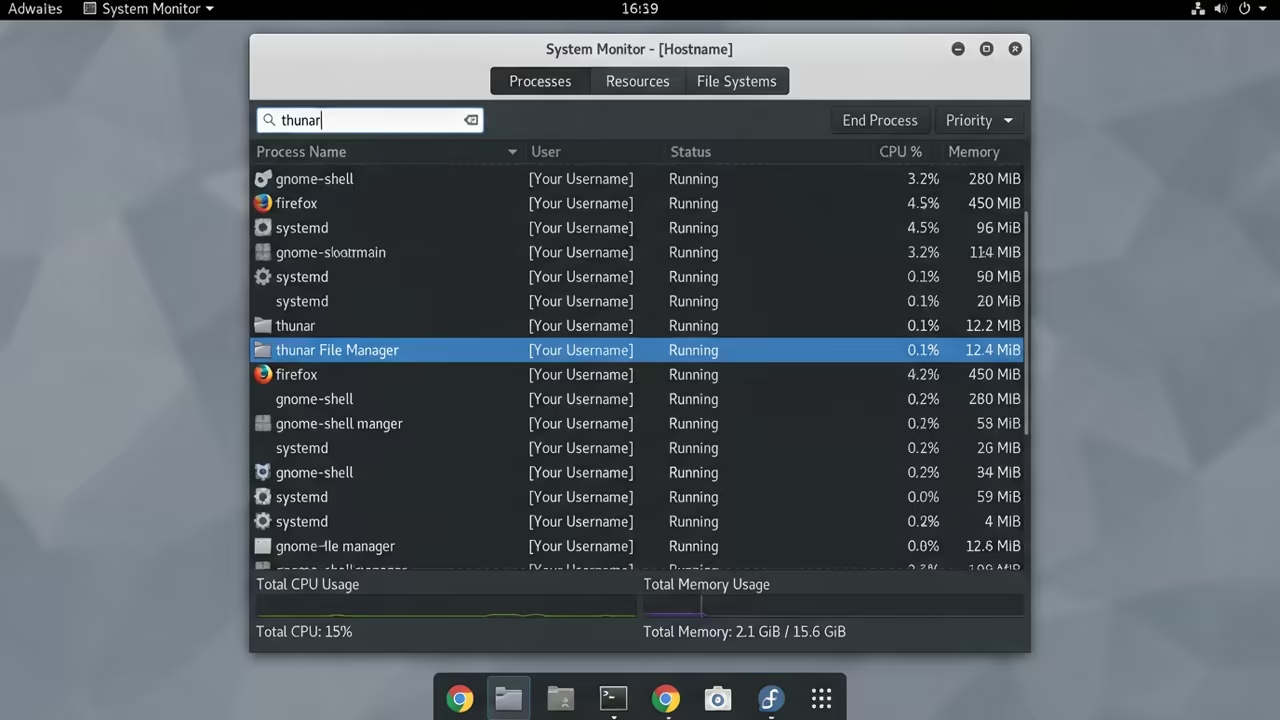
The resource footprint is incredibly low on Fedora 44 systems. It leaves more RAM available for your GPU and AI tasks. This efficiency is critical for maintaining high system stability.
Architectural Breakthroughs
Check how this connects to previous technical deep dives on XFCE optimization. It aligns with recent architectural breakthroughs in Linux kernel tuning. These combined tweaks create an unstoppable productivity machine.
| Parameter | Description | Value |
|---|---|---|
| Memory Use | System RAM footprint | Very Low |
| Boot Speed | Application launch time | Instant |
| Customization | Extensibility level | High |
| Stability | Crash resistance | Rock Solid |
| Parameter | Description | Value |
Essential Plugin Integration
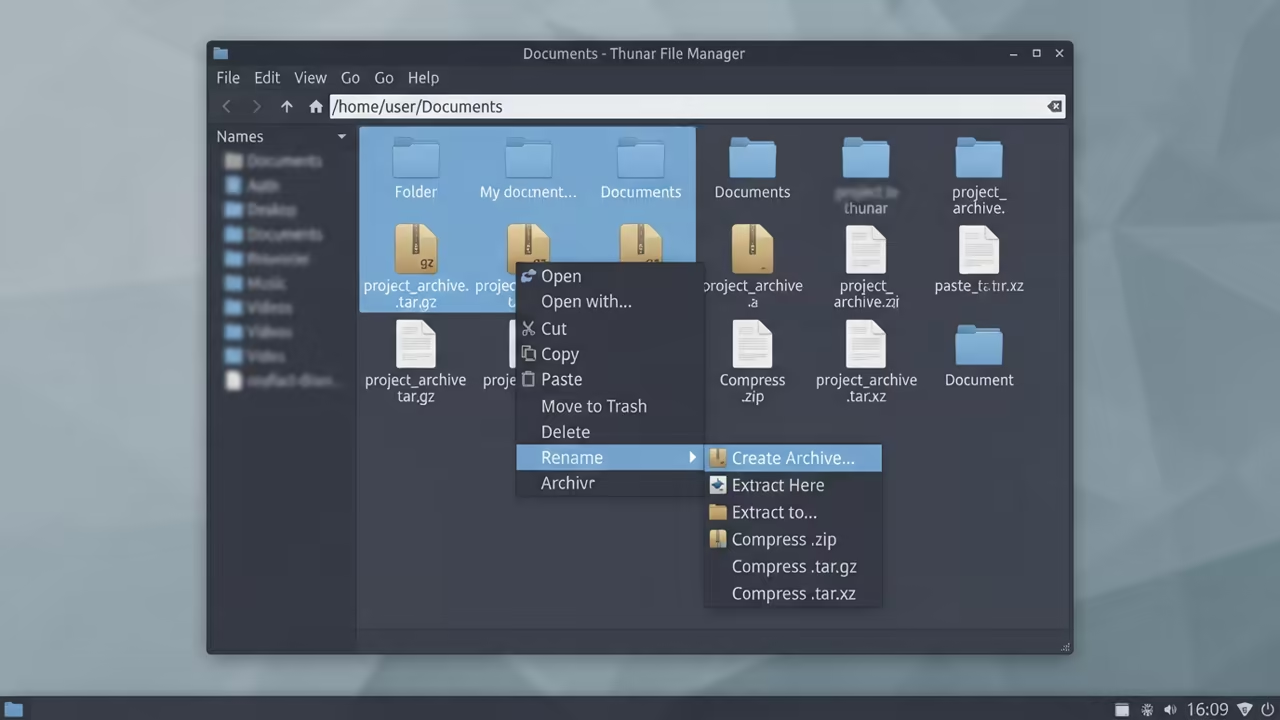
You must install the archive plugin for full functionality. This adds seamless compression and extraction to your context menu. It removes the need to open a separate utility.
Set up a custom action to launch your terminal. Use the command below to keep processes clean. This prevents ghost instances from eating your precious system resources.
thunar -q &
System Stability and Flow
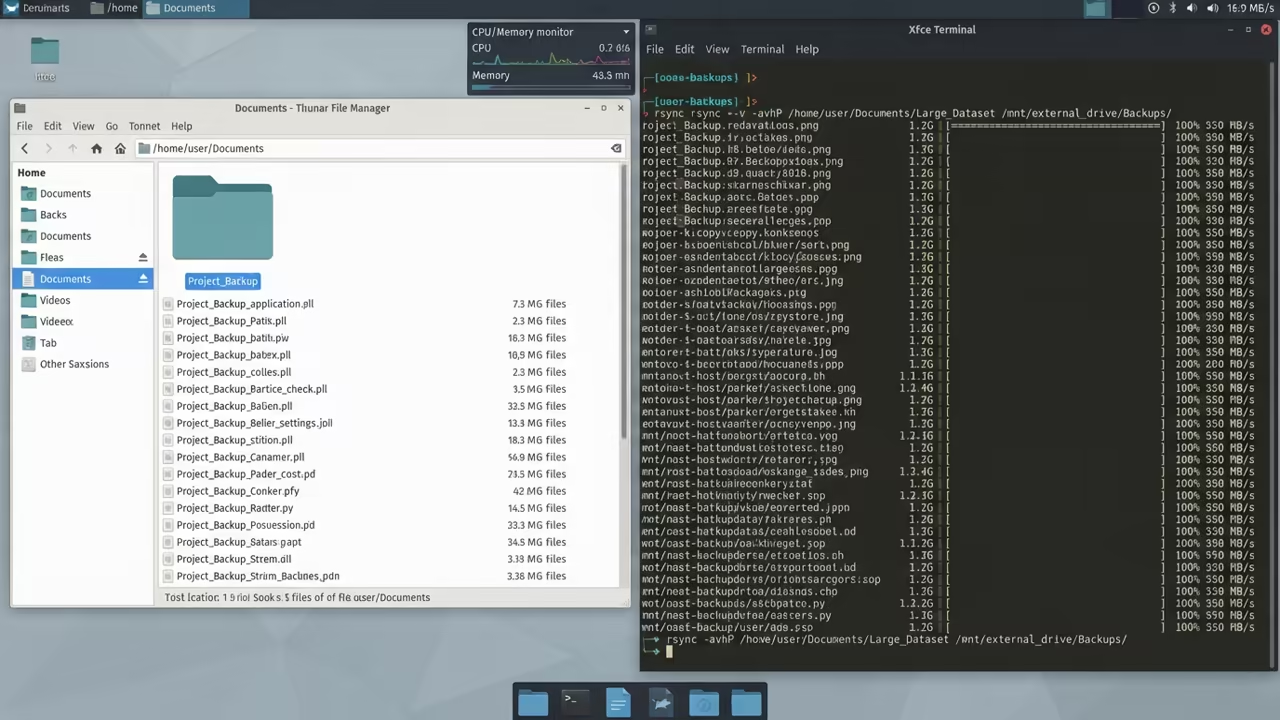
The interaction between Thunar and X11 remains superior for responsiveness. You avoid the micro stutter found in some Wayland implementations. This is vital for professionals doing high speed data migrations.
Mastering these settings changes how you perceive your operating system. Your file manager becomes a silent partner in your workflow. You stop thinking about the tool and start doing work.
Learning and Support
Reach out for personalized technical help to optimize your specific workstation. Dive deeper with our online tutorials for complete system mastery.
Online Tutorials and Technical Help: https://ojambo.com/contact
🚀 Recommended Resources
Disclosure: Some of the links above are referral links. I may earn a commission if you make a purchase at no extra cost to you.