
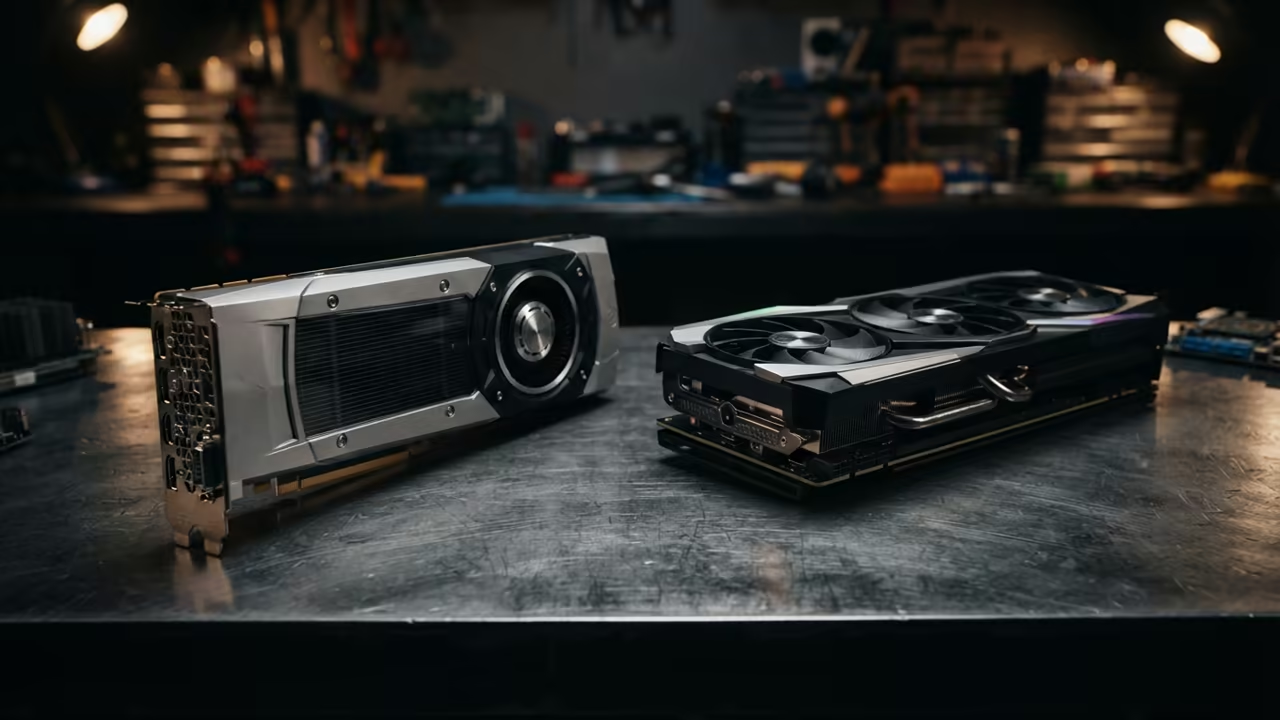
The VRAM Memory Wall Problem
Most creative professionals waste thousands on new GPUs only to hit a memory wall. This ceiling kills productivity during complex AI video generation or large LLM inference. You buy the latest card but the system still crashes.
The industry pushes consumer gear as the only viable path for home workstations. This narrative ignores the massive power of the used enterprise silicon market. You can acquire professional grade hardware for a fraction of the cost.
Disclaimer: I may earn a commission from purchases made through these links at no extra cost to you.


The Professional Experience
Implementing a card like the AMD Instinct MI60 feels like unlocking a superpower. You no longer fear the dreaded Out of Memory error during rendering. The sense of freedom allows for much larger neural network complexity.
You stop checking memory usage and start focusing on the creative process. This shift in workflow transforms how you handle high resolution video assets. It is the ultimate shortcut for the budget conscious AI researcher.
Optimizing Enterprise Silicon
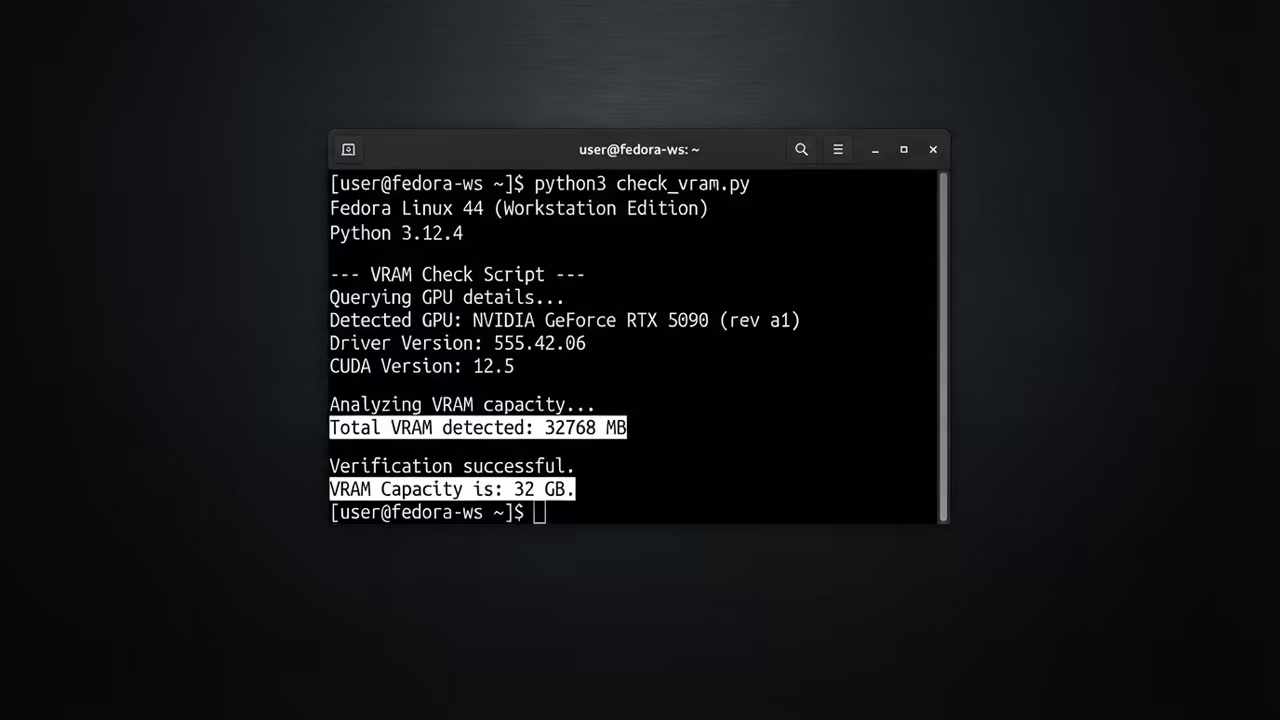
To maximize the MI60 you must optimize the ROCm kernel configuration. This unlocks the full two terabytes per second of HBM2 bandwidth. This insider detail directly speeds up texture processing in 4K workflows.
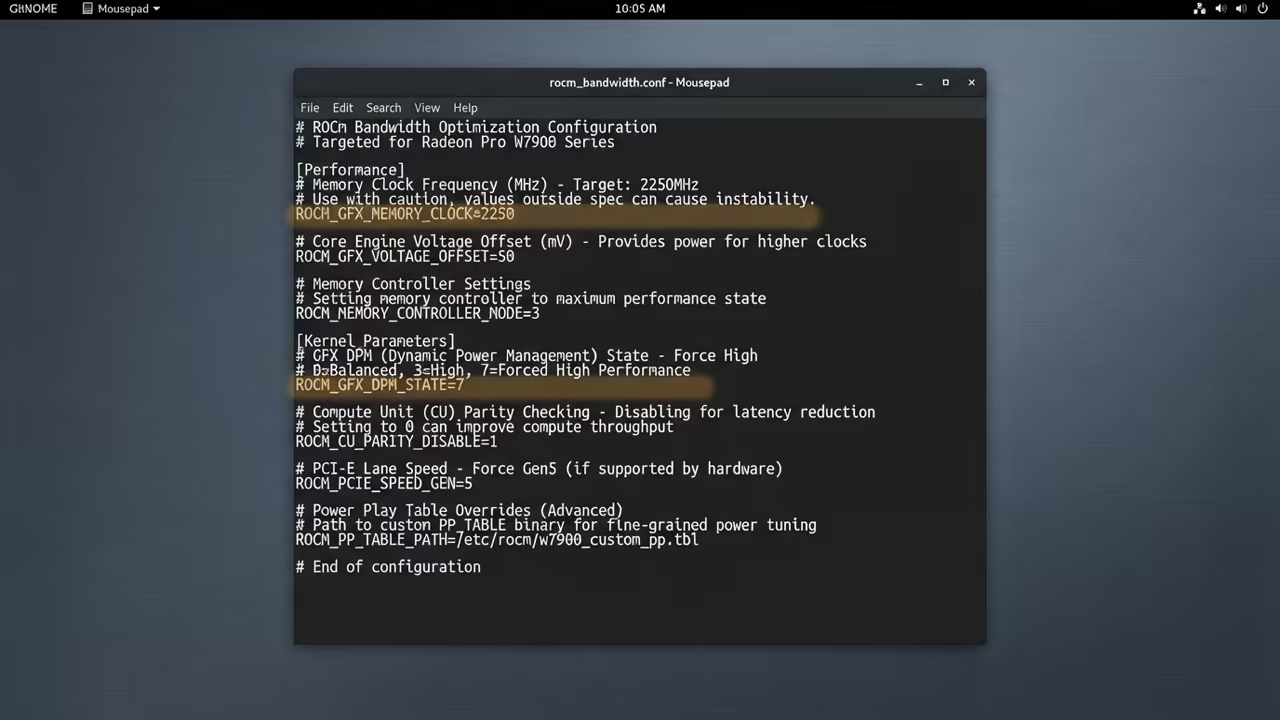
You can verify your hardware acceleration with a simple Python script. This ensures your PyTorch environment recognizes the enterprise silicon correctly. Use the following code to check your device status.
import torch
print(torch.cuda.is_available())
print(torch.cuda.get_device_name(0))
print(f"VRAM: {torch.cuda.get_device_properties(0).total_memory / 1024**3:.2f} GB")
Connecting the Technical Dots
This approach connects deeply to our previous dive into how Used Enterprise Silicon Crushes 2026 Consumer Limits. It also mirrors the logic found in The Silicon VRAM Ceiling guide. Both breakthroughs prioritize memory capacity over raw clock speed.
Comparing Capacity and Speed
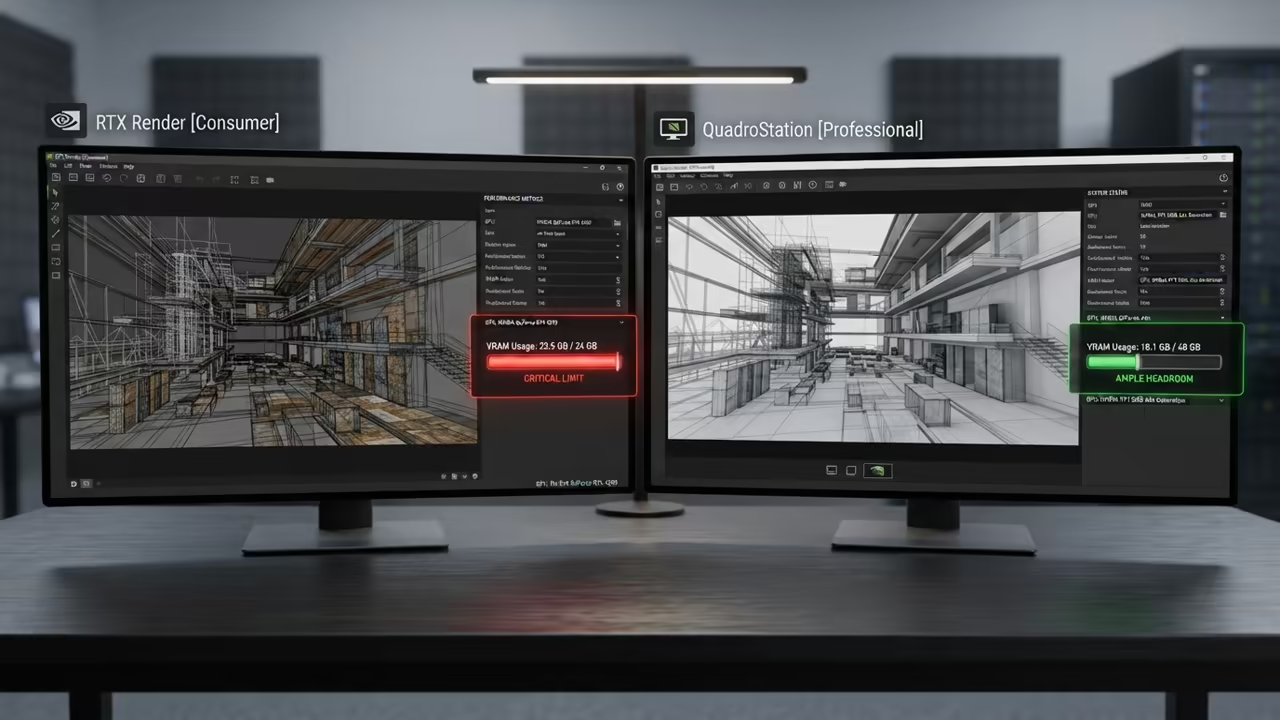
Consumer cards win on raw speed for small models and gaming tasks. Enterprise cards win when the model size exceeds the consumer memory limit. This distinction defines your hardware choice based on the actual workload.
| Parameter | Description | Value |
|---|---|---|
| VRAM Capacity | Total available memory | 32GB to 80GB |
| Memory Bandwidth | Data transfer speed | HBM2 Ultra High |
| Gaming Performance | Rasterization frames | Low to Mid |
| Cooling Needs | Thermal management | Active Blower |
| Parameter | Description | Value |
Gaming on enterprise silicon requires specific driver workarounds to function properly. You will not get the same frame rates as an RTX 5090. However the ability to render AI video makes this a worthy trade.
Final Hardware Verdict
The choice depends on whether you value high frame rates or high capacity. Most professional workstations now lean toward the VRAM heavy enterprise approach. This ensures your system remains relevant as AI models grow larger.
Reach out for personalized technical help to optimize your local GPU cluster. Dive deeper into these secrets with our online tutorials.
Online Tutorials & Technical Help: https://ojambo.com/contact
🚀 Recommended Resources
Disclosure: Some of the links above are referral links. I may earn a commission if you make a purchase at no extra cost to you.