

Reclaiming Digital Workflow
Stop paying monthly fees for screen recording software that steals your data. Modern professionals need total control over their visual content without corporate surveillance.
Proprietary tools lock your recordings behind walled gardens and expensive subscription models. This creates a massive bottleneck for developers who value privacy and performance.
You deserve a tool that respects your sovereignty and delivers broadcast quality. The current landscape forces you to choose between convenience and data ownership. This dilemma ends today with a revolutionary open source solution.
The feeling of reclaiming your digital workflow is absolutely liberating. You finally record your screen without worrying about cloud retention policies.
Every frame belongs to you from the moment you hit record. The interface feels native and responsive on your high end hardware.
You experience zero lag even when capturing complex container orchestration tasks. The editing suite handles your footage with surgical precision and speed.
Sharing links becomes a seamless process that bypasses third party tracking. Your audience receives crisp video without watermarks or compression artifacts. This level of freedom transforms how you document technical processes.
The Future of Autonomous Content
Cap represents the future of autonomous content creation for tech enthusiasts. It operates as a powerful alternative to commercial recording platforms.
The software records directly to your local storage or custom S3 buckets. You maintain complete authority over where your data resides.
The open source nature guarantees transparency and community driven improvements. Developers can inspect every line of code for security vulnerabilities. This builds trust that proprietary vendors simply cannot match.
The application supports high frame rates and resolution for detailed tutorials. You can customize the recording area to focus on specific application windows. The audio capture isolates system sounds from microphone input perfectly.
Self Hosting for True Potential
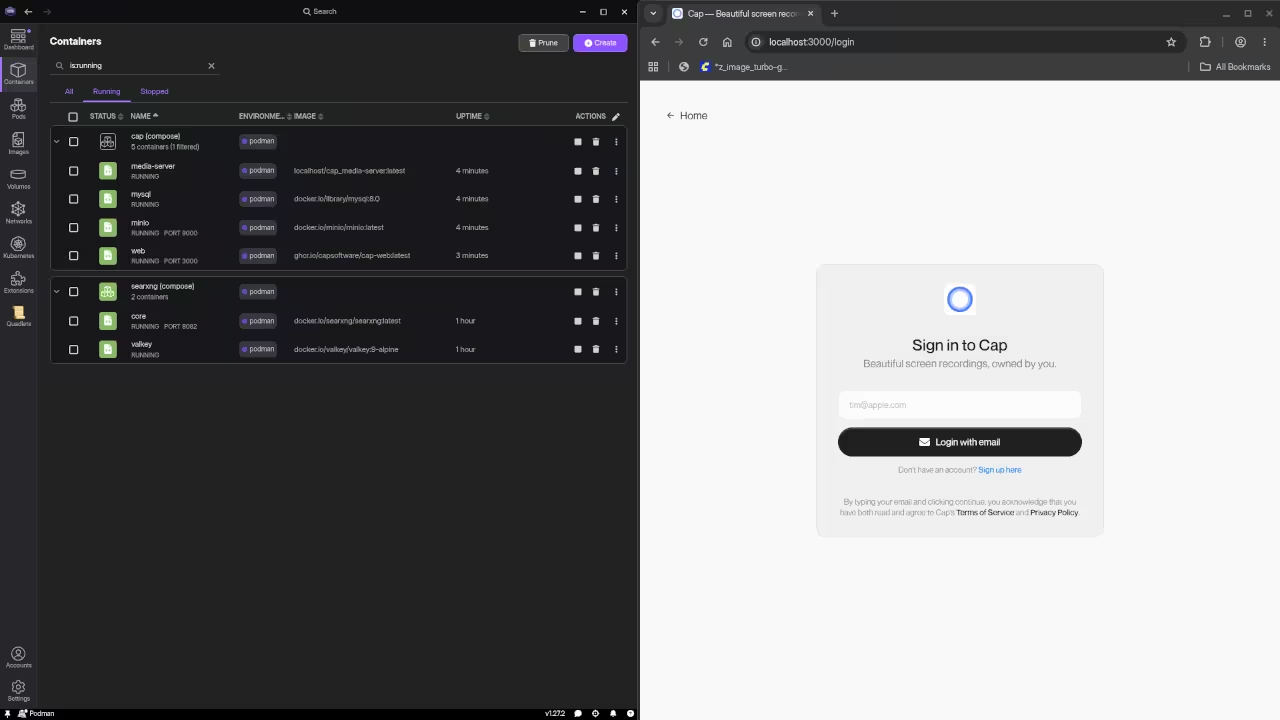
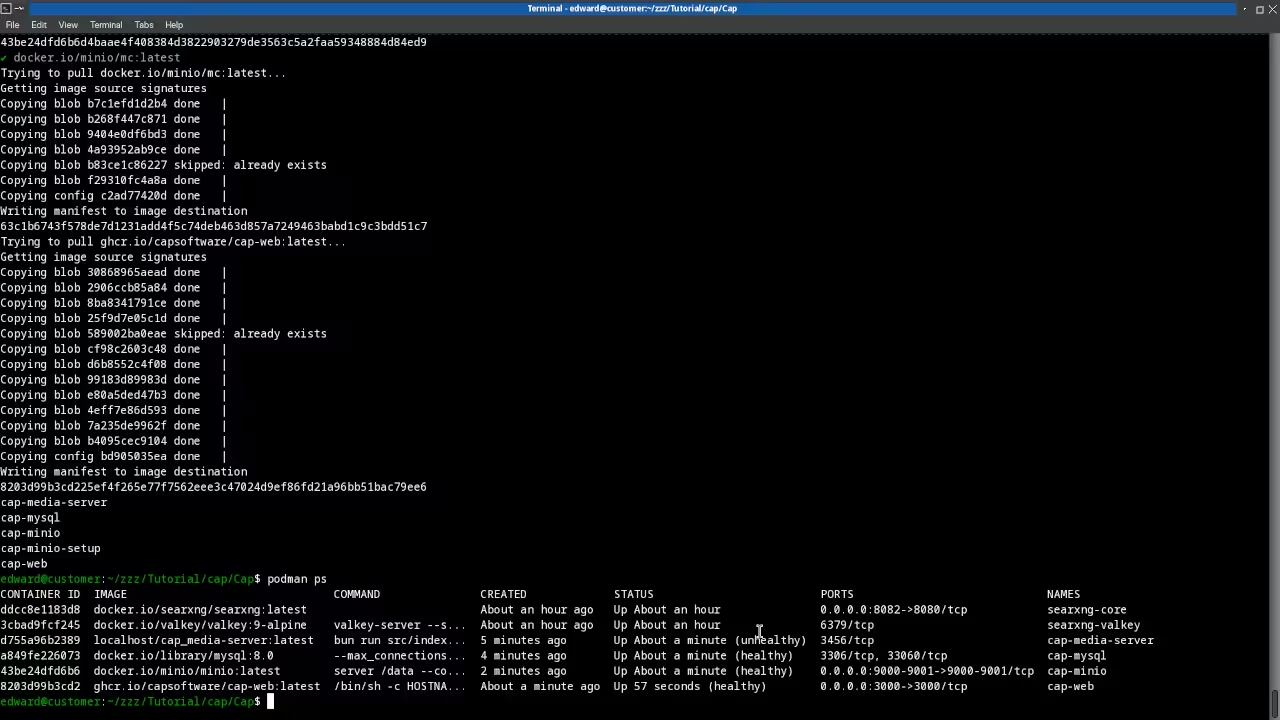
Self hosting Cap unlocks the true potential of this incredible tool. You can deploy the backend using Podman Desktop for containerized management.
This approach ensures your recording server runs efficiently on your own infrastructure. The containerization strategy simplifies updates and maintenance procedures significantly.
You avoid the bloat of traditional virtual machine deployments entirely. Podman provides rootless container security that protects your host system. The synergy between Cap and Podman creates an unstoppable productivity stack.
You can scale your recording infrastructure as your content needs grow. The local processing power of your AMD GPU accelerates encoding tasks. This results in faster export times and smoother playback experiences.
Performance Configuration Tips
Configuring Cap for maximum performance requires a few insider adjustments. You should enable hardware acceleration in the settings menu immediately.
This leverages your GPU to handle video encoding without taxing the CPU. Adjust the bitrate settings to match your internet upload speed.
Higher bitrates preserve detail but increase storage consumption significantly. Set the frame rate to sixty frames per second for smooth motion. Disable automatic cloud uploads if you prefer manual control.
These tweaks ensure the software runs flawlessly on your specific hardware. You will notice a dramatic improvement in responsiveness during long sessions. The recording quality remains pristine even on limited bandwidth connections.
Feature Comparison
| Feature | Cap | Loom | OBS Studio |
|---|---|---|---|
| Cost | Free / Lifetime | Subscription | Free |
| Privacy | Full Ownership | Cloud Based | Local Only |
| Self Hosting | Supported | Not Available | Not Applicable |
| Editing | Integrated | Basic | External Required |
| Sharing | Instant Links | Instant Links | Manual Upload |
| Feature | Cap | Loom | OBS Studio |
Master the Professional Stack
Master the Professional Stack to elevate your technical expertise today. Access the architectural blueprints that define modern open source workflows.
Books provide the theoretical foundation for advanced system optimization. Blueprints offer practical DIY solutions for your hardware projects.
Tutorials deliver continuous learning opportunities for skill development. Consultations provide custom app architecture for unique challenges.
- Books (Technical & Creative)
- Blueprints (DIY Woodworking Projects)
- Tutorials (Continuous Learning)
- Consultations (Custom Apps & Architecture)
🚀 Recommended Resources
Disclosure: Some of the links above are referral links. I may earn a commission if you make a purchase at no extra cost to you.