
Introduction
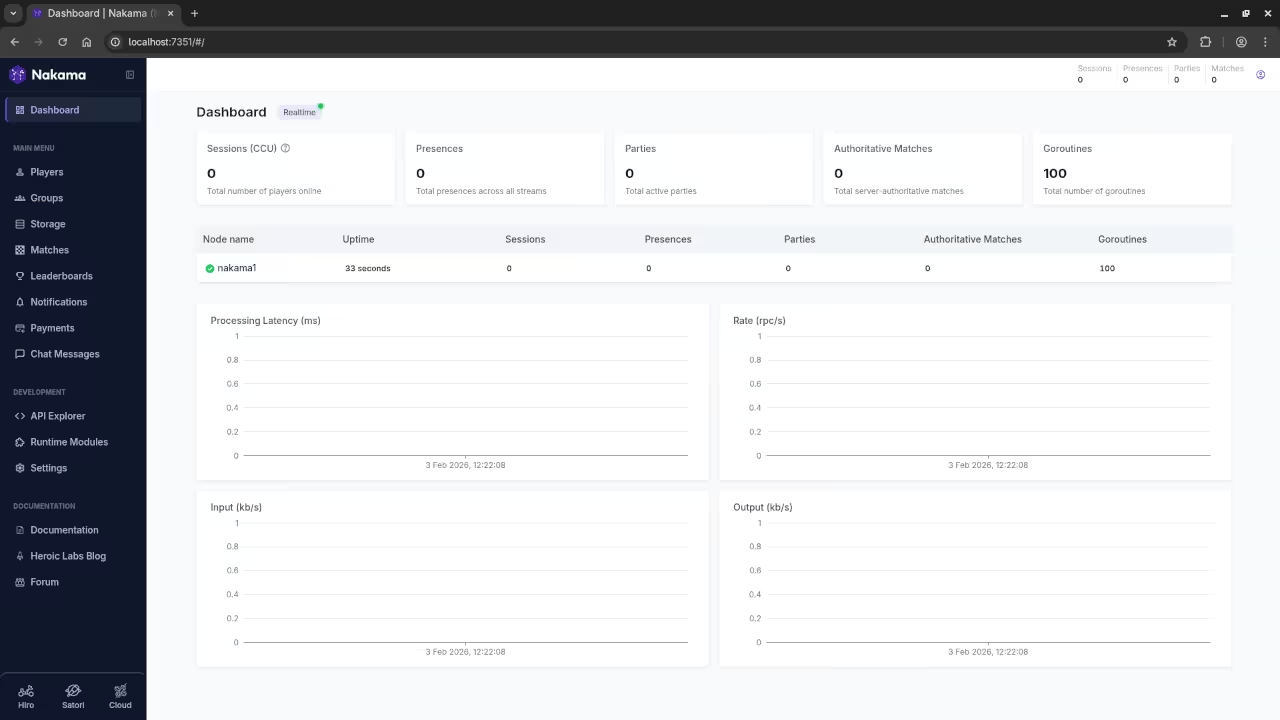
Nakama is a powerful server for multiplayer games. You can host it on a tiny Raspberry Pi.
Your Fedora desktop provides a great environment for development. You can manage the Pi remotely using the terminal.
The Raspberry Pi Zero W runs Raspbian for compatibility. This setup uses very little power for home hosting.
Hardware Specifications
| Component | Specification |
|---|---|
| CPU | 1GHz Single-Core Broadcom BCM2835 |
| RAM | 512MB LPDDR2 SDRAM |
| Storage | MicroSD Card Slot |
| Wireless | 802.11 b/g/n WiFi and Bluetooth 4.1 |
| USB | 1 x Micro-USB OTG Port |
| Video | Mini HDMI Port |
| Component | Specification |
Connecting From Fedora to Raspbian
First open the terminal on your Fedora workstation. Use the ssh command to connect to your Pi.
You need the IP address of your Raspbian device. Type the hostname command on the Pi to find it.
Installing the Game Server
Update the package list on your Raspbian system first. Use the apt command to keep everything current.
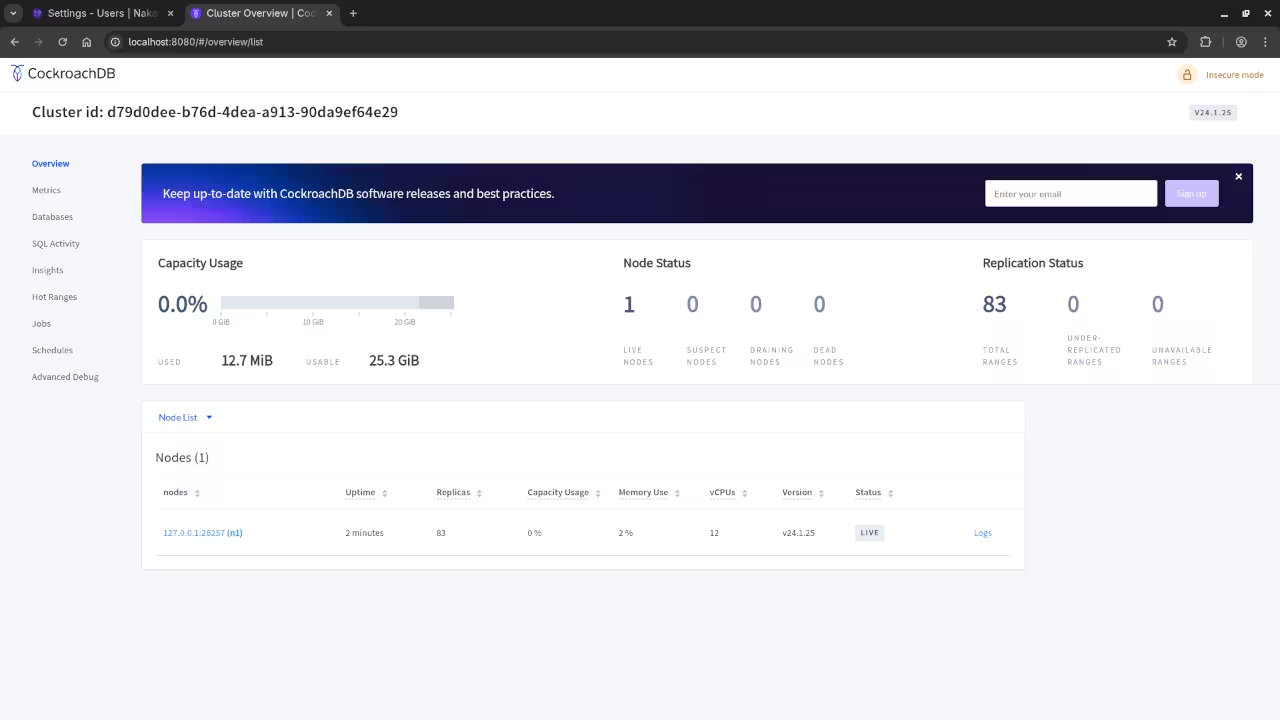
Nakama requires a database to store player information. PostgreSQL is a reliable choice for this specific task.
The Pi Zero W has limited RAM for applications. You must use a swap file to increase stability.
Binary Configuration for ARM
Download the ARMv6 binary for Nakama onto the Pi. This version is built for the older Zero hardware.
Extract the downloaded files into a new project folder. Give the binary execution permissions using the chmod command.
Create a configuration file to limit resource usage. Set the internal logging level to warning for speed.
Testing and Social Features
The server can handle features like friend lists easily. Leaderboards also work well on this small hardware.
Use your Fedora machine to test the connection. Ping the Pi address to check for network latency.
Optimization and Maintenance
A game server on a Pi is great learning. It teaches you how to handle hardware resource limits.
Monitor the system temperature while the server is running. Small heat sinks can help keep the Pi cool.
This project shows the power of lightweight game backends. You now have a working server for your games.
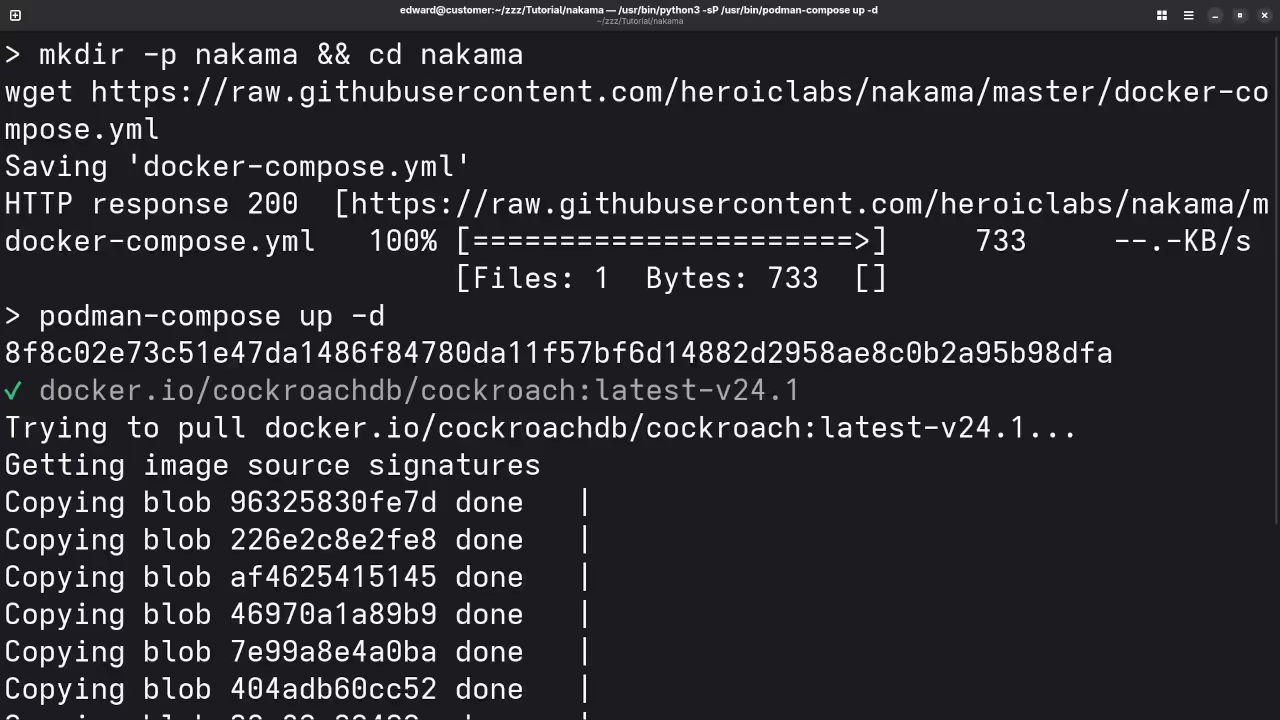
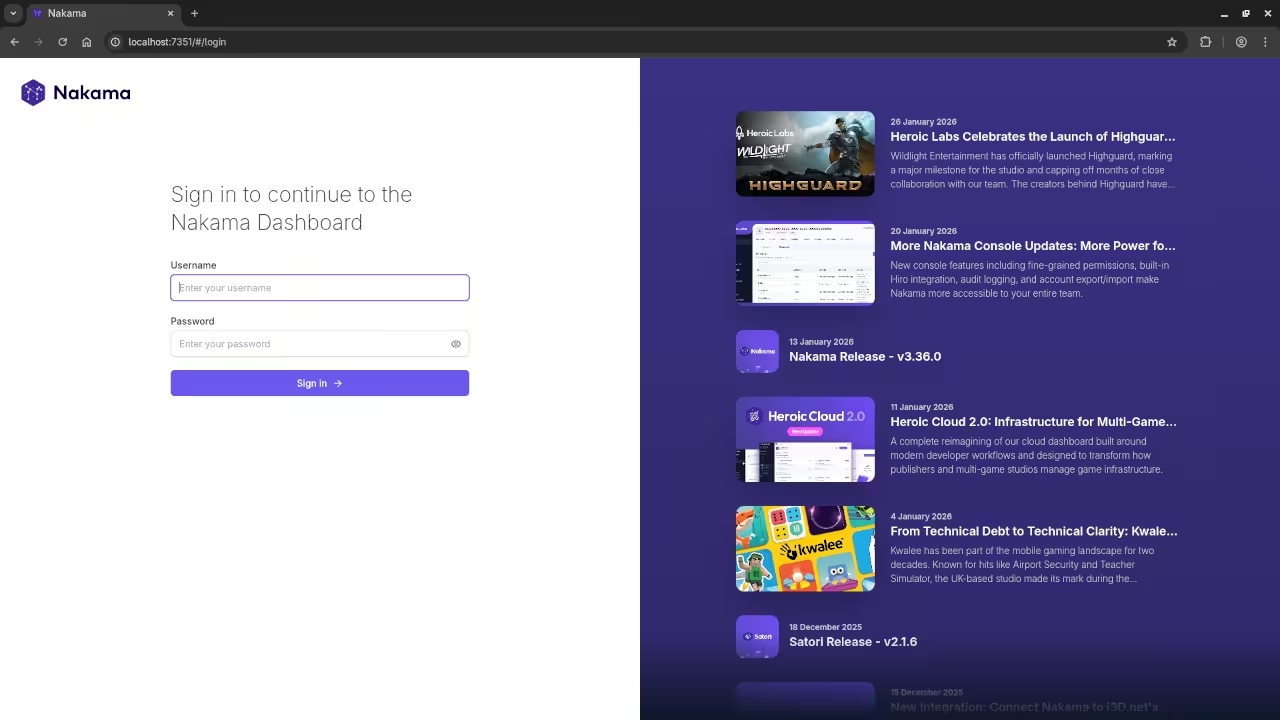
📷 Screenshots
🎬 Live YouTube Screencast
Take Your Skills Further
- Books: https://www.amazon.com/stores/Edward-Ojambo/author/B0D94QM76N
- Courses: https://ojamboshop.com/product-category/course
- Tutorials: https://ojambo.com/contact
- Consultations: https://ojamboservices.com/contact
🚀 Recommended Resources
Disclosure: Some of the links above are referral links. I may earn a commission if you make a purchase at no extra cost to you.