How to Run Qwen2.5-Coder on Fedora CPU Laptops

Beginner Guide to Local AI

Live stream set for 2025-01-14 at 14:00:00 Eastern

Ask questions in the live chat about any programming or lifestyle topic.

This livestream will be on YouTube or you can watch below.

Introduction to Local AI on Fedora

Modern AI runs well on Fedora Linux laptops. You can use your CPU for every task.

Remote Access with Gnome Connections

Connecting via Gnome Connections RDP works very smoothly. This allows remote access to your Fedora laptop.

Installing Ollama on Fedora Linux

Open the terminal inside your RDP session now. You can install Ollama using one simple command.

Type sudo dnf install ollama in your Fedora terminal. This command downloads the official package from the repositories.

Screenshot
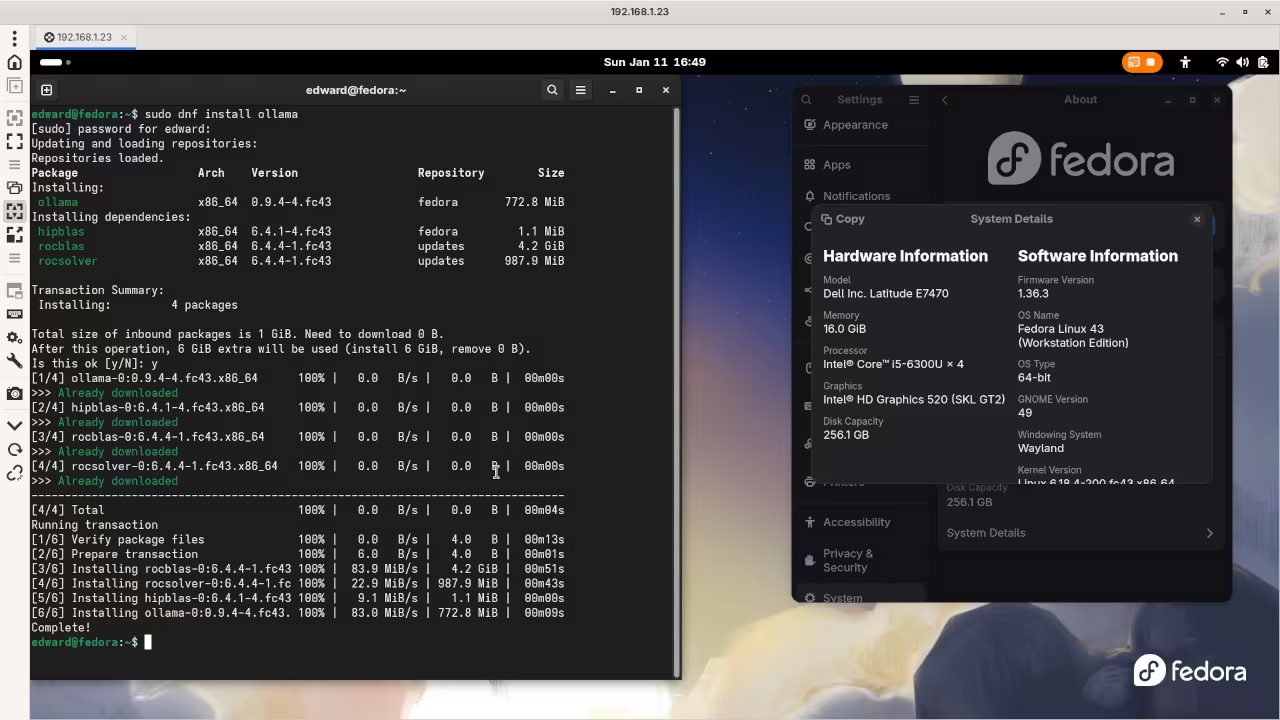
Ollama Install
Command Line Installation Of Ollama

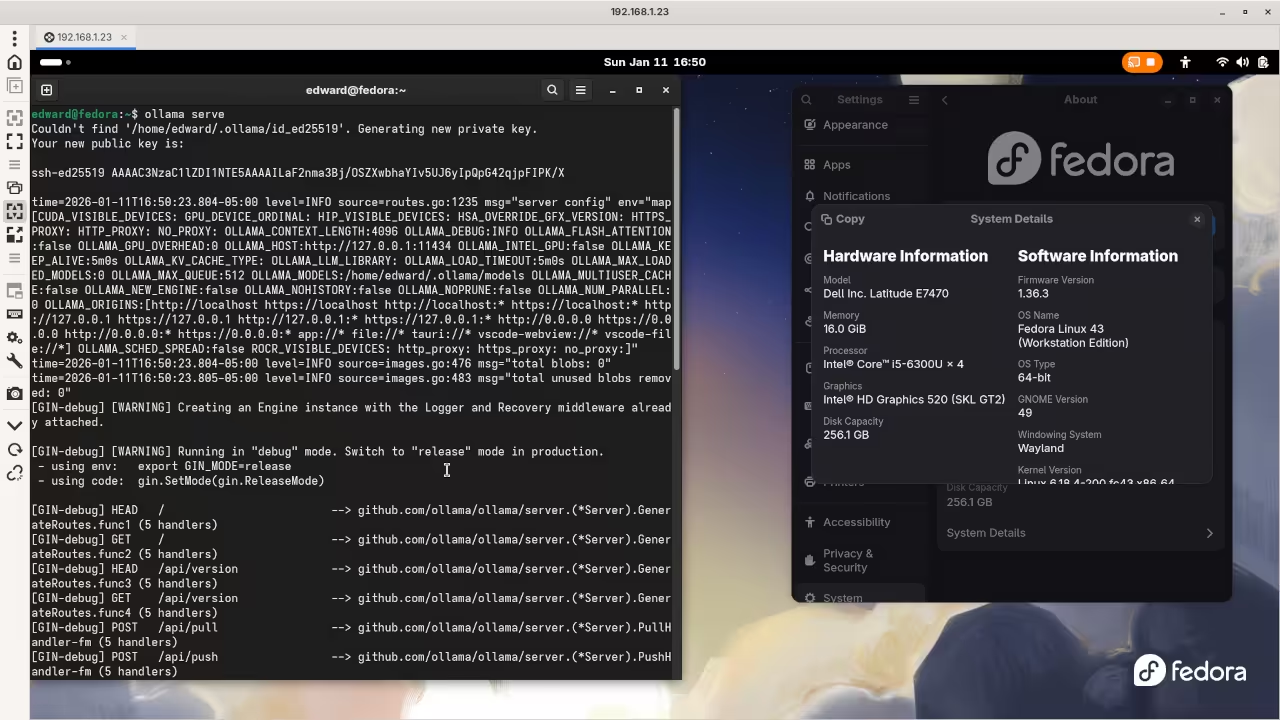
Ollama Server
Command Line Starting Ollama Server

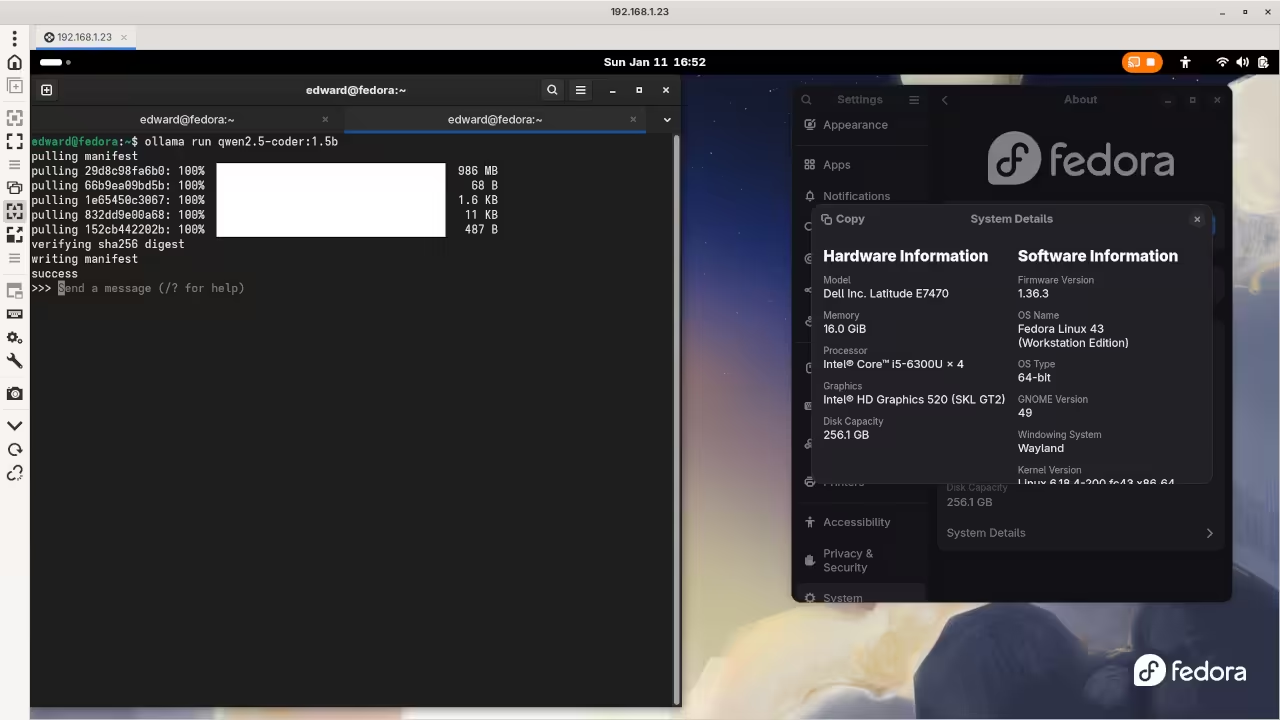
Ollama Model
Command Line Running LLM Model

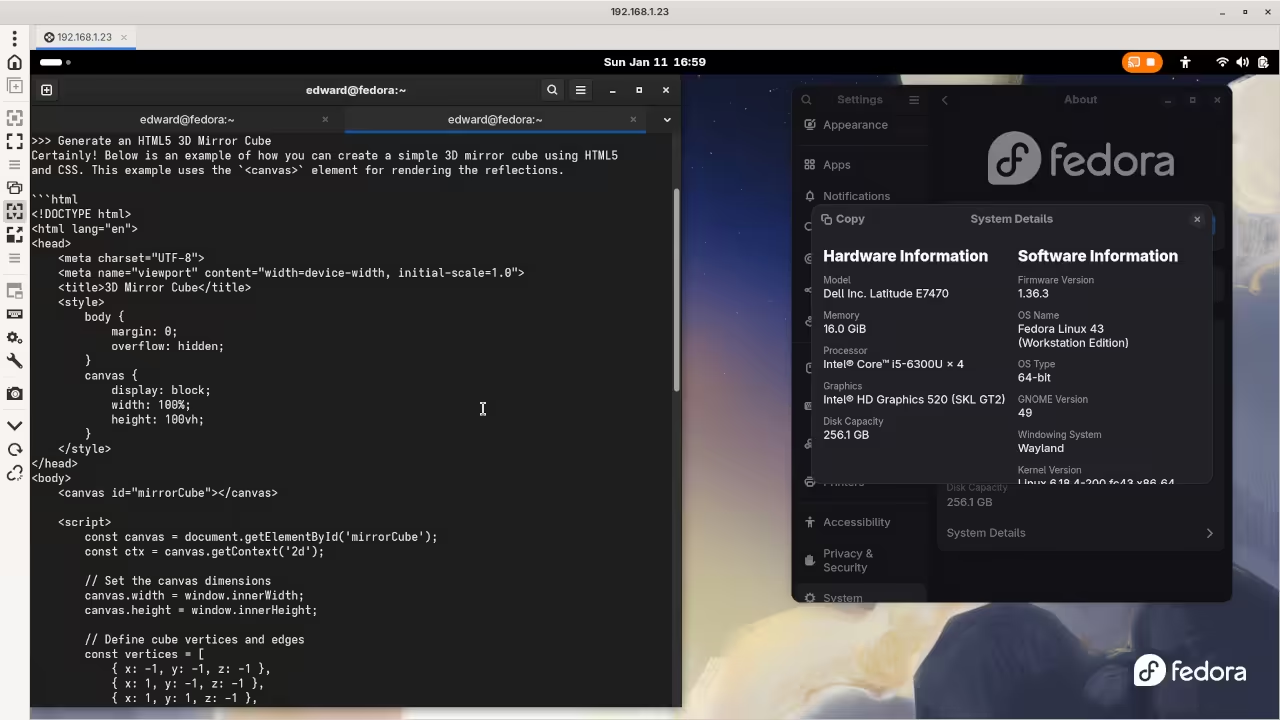
Ollama Results
Command Line Ollama LLM Model Results

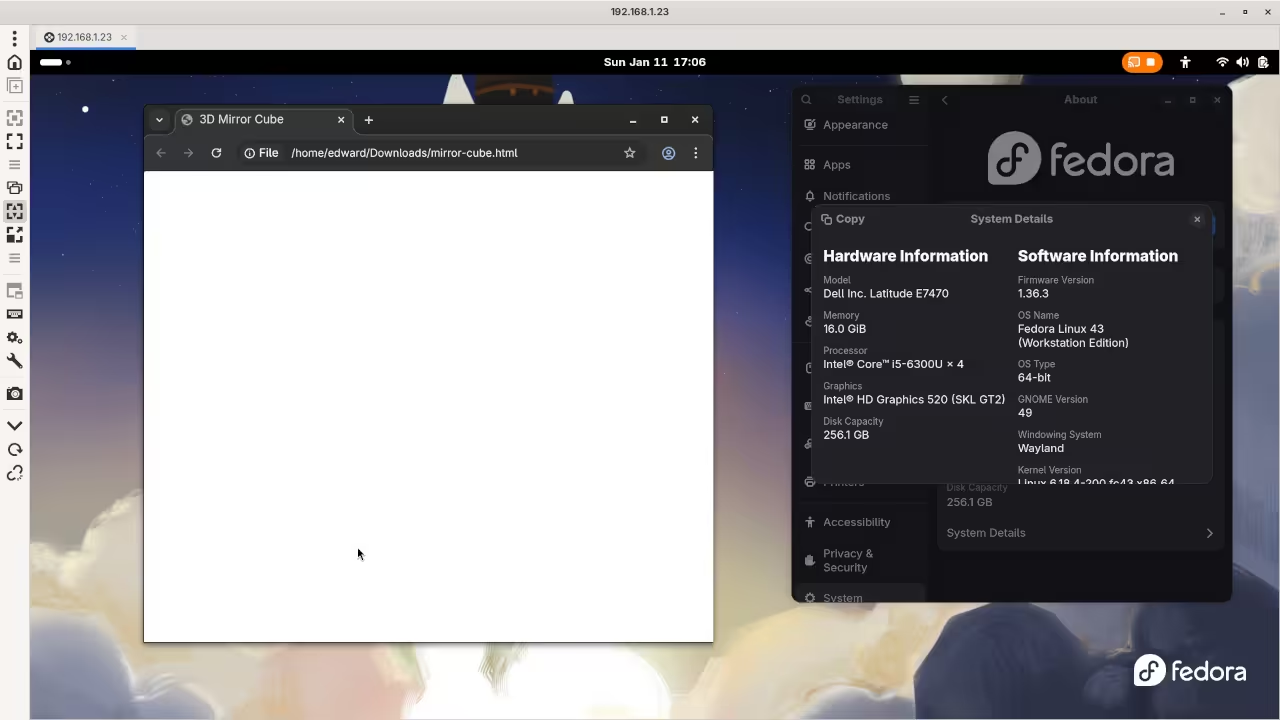
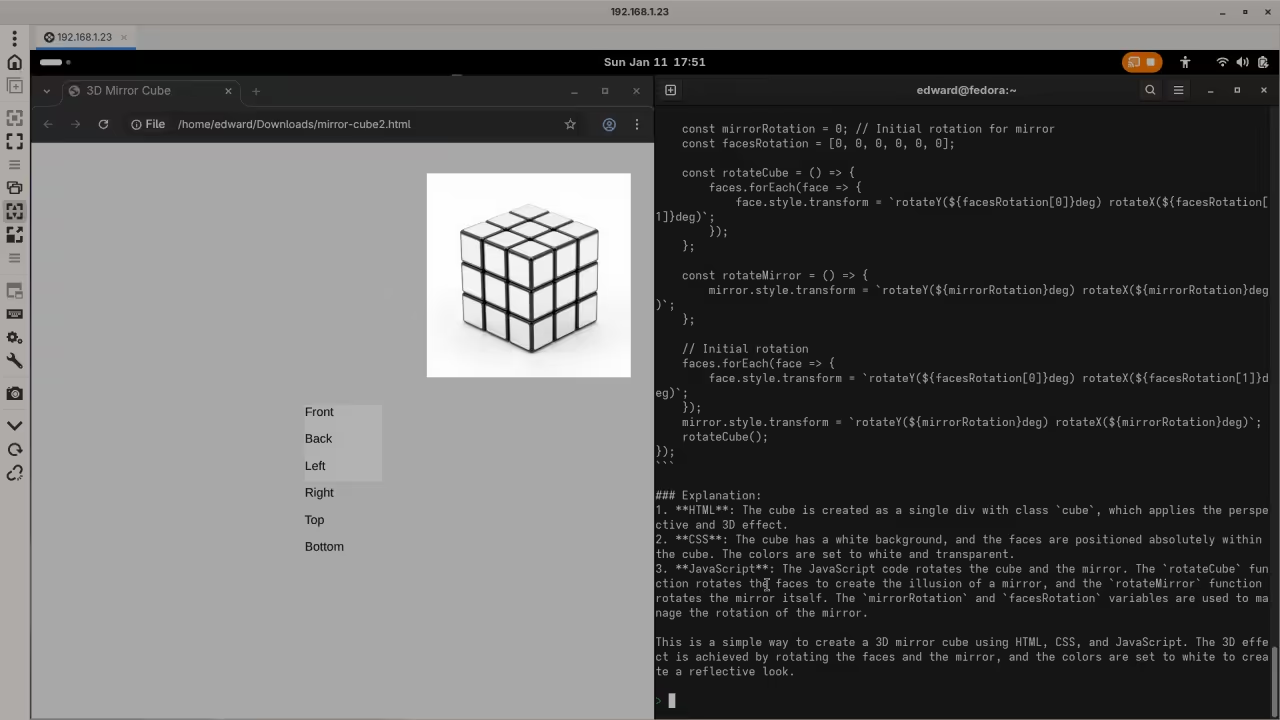
AI Ollama HTML
Web Browser Displaying Ollama AI Generated HTML

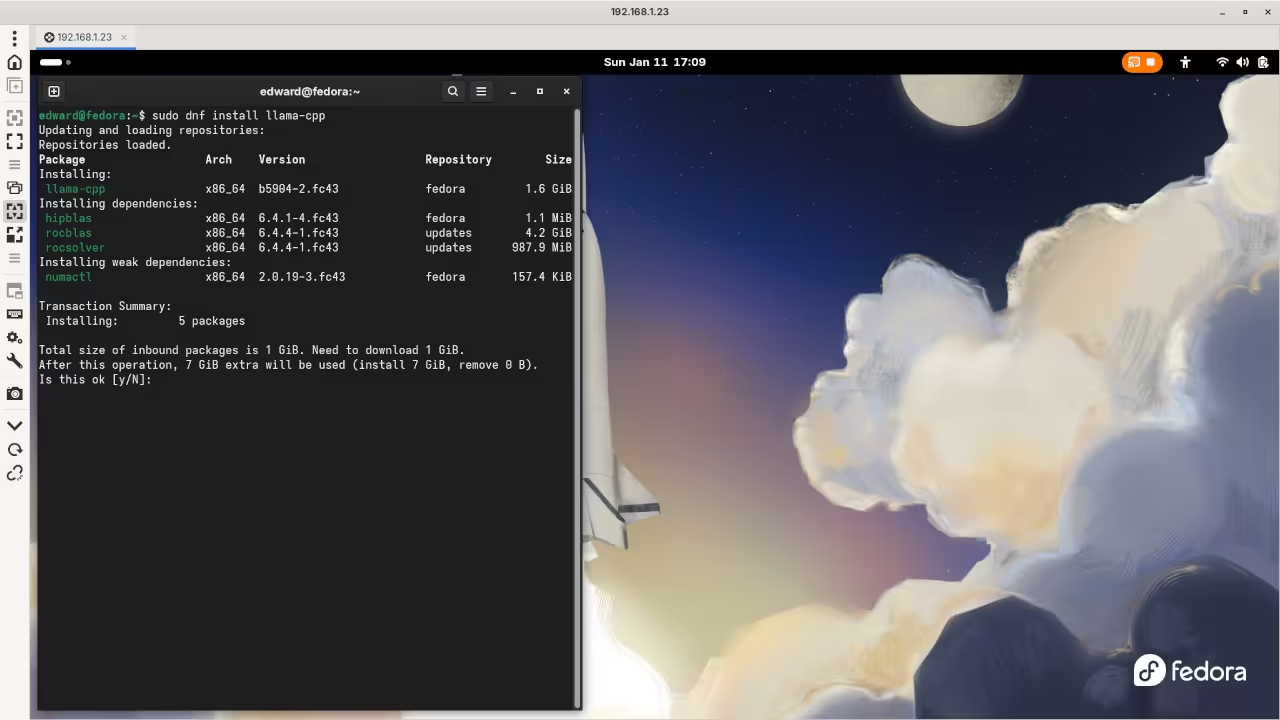
llama.cpp Install
Command Line llama.cpp Installation

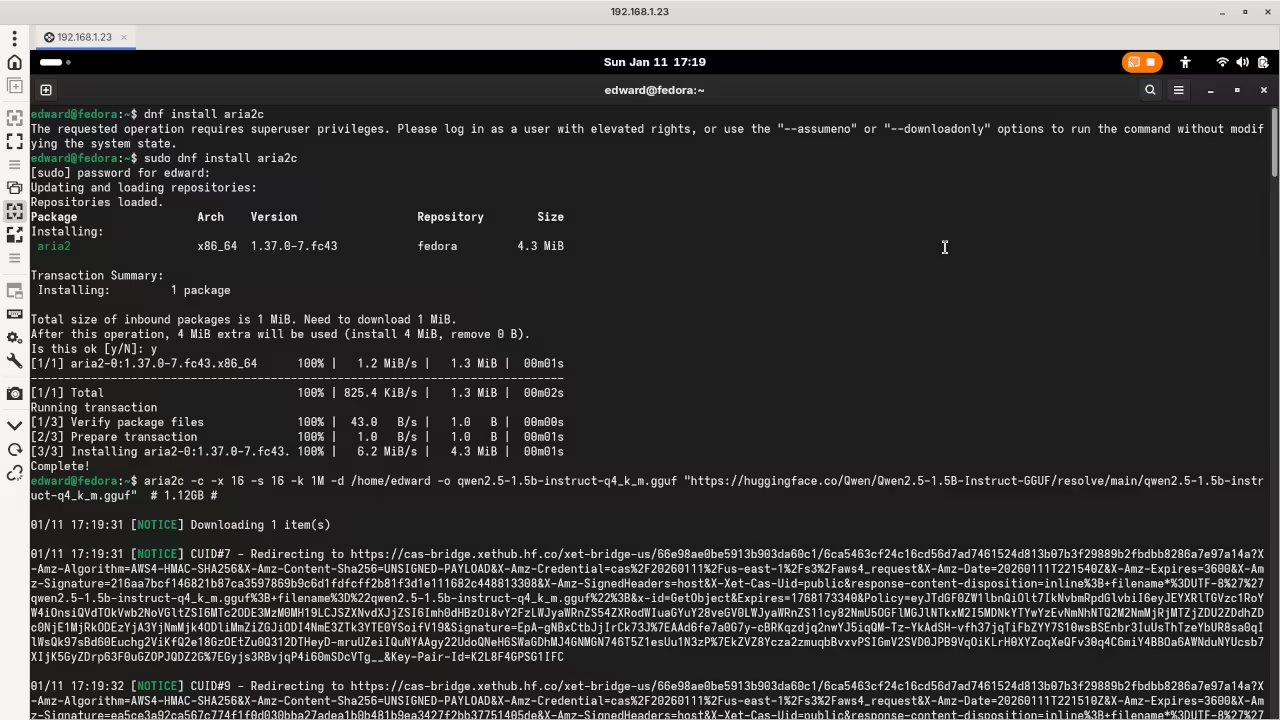
GGUF Model Download
Command Line GGUF Model Download

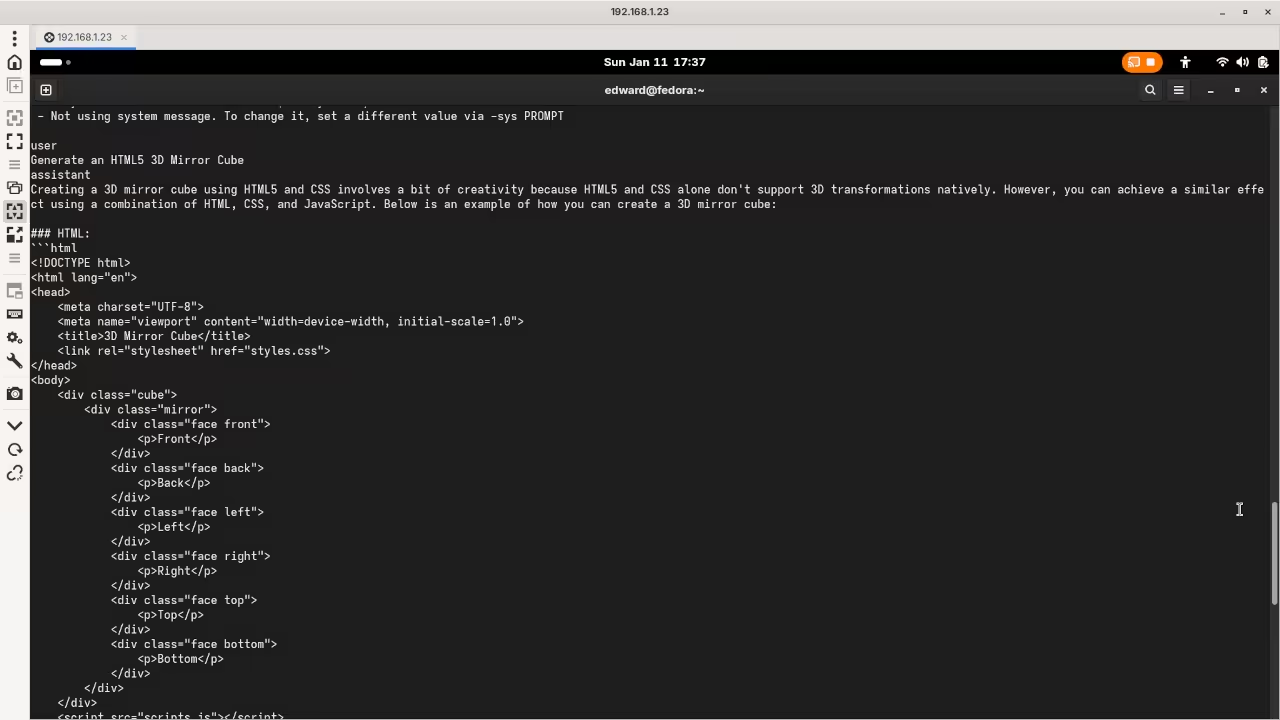
llama.cpp Results
Command Line llama.cpp results

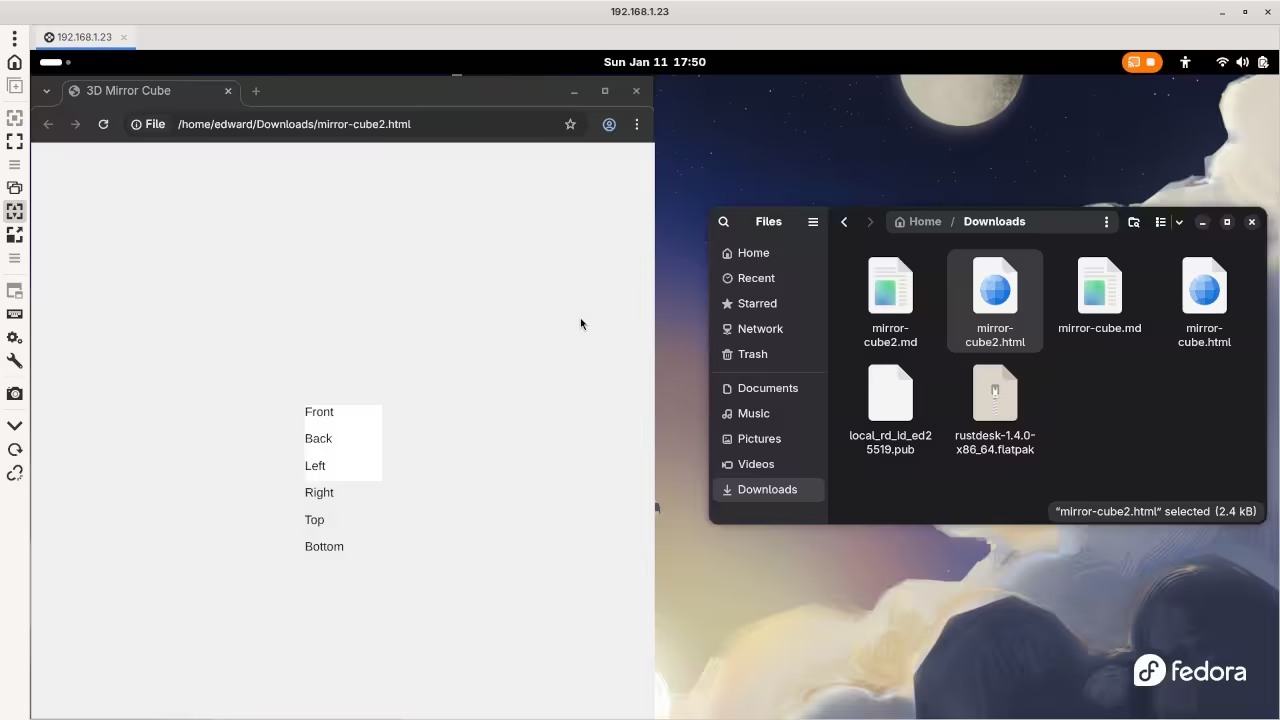
AI llama.cpp HTML
Web Browser Displaying llama.cpp AI Generated HTML

Live Screencast

Screencast Of AI Generated Mirror Cube Code

Cross Platform Support

Users on Windows or Mac can download installers. Visit the official Ollama website to get those files.

Loading Qwen2.5-Coder Model

Now you must download the Qwen2.5-Coder model. Type ollama run qwen2.5-coder:1.5b in your terminal window.

The 1.5b version is perfect for basic laptop CPUs. It downloads quickly and starts the chat interface automatically.

Performance and Privacy Benefits

Ollama manages the Qwen2.5-Coder model with high efficiency. Your CPU handles the code generation tasks easily.

The RDP protocol keeps the interface very responsive. You can code remotely from any other device.

Conclusion for Beginners

Qwen2.5-Coder provides excellent logic for beginner programmers. It stays private on your own local hardware.

Take Your Skills Further

Recommended Resources:

Disclosure: Some of the links above are referral (affiliate) links. I may earn a commission if you purchase through them - at no extra cost to you.

About Edward

Edward is a software engineer, web developer, and author dedicated to helping people achieve their personal and professional goals through actionable advice and real-world tools.

As the author of impactful books including Learning JavaScript, Learning Python, Learning PHP, Mastering Blender Python API, and fiction The Algorithmic Serpent, Edward writes with a focus on personal growth, entrepreneurship, and practical success strategies. His work is designed to guide, motivate, and empower.

In addition to writing, Edward offers professional "full-stack development," "database design," "1-on-1 tutoring," "consulting sessions,", tailored to help you take the next step. Whether you are launching a business, developing a brand, or leveling up your mindset, Edward will be there to support you.

Edward also offers online courses designed to deepen your learning and accelerate your progress. Explore the programming on languages like JavaScript, Python and PHP to find the perfect fit for your journey.

📚 Explore His Books – Visit the Book Shop to grab your copies today.
💼 Need Support? – Learn more about Services and the ways to benefit from his expertise.
🎓 Ready to Learn? – Check out his Online Courses to turn your ideas into results.

Leave a Reply

Your email address will not be published. Required fields are marked *