

Have you ever wanted your own Netflix-style media server, but without the subscription fees or sharing your data with a third party? Meet Jellyfin – a free, open-source media system that puts you in complete control of your personal media library.
Whether you’re looking to stream movies, TV shows, music, or photos, Jellyfin gives you the power to organize and stream your content from anywhere – with no tracking, no ads, and no cost.
Why Choose Jellyfin?
- 100% Open Source: No licenses, no hidden costs. Developed by a passionate community.
- Self-Hosted: Your media stays private and under your control.
- Multi-Platform Support: Works with web browsers, mobile apps, smart TVs, and more.
- Active Community: Regular updates and community plugins to enhance functionality.
Installing Jellyfin Using Podman
If you’re using Linux and prefer containers over traditional package installs, Podman is a fantastic alternative to Docker. Here’s a quick way to set up Jellyfin using podman-compose.
Requirements
- A Linux system (Fedora, Ubuntu, etc.)
- Podman installed (
sudo dnf install podman podman-composeon Fedora) - A working internet connection
Step-by-Step Installation
- Create a directory for your Jellyfin setup:
mkdir ~/jellyfin && cd ~/jellyfin - Create a
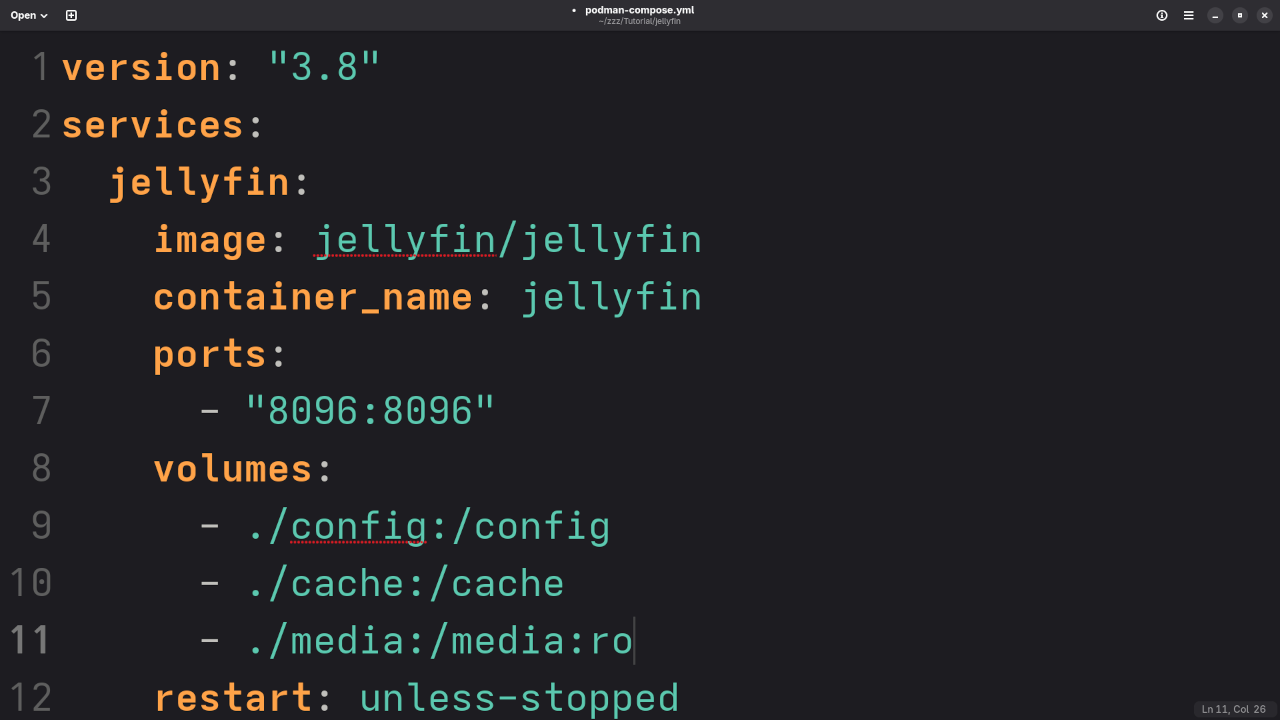
podman-compose.ymlfile:version: "3.8" services: jellyfin: image: jellyfin/jellyfin container_name: jellyfin ports: - "8096:8096" volumes: - ./config:/config - ./cache:/cache - /path/to/your/media:/media:ro restart: unless-stopped Replace
/path/to/your/mediawith the path to your movies, TV shows, or music. - Start Jellyfin with:
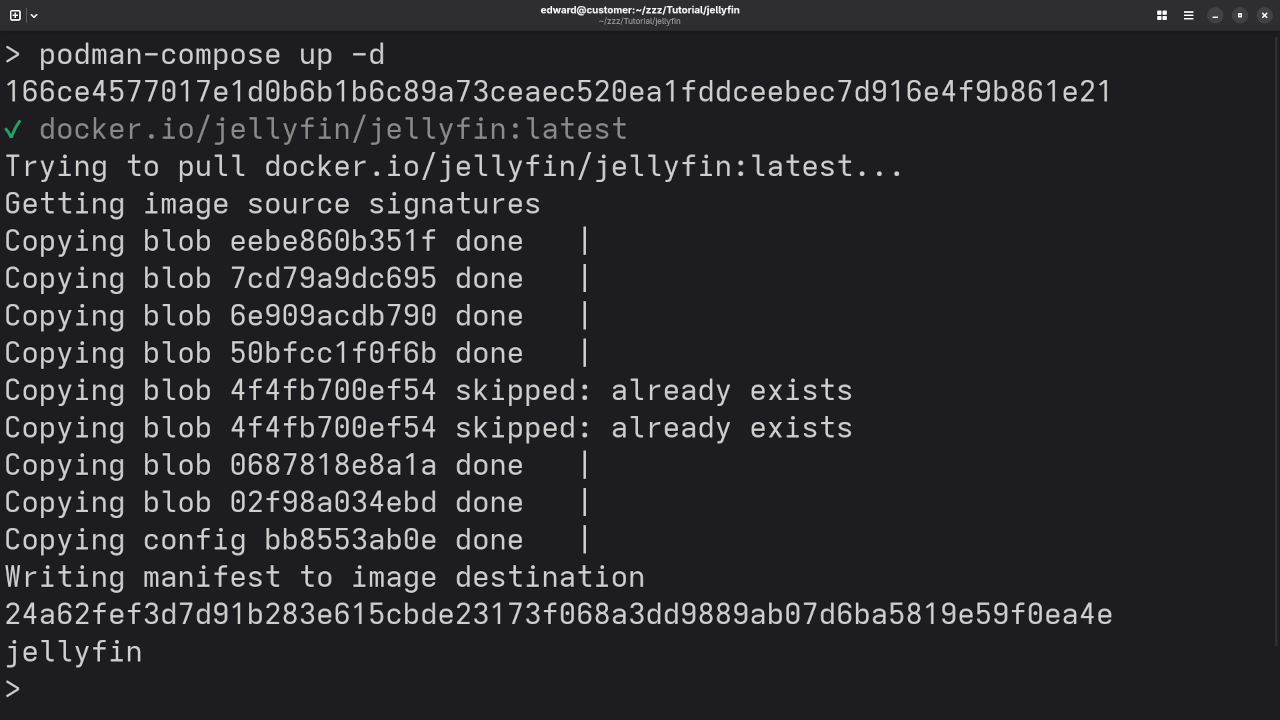
podman-compose up -d - Access your server:
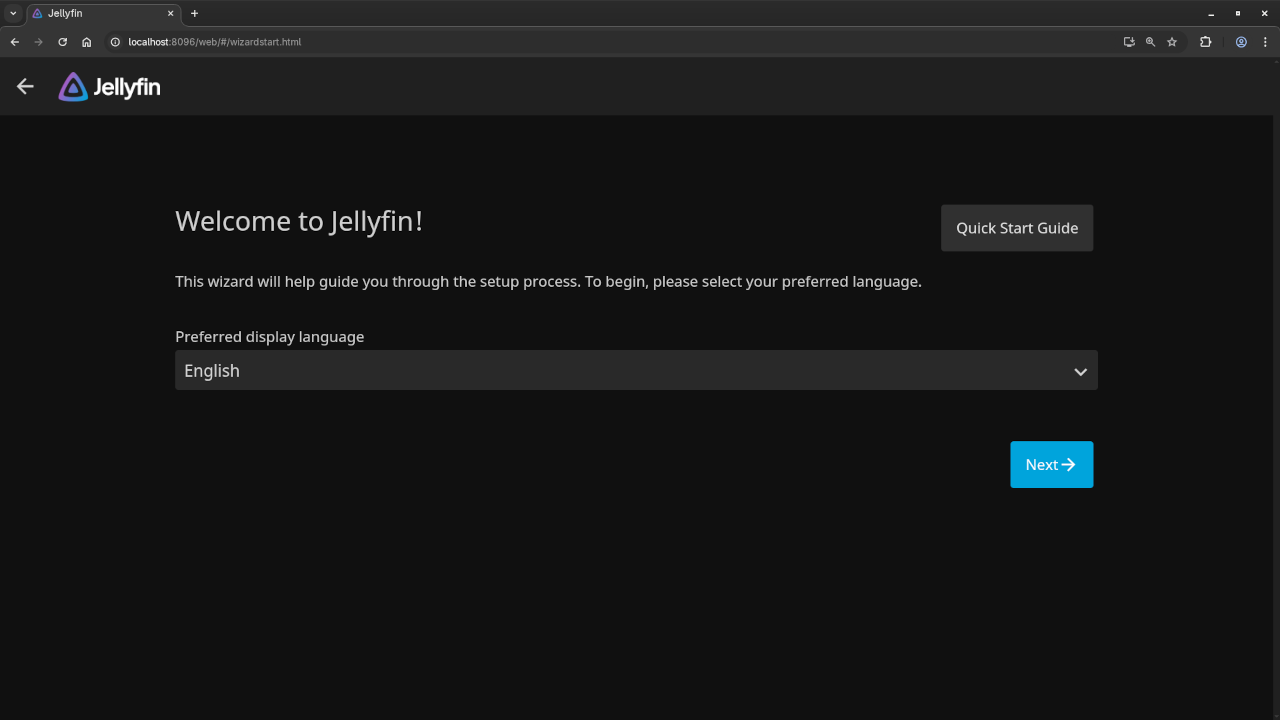
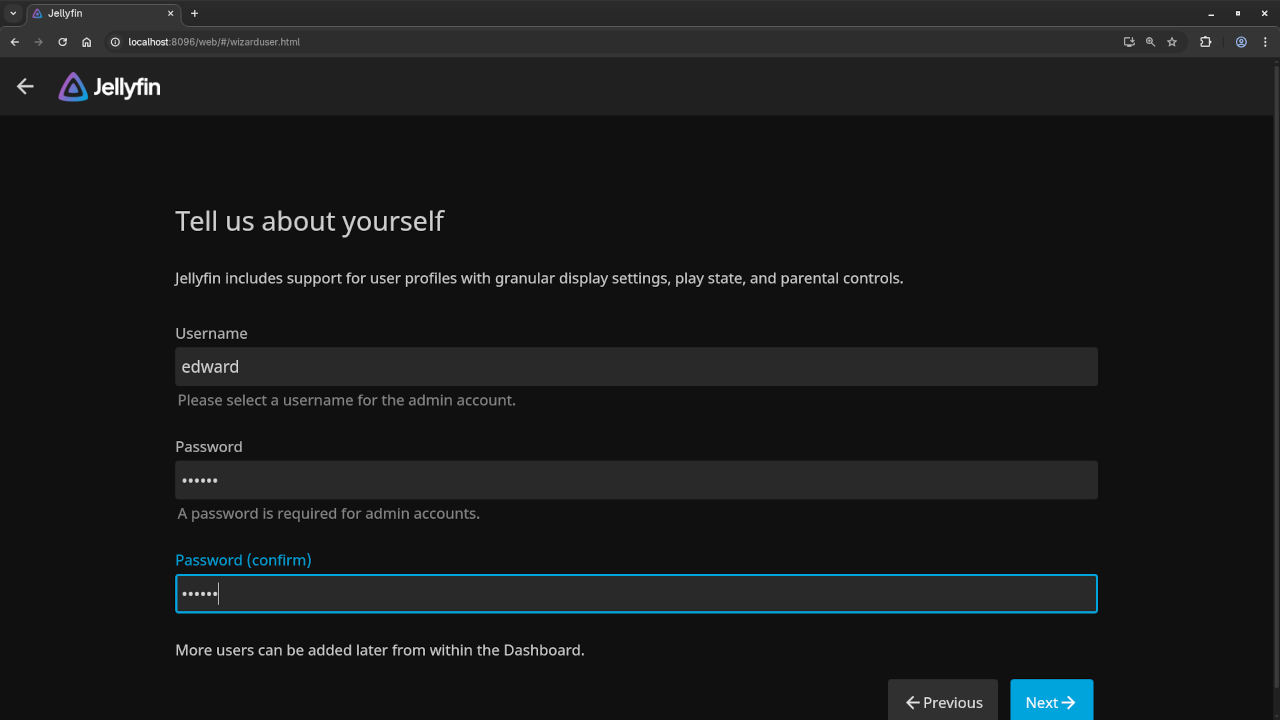
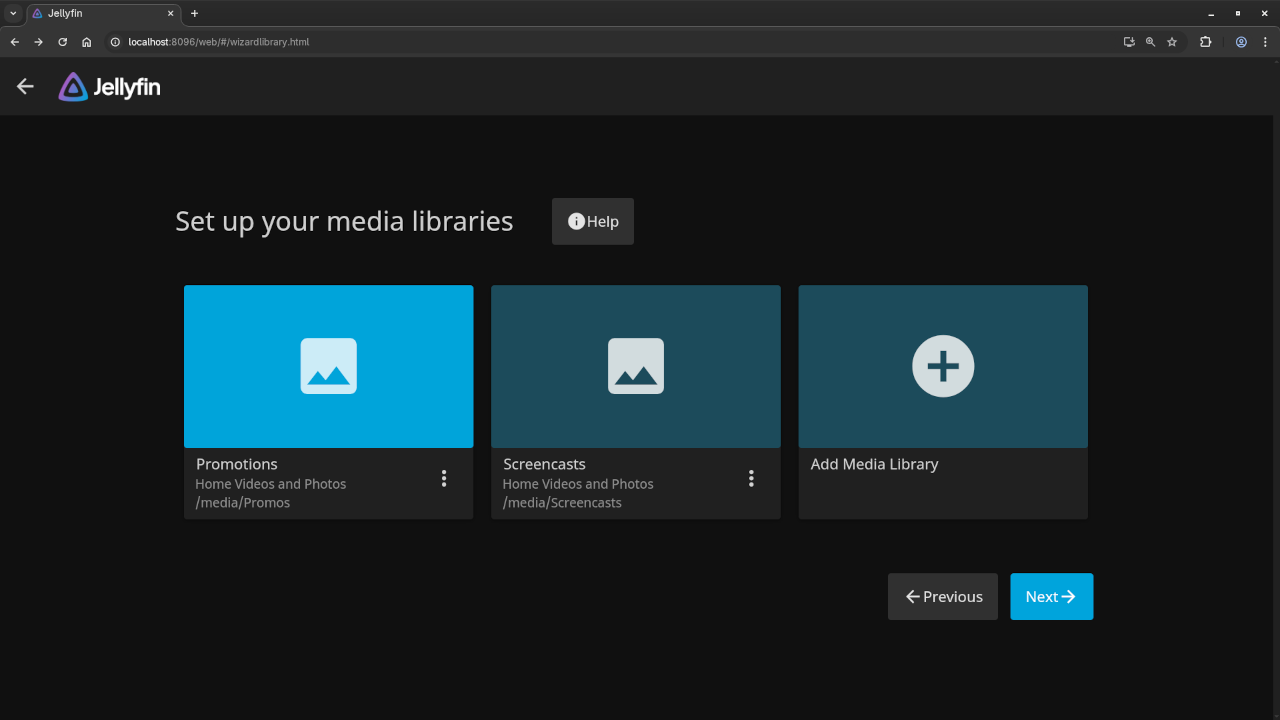
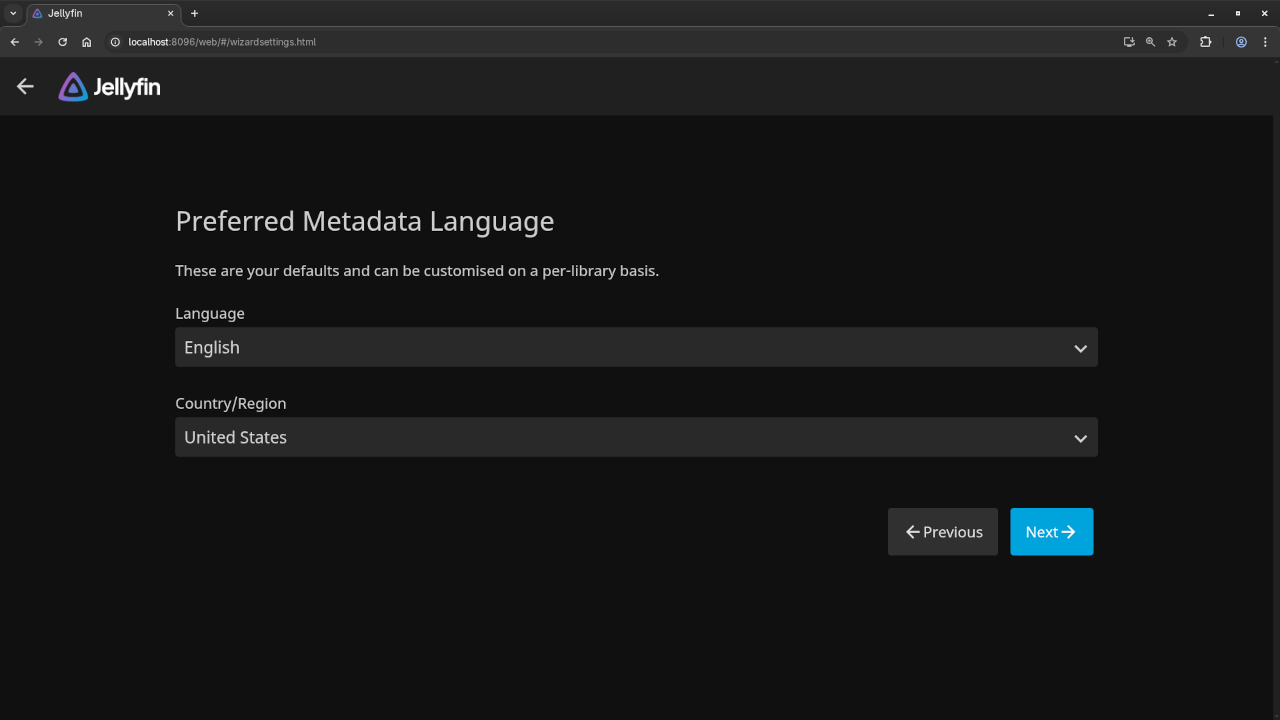
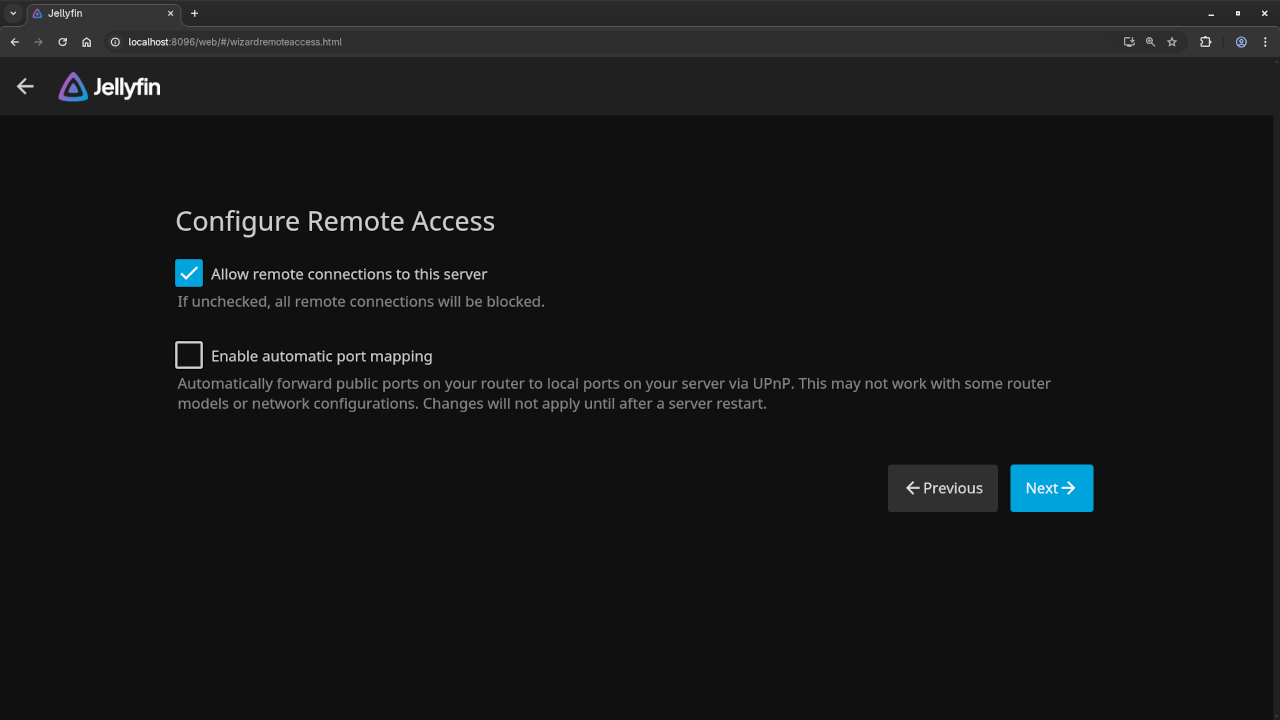
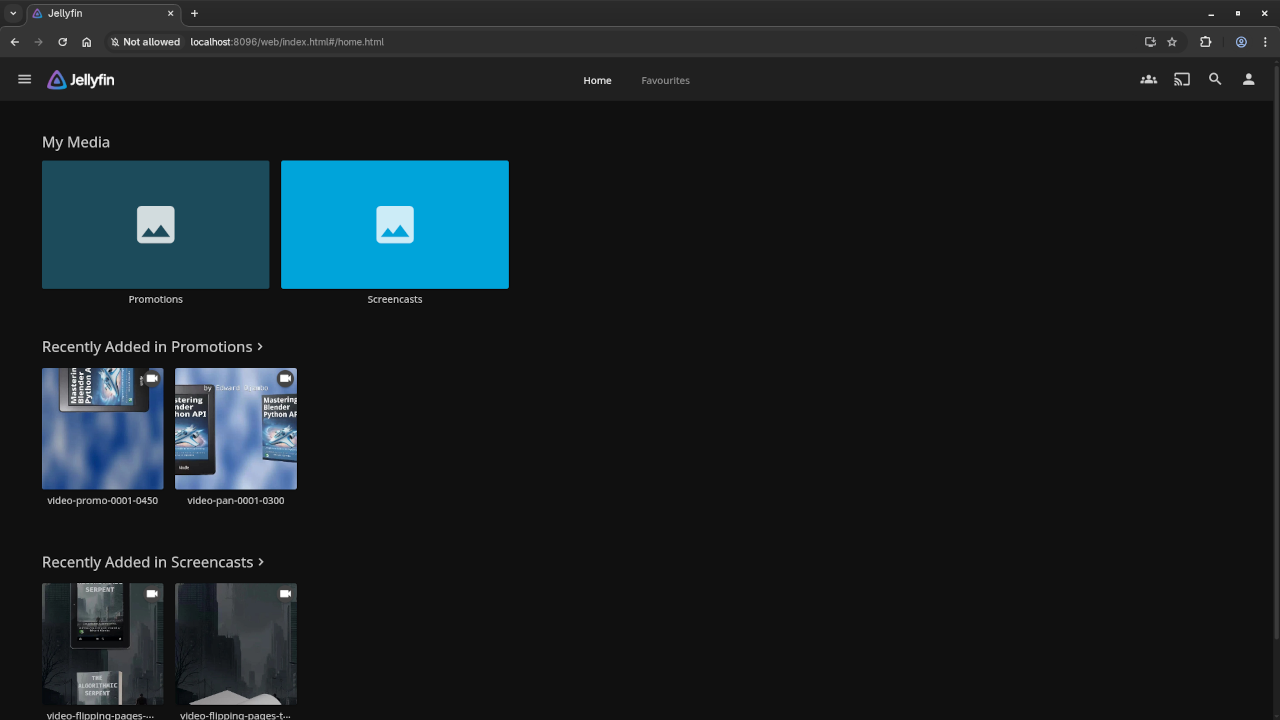
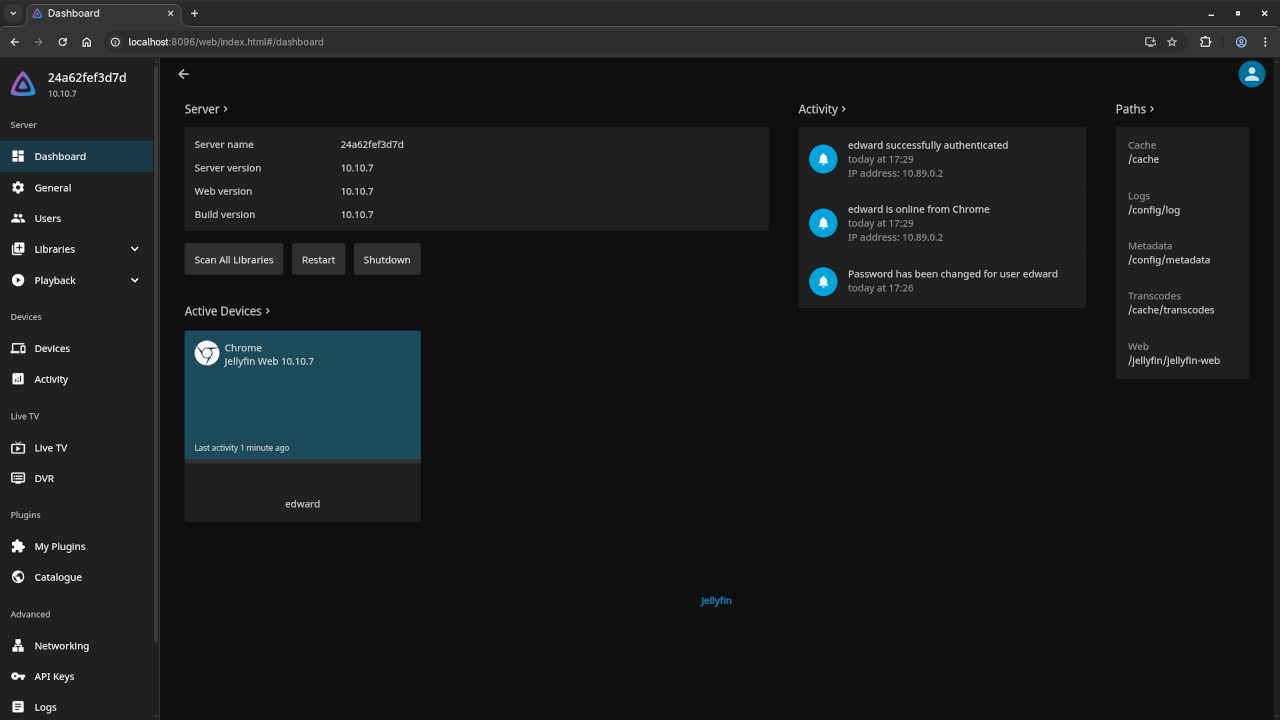
Open a browser and go tohttp://localhost:8096to begin Jellyfin’s setup wizard.
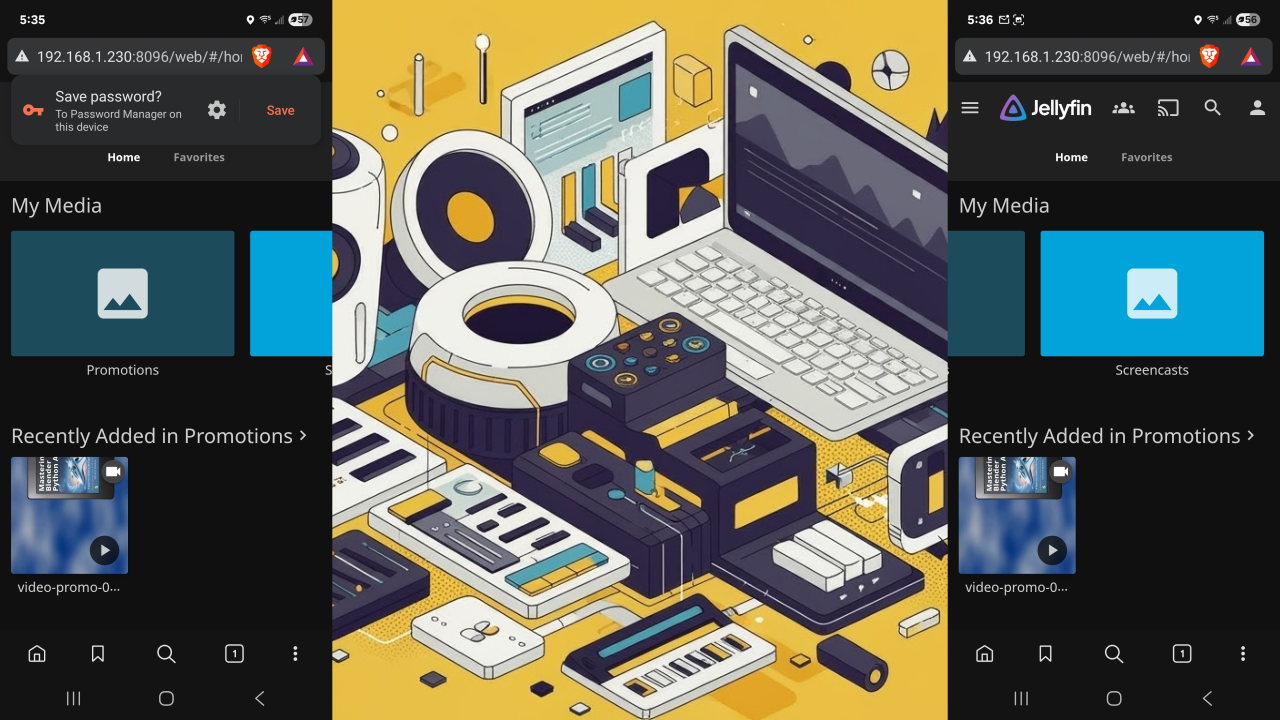
📷 Screenshots & 📽️ Live Walkthrough
Need Help? I’m Here for One-on-One Support!
If you need help installing, updating, or migrating Jellyfin, I offer custom support and one-on-one programming tutorials. Reach out to me directly via my contact page:
👉 https://ojambo.com/contact
🚀 Recommended Resources
Disclosure: Some of the links above are referral links. I may earn a commission if you make a purchase at no extra cost to you.