
The Security Hole in Modern Home Servers
Most tech enthusiasts are still sleeping on a massive security hole in their home servers. Running a root daemon for your containers is essentially leaving your front door unlocked for attackers.
This vulnerability turns a simple web app into a potential gateway for full system compromise. The shift to a daemonless architecture is not just a trend for the elite.
It is a fundamental requirement for anyone serious about digital sovereignty and data privacy. You can finally stop worrying about privilege escalation attacks while hosting your private wiki.
Disclosure: article includes affiliate links.


The Experience of Absolute Control
The moment your MediaWiki instance flickers to life in a rootless environment is pure bliss. You feel a surge of confidence knowing your system is hardened against the most common exploits.
This level of control is what separates the amateurs from the professional architects. You can secure your legacy application support today at ojambo.com.
You can also master the art of digital independence by reading The Sovereign Business.
Engine Performance Comparison
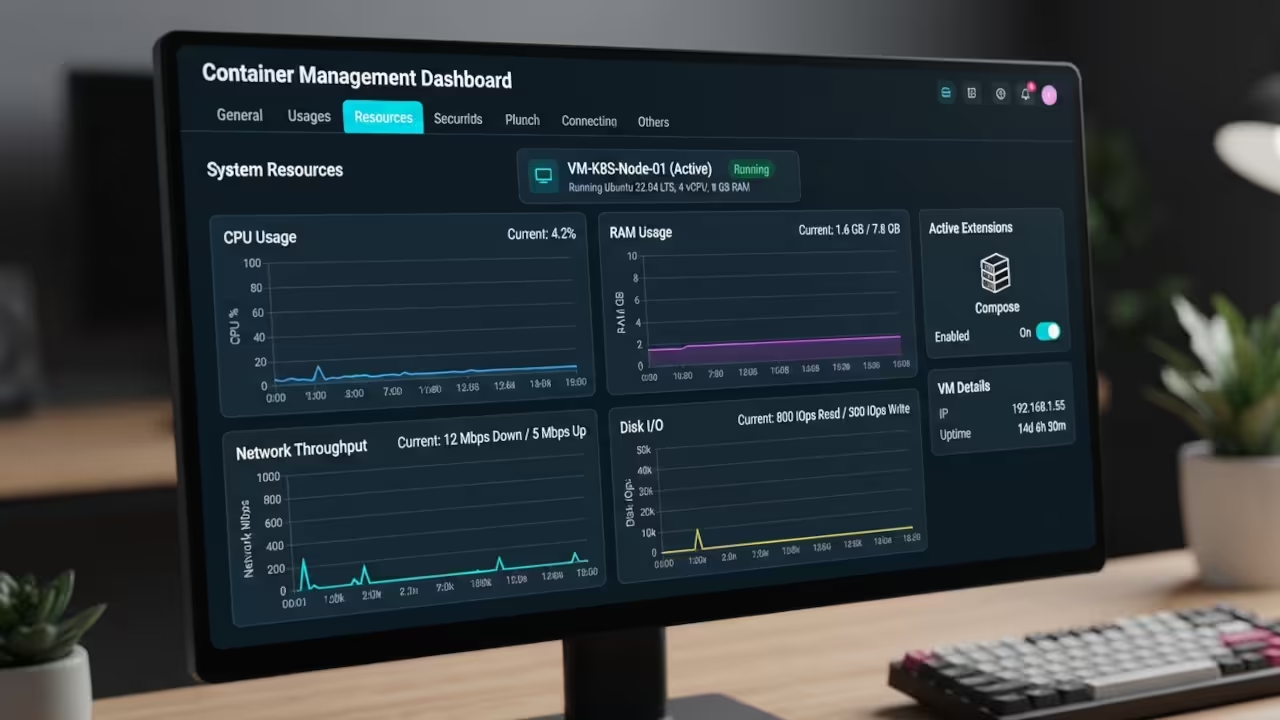
Choosing the right engine depends on whether you value convenience or absolute security. Docker offers a seamless experience but carries the heavy weight of a constant background process.
Podman removes that overhead and implements rootless operations by design. This ensures that your hardware remains lean and responsive.
| Parameter | Description | Value |
|---|---|---|
| Security | Default Daemon Privilege | Podman Rootless |
| Orchestration | Compose Compatibility | Podman Pods |
| Integration | Service Management | Systemd Quadlets |
| Resources | Idle RAM Usage | Low Overhead |
Deploying the Rootless Knowledge Base
Implementing this setup requires a strategic approach to container orchestration. You can use a compose file to link your web server and MariaDB database instantly.
This method is perfect for those who want a rapid deployment without manual networking. The process begins by defining your environment variables and volume mappings clearly.
You must ensure your database and wiki containers share a dedicated internal network. This prevents your database ports from being exposed to the public internet.
version: '3'
services:
wiki-db:
image: mariadb:10.6
restart: always
environment:
MYSQL_ROOT_PASSWORD: my-secret-pw
MYSQL_DATABASE: my_wiki
MYSQL_USER: wiki_user
MYSQL_PASSWORD: wiki_password
volumes:
- db-data:/var/lib/mysql
wiki:
image: mediawiki:latest
restart: always
ports:
- "8080:80"
links:
- wiki-db:db
volumes:
- ./html:/var/www/html
environment:
MEDIAWIKI_DB_HOST: db
MEDIAWIKI_DB_NAME: my_wiki
MEDIAWIKI_DB_USER: wiki_user
MEDIAWIKI_DB_PASSWORD: wiki_password
volumes:
db-data:

The Insider Detail for Volume Mapping
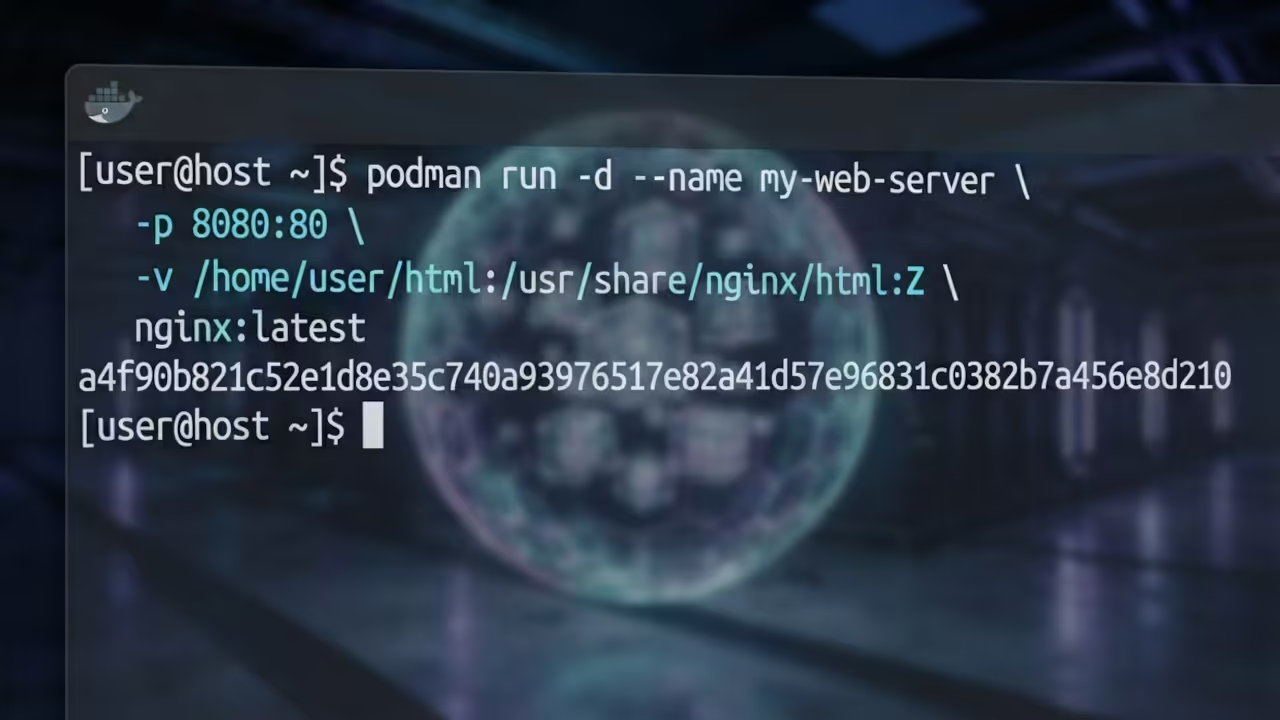
Here is a professional insider detail that most guides completely ignore for simplicity. When mapping volumes in a rootless environment you must append the Z flag to your volume strings.
This tells Podman to relabel the files for SELinux compatibility. Without this specific flag your MediaWiki instance will likely throw a permission denied error.
Using the Z option ensures the container can read and write to your local storage. This is the number one reason why rootless deployments fail for beginners.
podman run -d --name mw-db \
--network mediawiki-net \
-e MYSQL_ROOT_PASSWORD=my-secret-pw \
-e MYSQL_DATABASE=my_wiki \
-e MYSQL_USER=wiki_user \
-e MYSQL_PASSWORD=wiki_pass \
-v ~/mediawiki/db:/var/lib/mysql:Z \
docker.io/library/mariadb:10.11
podman run -d --name my-mediawiki \
--network mediawiki-net \
-p 8080:80 \
-v ~/mediawiki/html:/var/www/html:Z \
docker.io/library/mediawiki:latest
Building the Digital Knowledge Empire
This technical breakthrough connects directly to my previous deep dives into GPU optimization and Raspberry Pi secrets. Achieving a lean stack is the first step toward building a truly high performance home lab.
Each optimization reduces the attack surface of your infrastructure. The feeling of a lightweight secure wiki running on your hardware is unmatched.
You no longer rely on bloated cloud services that harvest your data for profit. You are now the sole administrator of your own digital knowledge empire.
Learning and Support
Reach out for personalized technical help to harden your containers. Dive deeper with our professional online tutorials.
Online Tutorials & Technical Help: https://ojambo.com/contact
🚀 Recommended Resources
Disclosure: Some of the links above are referral links. I may earn a commission if you make a purchase at no extra cost to you.