
The Critical Need for Reliable Archival
Most tech users believe physical discs are completely obsolete now. Then a critical hardware failure makes a bootable disc essential. Bloated modern software often crashes during the final write phase.
This instability creates a nightmare for anyone archiving vital records. You need a tool that is lightweight and absolutely reliable. Xfburn solves this problem by stripping away all unnecessary bloat.
Disclaimer: I may earn a commission from purchases made through these links at no extra cost to you.


It focuses entirely on the core task of writing data. This approach ensures that system resources remain free for the process. You will experience a streamlined workflow that just works every time.
The Professional Archival Experience
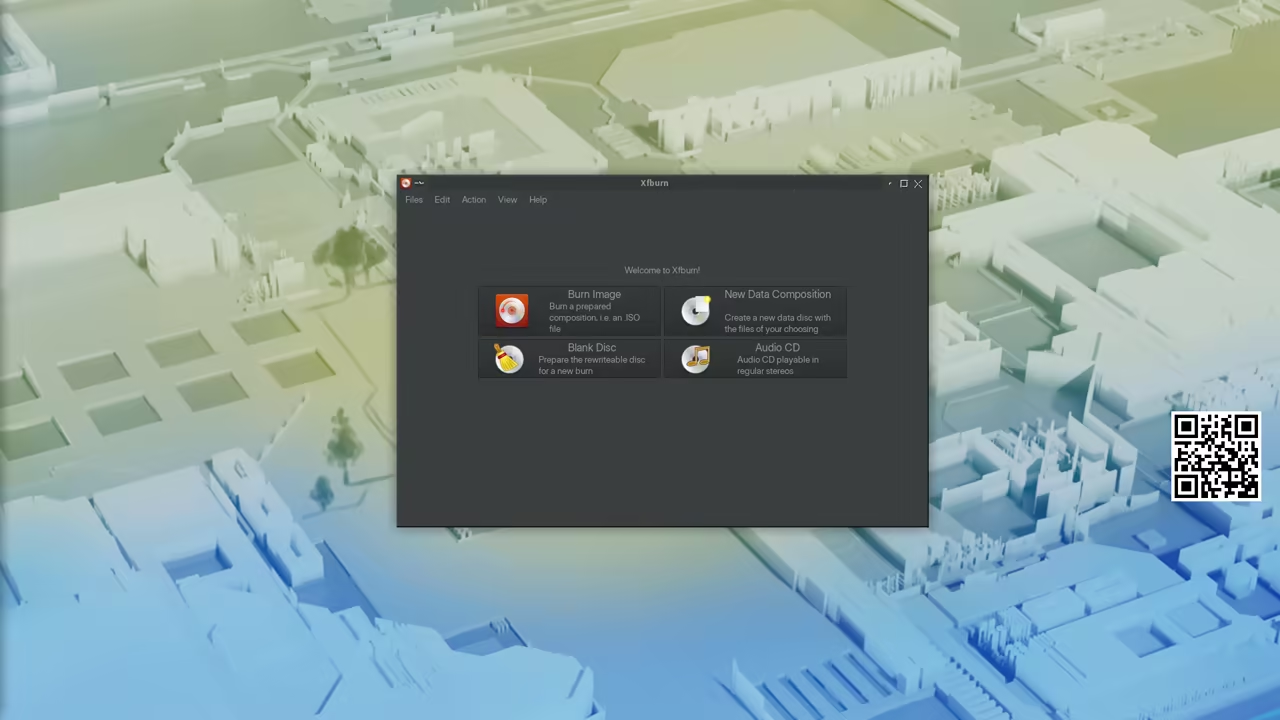
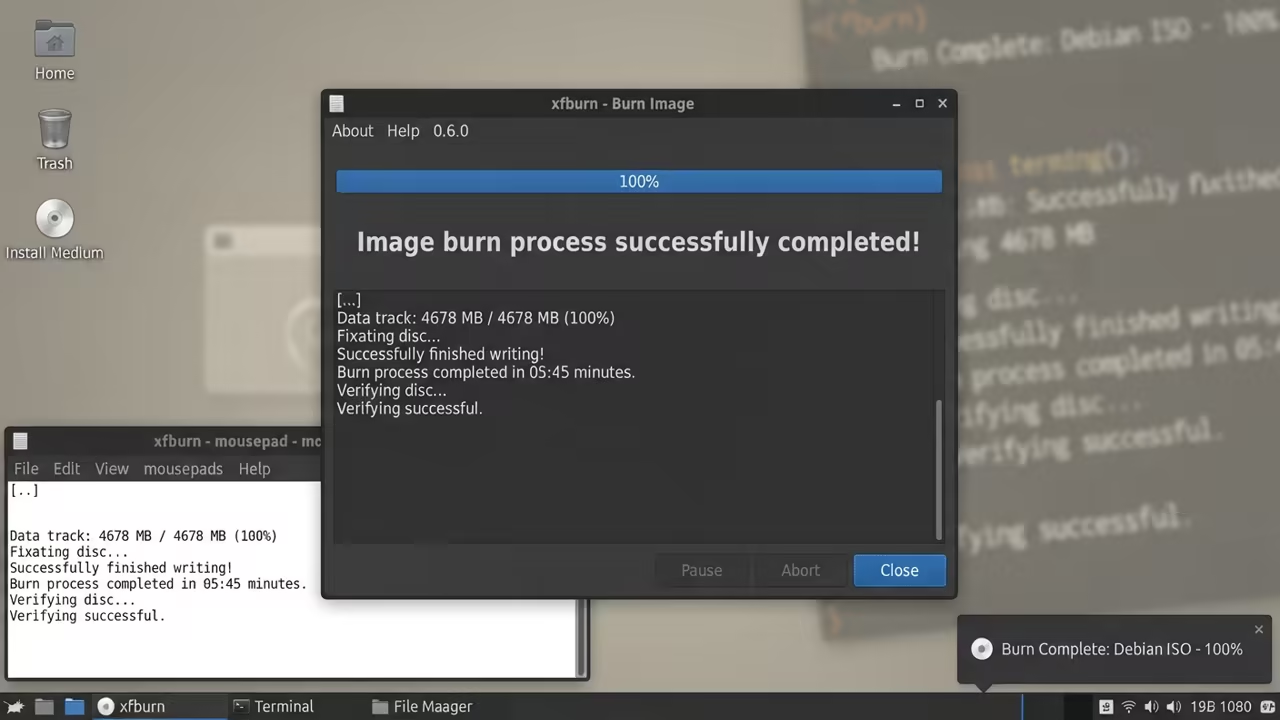
The feeling of a perfect burn is pure technical satisfaction. You see the progress bar move steadily without any buffer errors. It brings back a sense of tactile control over your data.
Implementing this tool transforms how you handle long term storage. You no longer fear the dreaded write error at ninety percent. It provides the peace of mind every system architect requires.
This software creates a seamless bridge between virtual and physical. You can archive your most critical system configurations with ease. The reliability of the write process is simply unmatched here.
Insider Technical Configuration
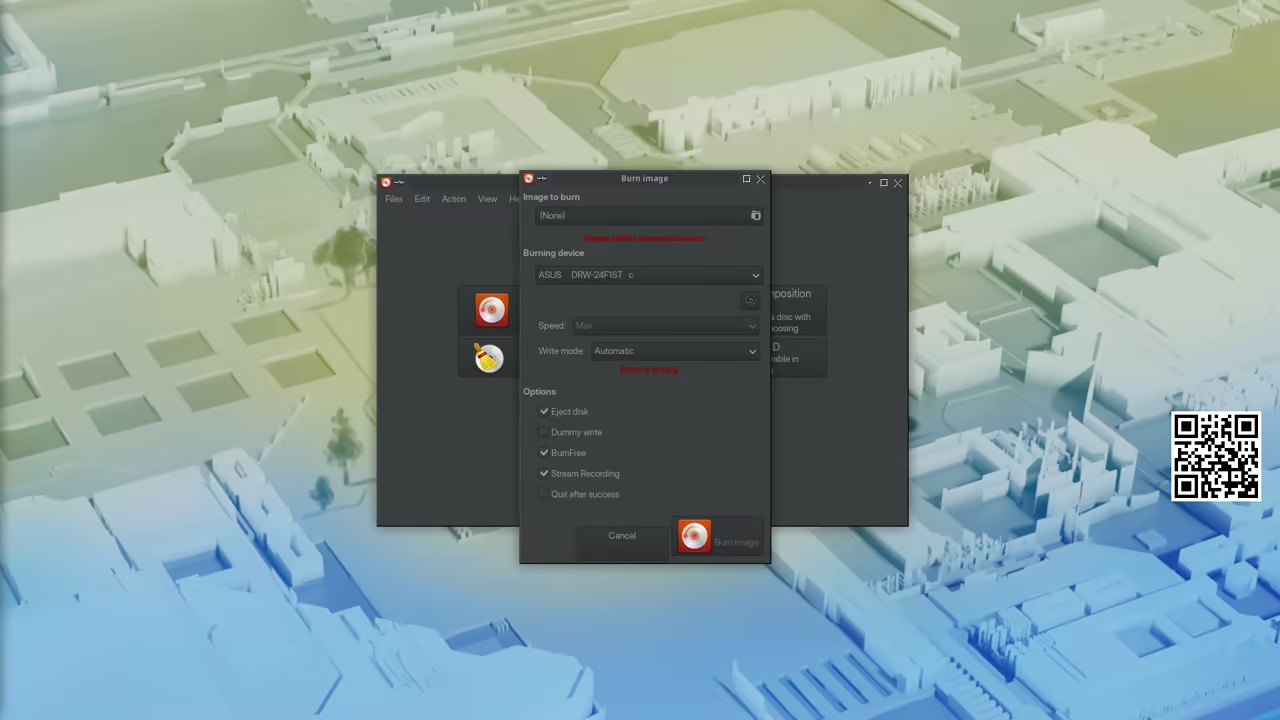
One insider detail involves the powerful libburnia backend used here. For older optical drives you must manually limit the burn speed. This prevents buffer underruns that ruin expensive blank media discs.
You can access these speed settings within the advanced burn menu. Reducing the speed to four times ensures maximum write stability. This secret optimization is critical for professional archival projects.
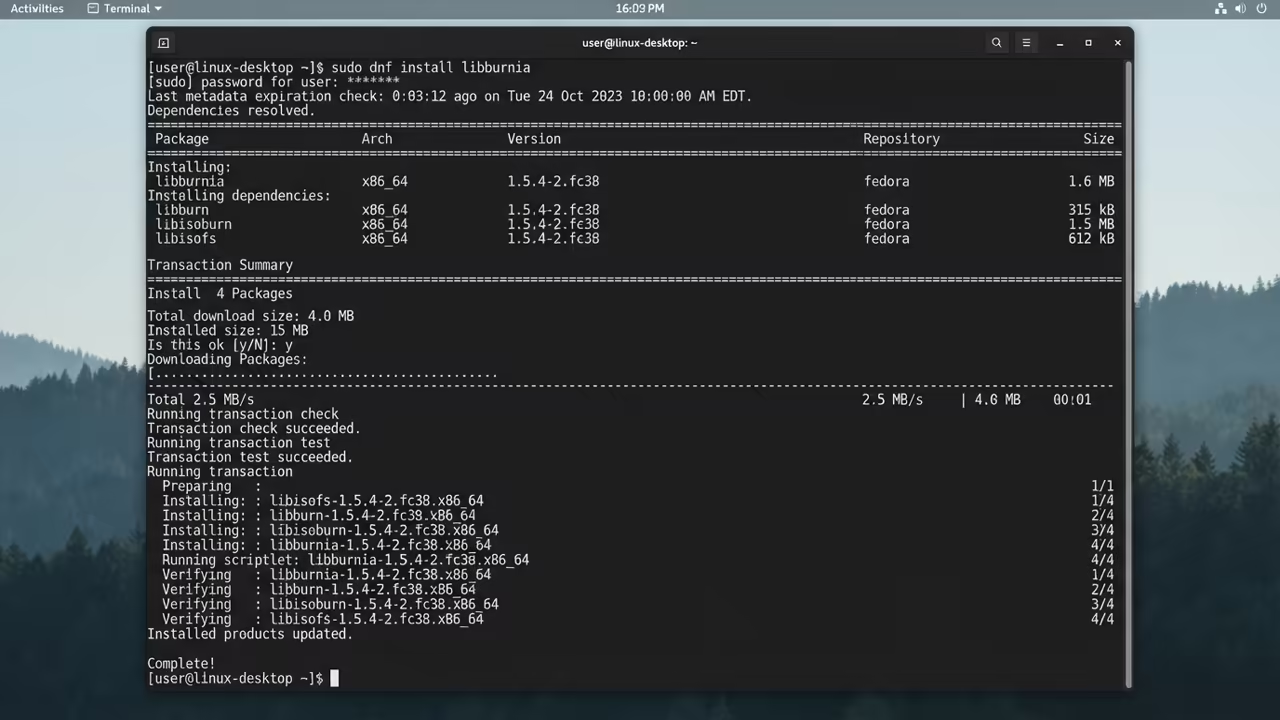
To ensure the backend is fully operational use the following command. This ensures all necessary libraries are installed for the application.
sudo dnf install libburnia
Architectural Integration and Redundancy
This tool integrates perfectly with our previous architectural breakthroughs in storage. It complements the secret optimizations we discovered for high speed transfers. Your data pipeline becomes truly redundant when combining digital and physical.
Hardware and Feature Comparison
| Parameter | Description | Value |
|---|---|---|
| Resource Use | Xfburn | Very Low |
| Resource Use | K3b | High |
| Resource Use | Brasero | Medium |
| Boot Speed | Xfburn | Instant |
| Boot Speed | K3b | Slow |
| Boot Speed | Brasero | Moderate |
| Backend | Xfburn | libburnia |
| Backend | K3b | Mixed |
| Backend | Brasero | libburnia |
| Parameter | Description | Value |
The simplicity of the interface is a major technical advantage. You do not need a manual to start burning files. Every single option is placed exactly where you expect it.
This efficiency is why it remains a staple for enthusiasts. It does not fight the operating system for memory access. The result is a consistent experience across different hardware configurations.
You can easily create audio CDs or data backups quickly. The process is intuitive and removes the stress of archival. It is the definitive choice for lean system configurations.
The Final Verdict on Minimalist Utility
This software represents the peak of minimalist utility in Linux. It proves that less is often more when reliability matters most. Stop fighting bloated tools and embrace the power of simplicity.
Learning and Support
Reach out for personalized technical help with your system. Dive deeper with our high impact online tutorials today.
Online Tutorials and Technical Help: https://ojambo.com/contact
🚀 Recommended Resources
Disclosure: Some of the links above are referral links. I may earn a commission if you make a purchase at no extra cost to you.
Leave a Reply