
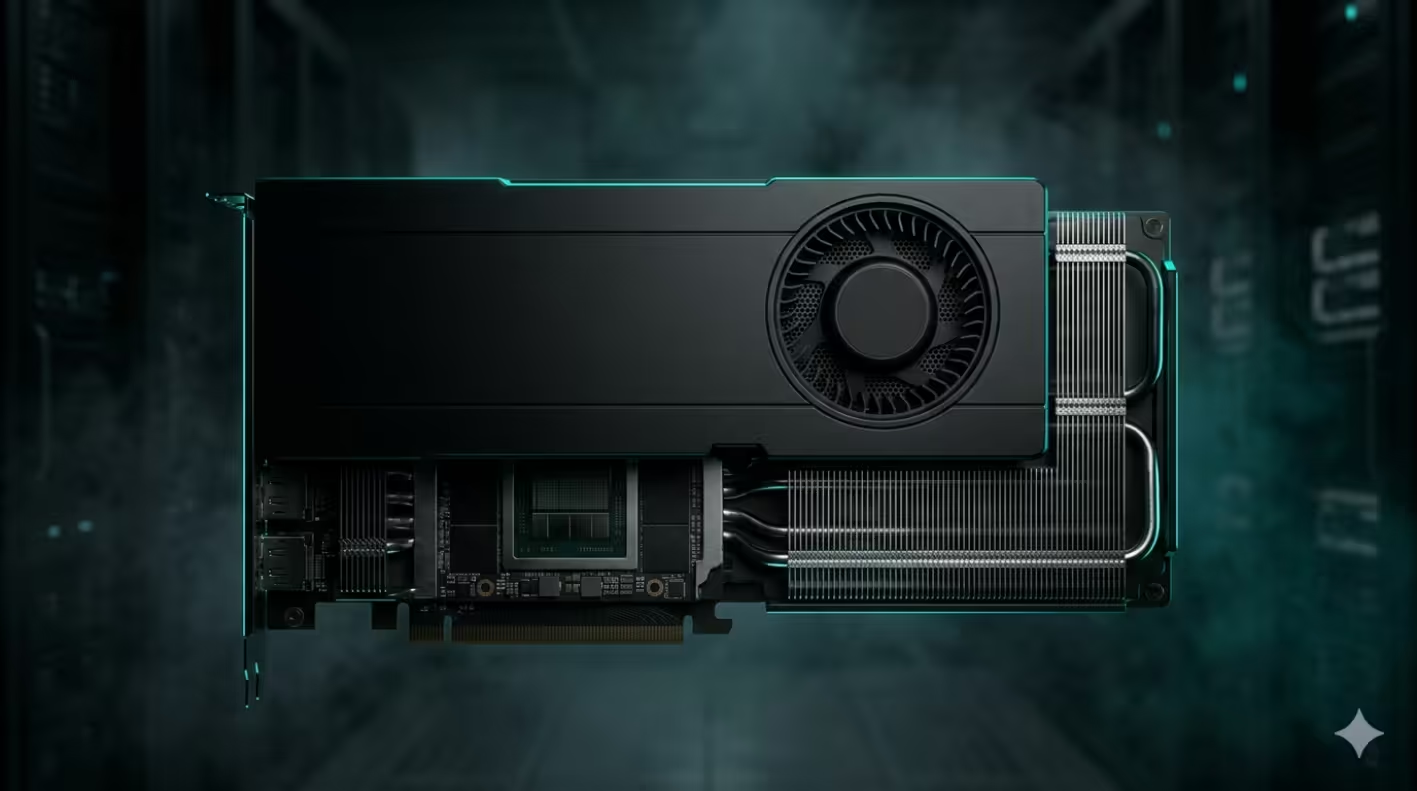
Most enthusiasts are trapped in a cycle of overpaying for locked down consumer hardware that artificially limits professional performance. You are likely staring at a massive VRAM bottleneck while manufacturers demand thousands for basic hardware features. This guide follows our journey from the initial MI60 hardware hack and the open source software library into the world of elite optimization.
This guide breaks those digital chains by weaponizing data center silicon for the independent engineer. We are reclaiming high end compute power using the legendary AMD Instinct MI60 and cutting edge software stacks.
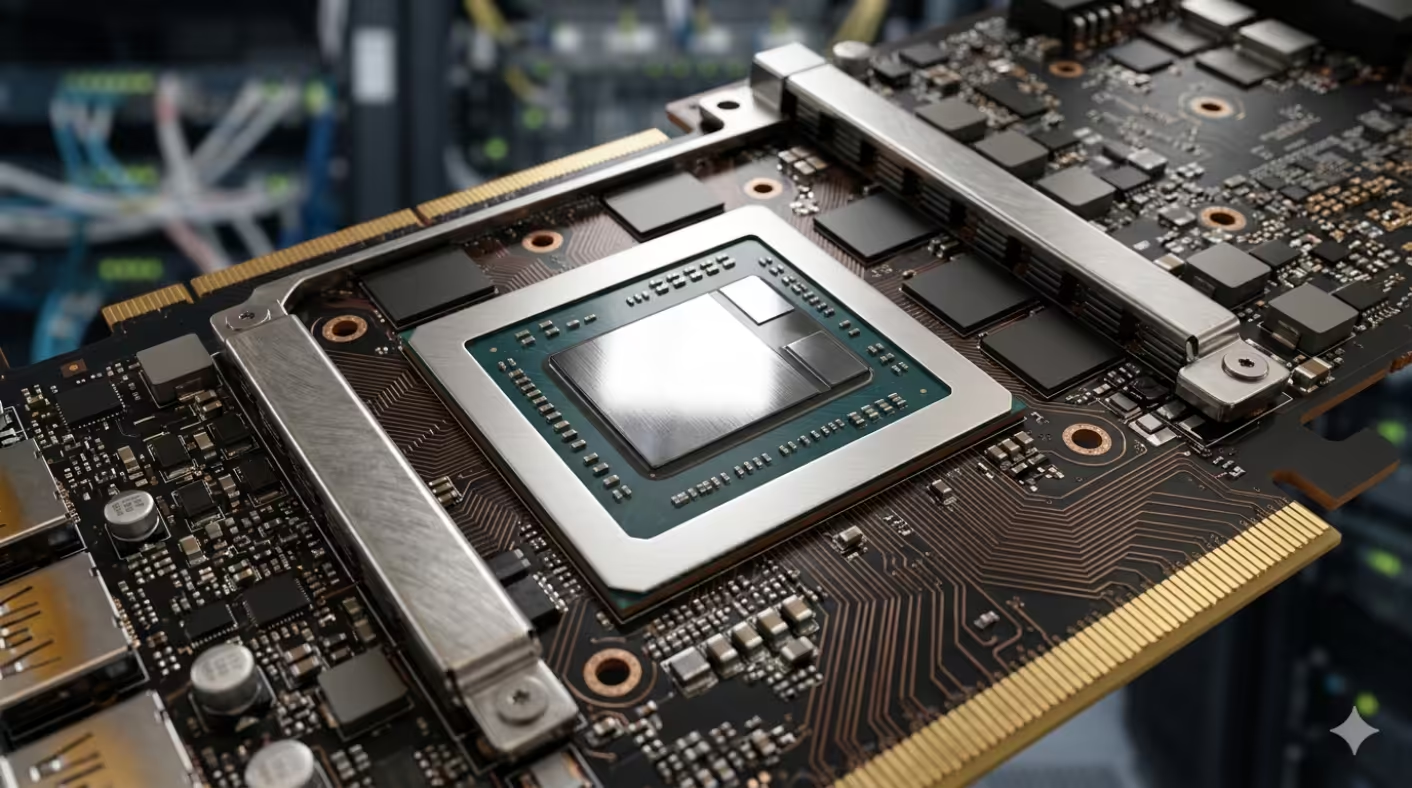
Engineering Sovereignty With Vega 20
The moment you see those frame times stabilize on a headless GPU is a pure adrenaline rush for any true architect. There is a profound sense of sovereignty when your custom cooled enterprise card outperforms modern retail units. You can feel the raw power of thirty two gigabytes of HBM2 memory finally being utilized to its absolute maximum capacity.
Unlocking The Master Configuration
The secret to maximizing the MI60 lies in the specific interaction between the kernel and the Vulkan shader compiler. You must force the graphics pipeline library support to eliminate the stuttering typically found in high bandwidth headless configurations. Use the following command to verify your Vulkan environment is properly offloading to the MI60.
DRI_PRIME=1 vulkaninfo | grep "deviceType"Setting the amdgpu.ppfeaturemask to 0xffffffff is the critical step to unlocking the power management controls needed for sustained loads. This allows the internal Vega 20 architecture to maintain peak clock speeds without aggressive thermal throttling or power state drops. Add this parameter to your kernel boot line.
amdgpu.ppfeaturemask=0xffffffff
Vulkan Versus ROCm Comparison
The technical choice between Vulkan and ROCm depends entirely on your specific workload and the required API overhead. Vulkan excels at direct hardware communication for real time rendering tasks while ROCm dominates the heavy mathematical compute space. To stabilize frame times in Xonotic specifically try enabling the following environment variable.
RADV_PERFTEST=graphics_pipeline_library| Parameter | Vulkan (RADV) | ROCm Compute |
|---|---|---|
| Architecture | Graphics API | Compute Stack |
| Memory Access | Direct HBM2 | Shared Virtual |
| Primary Use | High FPS Gaming | Machine Learning |
| Kernel Driver | Amdgpu Open | Rock Kernel DKMS |
| Latency | Low Overhead | High Throughput |
| Parameter | Vulkan (RADV) | ROCm Compute |
Master The Professional Stack
To master the professional stack and elevate your engineering career explore these exclusive resources for deep technical knowledge. You can find comprehensive guides on hardware automation and system architecture in my official book collection.
- Books: Official Author Store
- Blueprints: High Authority Project Files
- Tutorials: Advanced Engineering Guides
- Consultations: Expert Technical Services
🚀 Recommended Resources
Disclosure: Some of the links above are referral links. I may earn a commission if you make a purchase at no extra cost to you.