

The Sovereign Infrastructure Shift
The modern developer is often trapped by legacy container daemons. This architectural overhead drains system RAM and creates unnecessary security vulnerabilities.
Switching to a rootless podman stack changes the entire game. It removes the need for root privileges during container execution.
Pairing this with a Caddy container creates a powerful reverse proxy. Caddy handles your TLS certificates automatically without any manual effort.
Disclaimer: I may earn a commission from purchases made through these links at no extra cost to you.


Imagine a system where your reverse proxy breathes on its own. Your Caddy container handles TLS while Podman keeps everything rootless.
This is the essence of true digital sovereignty in 2026. You no longer rely on bloated background processes to manage your apps.
If you want to master this architecture you must read The Sovereign Business. Grab your copy here https://amzn.to/4ugGEYr to reclaim your infrastructure.
Visual Management and Secrets
Podman Desktop 6.0 introduces a visual revolution for local environments. The native UI secrets management is a total game changer for security.
You can now create and organize secure credentials directly in the GUI. This eliminates the need for complex command line secret creation steps.
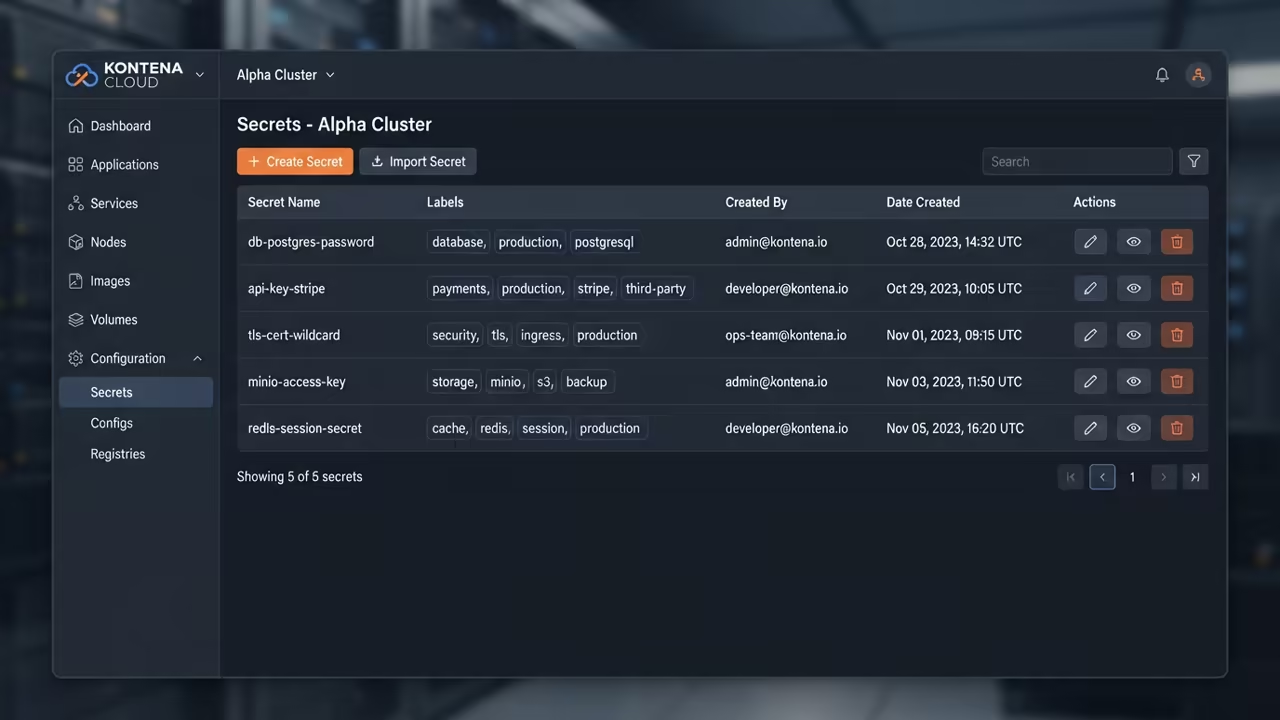
These secrets are injected as in memory files into your Caddy container. This ensures your API tokens never touch the disk in plain text.
Your Caddyfile becomes a clean routing map instead of a security risk. The integration allows for seamless host certificate synchronization via the command palette.
Environment based filtering keeps your frontend routing logic cleanly segregated. This separation is critical when managing multiple backend microservices in one pod.
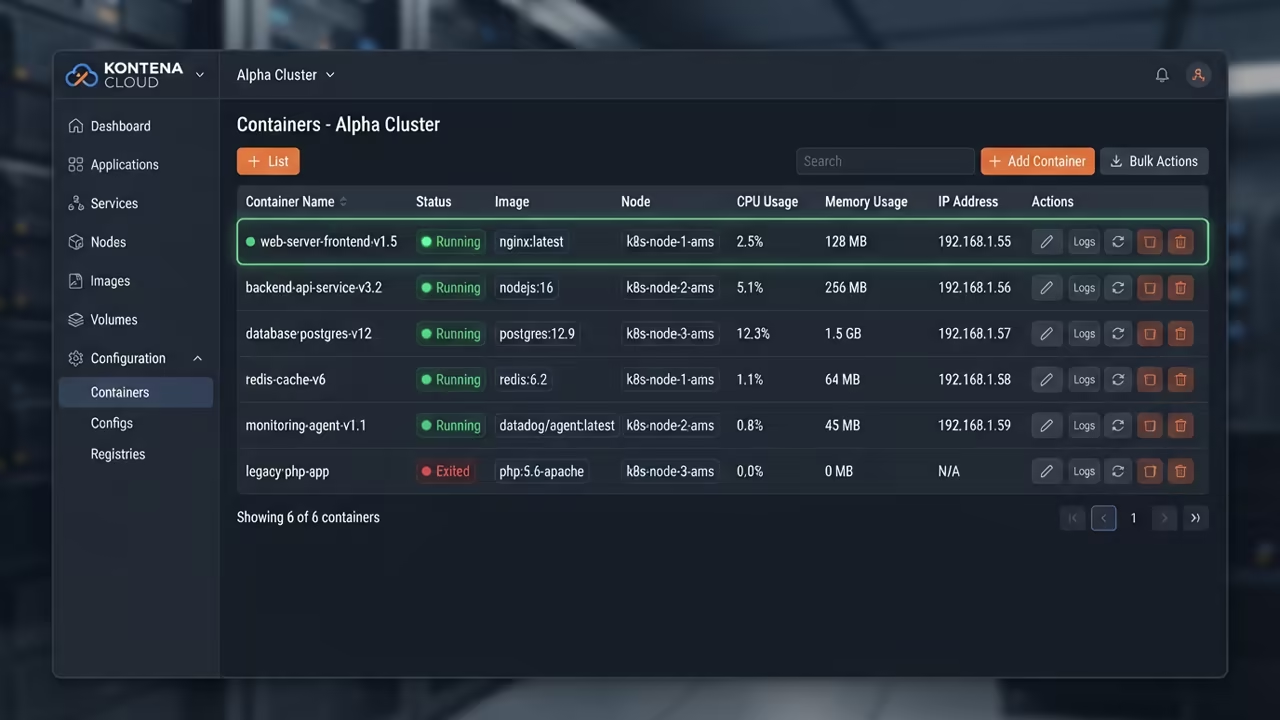
Performance and Hardening
The fork exec architecture means zero idle background overhead for your CPU. When your containers rest your system RAM remains completely free.
| Parameter | Podman | Docker |
|---|---|---|
| Architecture | Daemonless | Daemon based |
| Privilege | Rootless default | Root default |
| Overhead | Low Resource | Higher Idle RAM |
| Security | High Isolation | Lower Isolation |
One professional secret involves using the native secrets page for Cloudflare DNS. Inject these tokens as secure environment variables during the container startup.
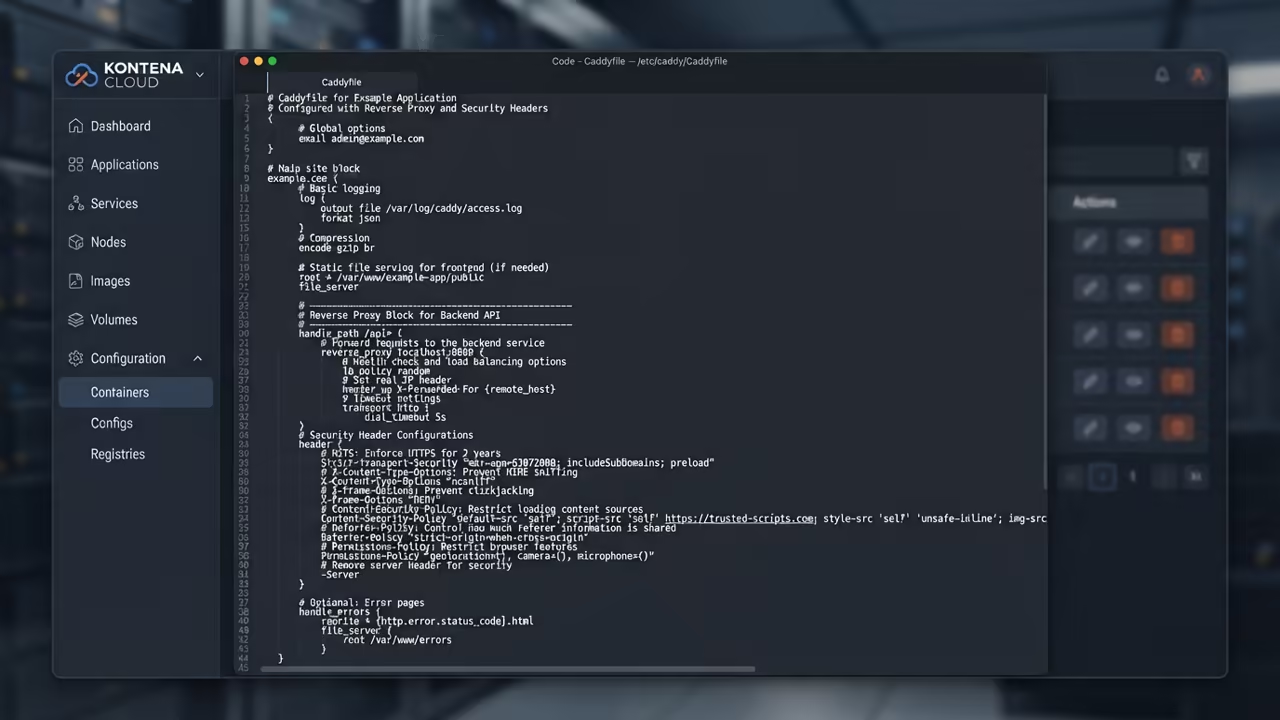
This prevents your sensitive keys from leaking into your image layers. It is the only way to maintain a truly hardened homelab.
Your network flow moves from the client through Caddy to rootless apps. This architecture prevents lateral movement if a single container is compromised.
You can deploy this stack in minutes using the Podman Desktop GUI. Simply pull the caddy image and map your local Caddyfile to the container.
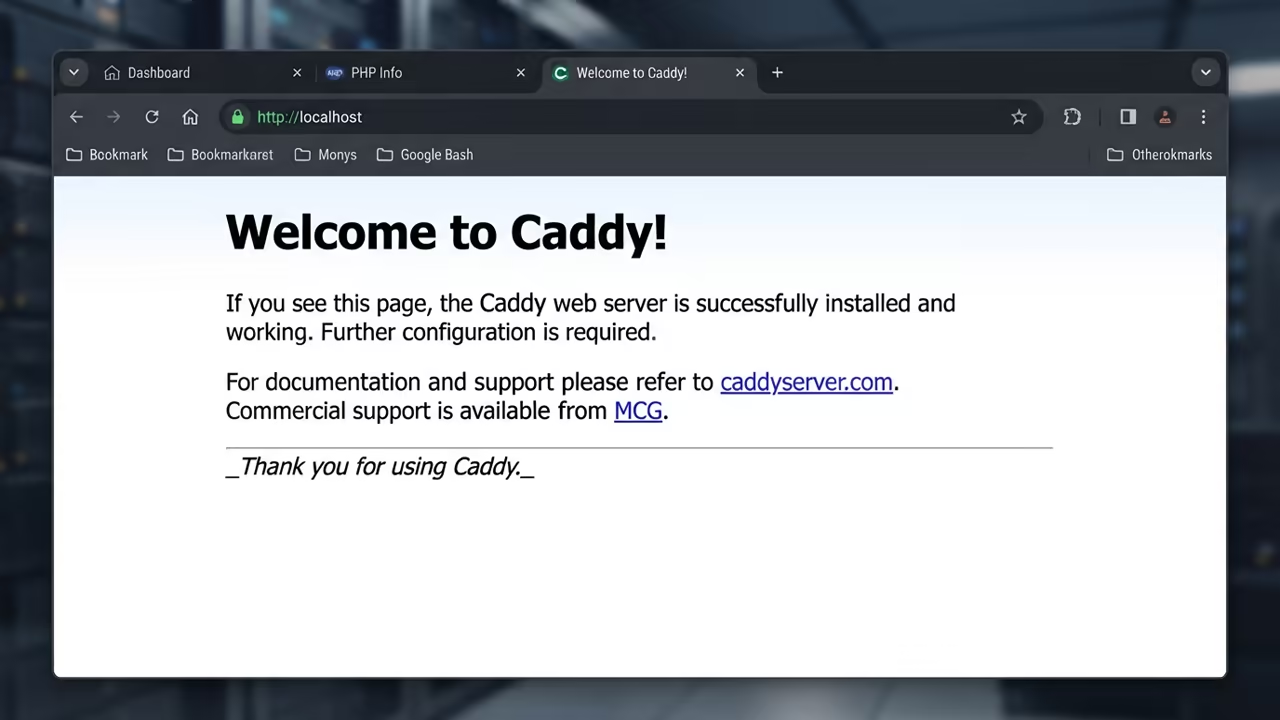
The result is a zero maintenance home cloud that scales effortlessly. You get production grade security without the enterprise price tag.
app.yourdomain.local {
reverse_proxy 127.0.0.1:8080 {
header_up Host {host}
header_up X-Real-IP {remote_host}
}
header {
Strict-Transport-Security "max-age=31536000;"
X-Content-Type-Options "nosniff"
X-Frame-Options "DENY"
}
}
Learning and Support
Reach out for personalized technical help to optimize your specific container layout. Dive deeper into these architectural breakthroughs with our online tutorials.
Online Tutorials and Technical Help: https://ojambo.com/contact
🚀 Recommended Resources
Disclosure: Some of the links above are referral links. I may earn a commission if you make a purchase at no extra cost to you.