

Modern digital communication has become a bloated landscape of privacy invasive platforms that compromise your sensitive data. Most professionals tolerate high latency and restricted features because they fear the complexity of self hosting their tools. You are likely tired of paying subscription fees for services that sell your metadata to the highest bidder.
Unlocking Absolute Privacy with Podman Desktop
The transition to a containerized Jitsi Meet instance using Podman Desktop feels like unlocking a hidden superpower. You will notice the immediate responsiveness of the interface when your local hardware handles the encryption streams.
There is a profound sense of security knowing that every byte of data stays within your controlled environment. Implementing this architecture provides a level of stability that commercial web based solutions simply cannot match.
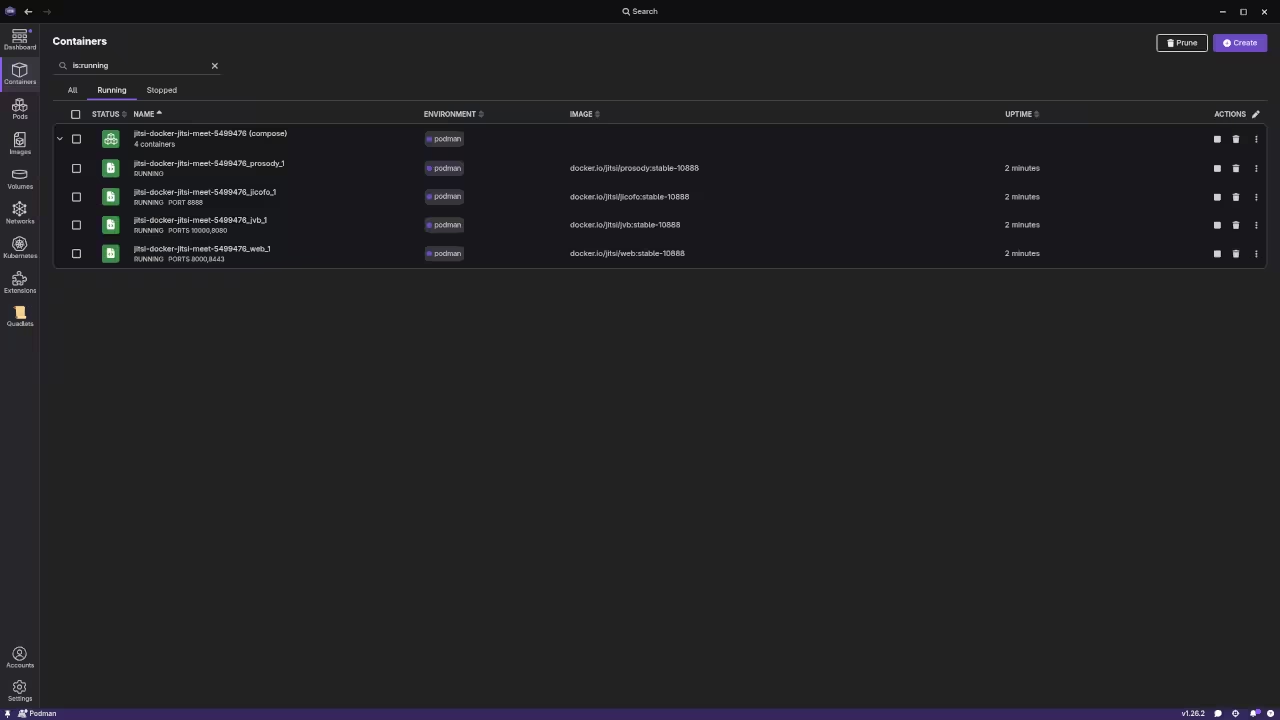
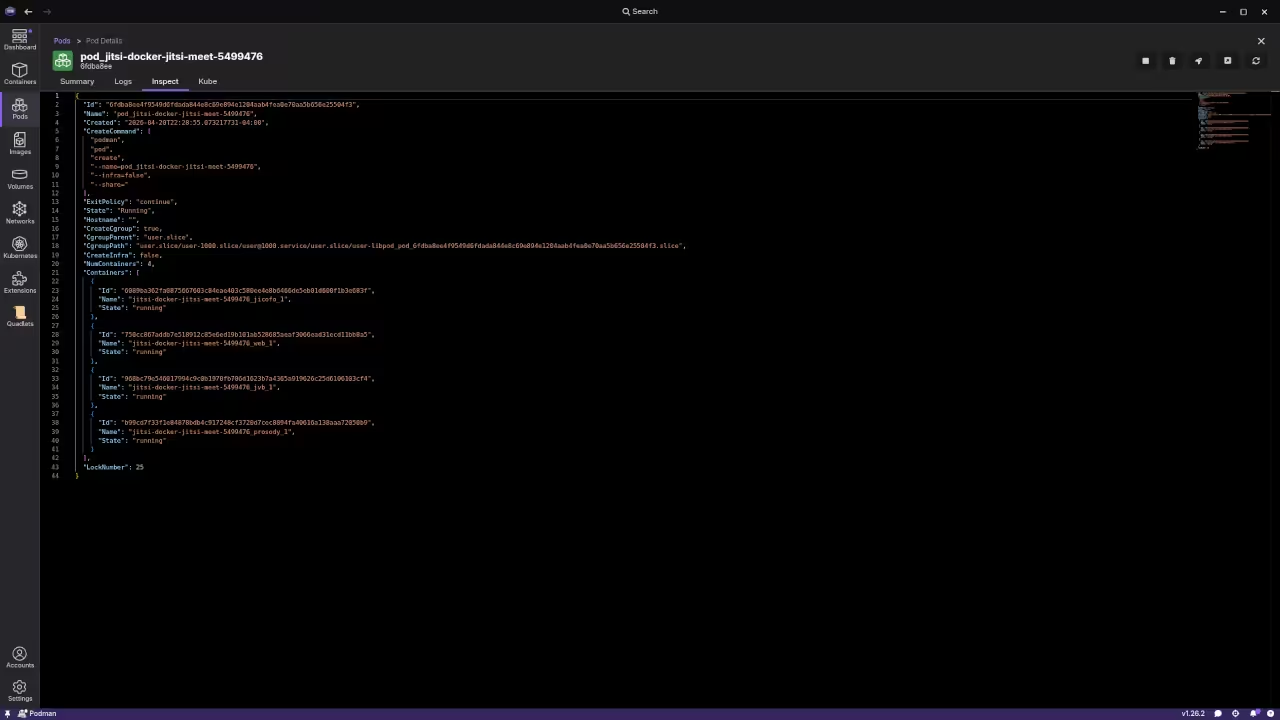
You gain the ability to customize every aspect of the meeting experience from branding to advanced networking protocols. This setup transforms your workstation into a high performance communication hub capable of handling multiple encrypted video participants.
Technical Configuration Secrets
To begin the deployment you must configure the environment variables correctly within your local container network. One insider secret involves optimizing the Jitsi Videobridge via the JVB_STUN_SERVERS parameter to ensure rapid peer discovery.
You should also enable the SCTP protocol within your Podman configuration to improve data channel reliability for chat features. Open your terminal and create a dedicated pod to keep the various Jitsi components logically grouped and networked.
podman pod create --name jitsi-meet -p 8080:80 -p 8443:443 -p 10000:10000/udp
Once the pod is active you can pull the official images and link them to your persistent storage volumes. This ensures that your configuration and user data remain intact even after system reboots or container updates. Proper volume mapping is the key to maintaining a production grade environment on a local machine.
| Feature | Standard Docker | Podman Desktop | Bare Metal |
|---|---|---|---|
| Runtime | Root Daemon | Rootless | System Native |
| Security | High | Elite | Moderate |
| Setup Time | 10 Minutes | 12 Minutes | 60 Minutes |
| Portability | High | Maximum | Low |
Experienced architects will recognize this deployment strategy as a natural evolution of our previous deep dives into containerized microservices. Integrating Jitsi into your workflow follows the same rigorous standards established in our earlier architectural breakthroughs regarding secure networking.
This project solidifies your infrastructure by removing external dependencies and minimizing the overall attack surface. The secret to scaling this system lies in the fine tuning of the garbage collection settings within the Java based components.
By adjusting the memory limits directly in the Podman Desktop interface you can prevent unexpected crashes during large meetings. This level of granular control is why enthusiasts are flocking to rootless container management for critical tools.
Master the Professional Stack
This specific optimization ensures your communication stack remains resilient while maintaining the highest possible standards for data integrity. You can find more detailed architectural blueprints and professional technical guidance through the following official resources.
- Books (Technical & Creative): https://www.amazon.com/stores/Edward-Ojambo/author/B0D94QM76N
- Blueprints (DIY Woodworking Projects): https://ojamboshop.com
- Tutorials (Continuous Learning): https://ojambo.com/contact
- Consultations (Custom Apps & Architecture): https://ojamboservices.com/contact
🚀 Recommended Resources
Disclosure: Some of the links above are referral links. I may earn a commission if you make a purchase at no extra cost to you.