
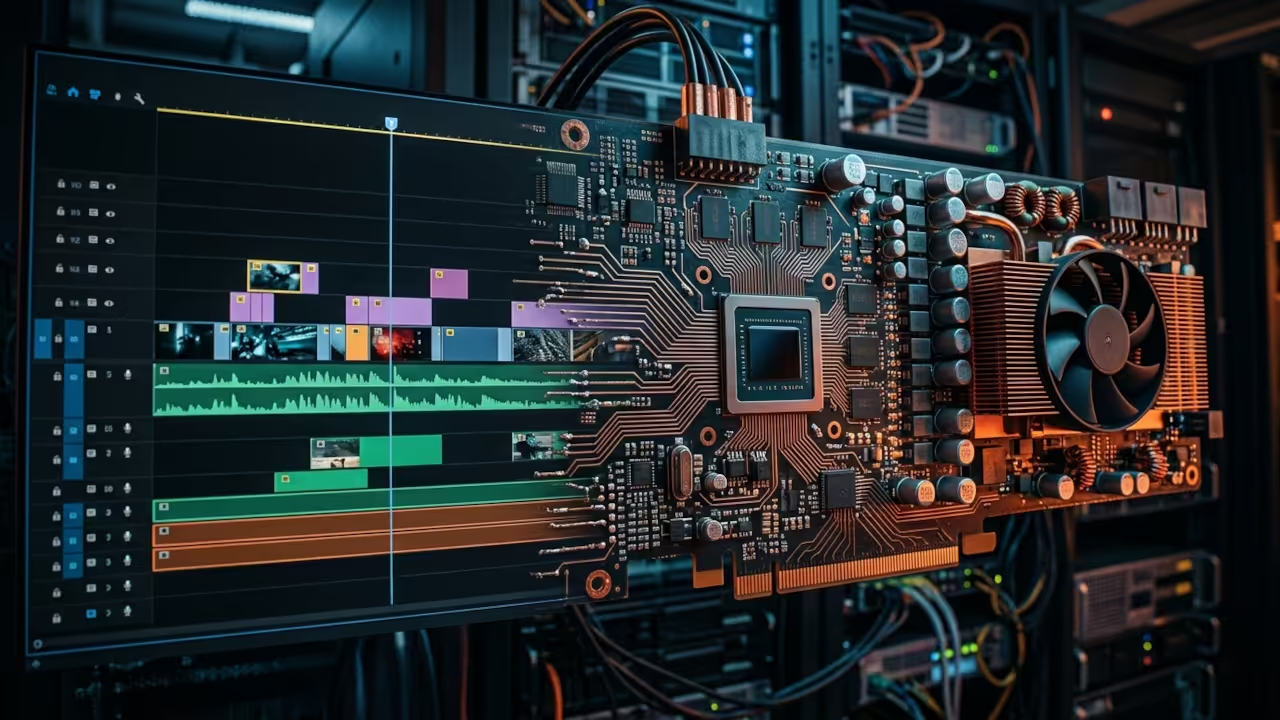
Stop wasting hours waiting for rendering to finish on your machine. Most creators assume open-source tools lack the muscle for professional work. This assumption is a massive barrier to high-quality content creation.
You need a solution that respects your hardware and your time. The current landscape is flooded with bloated software that eats your resources. You deserve better performance without the subscription fees.
I felt the frustration of lagging timelines and dropped frames daily. Then I switched to a streamlined workflow using OpenShot. The difference in system responsiveness was immediately noticeable.
My Ryzen processor and AMD Instinct Mi60 GPU finally got to work. The timeline scrubbing became buttery smooth across complex layers. It feels like driving a supercar instead of a rusted sedan.
The real secret lies in the FFmpeg backend configuration. OpenShot uses FFmpeg for all its heavy lifting and rendering. You can force hardware acceleration by tweaking the output profiles.
Specifically, you can target the AMF codec on your AMD hardware. This bypasses the CPU bottleneck entirely for H.264 or H.265 encoding. Most users never touch these settings and leave their GPU idle.
ffmpeg -encoders | grep amf
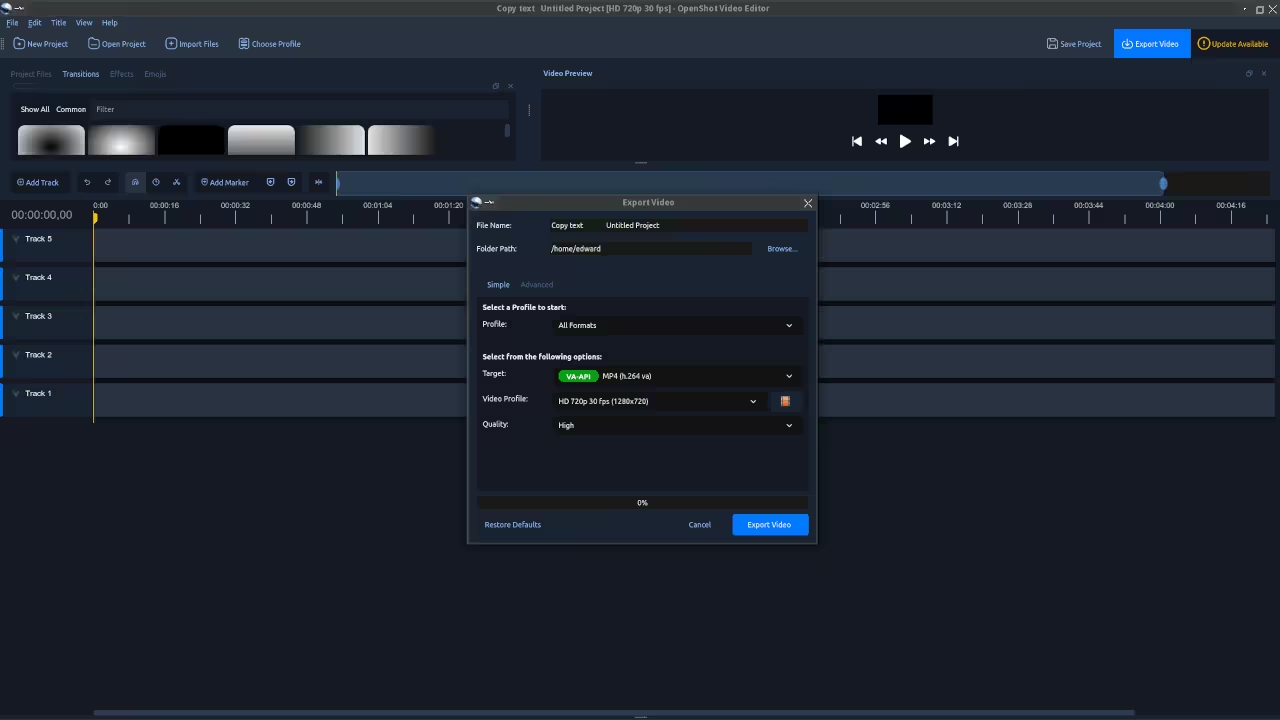
On my system, I enable the AMF encoder in the export dialog. This reduces a twenty-minute render to under four minutes. You must ensure your drivers support the specific codec version.
Many editors hide the true capabilities of your system from you. OpenShot exposes the raw power of the FFmpeg engine. You can script complex transitions using Python directly in the application.
This level of access is rare in the modern software world. You gain total control over every pixel and audio sample. Your creativity is limited only by your imagination.
Consider the financial drain of proprietary subscriptions. You pay monthly fees for software that updates against your will. OpenShot is free and respects your freedom.
You own your data and your creative process. No cloud telemetry tracks your every move. Your footage stays on your local drive where it belongs.
| Parameter | Description | Value |
|---|---|---|
| Cost | Free Forever | High Monthly Fees |
| Learning Curve | Moderate | Steep and Confusing |
| Hardware Control | Full Transparency | Black Box |
| Privacy | Total Data Ownership | Cloud Telemetry |
| Customization | Scriptable via Python | Locked Down |
| Parameter | Description | Value |
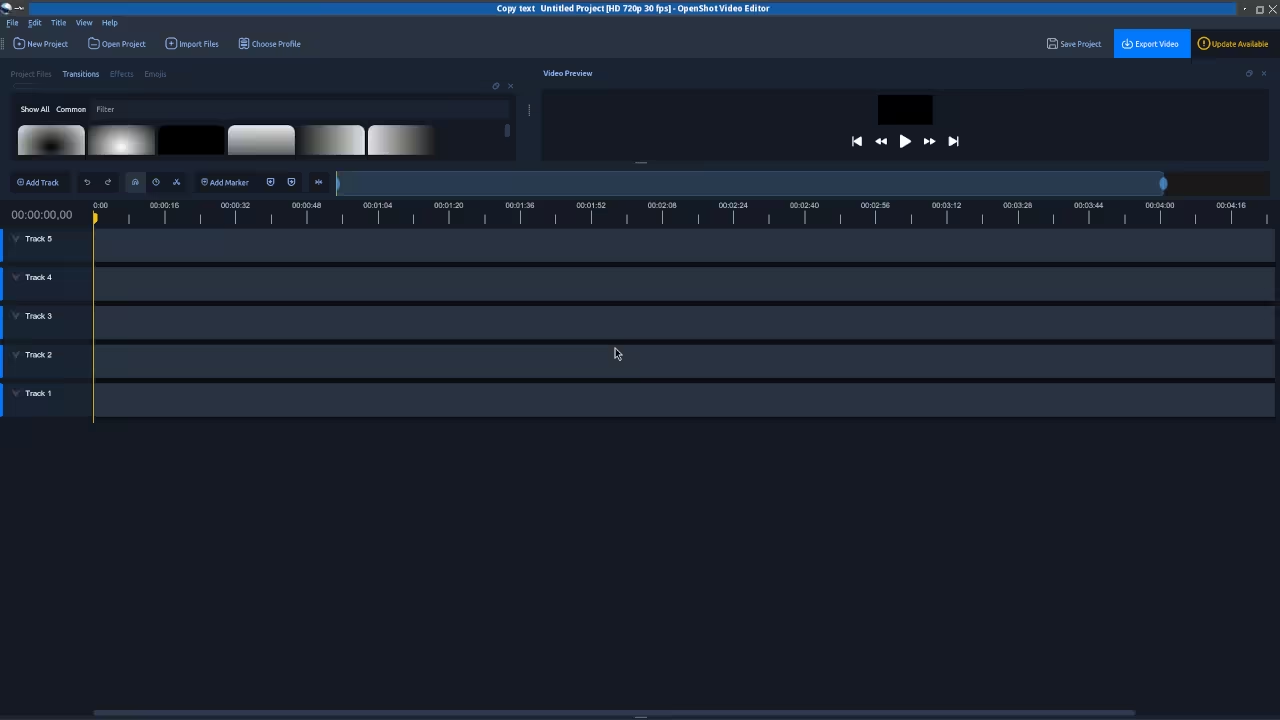
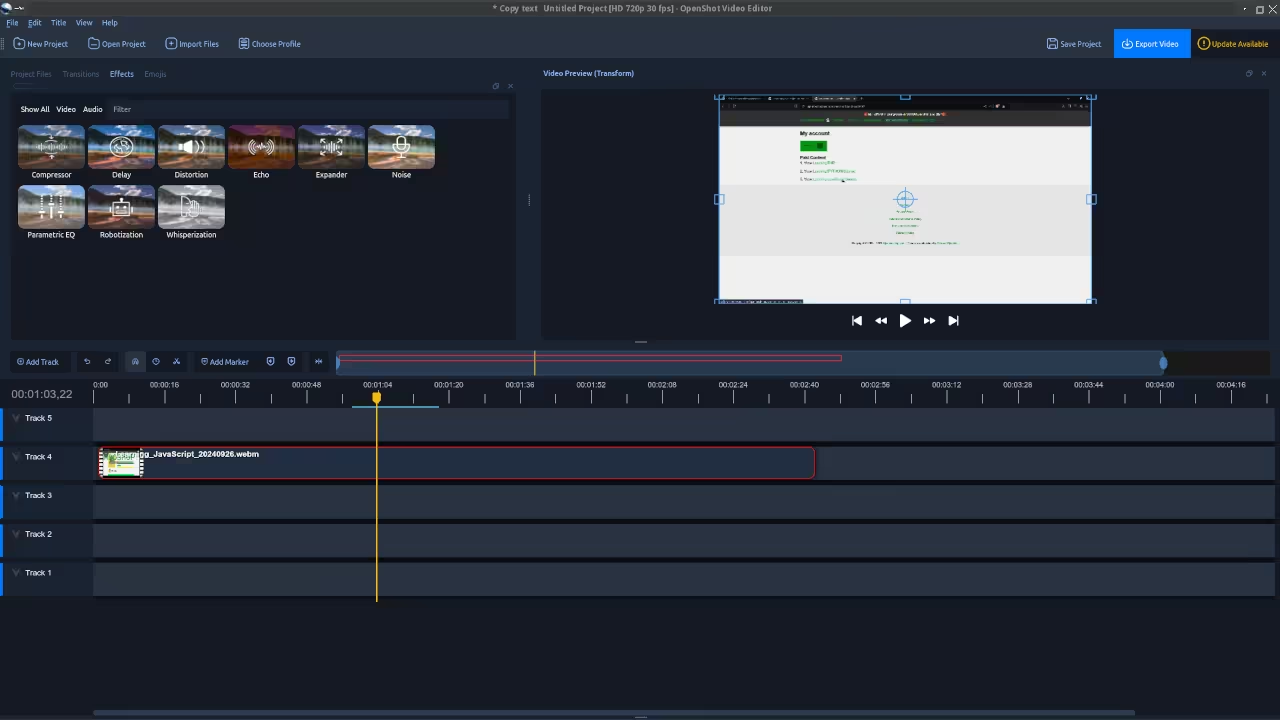
The interface might look simple at first glance. But simplicity allows for speed and focus on the content. You can customize the workspace to fit your specific needs.
Drag and drop functionality makes the initial editing phase incredibly fast. Spend less time fiddling with menus and more time creating. This is the future of open-source video editing.
Master the Professional Stack
Architectural blueprints are the key to unlocking this level of performance. These resources provide the deep technical knowledge required for mastery.
Books (Technical & Creative): https://www.amazon.com/stores/Edward-Ojambo/author/B0D94QM76N
Blueprints (DIY Woodworking Projects): https://ojamboshop.com
Tutorials (Continuous Learning): https://ojambo.com/contact
Consultations (Custom Apps & Architecture): https://ojamboservices.com/contact
🚀 Recommended Resources
Disclosure: Some of the links above are referral links. I may earn a commission if you make a purchase at no extra cost to you.