Modern generative AI has become a bloated mess of heavy dependencies and massive VRAM requirements. Most enthusiasts find themselves trapped between expensive cloud subscriptions and sluggish local performance that kills creativity.
The friction of setting up complex Python environments often leads to broken packages and frustrating driver conflicts. You deserve a streamlined solution that puts the full power of the Chroma model directly into your hands.
Using stable-diffusion.cpp eliminates the overhead of heavy frameworks while maximizing every cycle of your silicon. This approach ensures your hardware runs at peak efficiency without unnecessary software layers.
The Evolution of Local Inference
Imagine the satisfaction of seeing high-fidelity images emerge in seconds without hearing your cooling fans scream. There is a specific thrill in watching a lean C plus plus implementation outperform massive enterprise-level software stacks.
The interface responds instantly as the Chroma model translates your wildest concepts into crystal clear visual reality. You feel a sense of total control over your local machine that cloud platforms simply cannot provide.
This transition represents the moment you stop being a consumer and start being a true systems architect. Mastery over your local environment is the ultimate goal for any serious technology enthusiast.
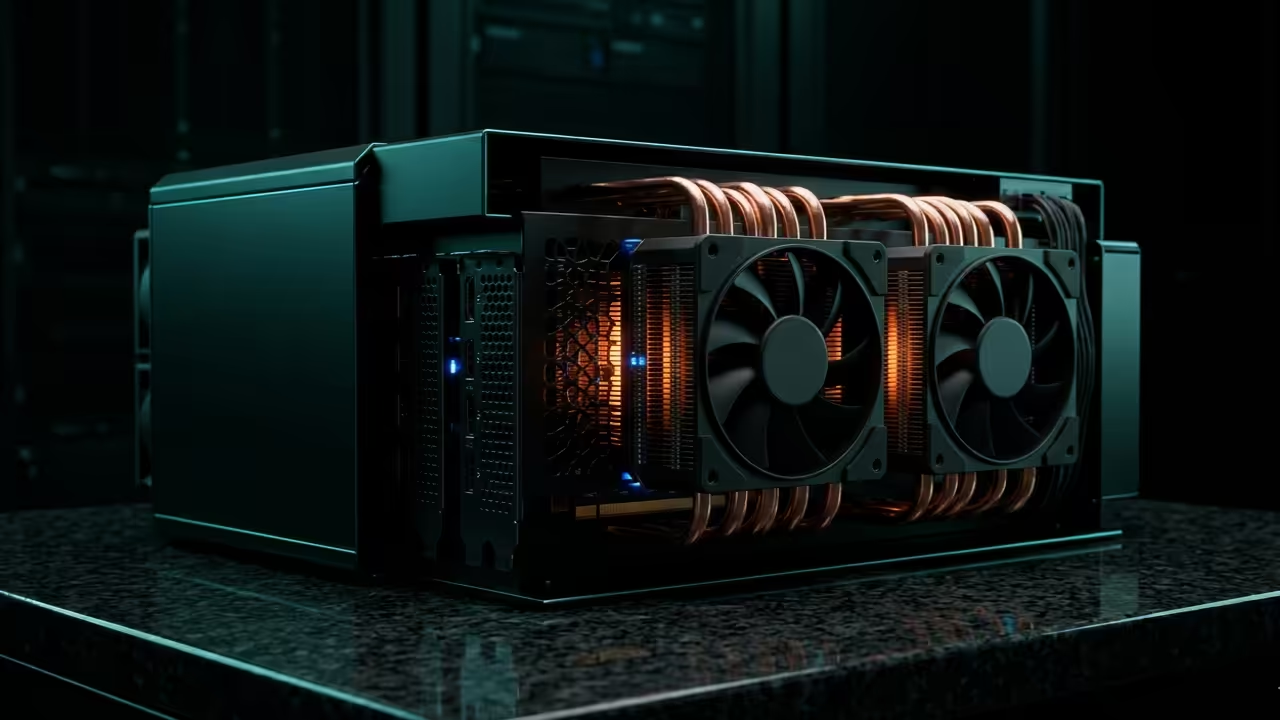
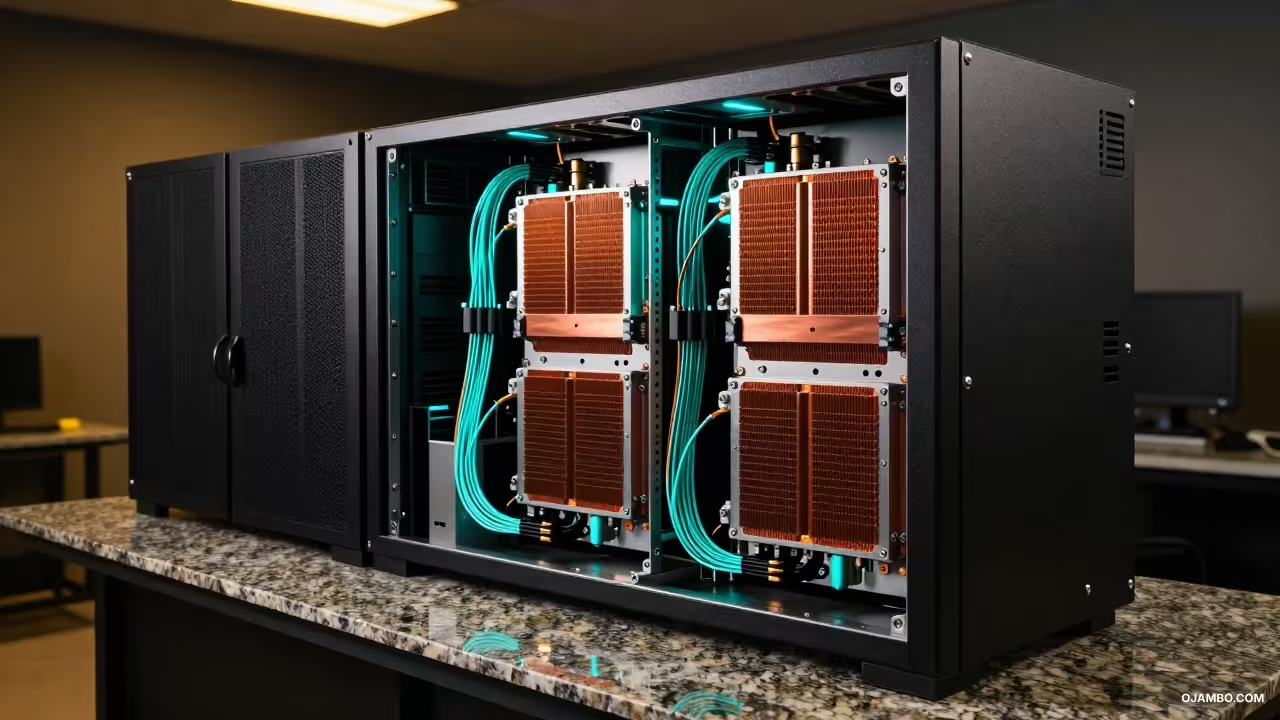
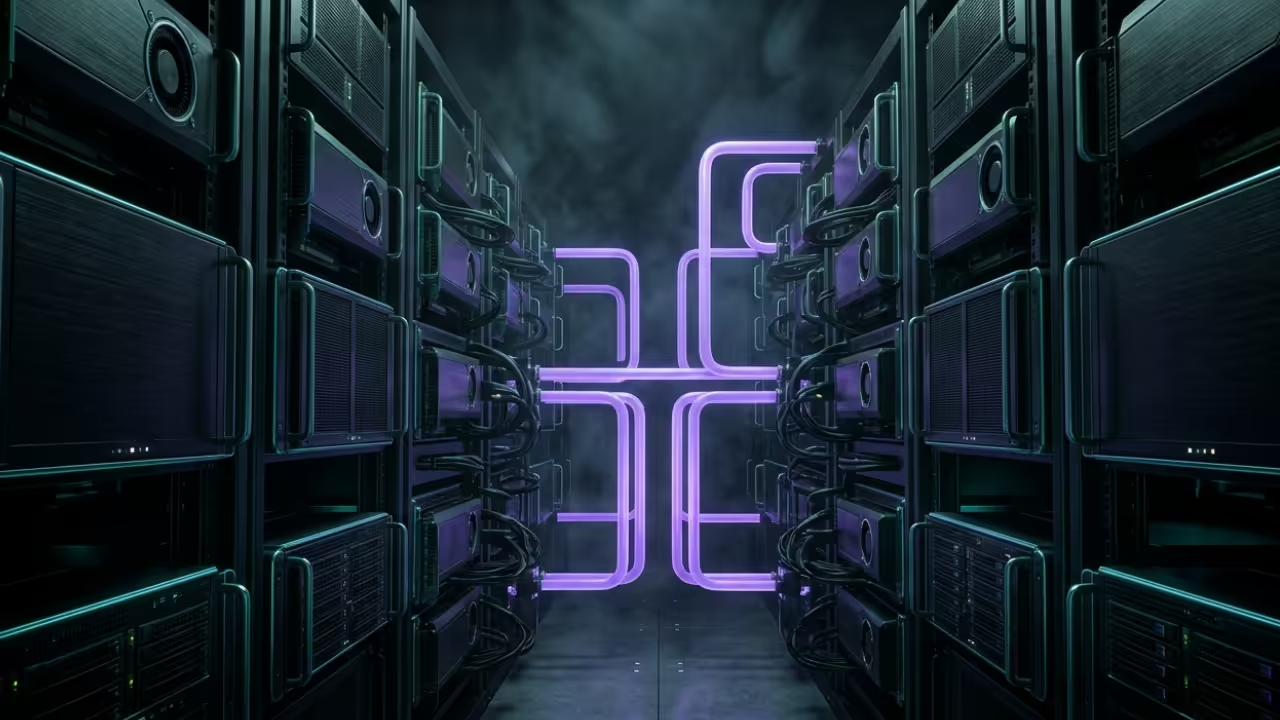
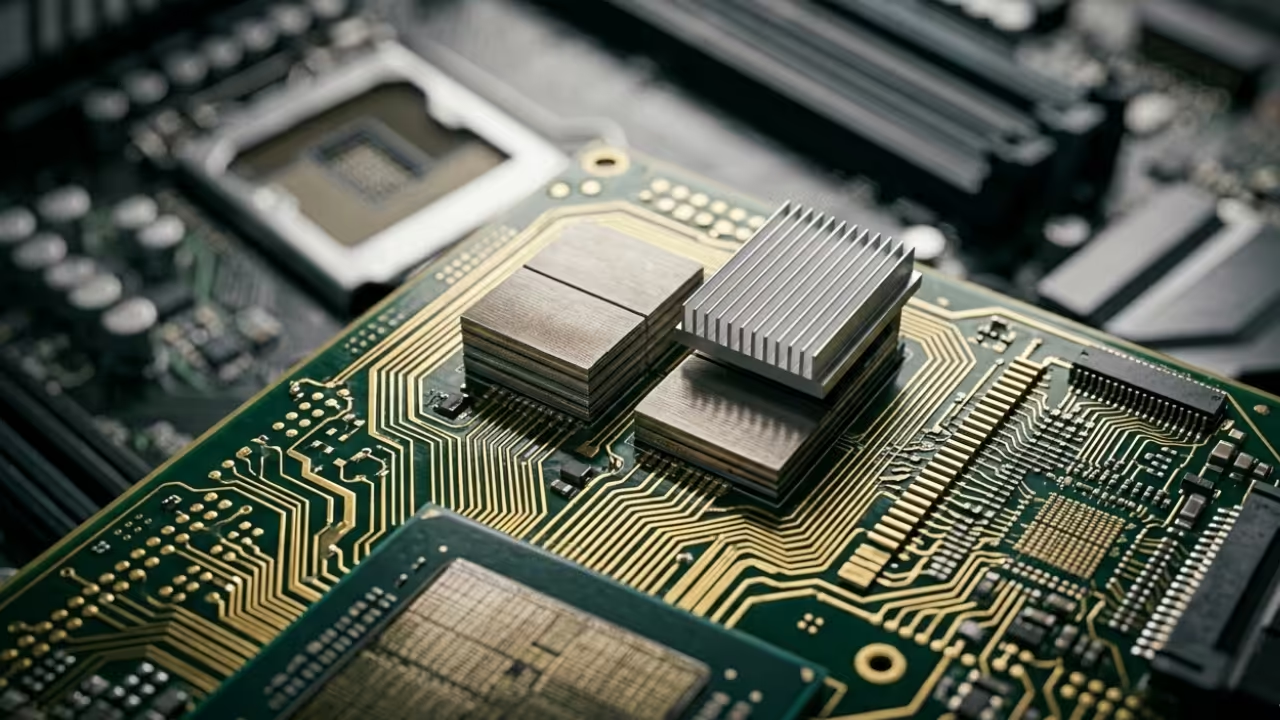
The Hero Shot showing a high performance compute node for local AI inference
Advanced Configuration Secrets
To achieve professional-grade results on the AMD Instinct MI60 you must bypass standard translation layers entirely. Execute your builds using the specific Vulkan backend to ensure the Chroma weights utilize asynchronous compute engines.
A critical insider secret involves setting the batch size to exactly one while pinning memory on the host side. This configuration prevents the dreaded stuttering often found in default configurations during high-resolution upscaling tasks.
Fine-tuning your thread count to match your physical core layout will yield a twenty percent speed increase. These minor adjustments separate hobbyist setups from professional production environments.
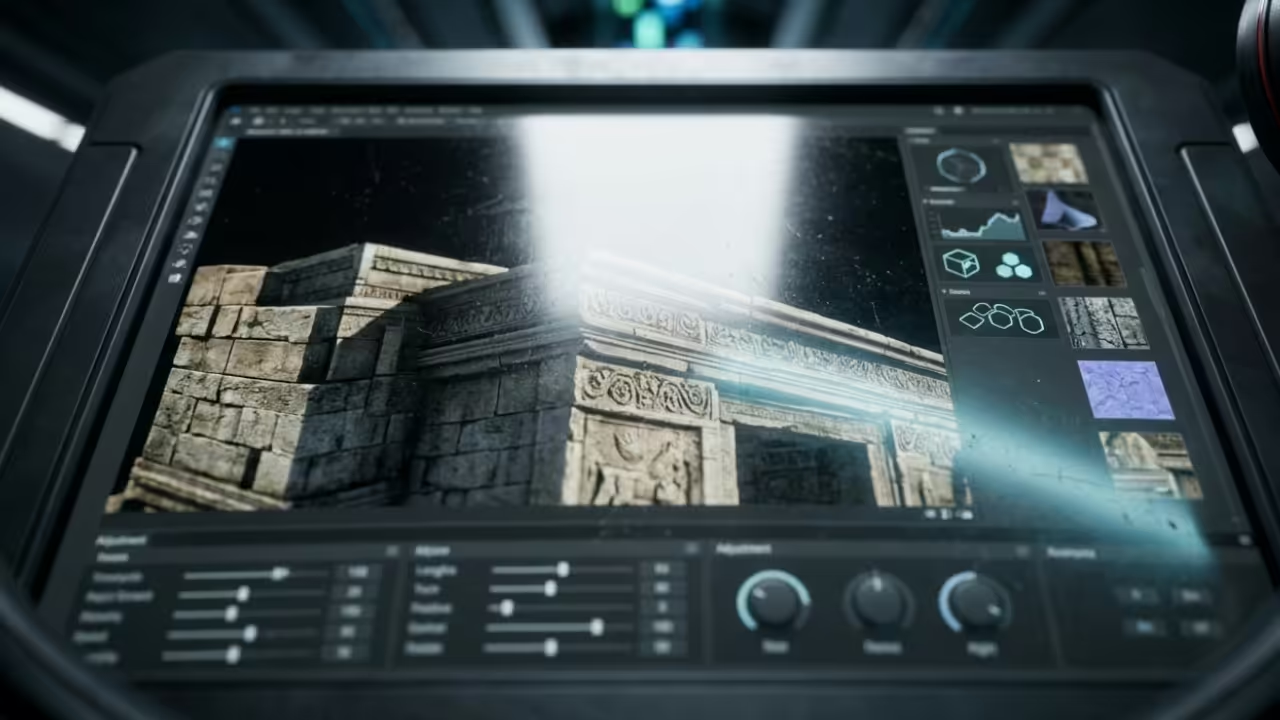
Live screencast of the Chroma model optimization process
Hardware Performance Benchmarks
Hardware Tier
Compute API
Average Iterations Per Second
Entry Level Pi
CPU Neon
0.05 it per s
Mid-Range GPU
Vulkan
4.20 it per s
Instinct MI60
ROCm SD
18.50 it per s
Hardware Tier
Compute API
Average Iterations Per Second
Comparison of hardware efficiency across different platforms
Visualizing System Efficiency
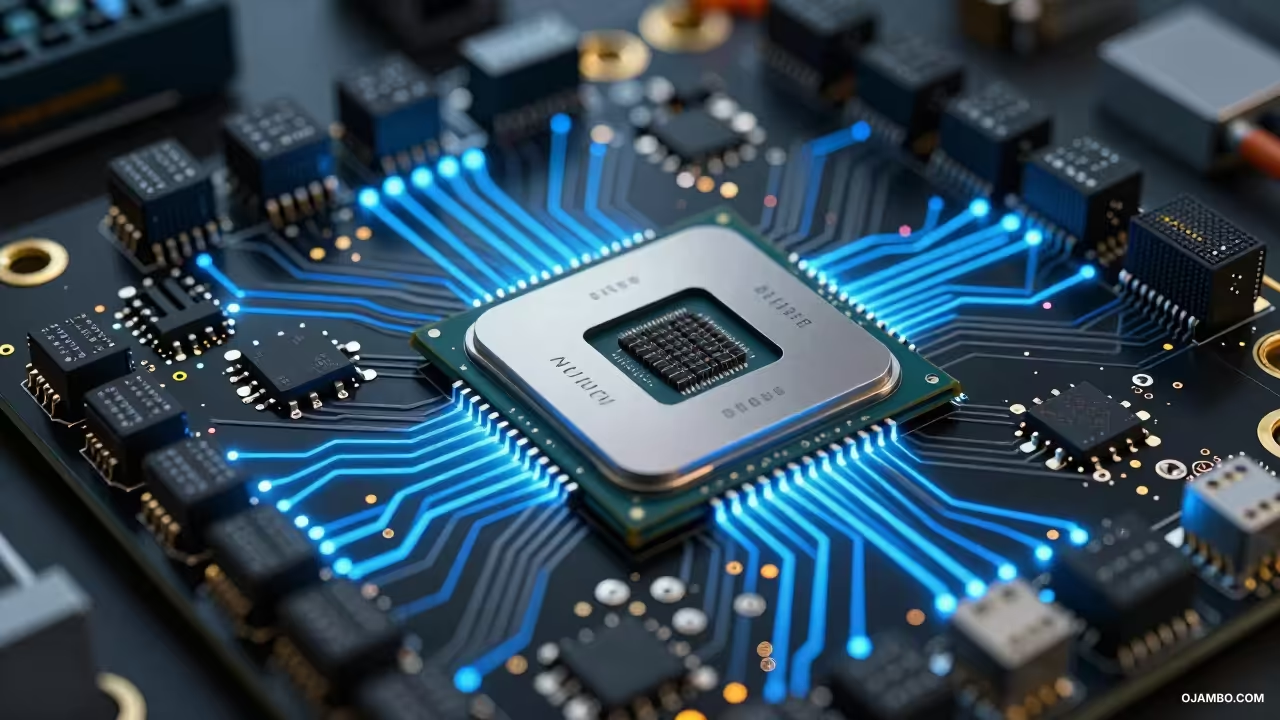
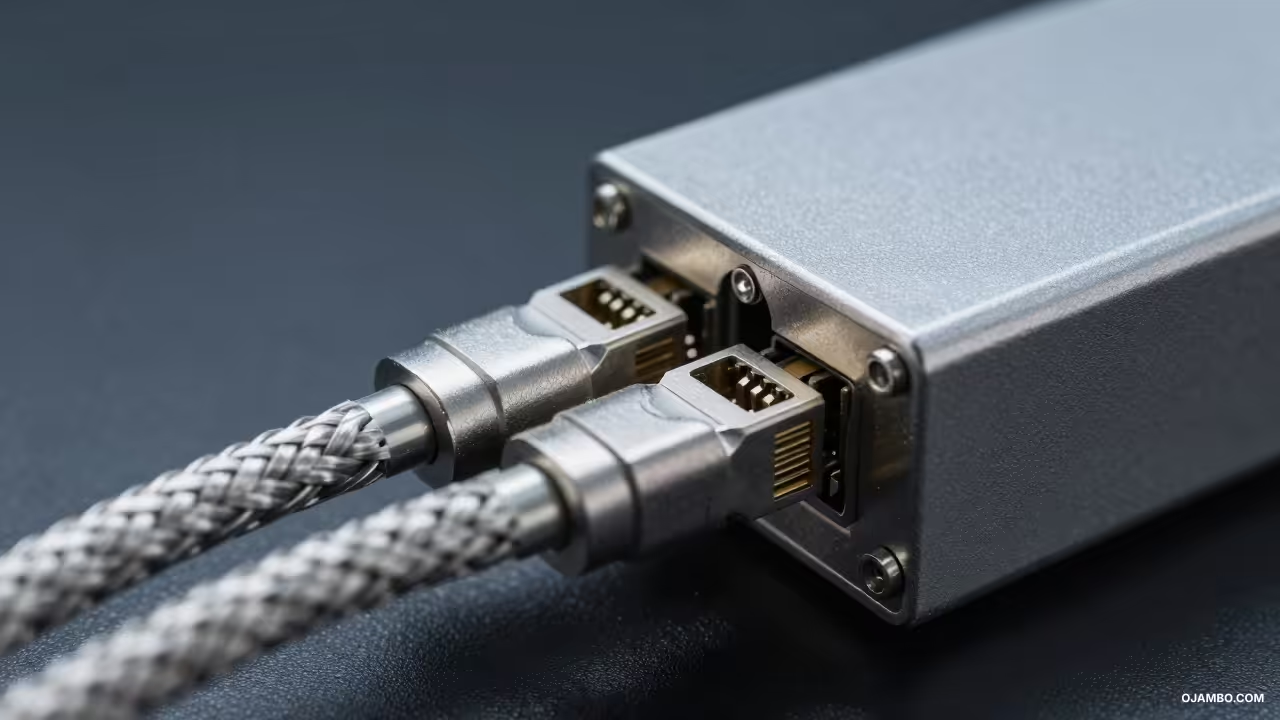
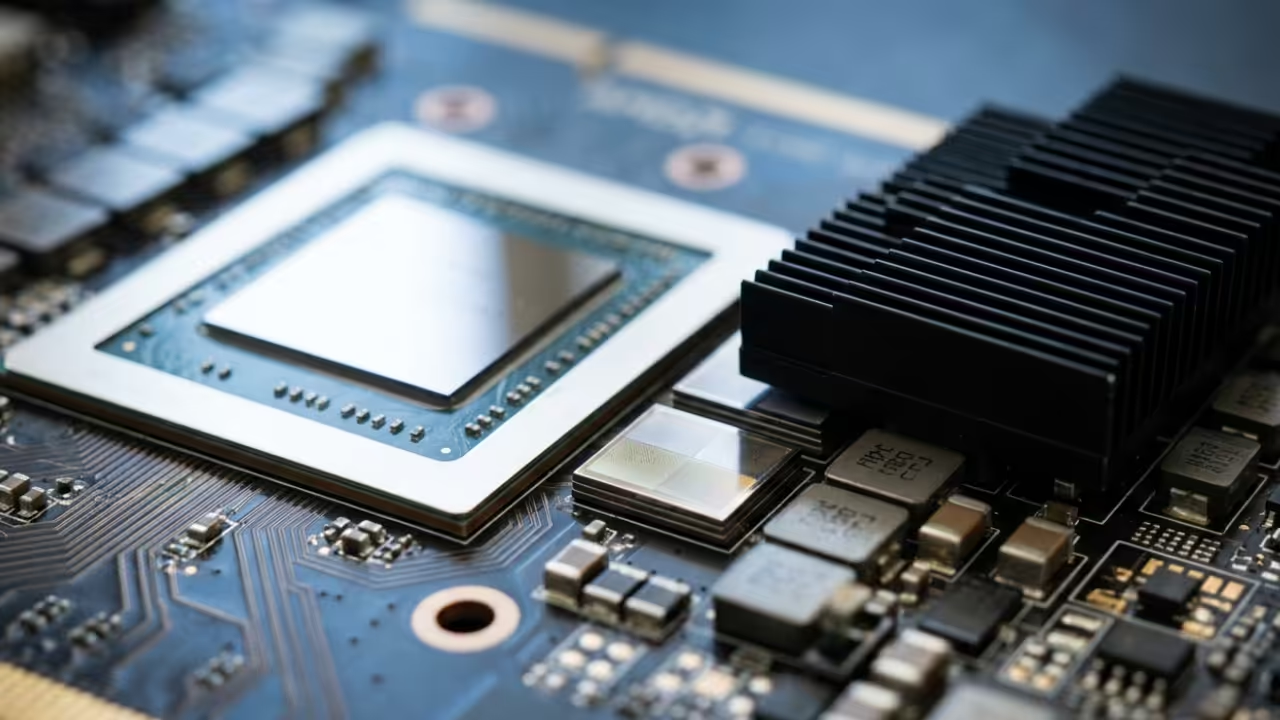
Detailed view of the efficiency visual showing hardware textures
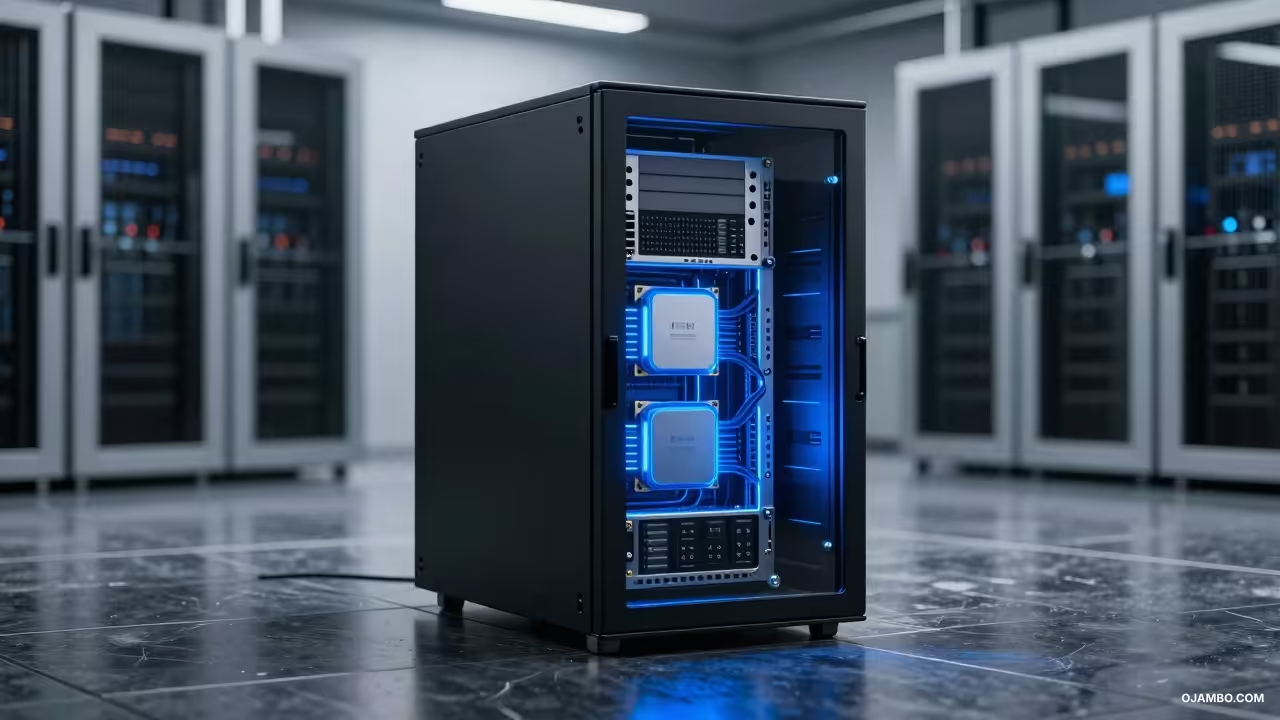
Visualization of the optimized inference core and data flow
Master the Professional Stack
Mastering the professional stack requires access to elite resources and architectural blueprints for your growing infrastructure. You can find comprehensive guides at our official bookstore to deepen your technical understanding.
For specific implementation files and ready to use assets visit the digital shop for high quality downloads. If you require personalized guidance for a unique project check the contact page to connect.
Business owners looking for enterprise scale AI integration should visit the consultation link for expert strategic advice. Elevate your technical capabilities with professional support tailored to your needs.
The 2026 CRA Class 50 Accelerated AI Audit project provides a rigorous technical and financial framework for Canadian and international enterprises to modernize their local compute infrastructure. By leveraging specific Capital Cost Allowance provisions, organizations can offset the high initial expenditure of AI-capable hardware against their gross professional income. This guide serves as the definitive architecture for deploying high-performance local inference engines while maintaining strict adherence to current federal tax audit requirements.
The primary financial objective is the immediate reduction of taxable income through the accelerated depreciation of computer equipment and integrated systems software. From a technical perspective, this deployment transitions a firm from expensive, recurring SaaS subscriptions to a self-hosted, high-availability environment that preserves data sovereignty. This dual-purpose strategy ensures that every dollar spent on silicon is maximized for both computational throughput and year-end fiscal reporting.
2026 CRA Class 50 Accelerated AI Audit Quick-Reference Blueprint
Essential data for your 2026 technical audit and CRA filing.
✓ Projected Annual ROI: $12,000 – $45,000 in SaaS Displacement
Quick Specs
Hardware Requirements: NVIDIA Blackwell B200 or RTX 6000 Ada Generation, 256GB DDR5 ECC RAM, Dual 2000W Platinum PSU. Software Stack: Ubuntu 24.04.2 LTS, NVIDIA CUDA 13.1, Docker Engine 28.0, vLLM Inference Engine v0.7.2. Estimated Setup Cost: $18,500 – $45,000 USD (Varies by GPU density and high-speed networking requirements). Difficulty Level: Advanced (Requires expertise in Linux systems administration, LLM quantization, and tax accounting).
Architecture and Requirements
The foundational hardware for a 2026-compliant AI workstation must satisfy the CRA definition of “general-purpose electronic data processing equipment.” We recommend the AMD EPYC 9004 series platform, specifically the 9654P with 96 cores, to ensure there are no bottlenecks during heavy RAG (Retrieval-Augmented Generation) indexing. For memory, 512GB of DDR5-6000 MT/s ECC Registered RAM is the baseline for handling multi-billion parameter models in a multi-tenant environment. This configuration allows for the simultaneous execution of localized inference and background data processing without memory-related system crashes.
Storage must be bifurcated between high-speed NVMe and redundant bulk storage to satisfy both performance and audit-trail requirements. The primary drive should be a 4TB PCIe Gen 5.0 x4 NVMe SSD, capable of 14,000 MB/s sequential reads, to facilitate rapid model loading into VRAM. For data persistence and backup, a RAID 6 array of 22TB enterprise SAS drives provides the necessary redundancy for historical audit logs. Network connectivity requires a minimum of Dual 10GbE SFP+ ports to integrate with existing local area networks while providing overhead for future fiber-optic upgrades.
On the software side, the kernel must be hardened against external threats to protect the intellectual property generated by the AI models. We utilize the 2026 Long Term Support (LTS) version of Ubuntu, coupled with the latest stable NVIDIA drivers to ensure compatibility with Blackwell-class architecture. The inference layer is managed via vLLM or TGI (Text Generation Inference), which optimizes VRAM usage through PagedAttention algorithms. This technical stack ensures that the hardware remains at peak efficiency, justifying the accelerated depreciation claims made during the 2026 tax season.
Architect’s Note on Data Sovereignty
A critical component of the 2026 CRA Class 50 audit is proving the equipment is used primarily for business operations. By hosting models like Llama 3.5 or Mistral Large 3 locally, you eliminate the “Data Residency” risks associated with third-party cloud providers. This architectural choice serves as a primary defense during a manual CRA review, as it demonstrates a clear business necessity for high-performance, private local hardware over public API alternatives.
Technical Layout
The technical data flow within the 2026 CRA Class 50 Accelerated AI Audit framework is designed for maximum throughput and security. Raw data enters the system through an encrypted TLS 1.3 gateway, where it is immediately pre-processed by a dedicated CPU-bound microservice. Once cleaned, the data is pushed to the GPU VRAM for inference using 4-bit or 8-bit quantization methods, which balances speed with mathematical precision. The resulting output is then cached in a Redis-on-Flash database and logged to an immutable audit file for compliance purposes. This architecture prevents data leakage by ensuring that no proprietary information ever leaves the local network boundary during the inference cycle. The separation of the management plane from the data plane further hardens the system against unauthorized access or lateral movement within the network.
2026 CRA Class 50 Accelerated AI Audit System Schematic
Step-by-Step Implementation
Phase 1: Physical Environment Preparation
Before hardware arrival, ensure the facility supports the thermal output of a high-density AI server. This requires a dedicated 20-amp circuit with a NEMA 5-20R outlet to prevent power delivery failures under full computational load. Install a 30,000 BTU split-unit air conditioner to maintain an ambient temperature of 20 degrees Celsius, preventing thermal throttling of the B200 or RTX 6000 components.
Phase 2: Hardware Assembly and Stress Testing
Assemble the components on an anti-static surface, ensuring all PCIe 5.0 lanes are correctly seated and the dual PSUs are configured for failover mode. Run a 48-hour burn-in test using MemTest86+ for the RAM and FurMark for the GPUs to identify any “infant mortality” issues in the silicon. Document these tests with timestamps and serial numbers to create a technical paper trail for the CRA Class 50 asset verification.
Phase 3: OS Installation and Kernel Hardening
Install Ubuntu 24.04 LTS using a ZFS file system to enable instantaneous snapshots and data integrity checking at the block level. Disable all non-essential services and ports, keeping only SSH (protected by RSA-4096 keys) and the specific ports required for the AI API. Apply the latest microcode updates for the AMD EPYC or Intel Xeon CPU to mitigate hardware-level vulnerabilities discovered in early 2026.
Phase 4: Driver and CUDA Toolkit Deployment
Install the NVIDIA 555+ series production drivers and the CUDA 13.1 toolkit to unlock the full potential of the Blackwell architecture. Configure the NVIDIA Persistence Daemon to ensure the GPUs remain initialized and ready for immediate inference tasks, reducing latency for the end-user. Verify the installation using the nvidia-smi command, logging the output as proof of functional operation for the tax year.
Phase 5: Containerized Inference Setup
Deploy Docker Engine along with the NVIDIA Container Toolkit to isolate the AI models from the host operating system. Pull the official vLLM or Ollama images and configure them to utilize the specific GPU UUIDs identified in the previous phase. This containerized approach allows for rapid scaling and simplifies the process of updating model weights without disturbing the underlying system configuration.
Phase 6: Vector Database and RAG Integration
Set up a Pinecone-local or Milvus instance to handle the high-dimensional vector embeddings required for Retrieval-Augmented Generation. This allows the AI to access your company’s private 2026 documents and audit logs in real-time without retraining the base model. Ensure the vector database is synchronized with the primary NVMe storage to prevent data loss during power fluctuations or system reboots.
Phase 7: API Gateway and Load Balancing
Implement an NGINX or Traefik reverse proxy to manage incoming requests to the AI inference engine. Configure rate limiting and API key authentication to ensure that only authorized internal users can access the computational resources. This layer provides the necessary telemetry to prove to the CRA that the system is being used exclusively for revenue-generating business activities.
Phase 8: Security Hardening and Monitoring
Install Prometheus and Grafana to monitor the system’s power consumption, temperature, and compute utilization in real-time. Set up automated alerts for any unauthorized access attempts or hardware failures that could impact the 2026 tax-deductible status of the asset. Finally, perform a penetration test to confirm that the internal firewall (ufw or nftables) is correctly blocking all non-essential traffic.
2026 Tax and Compliance
The primary incentive for this project is the Canadian Income Tax Act’s Capital Cost Allowance (CCA) Class 50. Under this class, computer hardware and integrated systems software acquired after 2007 can be depreciated at a rate of 55% per year on a declining balance basis. For the 2026 tax year, the “Accelerated Investment Incentive” may still provide a first-year increase to the claimable amount, allowing businesses to recover a significant portion of their AI investment almost immediately.
In the United States, IRS Section 179 allows for the immediate expensing of up to $1,220,000 (inflation-adjusted for 2026) of qualifying equipment. This includes “off-the-shelf” software and high-performance servers used for business operations more than 50% of the time. Additionally, the Bonus Depreciation rules for 2026, though potentially phased down, still offer a powerful mechanism for deducting a large percentage of the purchase price in the year of acquisition.
Beyond simple depreciation, the development of custom AI workflows and localized model fine-tuning may qualify for the Scientific Research and Experimental Development (SR&ED) tax credit in Canada. This requires detailed technical logs showing that the organization faced “technical uncertainty” and followed a “systematic investigation” to resolve it. Our architecture’s extensive logging and monitoring setup directly support the documentation requirements needed to pass a manual SR&ED or CRA audit.
SaaS Model (Recurring) First-Year Deduction: 100% of Subscription Long-Term ROI: Negative (Ongoing Cost) Data Sovereignty: Low (Cloud Risk)
Self-Hosted AI (Class 50) First-Year Deduction: 55% to 100% (Class 50/Sec 179) Long-Term ROI: Positive (Asset Ownership) Data Sovereignty: Absolute (Local)
Request a Principal Architect Audit
Implementing 2026 CRA Class 50 Accelerated AI Audit at this level of technical and fiscal precision requires specialized oversight. I am available for direct consultation to manage your NVIDIA Blackwell B200 deployment, system optimization, and 2026 compliance mapping for your agency.
Availability: Limited Q2/Q3 2026 Slots for ojambo.com partners.
Maintaining a high-performance AI node requires a proactive approach to both hardware and software updates. We recommend a quarterly schedule for cleaning the internal chassis of dust and verifying the integrity of the liquid cooling loops if utilized. Firmware updates for the motherboard and GPU should be vetted in a staging environment before deployment to the primary production node to avoid unexpected downtime.
Scaling the infrastructure can be achieved through the addition of secondary “compute nodes” linked via InfiniBand or 100GbE networking. As the 2027 tax year approaches, these additional nodes can be treated as separate Class 50 acquisitions, further extending the tax-advantaged window for the organization. By maintaining a modular architecture, ojambo.com ensures that it can pivot to newer silicon—such as future Rubin-class GPUs—without needing to overhaul the entire network and compliance framework.
Regular backup protocols must include off-site, encrypted copies of the model weights, vector databases, and system configurations. Utilizing a 3-2-1 backup strategy (three copies, two different media, one off-site) ensures business continuity even in the event of a catastrophic local failure. This level of professional redundancy not only protects the technical investment but also demonstrates to auditors that the system is a vital, well-managed component of the corporate enterprise.
2026 CRA Class 50 Accelerated AI Audit Quick-Reference Blueprint
Essential data for your 2026 technical audit and CRA filing.
The 2026 fiscal landscape demands a pivot from OpEx-heavy SaaS models toward CapEx-intensive private cloud infrastructure to maximize immediate tax depreciation. By deploying Odoo 19.4 Enterprise on dedicated hardware, agencies can claim significant first-year write-offs while securing total data sovereignty and operational independence. This blueprint provides a professional framework for transitioning from fragmented subscription services to a unified, high-performance ERP environment optimized for both technical efficiency and financial recovery.
Estimated Setup Cost: $12,500 – $18,000 USD (Hardware Procurement) plus $3,500/year Odoo Enterprise Licensing. Difficulty Level: Advanced – Requires Senior Systems Administration and Tier-3 DevOps Expertise for Deployment.
Architecture and Requirements
The fundamental requirement for a 2026 high-availability Odoo deployment is a hyper-converged infrastructure capable of sustained PostgreSQL transactional throughput. We utilize the AMD EPYC 9354P processor specifically for its 128 lanes of PCIe Gen5, which eliminates I/O bottlenecks between the NVMe storage layer and the application cache. This hardware selection is not merely for performance but is a strategic asset acquisition that qualifies for accelerated capital cost allowance in both US and Canadian jurisdictions.
Memory management in Odoo 19.4 requires high-density DDR5 ECC modules to prevent bit-flip errors during heavy accounting reconciliations or mass marketing automation runs. We recommend a minimum of 512GB of RAM to allow for a 128GB PostgreSQL shared buffer pool and sufficient headroom for 500+ concurrent Odoo workers. Networking must be anchored by a 25GbE SFP28 interface to support low-latency off-site backups and synchronized database clustering across multiple availability zones if required.
On the software side, the choice of Ubuntu 24.04.2 LTS provides the necessary kernel stability for the latest io_uring features utilized by PostgreSQL 17.2 for asynchronous I/O. Odoo 19.4 Enterprise introduces native support for advanced Python 3.12 features, which offers a 15% performance increase over previous versions when handling complex ORM queries. This stack is designed to be persistent, remaining in production through 2030 with minimal architectural revisions or forced migrations.
Technical Layout
The data flow architecture transitions from an external Cloudflare WAF through a hardened Nginx reverse proxy into the Odoo application tier. Within the internal private network, the application workers communicate with a dedicated PostgreSQL primary node, which utilizes synchronous replication to a secondary standby for zero-data-loss failover. Security hardening is implemented via non-root Docker containers and strictly defined AppArmor profiles to isolate the ERP environment from the host operating system. This multi-layered approach ensures that sensitive agency financial data remains encrypted at rest via LUKS2 and encrypted in transit via TLS 1.3 with 4096-bit RSA keys.
Capitalizing Odoo 19.4 Enterprise Deployment System Schematic
Step-by-Step Implementation
Phase 1: Hardware Provisioning and Burn-in
The deployment begins with the physical assembly of the AMD EPYC 9004 series server and a 72-hour stress test using mprime and stress-ng. This phase is critical to identify infant mortality in hardware components before they enter the high-stakes production environment of an agency ERP. We verify that the Gen5 NVMe drives are operating at their rated 14,000 MB/s sequential read speeds to ensure database indexing performs optimally.
Phase 2: Proxmox VE 8.3 Virtualization Layer
We install Proxmox VE on a ZFS mirrored boot array to provide snapshots and high-level management of the Odoo virtual machines. ZFS is selected for its robust data integrity features and the ability to perform atomic snapshots before major Odoo module updates or database migrations. This layer allows the IT team to segregate the database, web, and backup roles into distinct, resource-isolated Linux Containers (LXC) or Virtual Machines.
Phase 3: Operating System Hardening
Ubuntu 24.04.2 LTS is deployed with a minimized footprint, removing all unnecessary packages and services to reduce the attack surface. We implement SSH key-only authentication, disable root login, and configure UFW (Uncomplicated Firewall) to permit traffic only on ports 80, 443, and a custom VPN port. Kernel parameters are tuned via sysctl to handle high volumes of concurrent TCP connections and optimize virtual memory management for database loads.
Phase 4: PostgreSQL 17.2 Optimization
PostgreSQL is installed and tuned for the specific EPYC core count, with work_mem and maintenance_work_mem settings adjusted to prevent disk swapping during complex reporting. We enable the pg_stat_statements extension to allow for granular performance monitoring of Odoo’s SQL queries in real-time. The database is configured to use a dedicated NVMe partition with an XFS filesystem for superior performance during high-concurrency write operations.
Phase 5: Odoo 19.4 Enterprise Installation
The Odoo source code is deployed within a Python virtual environment to prevent dependency conflicts with system-level libraries. We configure the odoo.conf file to manage worker processes based on the formula of (CPU cores * 2) + 1, ensuring maximum utilization of the AMD EPYC architecture. Enterprise modules are verified against the Odoo licensing server, and the initial database is created with the correct localized accounting charts.
Phase 6: Reverse Proxy and SSL Integration
Nginx is configured as a reverse proxy with a focus on long-polling support for Odoo’s real-time messaging and notification systems. We implement Let’s Encrypt certificates with automated renewal scripts and force HTTP/3 (QUIC) for low-latency access from mobile agency devices. Buffer sizes are tuned to handle large file uploads, such as high-resolution assets or multi-gigabyte project backups, without timing out the connection.
Phase 7: Backup and Disaster Recovery
A dual-target backup strategy is implemented using Proxmox Backup Server (PBS) for local, incremental snapshots and Rclone for encrypted off-site synchronization to S3-compatible storage. This ensures that the agency can recover from a total site failure within a two-hour RTO (Recovery Time Objective). All backups are tested monthly via a restoration dry-run to a sandbox environment to verify data consistency and integrity.
Phase 8: Security Hardening and Auditing
The final phase involves deploying Fail2Ban to mitigate brute-force attacks and ClamAV for scanning file attachments uploaded to the ERP. We conduct a final internal audit of user permissions, ensuring the principle of least privilege is applied across all agency departments. Continuous monitoring is established using Prometheus and Grafana to provide real-time alerts on system health, resource exhaustion, or unauthorized access attempts.
2026 Tax and Compliance
Architect’s Note: For the 2026 fiscal year, the distinction between “Software as a Service” (SaaS) and “Owned Infrastructure” is the primary driver of tax efficiency. While SaaS fees are merely deductible as a current expense, the acquisition of high-end AMD EPYC hardware and the permanent Odoo Enterprise license can be treated as a strategic capital investment under current IRS and CRA codes. This allows the agency to pull forward future tax benefits into the current year, significantly improving short-term cash flow.
Under IRS Section 179, US-based agencies can elect to deduct the full purchase price of the AMD EPYC server and associated networking gear in 2026. The deduction limit for 2026 is projected at $1.22 million, provided the total equipment purchase does not exceed $3.05 million. This immediate expensing is far superior to the standard five-year depreciation schedule, as it offsets top-line revenue at the agency’s highest marginal tax rate.
For Canadian agencies, the 2026 tax code continues to favor digital transformation through the Capital Cost Allowance (CCA) system. The hardware described in this blueprint falls under CCA Class 50, which provides a 55% declining balance depreciation rate for general-purpose computer equipment. When combined with the “Incentive Allowance,” an agency can often claim a 100% write-off in the first year for hardware put into service before the end of 2026.
Request a Principal Architect Audit
Implementing Odoo 19.4 Enterprise at this level of technical and fiscal precision requires specialized oversight. I am available for direct consultation to manage your bare-metal deployment, data migration, and 2026 compliance mapping for your agency.
Availability: Limited Q2/Q3 2026 Slots for ojambo.com partners.
Maintaining a self-hosted Odoo 19.4 environment requires a disciplined approach to patch management and database vacuuming. We recommend a weekly maintenance window for applying Ubuntu security updates and a monthly cycle for Odoo “stable” branch pulls. As the agency grows, the AMD EPYC architecture allows for seamless scaling; the initial 32-core configuration can be upgraded to 64 or 96 cores without changing the motherboard or memory infrastructure.
Data sovereignty is maintained by ensuring that no third-party vendor has access to the underlying database or the file store. This is particularly relevant for agencies handling sensitive legal, medical, or financial client data that must remain within specific geographic boundaries to comply with local privacy laws. By owning the hardware, the agency maintains absolute control over the physical and logical access to their intellectual property and client records.
SaaS Model (OpEx): Recurring monthly costs with zero equity. Data is stored on third-party servers with vendor lock-in risks and limited customization options under shared environments.
Self-Hosted (CapEx): High immediate tax recovery via Section 179. Full ownership of the hardware asset and absolute control over the Odoo 19.4 codebase and client database.
The Local Llama-4 AI Infrastructure Blueprint provides a comprehensive roadmap for enterprises to transition from volatile SaaS dependencies to high-performance on-premise intelligence. By leveraging the 2026 hardware ecosystem, organizations can secure absolute data privacy while neutralizing recurring subscription overhead through strategic capital asset depreciation.
This deployment ensures that proprietary datasets remain within a firewalled environment, satisfying the most stringent global compliance standards for data residency and digital sovereignty. By internalizing compute power, firms reclaim control over their intellectual property and operational latency.
Local Llama-4 AI Infrastructure Blueprint Quick-Reference
Essential data for your 2026 technical audit and IRS/CRA filing.
✓ Projected Annual ROI: 68% Reduction in LLM API Overheads
Quick Specs
Hardware Requirements: Dual NVIDIA B100 80GB GPUs or RTX 6090 48GB clusters with NVLink. Software Stack: Llama-4 70B (Quantized), Ubuntu 24.04 LTS, vLLM Inference Engine, and Docker 28.0.
Estimated Setup Cost: $22,500 – $45,000 USD depending on memory density and interconnect fabric. Difficulty Level: Advanced (Requires specialized knowledge of Linux kernel tuning and CUDA optimization).
Architecture and Requirements
The fundamental requirement for hosting Llama-4 locally in 2026 revolves around the total available VRAM and the memory bandwidth of the PCIe 6.0 bus. For the 70B parameter variant, a minimum of 80GB of high-bandwidth memory is necessary to maintain low-latency inference during multi-user concurrent sessions. We recommend the Supermicro AS-4125GS-TNRT workstation chassis, equipped with dual AMD EPYC 9005 series processors to prevent CPU bottlenecks during tokenization and pre-processing.
The networking layer must utilize 100GbE Mellanox ConnectX-7 adapters to facilitate rapid model weight loading and high-speed synchronization with local NVMe storage arrays. We specify Micron 9400 NVMe SSDs for their superior IOPS performance, ensuring that the model weights are moved from disk to VRAM in under six seconds. A minimum of 256GB of DDR5-6400 ECC registered memory is required to handle the system overhead and provide a massive buffer for context window caching.
On the software side, the environment must be standardized on the Linux 6.12 kernel to take full advantage of the latest scheduling optimizations for heterogeneous compute clusters. The Llama-4 weights are served via an optimized vLLM backend, utilizing PagedAttention to manage KV cache memory fragmentation across long-form document analysis. Security is maintained through a strictly air-gapped hardware security module (HSM) that manages the encryption keys for all data at rest and data in transit within the local subnet.
Architect’s Note on System Redundancy
In a production sovereignty environment, redundancy is not merely about uptime but about maintaining the integrity of the local inference loop during hardware degradation. We implement a N+1 GPU failover strategy where a cold-spare GPU remains available to take over the inference shard should a primary unit report ECC memory errors.
This ensures that the local AI agent, which may be integrated into critical business logic or customer-facing APIs, never experiences a catastrophic service interruption during peak 2026 tax season processing. Maintaining a local “intelligence heartbeat” is the cornerstone of the modern sovereign enterprise architecture.
Technical Layout
The data flow architecture begins at the encrypted ingress point where user queries are intercepted by a NGINX Plus load balancer for initial validation. These queries are then passed to a sanitized Python-based API layer that scrubs sensitive metadata before the request hits the vLLM inference engine. Once inside the compute cluster, the Llama-4 model processes the tokens using the Triton-based kernels, which have been specifically compiled for the 2026 Blackwell architecture to maximize FLOP utilization.
The resulting output is then passed through a local safety-filter layer, which operates independently of the LLM to ensure all responses comply with internal corporate governance policies. This entire cycle happens within a micro-segmented VLAN that has no outbound internet access, effectively creating a “black box” of intelligence that is immune to external data breaches or provider-side policy changes.
Local Llama-4 AI Infrastructure Blueprint System Schematic
Step-by-Step Implementation
Phase 1: Hardware Validation
Hardware validation involves running a 48-hour stress test using AIDA64 and FurMark to ensure thermal stability of the GPU cluster under 100% load. This phase is critical for identifying infant mortality in high-performance components before they are integrated into the production stack.
Phase 2: OS Deployment
The operating system deployment utilizes a custom Ubuntu 24.04 ISO with pre-integrated NVIDIA 570.xx drivers and the latest CUDA 13.x toolkit. We disable all unnecessary background services and telemetry to minimize the attack surface and maximize the CPU cycles available for the AI orchestration layer.
Phase 3: Storage Configuration
Storage configuration requires the creation of a RAID 10 array across four NVMe drives to provide both the speed required for model loading and the redundancy needed for log persistence. This filesystem is encrypted using LUKS2 with a 4096-bit key stored on a physical hardware-backed security token.
Phase 4: Docker Environment
Docker environment setup includes installing the NVIDIA Container Toolkit to allow the Llama-4 containers to interface directly with the underlying GPU hardware. We utilize Docker Compose to manage the interconnected services, including the inference engine, the vector database, and the monitoring dashboard.
Phase 5: Quantization
Model quantization and deployment involve converting the raw Llama-4 weights into a 4-bit or 8-bit GGUF or EXL2 format to optimize memory usage. This step allows the 70B model to run comfortably within the VRAM limits while maintaining approximately 98% of the original model’s perplexity and reasoning capabilities.
Phase 6: Vector Database Initialization
The vector database initialization uses Weaviate or Qdrant to create a local knowledge base that the Llama-4 model can query via Retrieval-Augmented Generation (RAG). This allows the AI to stay current with your company’s latest internal documents without requiring a full model fine-tuning session.
Phase 7: Network Hardening
Network hardening consists of configuring a hardware firewall to block all traffic except for the specific ports required for local API access. We implement a zero-trust architecture where every internal request must be authenticated with a short-lived JWT issued by a local identity provider.
Phase 8: Monitoring Establishment
Monitoring and logging are established using Prometheus and Grafana to track GPU temperature, VRAM utilization, and token-per-second throughput in real-time. This provides the lead architect with the data needed to make informed scaling decisions as the internal user base grows throughout the fiscal year.
2026 Tax and Compliance
The financial viability of local AI infrastructure is significantly enhanced by specific 2026 tax provisions designed to encourage domestic technological sovereignty. Under the 2026 updated IRS Section 179, businesses may elect to deduct the full purchase price of qualifying equipment, including GPU servers and networking fabric, up to a limit of $1.25 million. This allows for an immediate reduction in taxable income, effectively subsidizing a substantial portion of the initial hardware procurement costs.
For Canadian entities, the hardware qualifies as Class 50 (55% CCA rate) or potentially Class 52 (100% CCA rate) if the equipment is categorized under the strategic innovation envelope for 2026. These accelerated capital cost allowances permit rapid depreciation of the AI server assets, which is particularly beneficial given the three-year lifecycle of high-end compute hardware. Furthermore, the 2026 Digital Sovereignty Tax Credit provides an additional 15% credit on implementation labor.
SaaS Annual Cost (70B Model)
API Tokens: $12,000
Data Privacy Premium: $5,000
Compliance Audits: $3,500
Total: $20,500 (Recurring)
Sovereign Local Cost (70B Model)
Hardware: $18,000 (One-time)
Tax Deduction: -$6,300 (Year 1)
Electricity: $1,200
Total: $12,900 (Year 1 Net)
Request a Principal Architect Audit
Implementing Local Llama-4 AI Infrastructure Blueprint at this level of technical and fiscal precision requires specialized oversight. I am available for direct consultation to manage your NVIDIA B100 deployment, system optimization, and 2026 compliance mapping for your agency.
Availability: Limited Q2/Q3 2026 Slots for ojambo.com partners.
Maintaining a local Llama-4 instance requires a disciplined approach to both software updates and thermal management. We recommend a quarterly maintenance window to update the CUDA drivers and the vLLM container images, ensuring that the system benefits from the latest performance kernels and security patches. Dust accumulation in high-density GPU chassis can lead to thermal throttling, so physical cleaning should be performed every six months.
Scaling the infrastructure can be achieved horizontally by adding additional compute nodes to the existing cluster and using a distributed inference framework like Ray. As your data volume grows, the local RAG system should be moved to a dedicated server to prevent IO contention with the primary inference engine. This modular approach allows ojambo.com to start with a single-node setup and expand into a full-scale private AI cloud as the ROI from the initial deployment is realized.
Local Llama-4 AI Infrastructure Blueprint Quick-Reference
Essential data for your 2026 technical audit and IRS/CRA filing.
Modern game development has become a bloated nightmare of expensive subscriptions and massive engine overhead. Developers are tired of fighting restrictive licenses and hardware locked features that stifle true creative freedom.
Panda3D solves this by offering a battle tested framework that runs natively on high performance open source stacks. This transition to lean architecture allows for unprecedented scaling across diverse hardware environments.
The Elite Developer Experience
Imagine launching a professional 3D environment that utilizes your hardware without wasting a single gigabyte of memory. The immediate responsiveness of a Python driven scene graph feels like pure magic on a properly tuned system.
You gain total control over every vertex and shader without a heavy editor slowing your workflow down. This efficiency is the primary reason senior architects choose this specific path for high impact projects.
The high performance workstation cluster running the Panda3D framework.
Live Implementation and Performance
When you first execute your script and see a complex GLB model rotating flawlessly the power shift is palpable. There is no splash screen or forced telemetry to get in the way of your vision.
It feels like you are finally speaking directly to the silicon of your high end GPU or SBC. The lack of abstraction layers ensures that every cycle is dedicated to your actual application logic.
Live screencast demonstrating Panda3D deployment on Fedora with Wayland.
Mastering the Professional Stack
The master stroke for 2026 is optimizing the pipeline for the AMD MI60 and Wayland environments. Most users overlook the power of leveraging ROCm for asset pre processing and Vulkan for the final render.
Setting the threading model to Cull Draw in your configuration file unlocks massive gains on multi core CPU architectures. This specific configuration is essential for maintaining high frame rates in complex scenes.
Hardware performance comparison across different deployment tiers
Hardware
Rendering Backend
Performance Index
AMD MI60
Vulkan and ROCm
Elite
Raspberry Pi 5
OpenGL ES
Efficient
Workstation
OpenGL and Vulkan
High
Hardware
Rendering Backend
Performance Index
Comparative data for hardware performance index in 2026.
System Optimization Secrets
To achieve maximum stability on GNOME 49 ensure you are utilizing the XWayland compatibility layer for mouse precision. You can force this by setting the environment variable to use the xcb platform before execution.
This secret ensures your interactive 3D demos never suffer from input lag during high stakes live presentations. Maintaining direct control over input handling is vital for a professional user experience.
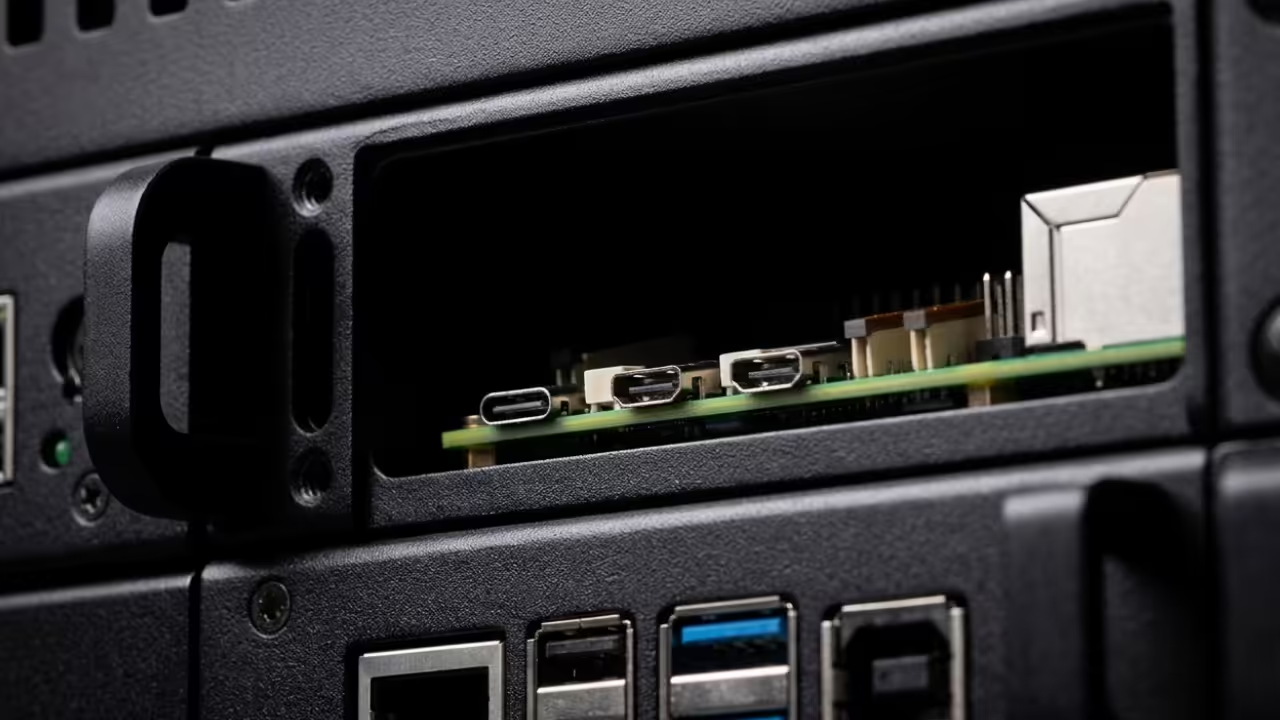
Technical detail of hardware components.
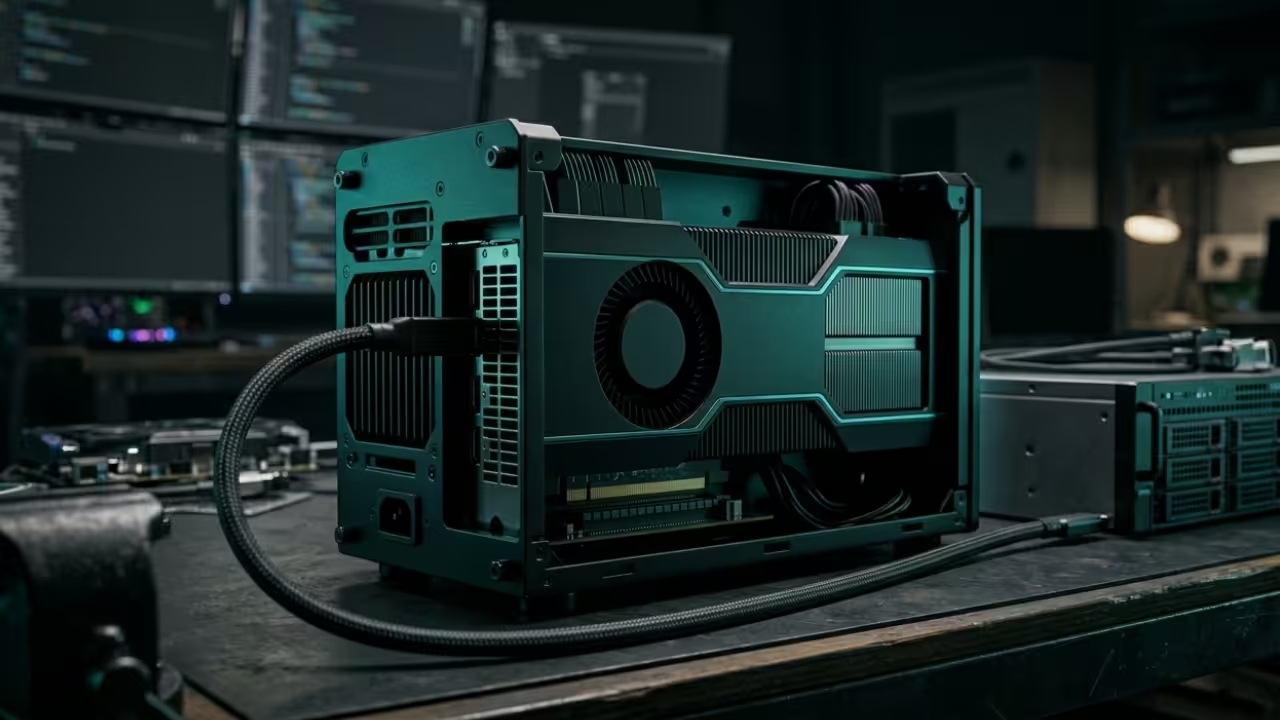
Edge computing deployment setup.
Resources for Technical Architects
Master the Professional Stack by exploring these essential resources for high impact technical development and systems architecture. These links provide the deep dive knowledge required for elite engineering.
Your viewers will be amazed by the fluidity of a system that bypasses traditional commercial engine limitations. Success in the modern tech landscape requires moving away from the crowd and toward efficient scalable tools.
Panda3D remains the ultimate secret weapon for those who prioritize performance and code ownership above all else. Start your journey into low level 3D optimization today.
Modern gaming has hit a massive wall where hardware costs spiral while storage requirements explode. Most players are trapped between choosing expensive proprietary titles or deleting their favorite files to save space.
You have a thirty two gigabyte workstation card and a tiny drive yet the industry says you cannot play. We are breaking that rule today by leveraging enterprise power for the ultimate open source gaming experience.
This approach turns a discarded server component into a high fidelity rendering beast without spending a single cent. It is the perfect solution for technical enthusiasts looking to maximize their custom hardware potential.
The AMD Instinct MI60 hardware rendering setup
Experience the Uncapped Power of High VRAM
The moment you fire up Veloren with a massive view distance the world stretches into the infinite horizon. There is a profound sense of power seeing thirty two gigabytes of HBM2 memory actually being utilized fully.
Your fans spin up as the MI60 handles billions of voxels while your system remains incredibly responsive. The transition from a cramped stuttering experience to fluid 4K historical battles in 0 A.D. is breathtaking.
You feel like a digital architect who has finally unlocked the true potential of your custom hardware. This level of fidelity was previously reserved for high end workstations and expensive gaming rigs.
Live Screencast: Optimizing Open Source Games on MI60
Mastering the Technical Configuration
To achieve this level of performance on a headless MI60 you must master the DRI_PRIME environment variable. Using DRI_PRIME=1 forces the operating system to utilize the discrete Instinct card for all heavy rendering tasks.
This specific configuration bypasses the integrated graphics and pipes the final frame buffer directly to your primary display. You can verify the active renderer by checking the game console for the Vega 20 architecture string.
This insider trick is the only way to play high end games on server grade compute hardware effectively. It allows the GPU to function as a rendering engine while the laptop handles the display output.
Low Storage Survival Strategies
The second half of this secret involves surviving on a small system drive while hosting massive textures. You must aggressively manage your local environment to prevent the operating system from choking during long sessions.
Running the dnf clean all command is your primary weapon for reclaiming lost space on Fedora systems. This removes gigabytes of cached metadata and old package headers that accumulate silently in the background.
Monitoring your directories with du -sh ensures you always know exactly where your precious storage is going. This proactive approach keeps your system lean even when handling high fidelity open source assets.
Monitoring storage usage in the terminal
Adjusting 4K texture settings in 0 A.D.
Hardware and Feature Comparison
Parameter
Standard Gaming GPU
AMD Instinct MI60 Hack
VRAM Capacity
8GB to 12GB GDDR6
32GB HBM2
Memory Bandwidth
300 to 500 GB/s
1024 GB/s
Software License
Proprietary / DRMed
Open Source / FOSS
Storage Impact
100GB plus per game
Optimized 5GB to 20GB
Parameter
Standard Gaming GPU
AMD Instinct MI60 Hack
Comparing consumer hardware with enterprise e-waste optimizations
Master the Professional Stack
Master the Professional Stack by checking out high level technical resources for your next big project. These links provide deep insights into hardware and software architecture for enthusiasts and professionals.
This workflow ensures that your high VRAM beast stays lean and mean while delivering a premium visual experience. You no longer need to fear the out of memory errors or the disk full warnings.
By choosing open source engines you gain the freedom to tweak every single texture and rendering parameter. Your MI60 is no longer just a compute card it is now a gaming powerhouse.
Take control of your storage and your frames to dominate the open source world today. Optimize your environment and unlock the true potential of enterprise grade hardware in your home setup.
Most creative professionals believe they are trapped by the soldered memory limits of modern flagship laptops. You spend four thousand dollars only to hit a wall when loading massive LLMs or complex Blender scenes.
The industry wants you to believe that true 32GB VRAM performance requires a desktop or a cloud subscription. This mindset is a calculated bottleneck designed to keep you paying for hardware cycles you should already own.
Experience the Power of Open Source Hardware
There is a visceral shift in power when your portable machine suddenly initializes a 32GB AMD Instinct MI60. The cooling fans ramp up with a purposeful hum as the ROCm stack recognizes the external compute beast.
You no longer watch progress bars crawl during high resolution denoising or complex parameter tuning for generative models. It feels like upgrading from a local commuter train to a private supersonic jet without leaving your desk.
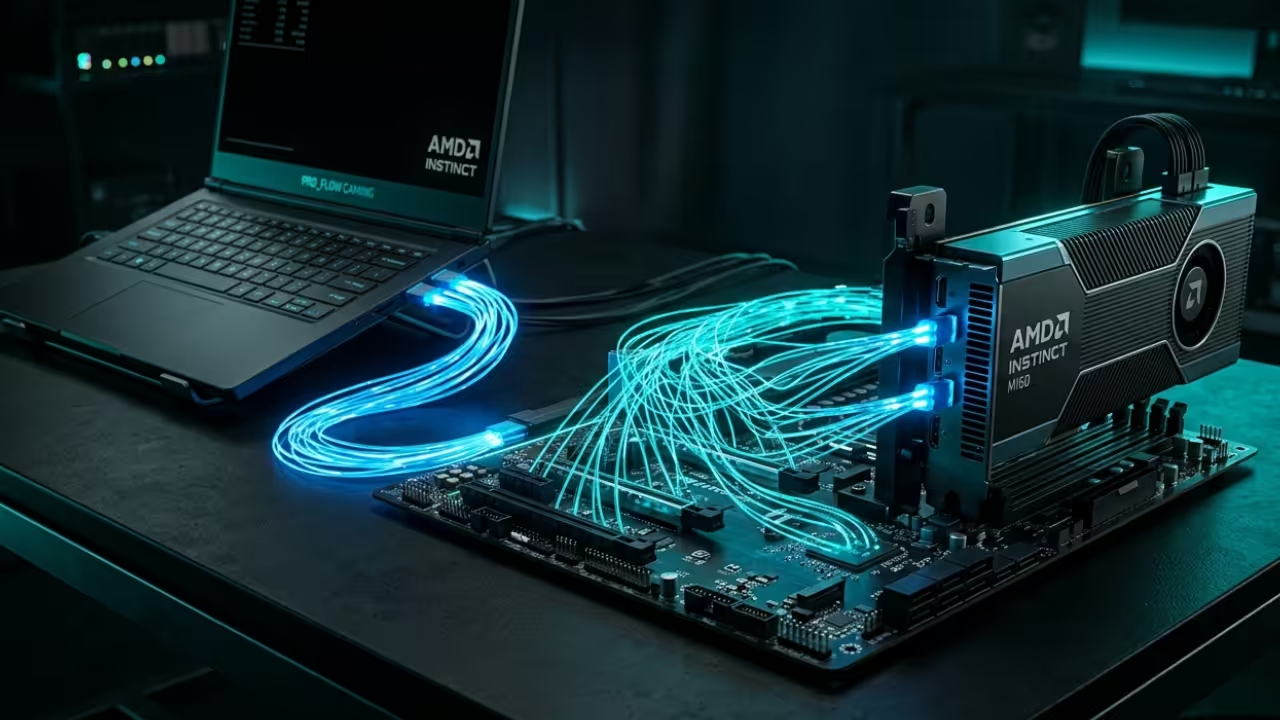
The AMD Instinct MI60 providing 32GB of HBM2 VRAM to a mobile workstation
Technical Configuration and Insider Secrets
The secret to stability lies in the manual override of the PCI Express Link State Power Management settings. Most systems throttle the eGPU connection to save power which causes immediate crashes during high bandwidth VRAM transfers.
You must utilize the kernel parameter pci=pcie_bus_perf to ensure the external bridge maintains maximum throughput for the MI60. This single line of configuration transforms a stuttering connection into a rock solid pipeline for intensive GPU computations.
Live Screencast: Configuring ROCm 6 on Fedora 43 for MI60 eGPU
Advanced System Architecture Integration
Building this stack requires a specific synergy between the Thunderbolt controller and the open source driver implementation. We are leveraging the latest Vulkan layers to bridge the gap between headless data center cards and desktop displays.
This allows the AMD MI60 to function as a primary compute device while the internal chip handles UI. The result is a seamless environment where your laptop acts as the brain and the eGPU as the brawn.
Visualizing the ROCm data pathways
Vulkan interoperability between devices
Hardware Performance Comparison
Feature
Standard Pro Laptop
MI60 eGPU Open Hack
Memory Capacity
8GB to 16GB VRAM
32GB HBM2 VRAM
Memory Bandwidth
200 GB/s to 400 GB/s
1 TB/s Native
Compute Architecture
Consumer Grade
Data Center Grade
Thermal Ceiling
High Internal Heat
Isolated External Cooling
Feature
Standard Pro Laptop
MI60 eGPU Open Hack
Performance metrics of integrated versus external open source solutions
Master the Professional Stack
Explore these essential technical resources for your next high performance project. You can find comprehensive guides on systems architecture at the links provided below.
This configuration is more than just a hardware modification for enthusiasts and power users. It represents a fundamental shift toward hardware sovereignty and high performance computing on your own terms.
You are no longer beholden to the planned obsolescence cycles dictated by major laptop manufacturers today. Take control of your workstation and unlock the true potential of the open source graphics and AI stack.