

Most creative professionals believe they are trapped by the soldered memory limits of modern flagship laptops. You spend four thousand dollars only to hit a wall when loading massive LLMs or complex Blender scenes.
The industry wants you to believe that true 32GB VRAM performance requires a desktop or a cloud subscription. This mindset is a calculated bottleneck designed to keep you paying for hardware cycles you should already own.
Experience the Power of Open Source Hardware
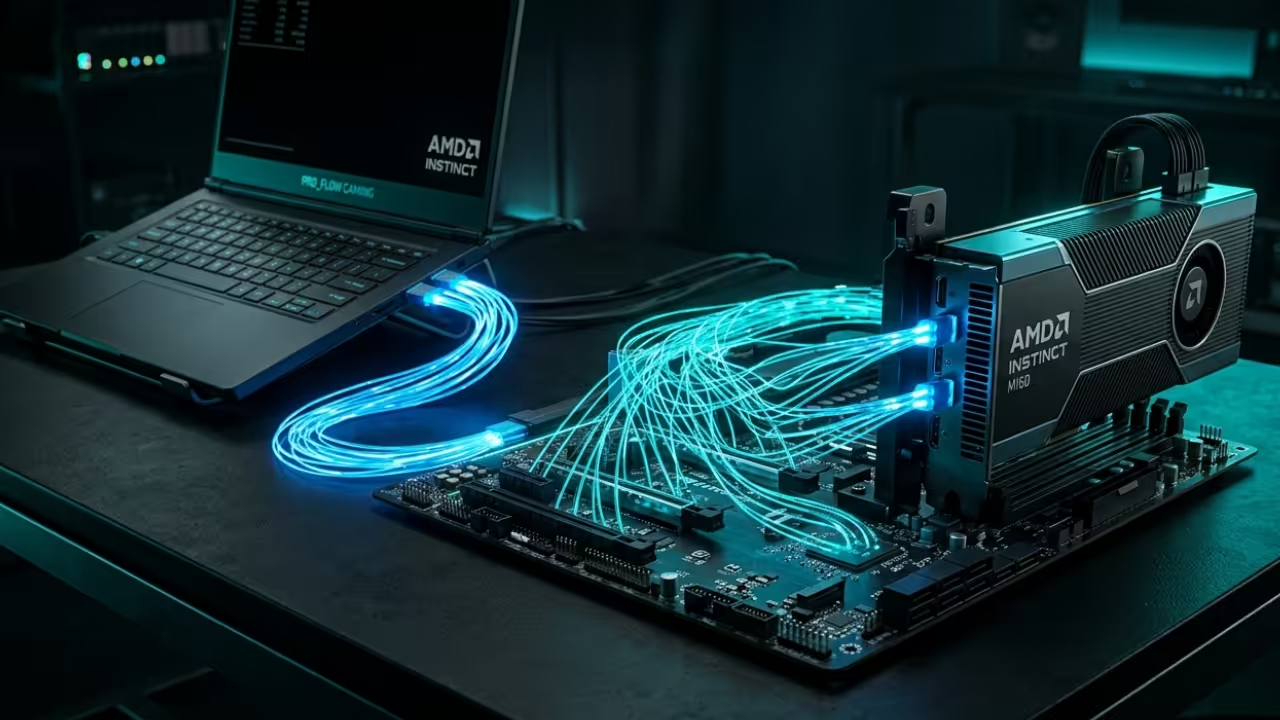
There is a visceral shift in power when your portable machine suddenly initializes a 32GB AMD Instinct MI60. The cooling fans ramp up with a purposeful hum as the ROCm stack recognizes the external compute beast.
You no longer watch progress bars crawl during high resolution denoising or complex parameter tuning for generative models. It feels like upgrading from a local commuter train to a private supersonic jet without leaving your desk.

Technical Configuration and Insider Secrets
The secret to stability lies in the manual override of the PCI Express Link State Power Management settings. Most systems throttle the eGPU connection to save power which causes immediate crashes during high bandwidth VRAM transfers.
You must utilize the kernel parameter pci=pcie_bus_perf to ensure the external bridge maintains maximum throughput for the MI60. This single line of configuration transforms a stuttering connection into a rock solid pipeline for intensive GPU computations.
Advanced System Architecture Integration
Building this stack requires a specific synergy between the Thunderbolt controller and the open source driver implementation. We are leveraging the latest Vulkan layers to bridge the gap between headless data center cards and desktop displays.
This allows the AMD MI60 to function as a primary compute device while the internal chip handles UI. The result is a seamless environment where your laptop acts as the brain and the eGPU as the brawn.

| Feature | Standard Pro Laptop | MI60 eGPU Open Hack |
|---|---|---|
| Memory Capacity | 8GB to 16GB VRAM | 32GB HBM2 VRAM |
| Memory Bandwidth | 200 GB/s to 400 GB/s | 1 TB/s Native |
| Compute Architecture | Consumer Grade | Data Center Grade |
| Thermal Ceiling | High Internal Heat | Isolated External Cooling |
| Feature | Standard Pro Laptop | MI60 eGPU Open Hack |
Master the Professional Stack
Explore these essential technical resources for your next high performance project. You can find comprehensive guides on systems architecture at the links provided below.
- Books: https://www.amazon.com/stores/Edward-Ojambo/author/B0D94QM76N
- Blueprints: https://ojamboshop.com
- Tutorials: https://ojambo.com/contact
- Consultations: https://ojamboservices.com/contact
Hardware Sovereignty and Control
This configuration is more than just a hardware modification for enthusiasts and power users. It represents a fundamental shift toward hardware sovereignty and high performance computing on your own terms.
You are no longer beholden to the planned obsolescence cycles dictated by major laptop manufacturers today. Take control of your workstation and unlock the true potential of the open source graphics and AI stack.
🚀 Recommended Resources
Disclosure: Some of the links above are referral links. I may earn a commission if you make a purchase at no extra cost to you.