Blog

  • Viral Snowmix Masterclass Unleash Command Line Video Mixing Power

    Viral Snowmix Masterclass Unleash Command Line Video Mixing Power

    Most creators are trapped in a nightmare of bloated visual interfaces that crash during critical live broadcasts. These heavy graphical tools eat your precious CPU cycles and offer zero flexibility for complex automated workflows.

    Snowmix replaces that fragile overhead with a rock solid command line engine built for elite performance. It is the secret weapon for anyone tired of clicking buttons and hoping for the best results.

    The Ultimate Command Line Experience

    Imagine the pure adrenaline of launching a broadcast where every transition is triggered by a precise script. You feel an incredible sense of mastery as your hardware runs cool while handling multiple high definition feeds.

    The latency disappears and you realize that you finally have total authority over every single pixel. It is a transformative moment when the software becomes an extension of your own creative logic.
    Snowmix architecture diagram
    Snowmix architecture and data flow diagram

    Industrial Grade Stability for Professionals

    The system provides a level of stability that traditional software simply cannot match in a professional environment. You can build complex layouts that would make standard streaming applications crawl to a complete standstill.

    This is not just about mixing video but about engineering a custom broadcast solution that scales. Every frame is managed with mathematical precision ensuring your viewers receive a flawless visual experience every time.

    Insider Configuration Secrets

    One critical insider detail involves the shared memory interface for low latency frame injection from external sources. You should configure the shmsrc element in GStreamer to match the Snowmix control pipe settings exactly.

    Setting the wait-for-connection property to false prevents pipeline stalls when the mixer restarts during a live session. This specific adjustment ensures that your feeds remain synchronized even if a source temporarily drops out.

    Live technical walkthrough of the synchronized audio installation

    Master the Professional Stack

    Mastering the professional stack requires the right resources to bridge the gap between amateur and expert levels. You can find comprehensive guides to deep technical topics by visiting these authoritative industry sources today.

    Embrace the Future of Video Engineering

    Your transition to high performance video mixing starts with moving away from restrictive and heavy software suites. Snowmix offers the freedom to innovate without being held back by a developers limited interface choices.

    Take the leap into command line production and join the ranks of elite technical broadcast professionals. You will never look at a standard streaming application the same way after experiencing this power.
  • Stop Hand-Drawing Textures: AI-Generated PBR Maps in Blender

    Stop Hand-Drawing Textures: AI-Generated PBR Maps in Blender

    The era of spending countless hours meticulously hand painting every single displacement and roughness map is officially over. Digital artists are currently facing a massive productivity bottleneck that kills creative momentum and delays project delivery.

    You are likely wasting precious mental energy on repetitive tasks that a local neural network can handle instantly. This transition from manual labor to AI generated PBR material generation is the secret weapon for modern tech enthusiasts.

    By leveraging high VRAM hardware you can generate complex surface details that look indistinguishable from real world scanned materials. This workflow ensures that your creative vision is never limited by the speed of your mouse or tablet pen.

    The Experience of AI Driven Artistry

    Imagine the feeling of watching a flat low resolution albedo image transform into a tactile three dimensional surface in seconds. There is a specific rush of adrenaline when your local LLM translates a text prompt into a perfect node setup.

    You no longer fear the blank canvas because the machine handles the heavy lifting of calculating light physics. Your workflow becomes a fluid conversation between your creative vision and the raw power of your specialized compute hardware.

    This is the peak experience of modern 3D artistry where technology finally matches the speed of human thought. The results are mathematically precise and visually stunning without the need for manual intervention.

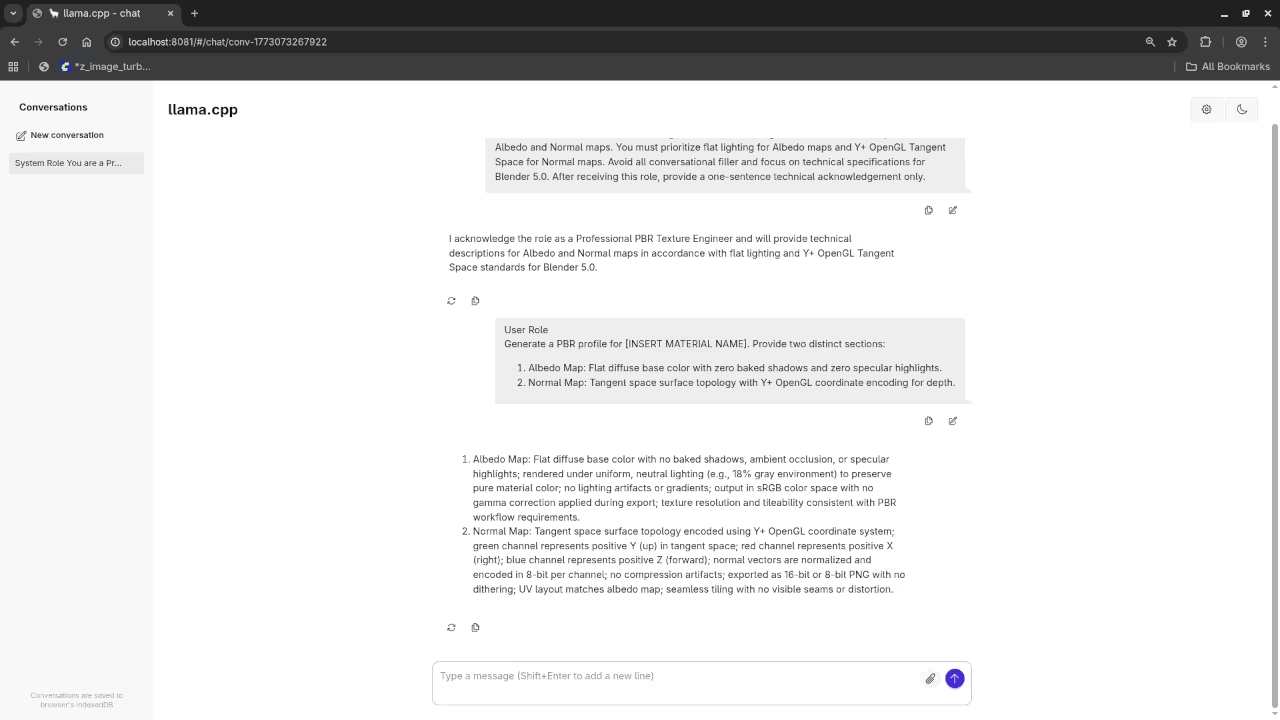
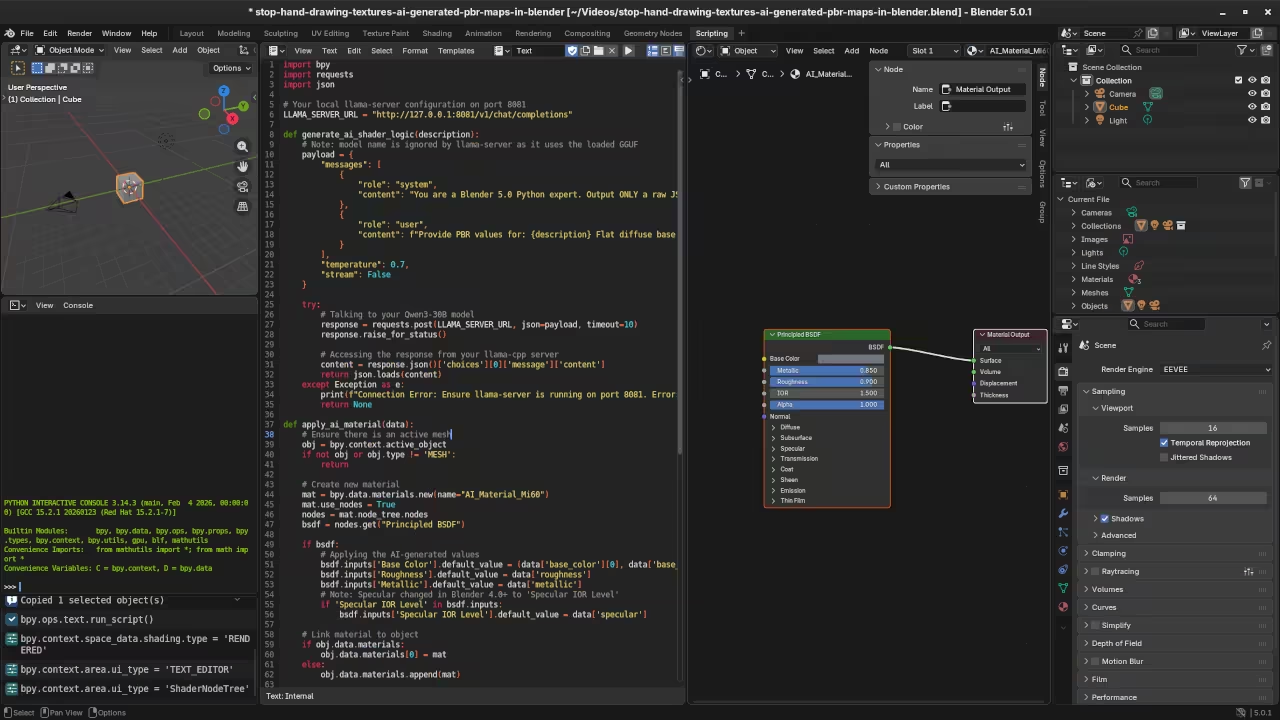
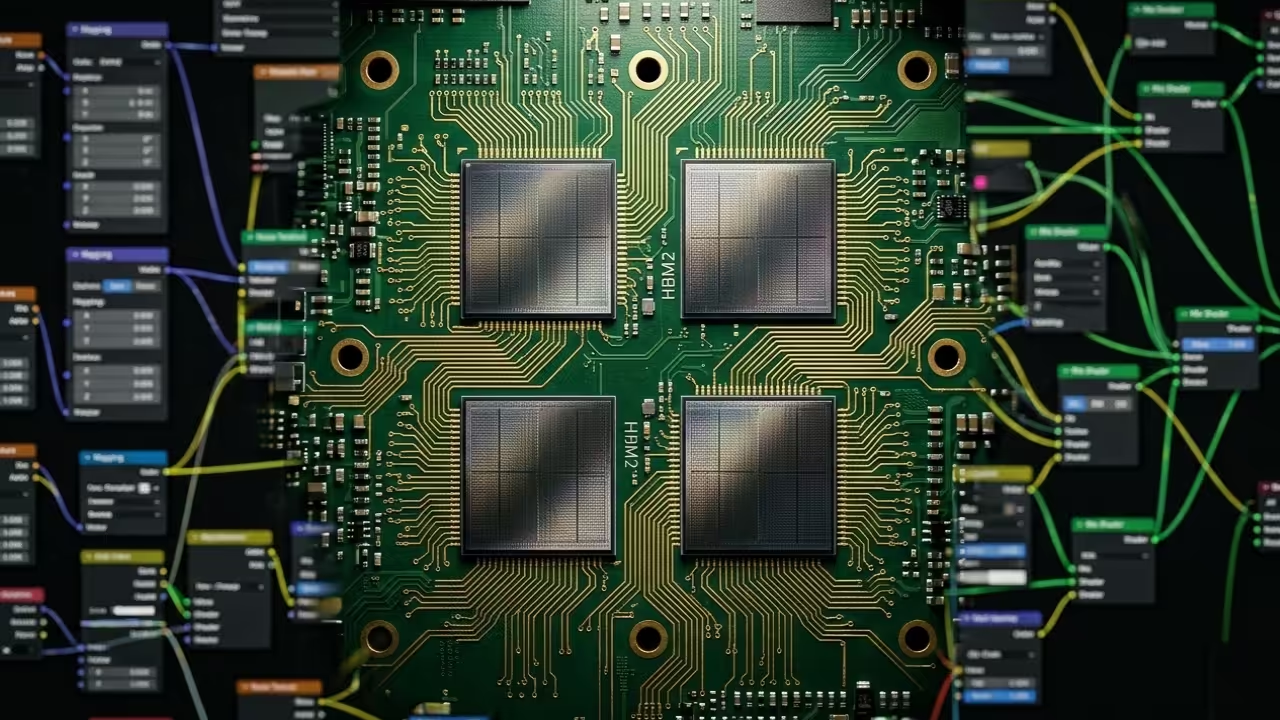
    AI Generated PBR Texture Nodes in Blender
    Automated PBR Node Network Generation

    Technical Configuration Secrets

    To achieve professional results you must understand the critical relationship between VRAM capacity and texture resolution depth. While standard consumer cards struggle with 8K map generation enterprise grade hardware like the Mi60 allows for massive parallel processing.

    The true insider secret lies in your environment variables for ROCm to ensure Blender utilizes the hardware properly. Setting HSA_OVERRIDE_GFX_VERSION to 9.0.6 is often necessary for Vega 20 architectures to unlock full HIP performance.

    This specific tweak ensures that your noise free renders happen in real time rather than waiting minutes for a single frame. This configuration is the difference between a stuttering viewport and a smooth professional workflow.

    Workflow Comparison

    Texture Generation Comparison Table
    Parameter Manual Painting AI Generated PBR
    Time Investment 4 to 8 Hours 30 to 60 Seconds
    Material Consistency Variable Mathematically Perfect
    Hardware Dependency Low High VRAM Required
    Parameter Manual Painting AI Generated PBR
    Efficiency Gains Comparison
    Albedo Map Input
    Initial Albedo Source
    Generated Normal Map
    AI Generated Normal Map

    Master the Professional Stack

    Mastering the professional stack requires more than just the right hardware it requires the right educational resources. You can find comprehensive guides on advanced technical implementations through specialized literature available for your digital library.

    Live Implementation Screencast

    The Future of Local Inference

    The integration of llama cpp as a backend server for Blender 5.0 creates a revolutionary bridge between language and geometry. You can feed your local Qwen3 model specific material parameters to receive optimized Python scripts for shader construction.

    This automation allows you to focus on the composition and lighting rather than the tedious math of fresnel. As the 3D industry evolves those who master these local AI tools will outpace traditional artists every single time.

    Your ability to deploy these models locally ensures total privacy and zero subscription fees for your production pipeline. This is the ultimate freedom for the modern technical artist working in the open source ecosystem.

  • The Secret Ultra-Light Web Stack for 2026 High-Performance Hardware

    The Secret Ultra-Light Web Stack for 2026 High-Performance Hardware

    Modern web development has become a bloated nightmare of massive dependencies and heavy container orchestration. You are likely wasting gigabytes of memory just to serve a simple high impact landing page.

    This inefficiency kills performance on compact edge devices and drains your power resources unnecessarily. There is a hidden path used by elite engineers to reclaim every single megabyte.

    By using a minimalist multi call binary you can host professional content with almost zero overhead. This approach ensures your hardware remains dedicated to serving users rather than managing internal software bloat.

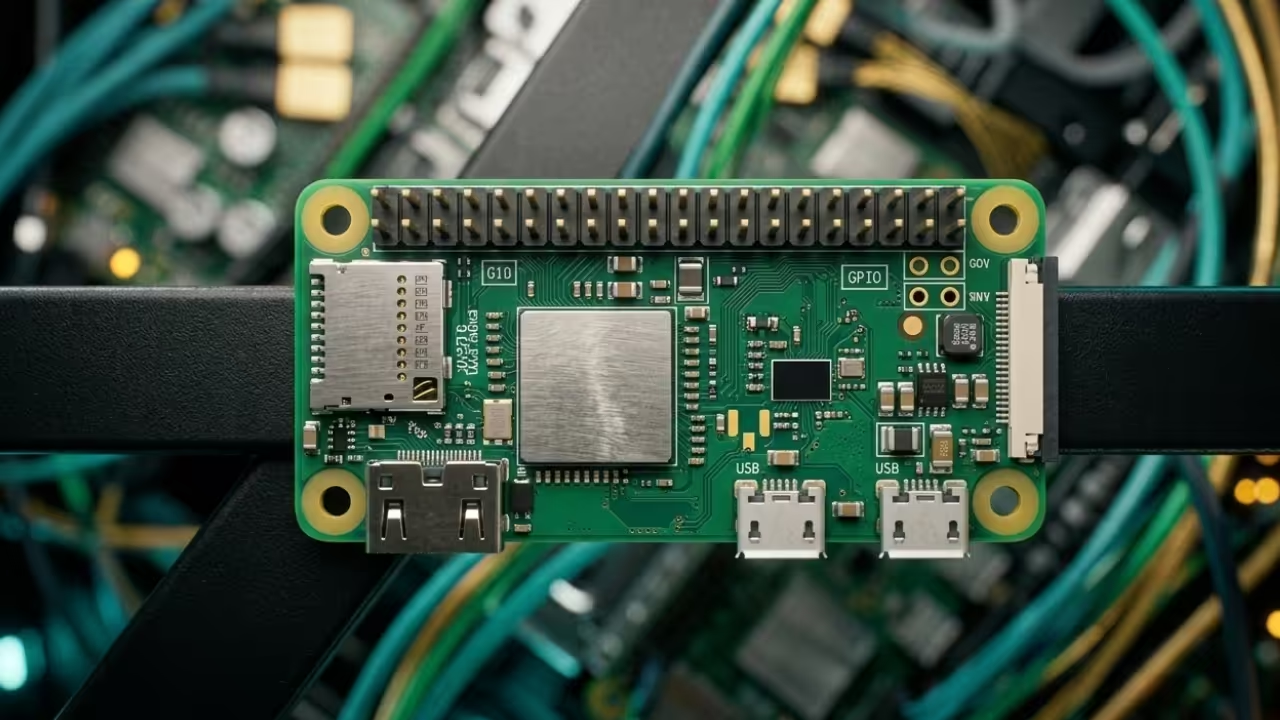
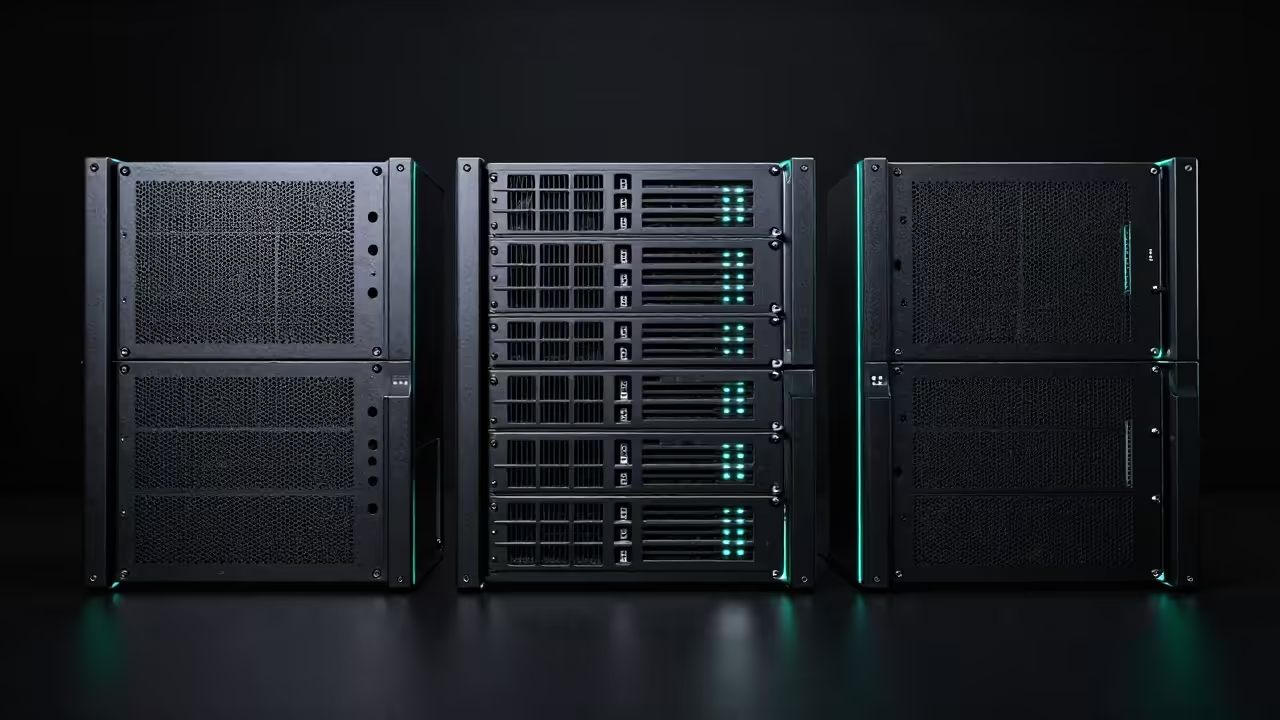
    BusyBox architecture on compact hardware
    BusyBox architecture on compact hardware

    The Experience of True Optimization

    Imagine the thrill of watching your system monitor remain nearly flat while serving heavy traffic. Your hardware stays cool to the touch while the glowing CSS animations glide across the screen.

    There is a profound sense of power in knowing your entire server stack fits within a single executable. You have stripped away the noise to leave only the pure raw performance of the silicon.

    It feels like unlocking a secret level of hardware optimization that others simply cannot reach. This setup transforms a simple board into a high performance serving engine with immediate response times.

    Live Screencast Deploying the Minimalist Stack

    Inside the Configuration Secret

    The secret weapon in this setup is the built in HTTP daemon found within the universal utility tool. Most enthusiasts forget to leverage the internal configuration file located at /etc/httpd.conf for advanced security.

    You can actually map specific MIME types or create basic authentication gates with just two lines of text. This allows you to serve modern formats like WebP or high frame rate video files without any external plugins.

    It is the ultimate insider trick for maintaining a professional edge on minimal power. Mastering these tiny configuration flags separates the casual hobbyists from the high performance engineering experts.

    Server Response Header View
    Minimal Header Overhead
    System Resource Usage Graph
    RAM Usage Comparison
    Stack Performance Comparison
    Parameter Standard Heavy Stack Minimalist Binary Stack
    Memory Usage 250MB to 1GB 2MB to 5MB
    Install Size 500MB plus Under 2MB
    Configuration Complex Files Single Command
    Boot Time 30 to 60 Seconds Sub Second
    Parameter Standard Heavy Stack Minimalist Binary Stack
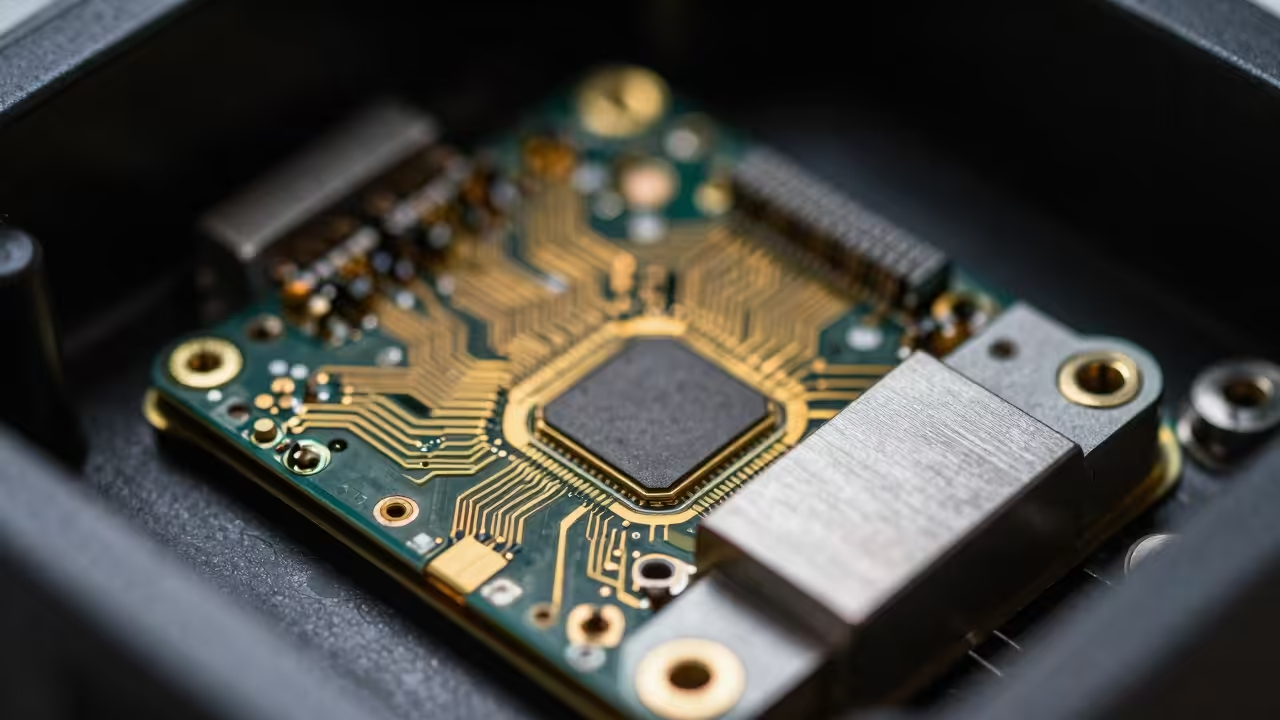
    Hardware performance metrics for 2026 edge devices

    Master the Professional Stack

    Master the Professional Stack by exploring these elite resources for your next high performance project. You can find deep dive architectural guides in the official books at https://www.amazon.com/stores/Edward-Ojambo/author/B0D94QM76N.

    If you need ready to deploy technical Blueprints visit the shop at https://ojamboshop.com. For personalized learning you can request custom Tutorials at https://ojambo.com/contact.

    Professional teams can book high level Consultations at https://ojamboservices.com/contact to scale their infrastructure. These tools provide the foundation for robust lightning fast digital environments.

    Visual Impact and Creative Potential

    The visual impact of your blinged out page will be even more impressive when users realize the hardware. You can use JavaScript canvas effects to create a deep sense of atmosphere without using heavy image assets.

    This ensures your site loads instantly even on restricted or remote network connections. The combination of tiny binaries and smart coding creates an unbeatable user experience that scales effortlessly.

    Take control of your hardware today and stop letting bloated software dictate your creative potential. Elevate your technical presence by embracing the minimalist philosophy that defines future web standards.

  • The Secret Weapon for Instant High Quality AI Voiceovers in ComfyUI

    The Secret Weapon for Instant High Quality AI Voiceovers in ComfyUI

    Most creators are currently wasting massive amounts of local VRAM or paying steep monthly fees for decent synthetic speech. The struggle to synchronize high quality audio with visual AI generations usually requires clunky external tools and complex timing. You are likely tired of robotic voices that ruin the immersive experience of your high end neural renders.

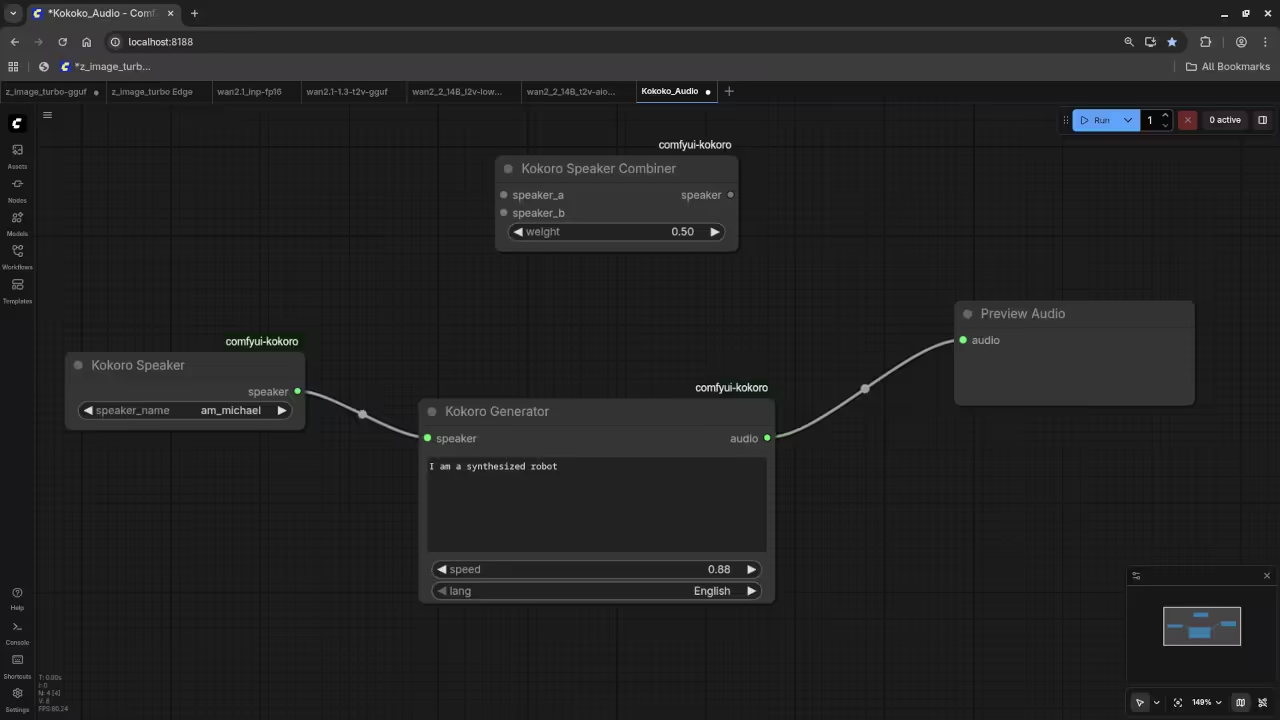
    Kokoro 82M Integration in ComfyUI
    The Kokoro 82M node setup for seamless text to speech integration.

    Experience the Future of Localized Audio Generation

    Imagine hitting queue prompt and watching your character speak with perfect intonation just seconds after the pixels resolve. The feeling of a fully integrated pipeline where audio and video coexist in one workspace is truly a game changer. You gain total creative autonomy without ever leaving the node based environment that you have already mastered.

    Live demonstration of Kokoro 82M within the ComfyUI workflow.
    Fixed Issue With Kokoro 82M within the ComfyUI workflow.

    Why Kokoro 82M is the Definitive Choice

    The Kokoro 82M model is a mathematical masterpiece because it delivers premium fidelity while occupying less than 100 megabytes. This efficiency allows you to run complex video diffusion models alongside the audio generation without triggering out of memory errors. It is the definitive secret for enthusiasts who want professional results on consumer grade hardware setups today.

    Workflow Screenshot One
    Text input and phoneme processing nodes.
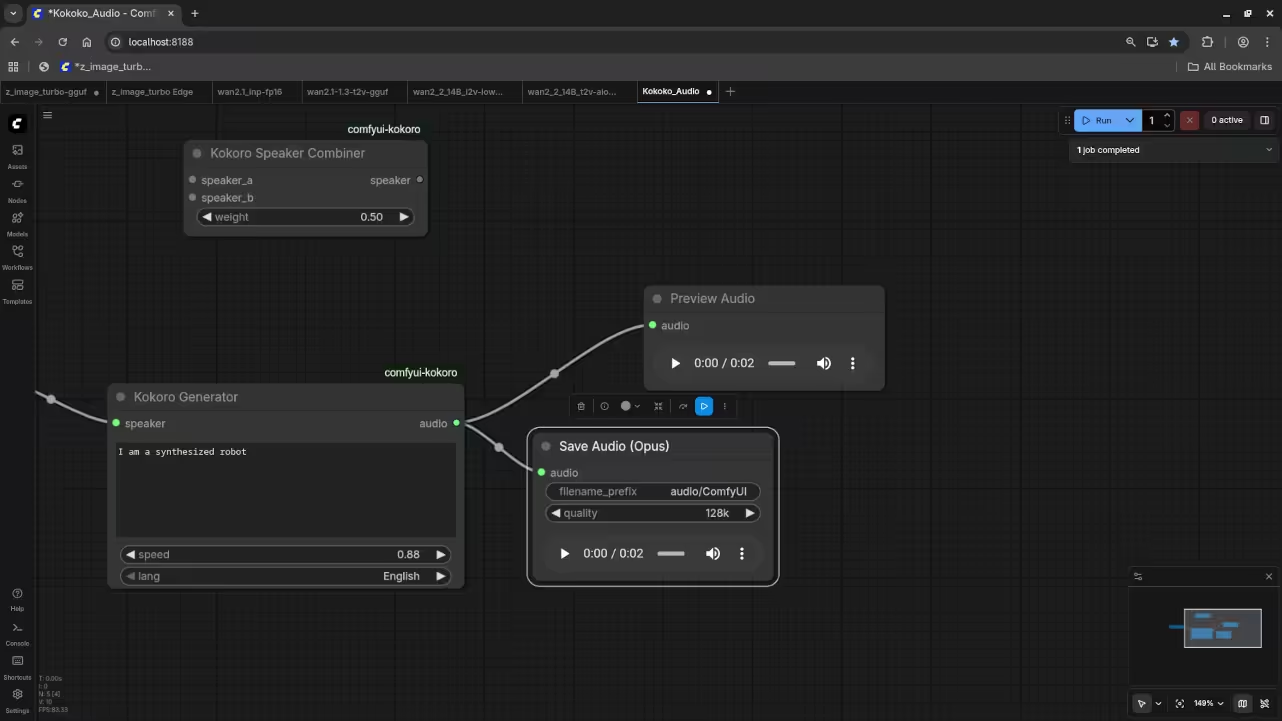
    Workflow Screenshot Two
    Audio output and save directory settings.

    Pro Configuration and Insider Details

    To get the best results ensure you use the Espeak ng backend for phoneme processing within your ComfyUI environment. An insider tip is to adjust the speed parameter to 1.1 for a more natural conversational human cadence. This subtle tweak often removes the slight lingering pauses found in default settings for many open source TTS models.

    Performance Comparison of Popular TTS Solutions
    Parameter Description Value
    Model Type Architecture Kokoro-82M
    Model Size Disk Space 82 Million
    VRAM Usage Memory Footprint Under 500MB
    Audio Quality Output Grade Studio Grade
    Parameter Description Value
    Kokoro 82M dominates in efficiency and quality ratios.

    Master the Professional Stack

    The integration process involves adding the specific Kokoro wrapper nodes which connect directly to your text sequences or scripts. You can even use a primitive node to feed the same seed into both your image and audio. This creates a cohesive output that feels intentional rather than a collection of random assets thrown together.

    Setting up the node structure requires a clear understanding of how tensors flow between the model and the waveform. Once you connect the output to a Save Audio node the local file generation is nearly instantaneous for users. This workflow represents the future of localized private and powerful creative production for every tech savvy professional.

  • Modern Game Development: Unlock The Secret Of Castle Engine Performance

    Modern Game Development: Unlock The Secret Of Castle Engine Performance

    Stop wasting your hardware potential on bloated engines that drain your system resources and kill your creative momentum today. Most developers are trapped in a cycle of massive multi gigabyte runtimes that struggle to maintain consistent frame rates.

    The Castle Game Engine provides a lean and powerful alternative that transforms how you approach high performance cross platform rendering. This technical shift ensures your projects remain efficient across all modern hardware stacks.

    Experience The Power Of Direct Hardware Control

    Imagine compiling a complex 3D scene that launches instantly and runs at a locked 144 frames per second. You will feel the immediate responsiveness of the Object Pascal backend as it communicates directly with your modern GPU.

    The fluid workflow between Blender and the engine creates a seamless pipeline that feels like magic during rapid prototyping. This synchronization eliminates common bottlenecks found in traditional game development environments.

    Castle Game Engine architecture and rendering pipeline
    Castle Game Engine High Performance Pipeline

    Technical Optimization Secrets For AMD Instinct Hardware

    One insider secret for maximum performance involves manual memory management within the engine specialized rendering loops for high density meshes. You should disable the automatic frustum culling for static background elements when running on AMD Instinct MI60 hardware.

    This allows the massive HBM2 bandwidth to handle raw throughput without wasting CPU cycles on unnecessary visibility calculations. Utilizing these deep level hardware hooks provides a significant advantage in resource intensive simulations.

    Live Technical Screencast Of Castle Game Engine Optimizations

    By utilizing the latest Vulkan 1.3 features you can achieve visual fidelity that rivals industry giants with half the overhead. The engine excels at handling large scale GLTF models while maintaining a tiny binary footprint that users will actually appreciate.

    You are no longer fighting the engine but rather collaborating with a tool designed for pure technical efficiency. This architecture supports advanced features like ROCm based compute shaders for offloading complex physics tasks.

    Engine Performance Comparison Metrics

    Performance Metrics Benchmarks
    Parameter Castle Game Engine Industry Standard
    Memory Footprint 50MB to 150MB 1GB to 4GB
    Startup Time Under 1 Second 15 to 45 Seconds
    Scripting Language Type Safe Object Pascal Heavy C Sharp or C Plus Plus
    Parameter Castle Game Engine Industry Standard
    Comparative Analysis Of Engine Overhead

    The transition to this stack allows you to target everything from a Raspberry Pi to a high end workstation. You can leverage ROCm based compute shaders to offload physics calculations directly to your AMD hardware for incredible simulation depth.

    This level of control is exactly what modern tech enthusiasts need to stand out in a crowded market. Mastering these low level optimizations ensures your software remains viable across diverse technical ecosystems.

    Development Interface
    Development Interface Optimization
    Render Output
    Final Render Performance

    Master The Professional Stack

    Master the Professional Stack by exploring these essential resources for your next high impact technical project and architectural development. These links provide direct access to expert knowledge and specialized tools.

    Integrating these professional services into your workflow ensures that your hardware optimizations remain ahead of the current industry curve. High performance computing is about making smart choices with the tools you use and the experts you follow daily.

    Your journey toward mastering the ultimate game development pipeline starts with choosing the right technical foundation right now. Follow these principles to achieve unparalleled speed and stability in all your software engineering endeavors.

  • Stop Paying For Copilot: The NetBeans 29 Local AI Secret

    Stop Paying For Copilot: The NetBeans 29 Local AI Secret

    Most developers are currently trapped in a cycle of endless monthly subscriptions for AI coding tools that scan private data. Your proprietary code is being used to train the next generation of models without your explicit consent or any compensation.

    NetBeans 29 users often feel left behind as modern plugins focus almost exclusively on VS Code or JetBrains ecosystems. This creates a massive productivity gap for those who prefer the robust environment of a classic integrated development platform.

    Reclaiming Digital Sovereignty with Local AI

    By bridging llama.cpp with NetBeans through a simple PHP script you reclaim total privacy and professional grade intelligence today. This setup eliminates external latency and keeps your sensitive logic safely on your own high performance local hardware.

    The Instant AI Feedback Loop

    Implementing this local stack feels like gaining a superpower that nobody else in the office even knows exists. You highlight a messy block of logic hit a shortcut and watch a private window solve the problem instantly.

    The response time is nearly instantaneous because the data never travels across the internet to a crowded data center. It creates a seamless flow state where your creativity remains uninterrupted by connection drops or server side throttling issues.

    There is a profound sense of digital sovereignty when your IDE provides deep insights without calling home to big tech. You are no longer a tenant in your own development environment you are now the sole master architect.

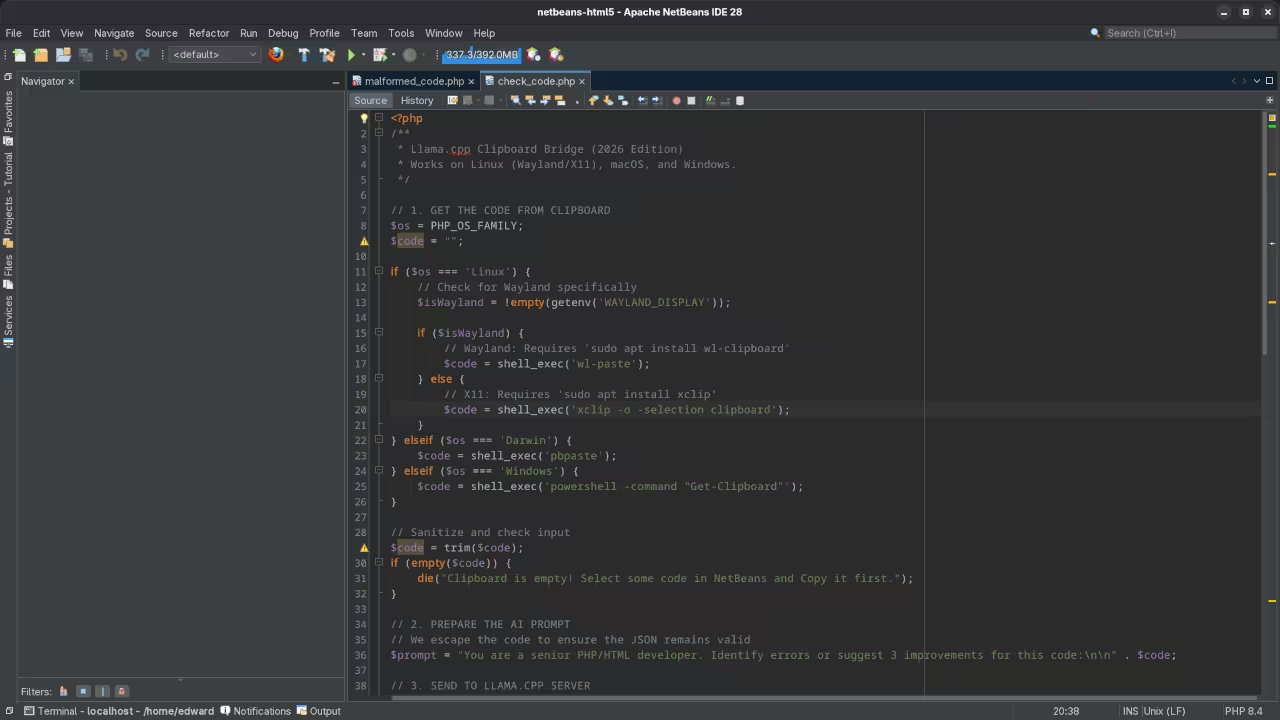
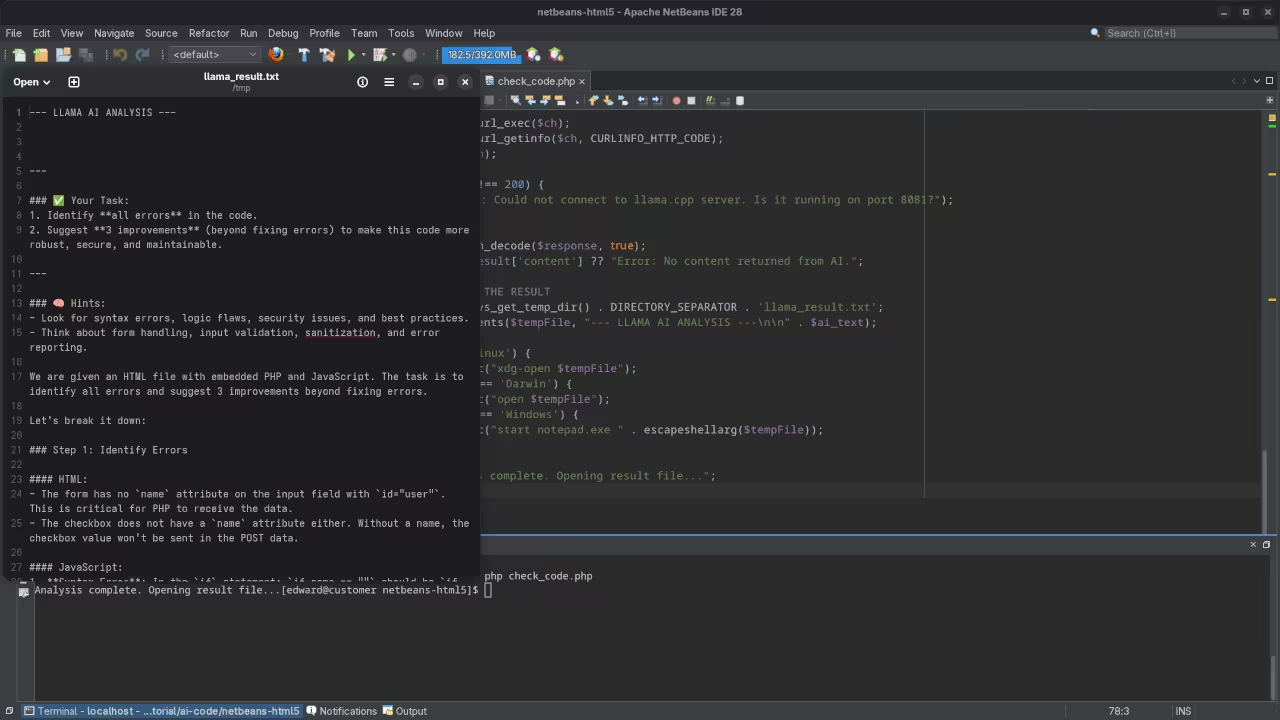
    Local LLM integration with NetBeans 29 interface
    High performance local AI integration within the NetBeans 29 environment

    Professional Technical Configuration

    For a high impact demo always launch your llama server with the continuous batching flag enabled to handle multiple requests. This insider detail ensures that your PHP bridge never hangs if you accidentally trigger it twice during a stream.

    You should also adjust the context window size to at least 4096 tokens to accommodate larger PHP class structures. Using a quantized Q4_K_M model provides the best balance between logical reasoning speed and system memory preservation.

    Live screencast demonstrating local LLM code analysis in NetBeans 29

    Workflow Comparison Gallery

    PHP script for clipboard bridge
    The PHP bridge script configuration
    NetBeans output window with AI suggestions
    Real time AI suggestions in the output pane
    Local AI versus Cloud AI Comparison
    Feature Cloud Based AI Local Llama.cpp Bridge
    Data Privacy Low or Public High or Total Private
    Monthly Cost 10 to 20 USD Free or Self Hosted
    Offline Access No Yes
    Customization Restricted Full Control
    IDE Compatibility Plugin Dependent Universal Scripting
    Feature Cloud Based AI Local Llama.cpp Bridge
    The benefits of switching to a local model bridge

    Master the Professional Stack

    Mastering the professional stack requires the right resources to stay ahead of the rapidly evolving modern technology landscape. You can find comprehensive guides on advanced software architecture by visiting the official author store for Edward Ojambo.

    Modern enthusiasts understand that the best tools are the ones you own and control on your own local machines. Moving to NetBeans 29 while integrating a local LLM ensures you remain at the cutting edge of tech.

    This approach proves that you do not need bloated plugins to achieve world class results in a professional coding environment. Start your local AI journey today and experience the freedom of private high speed development without any external dependencies.

  • This 200 Dollar AI GPU Just Killed The Gaming Console Monopoly

    This 200 Dollar AI GPU Just Killed The Gaming Console Monopoly

    The modern gaming market feels like a persistent trap designed to drain your wallet and your privacy. You are forced into proprietary launchers and monthly subscriptions just to access hardware you already paid for.

    Most enthusiasts believe that enterprise grade AI accelerators are useless bricks for anything other than training massive models. This narrow perspective is the ultimate gatekeeper preventing you from unlocking a world class visual experience for zero cost.

    Unlocking Sovereign Performance

    Imagine the sheer rush of seeing a server grade GPU render high fidelity open source worlds with absolute fluid precision. There is a profound sense of sovereignty that comes from bypassing the mainstream consumer hardware shortage completely.

    You feel the raw power of thirty two gigabytes of high bandwidth memory engaging with a pure Linux kernel. This is not just playing a game; it is a declaration of independence from the corporate stack.

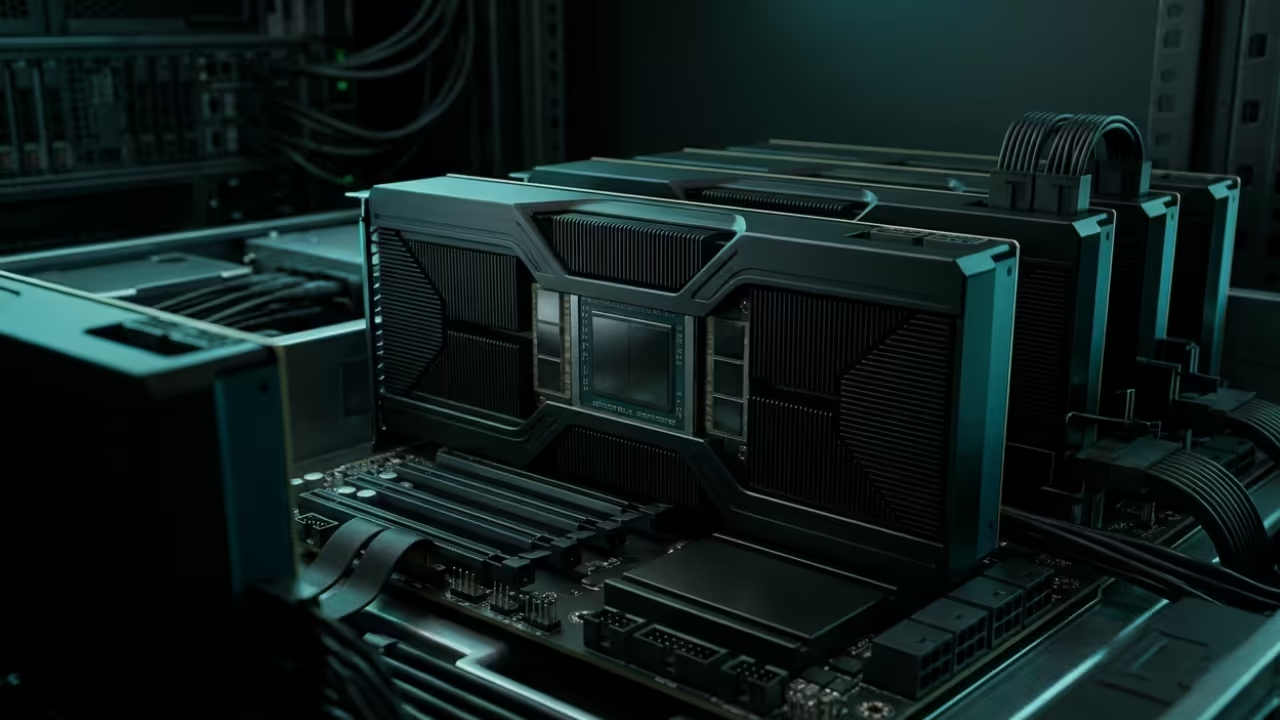
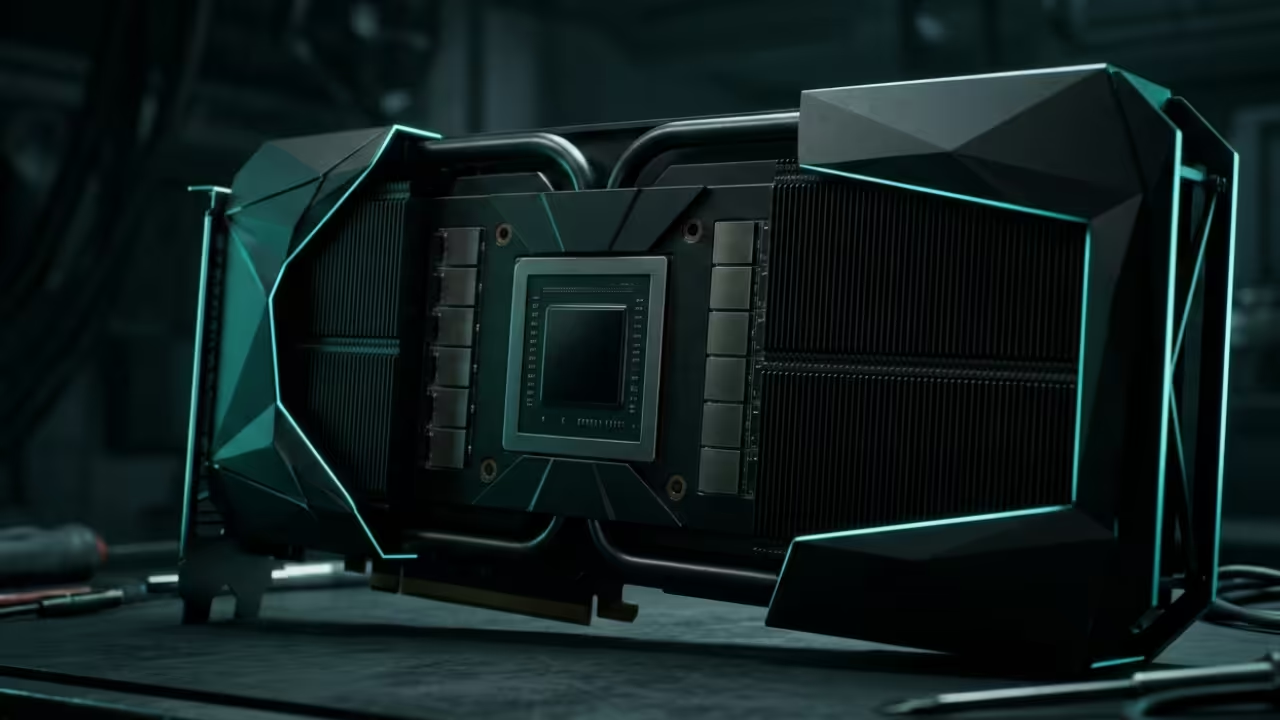
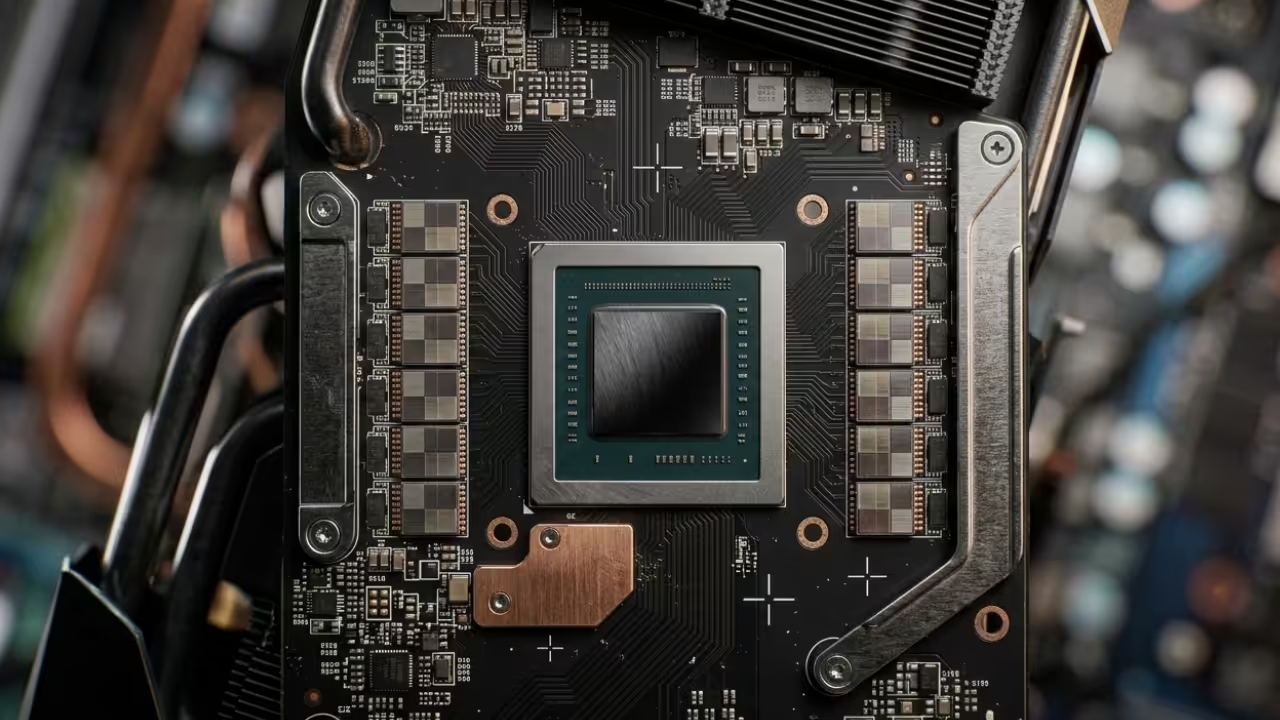
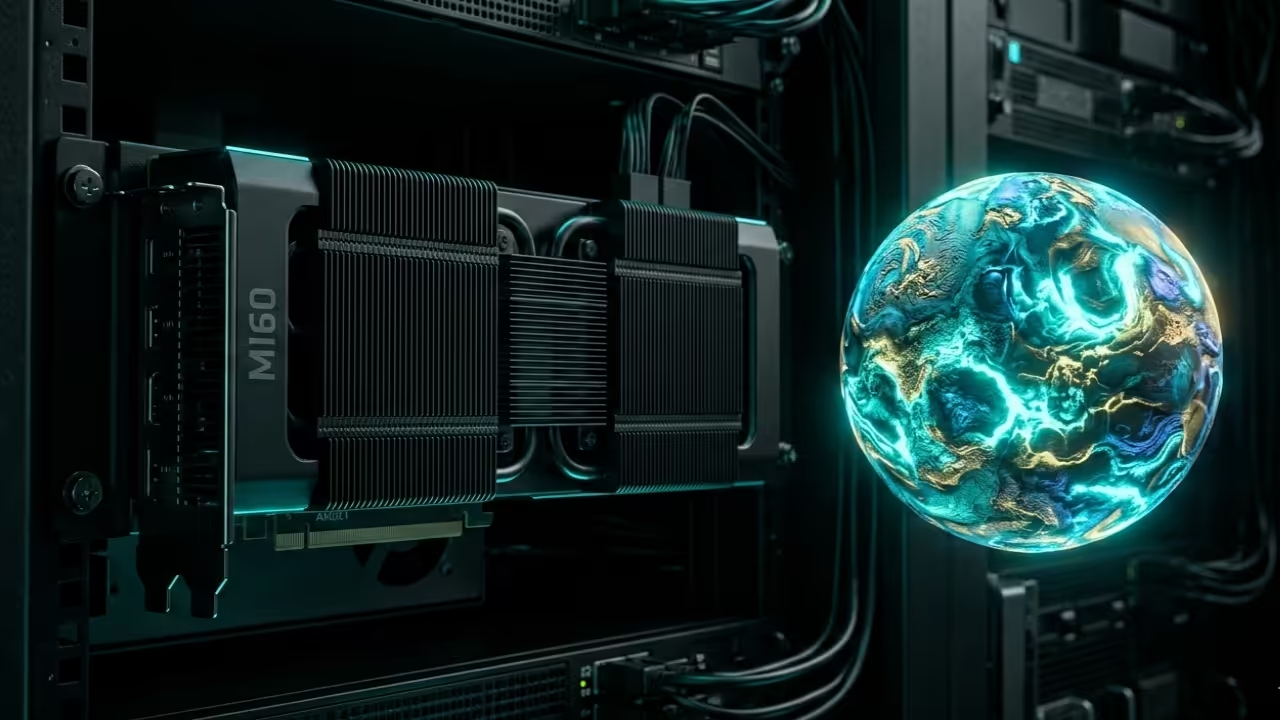
    AMD Instinct MI60 with custom cooling shroud
    Custom cooling modification for the AMD Instinct MI60 enterprise GPU

    Technical Integration and Live Demonstration

    Live stream demonstrating open source gaming performance on enterprise hardware

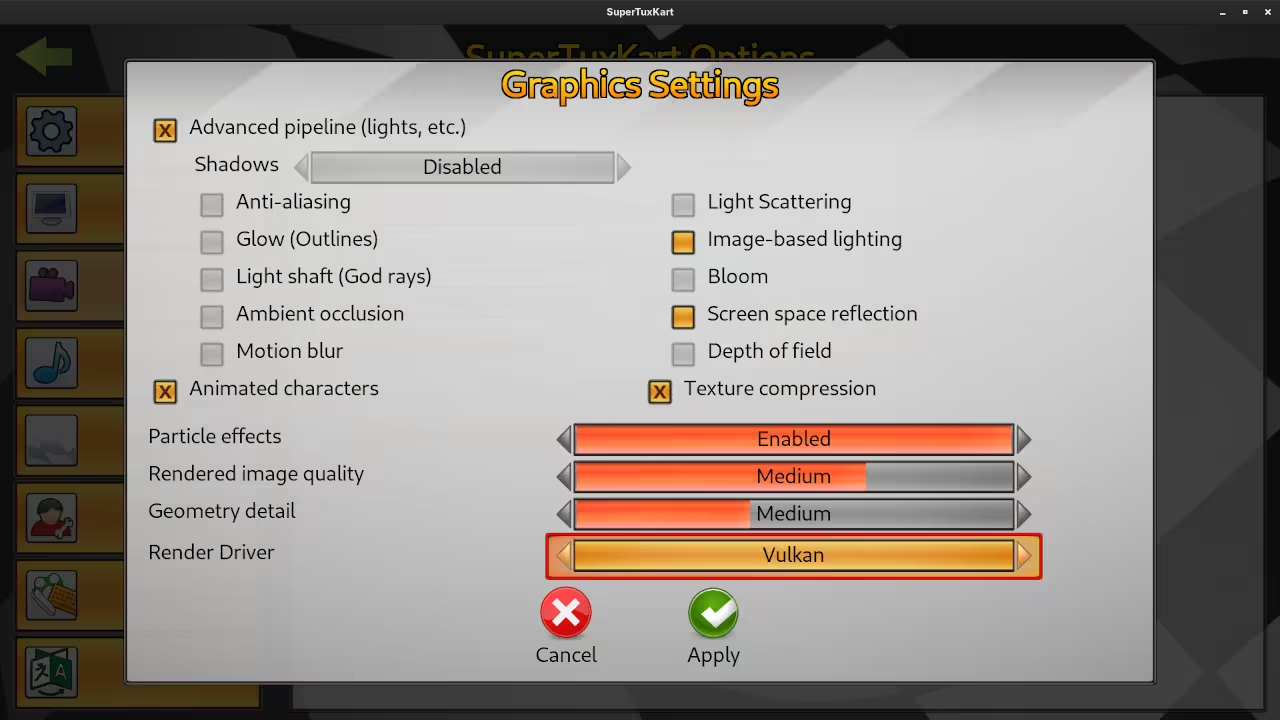
    The secret to this performance lies in the specific interaction between the Vulkan API and your kernel parameters. You must ensure that your system recognizes the Vega twenty architecture by setting the correct device ID overrides.

    Mapping the memory with a massive pages configuration will eliminate the micro stuttering typically found in virtualized environments. This configuration trick allows a two hundred dollar enterprise card to outperform hardware costing three times as much.

    SuperTuxKart Graphics Settings showing Vulkan selection
    1. SuperTuxKart Custom Graphics Settings
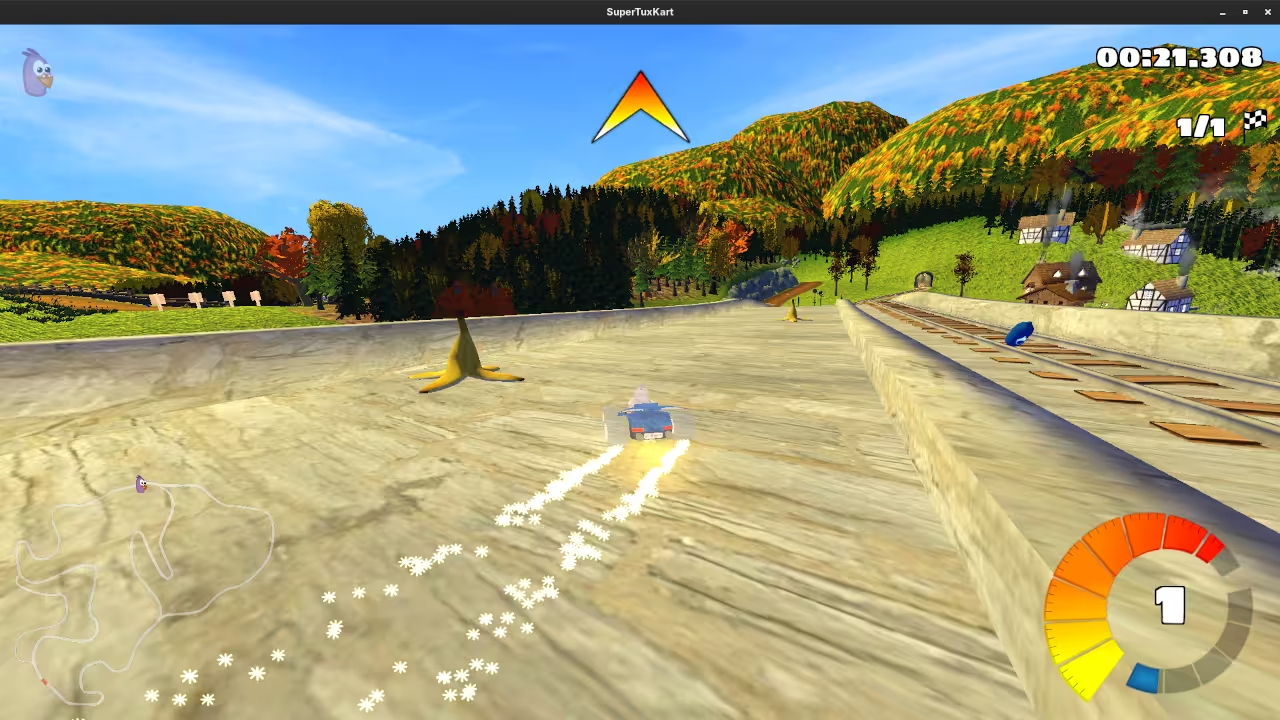
    SuperTuxKart Performance Test on MI60
    2. MI60 Vulkan Performance Render Test

    Hardware Comparison Metrics

    Enterprise Hardware vs Consumer Comparison
    Hardware Component Consumer Grade RTX 4060 Enterprise Instinct MI60 Independent Advantage
    Memory Capacity 8GB GDDR6 32GB HBM2 4x Texture Buffer
    Bus Width 128 bit 4096 bit Instant Asset Loading
    Driver Type Proprietary Open Source amdgpu Kernel Level Control
    Total Cost 300 USD 200 USD Higher ROI
    Hardware Component Consumer Grade RTX 4060 Enterprise Instinct MI60 Independent Advantage
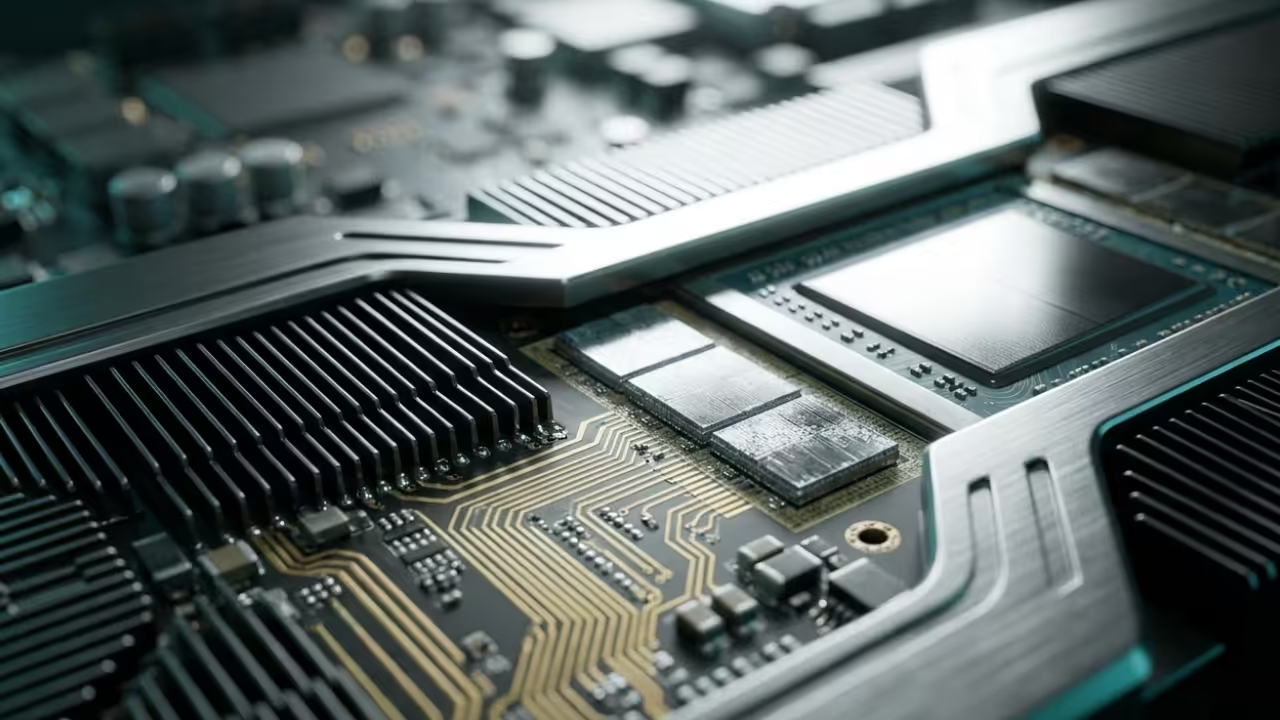
    Technical breakdown of hardware specifications

    Master the Professional Stack

    Master the Professional Stack by integrating these expert resources into your daily workflow and engineering projects immediately. You can find comprehensive guides on advanced programming and system architecture by visiting the author page.

    Conclusion

    The Era of the Sovereign Gamer is here for those brave enough to master the underlying technical stack. You no longer need to wait for a permission slip from a major corporation to enjoy high performance entertainment.

    By leveraging open source titles and enterprise hardware you are building a resilient system that stands the test of time. Take control of your hardware today and stop participating in the struggle of the average consumer.