
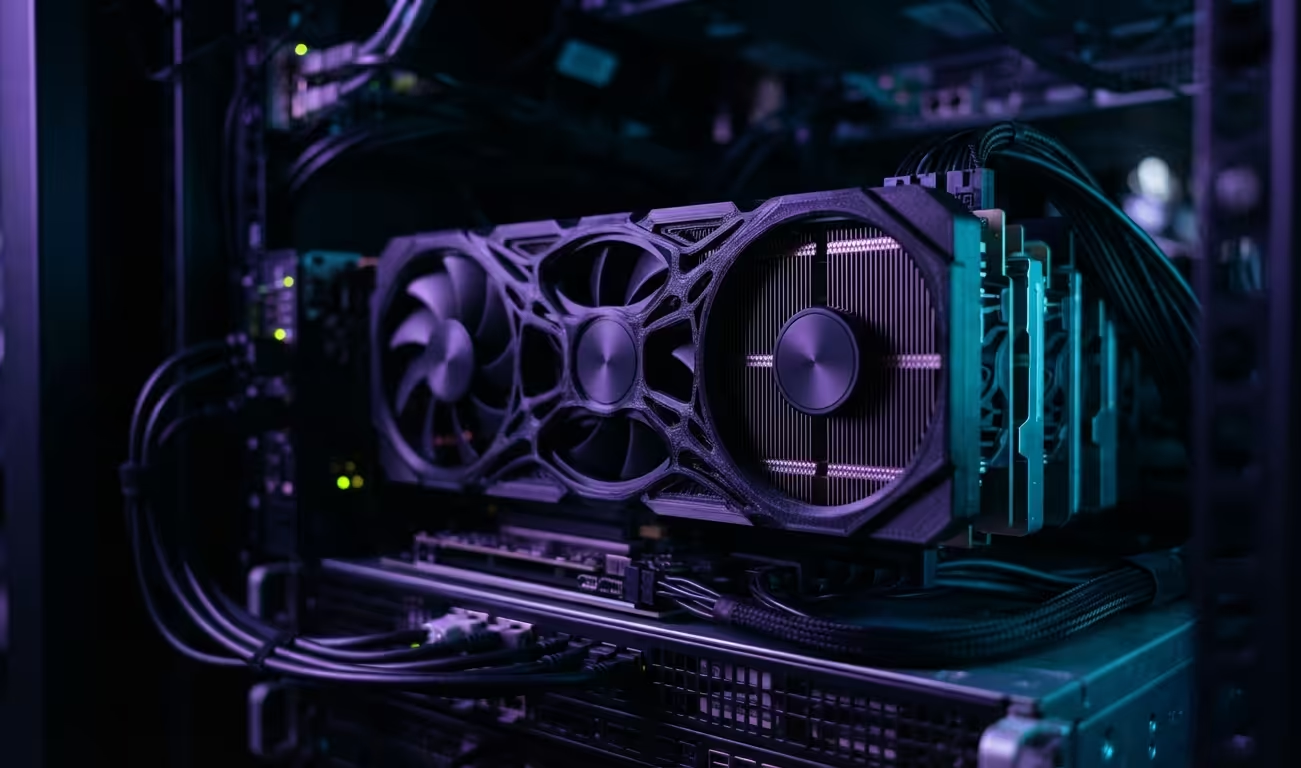
The VRAM Trap And The Enterprise Solution
Most buyers fall into the VRAM trap every single year. They spend thousands on new cards that choke on high resolution textures.
This artificial memory limit kills your rendering speed and crashes your games. There is a better way to build a powerhouse workstation.
Used enterprise GPUs offer a massive advantage for the savvy builder. You can secure double the memory for half the retail price.
Disclosure: article includes affiliate links.


The first time you render a complex scene without a crash feels like magic. Your system finally breathes while processing high resolution 8K textures.
Everything runs smooth as the massive VRAM buffer absorbs the workload. You no longer fear the dreaded out of memory error during exports.

Industrial Hardware For Home Use
The secret lies in the hardware designed for twenty four seven operation. These cards are built to handle heat and pressure indefinitely.
However you must solve the cooling problem before you start. Enterprise cards lack built in fans and require custom airflow solutions.
Critical Configuration Steps
You must enable Above 4G Decoding in your motherboard BIOS settings. This allows the system to address the massive memory banks properly.
For professional cards use the system monitoring tools to check power. This ensures the card stays within safe thermal limits during heavy load.
rocm-smi

Performance Benchmarks And Value
The value proposition becomes clear when you compare the raw specifications. Consumer cards prioritize clock speeds over raw memory capacity.
Enterprise cards prioritize stability and memory density for heavy professional workloads. This makes them superior for video editing and 3D rendering.
| Parameter | Consumer GPU | Enterprise GPU |
|---|---|---|
| VRAM | 8GB to 16GB | 24GB to 80GB |
| Cooling | Active Fans | Passive Heat Sink |
| Cost | High Retail | Low Used Market |
| Drivers | Game Ready | Professional ROCm/CUDA |
| Parameter | Consumer GPU | Enterprise GPU |
Gaming performance varies based on the specific driver support available. Some older cards require custom Vulkan wrappers to run modern titles.
Despite this the sheer memory allows for ultra textures at 4K. You get a stable experience without the stuttering of swapped system memory.
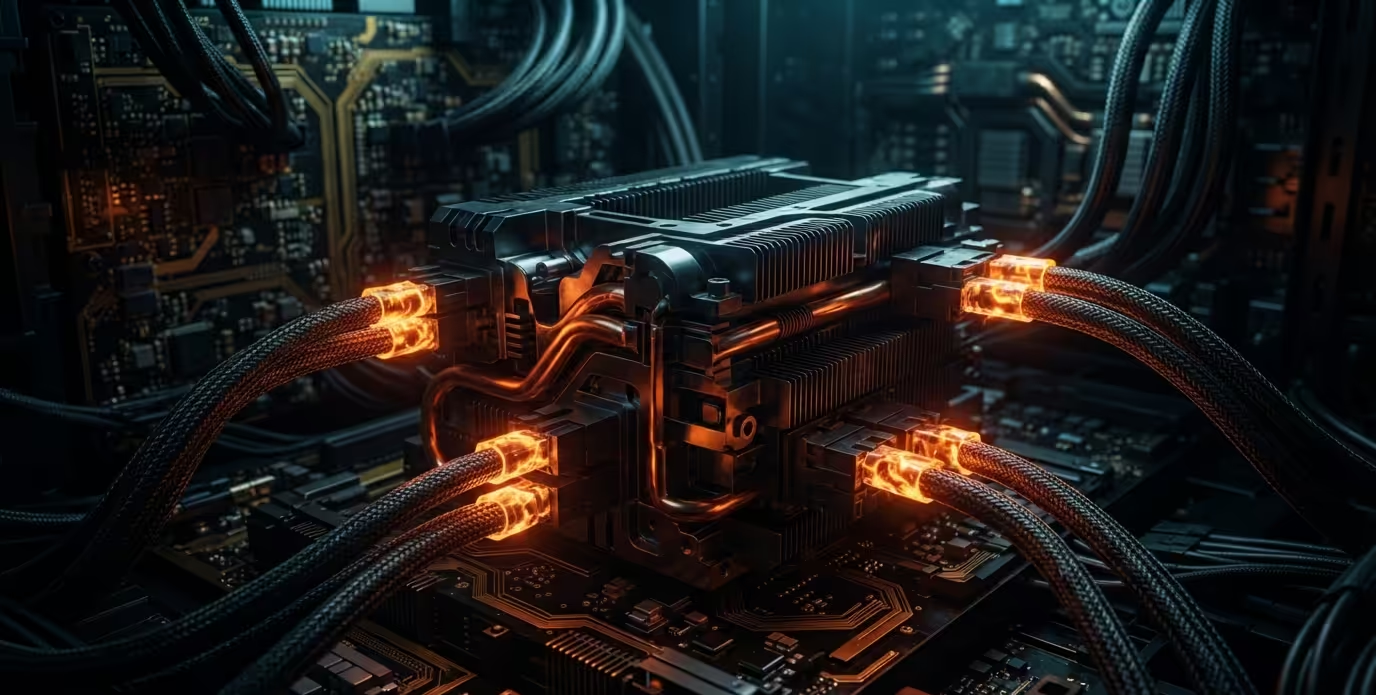
Professional Productivity Dominance
Productivity is where these behemoths truly dominate the entire field. Rendering a complex 3D scene becomes a matter of minutes not hours.
High resolution video editing requires massive VRAM to avoid playback lag. An Mi60 or Tesla P40 transforms your PC into a render farm.
Connecting this to our previous deep dives on open source stacks shows a pattern. High performance does not always require the newest retail box.
Architectural breakthroughs often come from repurposing industrial grade hardware for home use. This strategy saves money while increasing your total compute power.
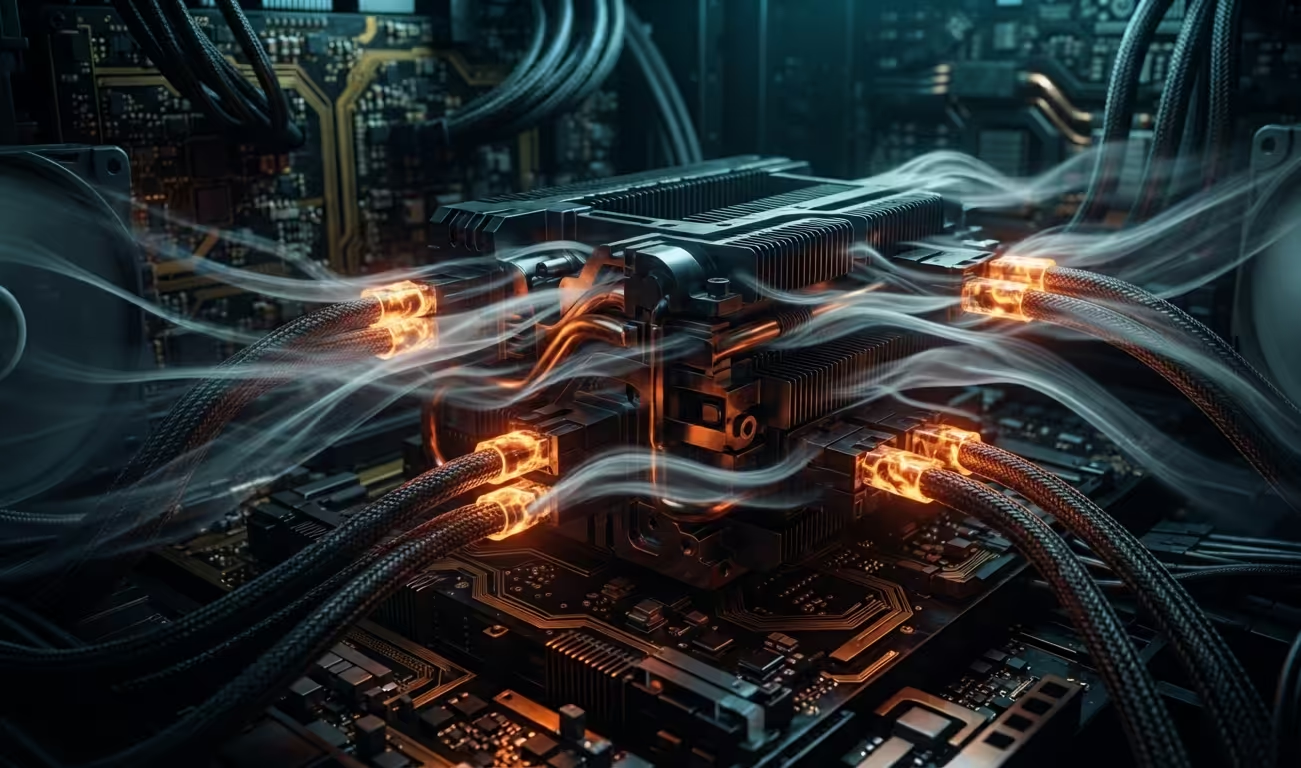
Hardware Safety And Power
Ensure your power supply has the correct EPS connectors for these cards. Many enterprise GPUs use different pins than standard consumer PCIe cables.
Using a simple adapter can solve the power delivery issue quickly. Always verify the wattage requirements before plugging in the hardware.
Get personalized expert guidance to optimize your hardware stack for maximum performance. Dive deeper into our technical guides to unlock the full potential of your system.
Online Tutorials and Technical Help: https://ojambo.com/contact
🚀 Recommended Resources
Disclosure: Some of the links above are referral links. I may earn a commission if you make a purchase at no extra cost to you.