
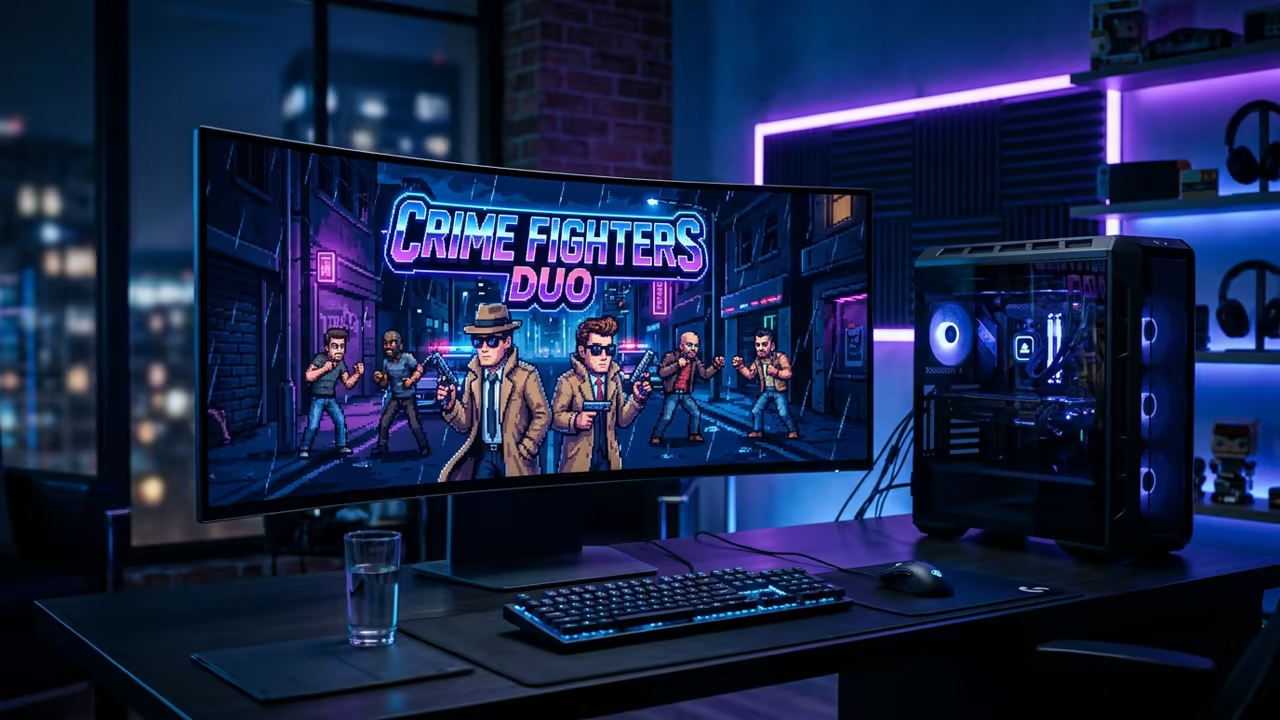
The Modern Struggle With Legacy Game Launching
Modern gaming often forgets the elegance of the early nineties adventure era. Trying to launch an ancient DOS title usually leads to a complete system crash.
This frustration stems from the incompatibility between legacy x86 instructions and modern kernels. The secret to solving this is the SCUMM engine reimplementation process.
Disclaimer: I may earn a commission from purchases made through these links at no extra cost to you.


ScummVM focuses on the structural engineering of the original game scripts rather than hardware emulation. This approach utilizes the SCUMM version nine operational parameters for a seamless experience.
The core metrics involve a 256 color VGA palette and script based execution. These parameters ensure the logic flows correctly across any modern operating system.
You get a stable environment that preserves the original artistic intent perfectly.
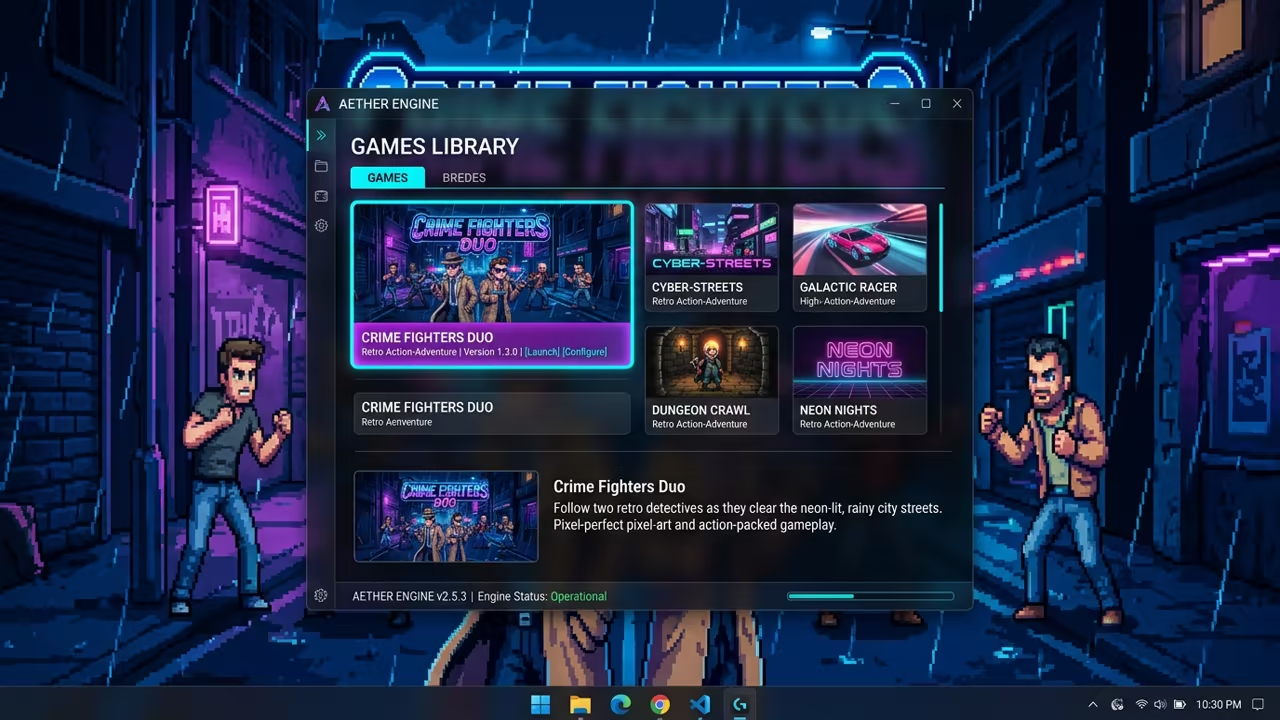
The Pure Joy of Flawless Execution
Running Sam and Max Hit the Road for the first time feels like magic. The sharp dialogue and vibrant colors pop on a high resolution display.
You experience the game exactly as intended without any stuttering or audio glitches. This feeling of stability comes from a deep architectural breakthrough in engine design.
It removes the overhead of a virtual machine while keeping the original logic intact. You can now focus on the humor instead of fighting with config files.
Breaking Down the Original Hardware Stack
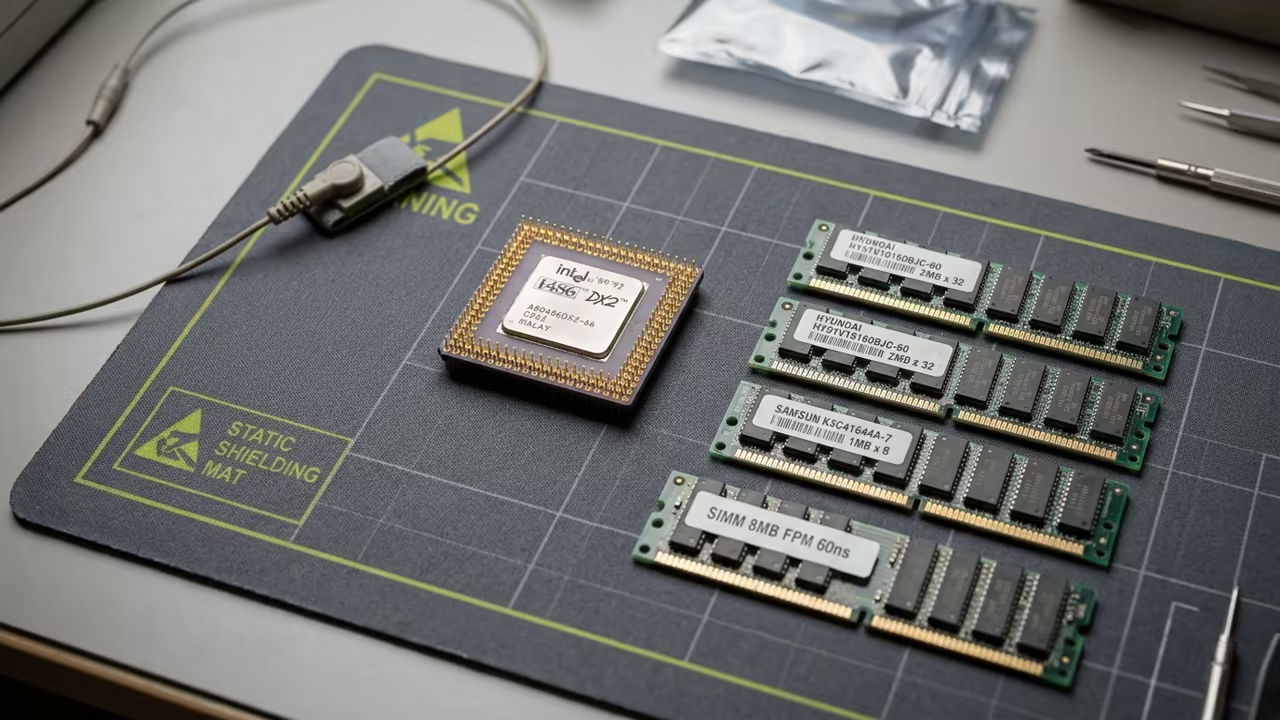
To understand the scale of this achievement we must look at the original hardware. These components were the standard for adventure gamers in the early nineties.
- Intel 80486 CPU
- 8MB SIMM RAM
- Creative Sound Blaster 16
- Standard VGA Display
Modern systems dwarf these specs but the logic remains the same. This connection to the past highlights the importance of software preservation efforts.
Sequential Setup for Modern Systems
Implementing the setup on a modern machine is a very simple process. Follow these sequential steps to get the crime fighting duo running.
- Obtain the latest ScummVM binary from the official website.
- Extract the original game data files from the legacy source.
- Open the ScummVM interface and select the Add Game option.
- Direct the software to the specific folder containing the game assets.
- Select the correct game engine version and press start.
This workflow bypasses the need for complex DOSBox configuration strings. It streamlines the path from installation to actual gameplay in seconds.
Advanced Technical Optimization
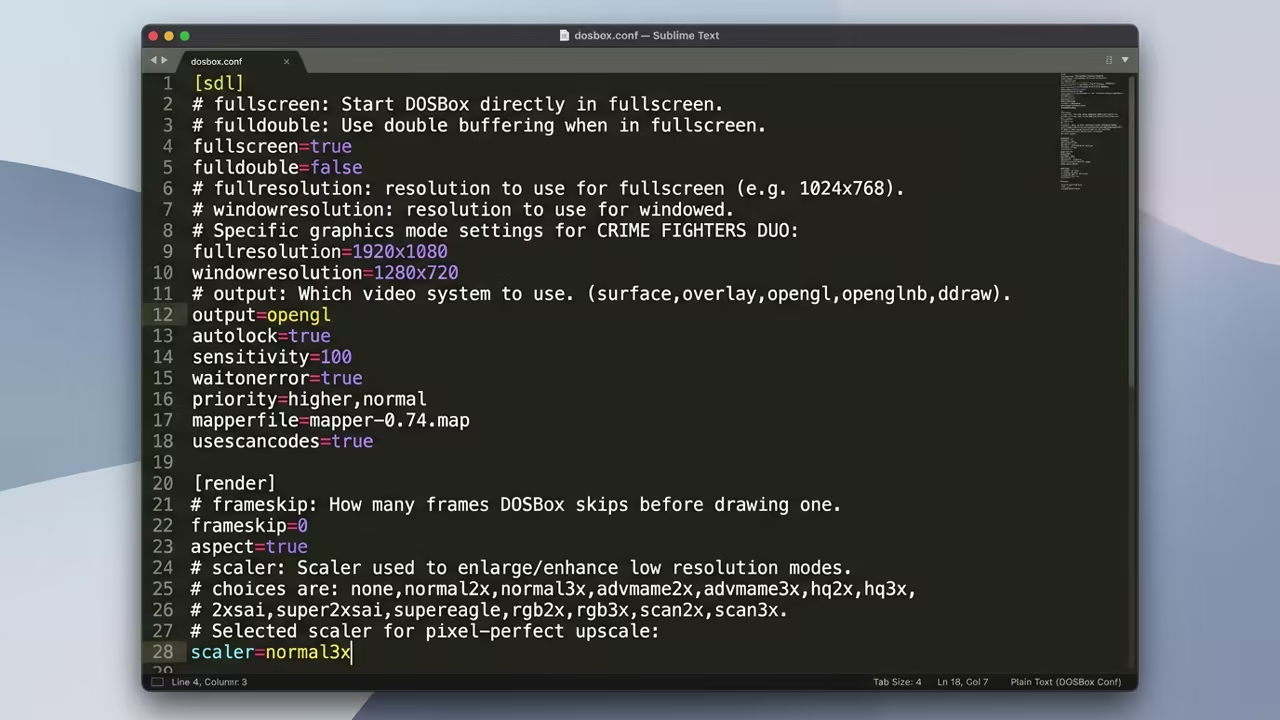
One insider detail involves the scummvm.ini configuration file for advanced users. You should manually set the graphics mode to opengl for hardware accelerated scaling.
This reduces input latency and provides a cleaner image on 4K monitors. The technical breakdown requires looking at the raw configuration parameters.
You can apply these changes using a simple text editor in the config folder.
[Graphics]
mode=opengl
scaler=xbrz
full_screen=true
This configuration ensures the engine uses the GPU for interpolation. It creates a professional visual experience that surpasses the original hardware capabilities.
This process connects to previous technical deep dives into the x86 architecture. It mirrors the same efficiency seen in modern containerized application deployments.
The result is a high performance environment for legacy assets.
| Parameter | Description | Value |
|---|---|---|
| Memory | Original RAM | 8MB RAM |
| Memory | ScummVM 2026 | Dynamic Allocation |
| Resolution | Original VGA | 320×200 VGA |
| Resolution | ScummVM 2026 | Scaled 4K UHD |
| Platform | Original OS | MS DOS |
| Platform | ScummVM 2026 | Cross Platform OS |
| Stability | Original State | Prone to Crashes |
| Stability | ScummVM 2026 | Rock Solid |
| Parameter | Description | Value |
The table above illustrates the massive leap in operational efficiency. ScummVM transforms a fragile legacy app into a robust modern utility.
Learning and Support
Reach out to a senior architect for personalized technical help. Dive deeper with the online tutorials at https://ojambo.com/contact.
🚀 Recommended Resources
Disclosure: Some of the links above are referral links. I may earn a commission if you make a purchase at no extra cost to you.
Leave a Reply