

Solving The Bloated Archive Nightmare
Most users struggle with bloated archive managers that crash on massive files. These heavy tools waste system RAM and slow down the entire desktop experience.
You need a solution that handles gigabytes of data without the unnecessary overhead. Xarchiver solves this pain point by acting as a lean front end for CLI tools.
Disclaimer: I may earn a commission from purchases made through these links at no extra cost to you.


The Experience Of Pure Speed
The feeling of a snap open GUI is pure bliss for any power user. It transforms a tedious extraction chore into a streamlined and professional workflow.
You will notice an immediate jump in responsiveness when opening complex compressed folders. This efficiency creates a frictionless environment for managing deep project backups.
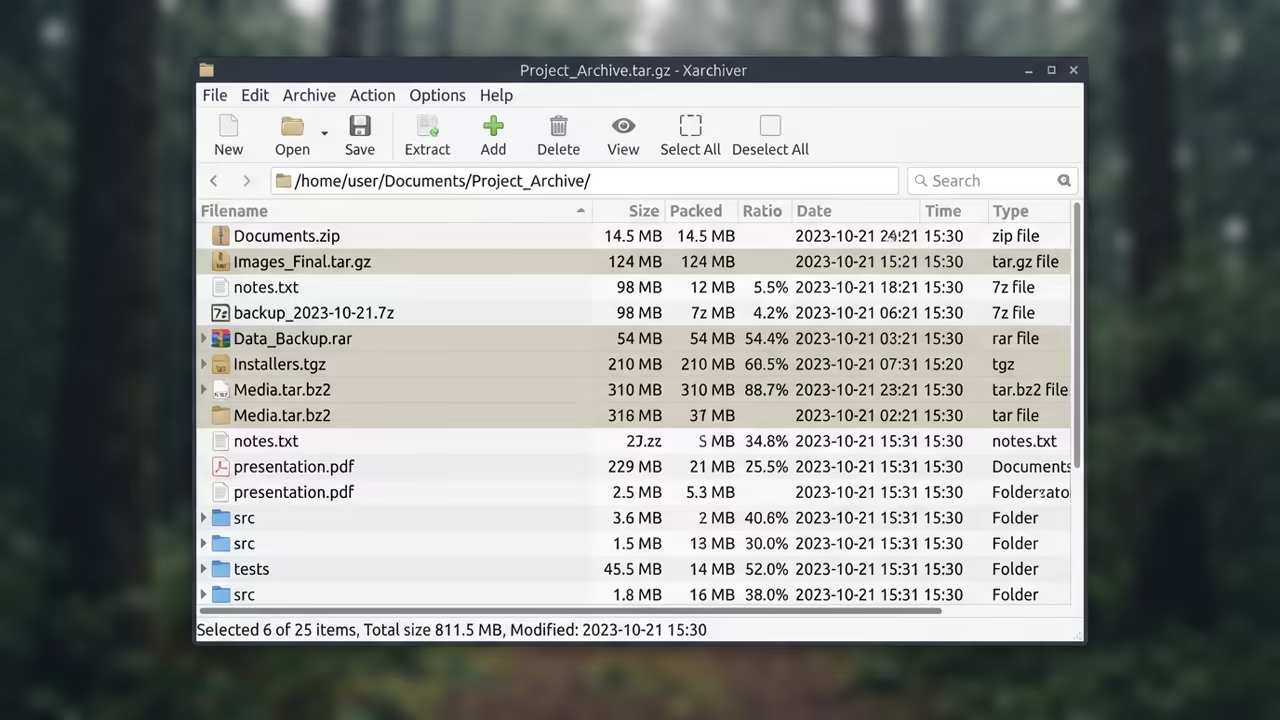
Professional Backend Orchestration
The real power lies in its ability to leverage various backends seamlessly. You can switch between zip and tar formats without changing your entire toolset.
An insider secret involves prioritizing the 7z backend for maximum compression ratios. You can force this by ensuring p7zip is installed on your base system.
This configuration allows the GUI to execute high level compression with zero lag. It is a must have secret for maintaining lean system resources.
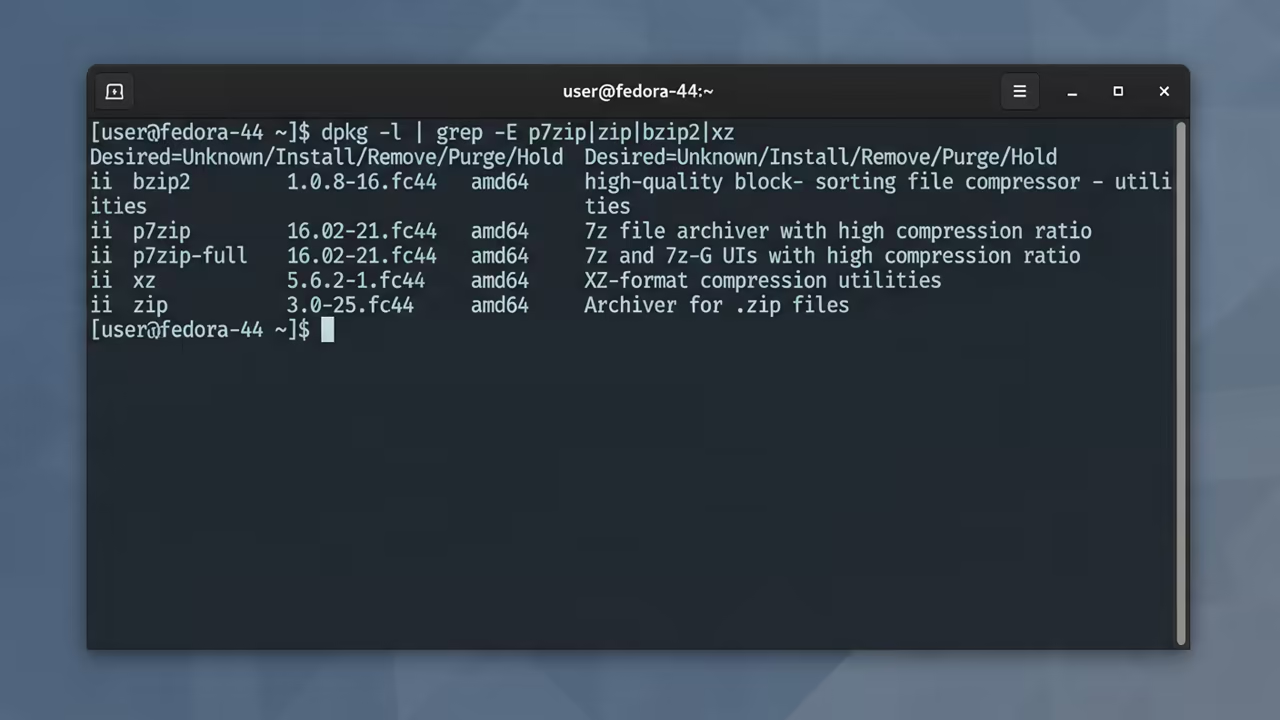
To implement this you can check your installed backends using the terminal. Run the following command to verify your compression engine support.
dpkg -l | grep -E 'p7zip|zip|bzip2|xz'
Integrating this tool connects naturally to previous technical deep dives on system bloat. It mirrors the architectural breakthroughs seen in minimal window manager setups.
You can now handle archives that would normally freeze a standard desktop manager. This approach ensures your hardware remains cool and your CPU usage low.
| Parameter | Xarchiver | File Roller | Ark |
|---|---|---|---|
| Size | Tiny | Medium | Large |
| Dependencies | Minimal | Heavy | Medium |
| Speed | Instant | Slow | Moderate |
| DE Bound | No | Yes | Yes |
| Parameter | Xarchiver | File Roller | Ark |
This table highlights why a DE independent tool is the superior architectural choice. It removes the reliance on specific desktop libraries for basic file tasks.
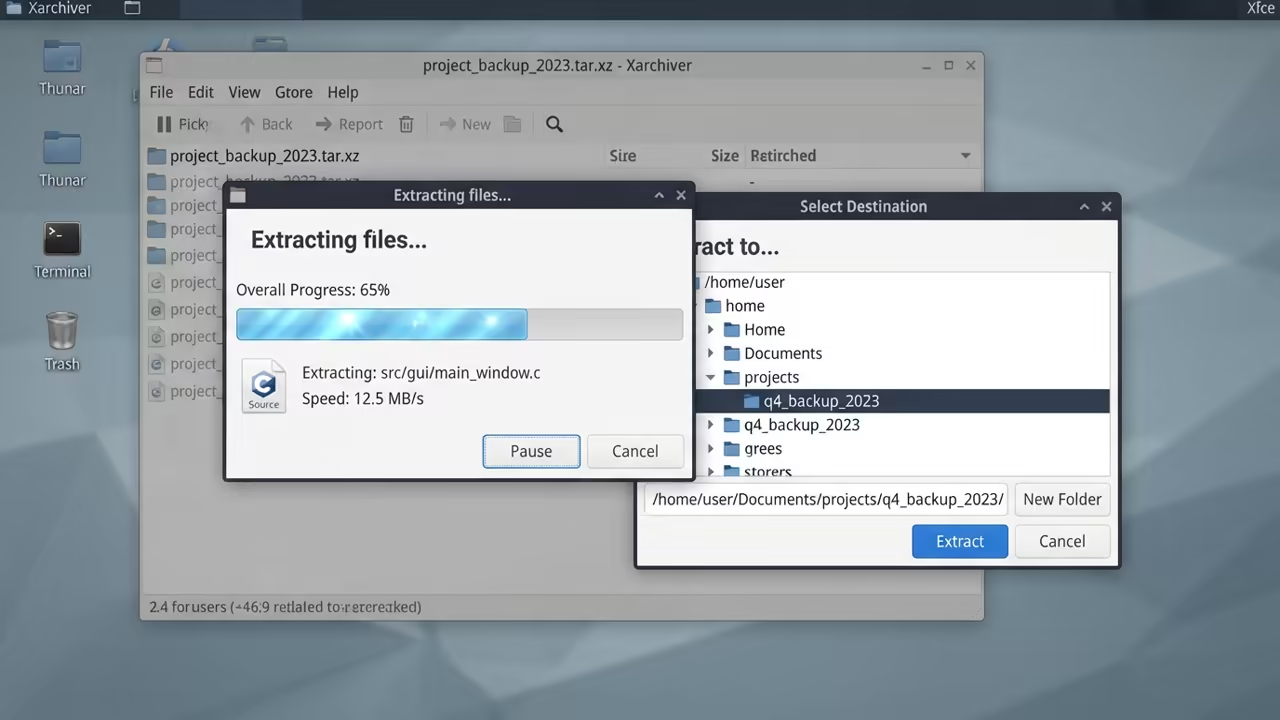
Your workflow becomes more portable across different operating systems and environments. This versatility is critical for architects managing multiple remote server nodes.
You can easily drag and drop files directly into the archive window. This simple interaction saves hours of manual command line typing over time.
Learning And Support
Reach out for personalized technical help to optimize your archive workflow. Dive deeper with our online tutorials for advanced system tuning.
Online Tutorials & Technical Help: https://ojambo.com/contact
🚀 Recommended Resources
Disclosure: Some of the links above are referral links. I may earn a commission if you make a purchase at no extra cost to you.
Leave a Reply