
The VRAM Trap Killing Your AI Video Speed
Stop chasing cheap VRAM with ancient enterprise cards. Learn why new consumer GPUs crush older enterprise hardware in AI image and video generation due to missing core architectures.
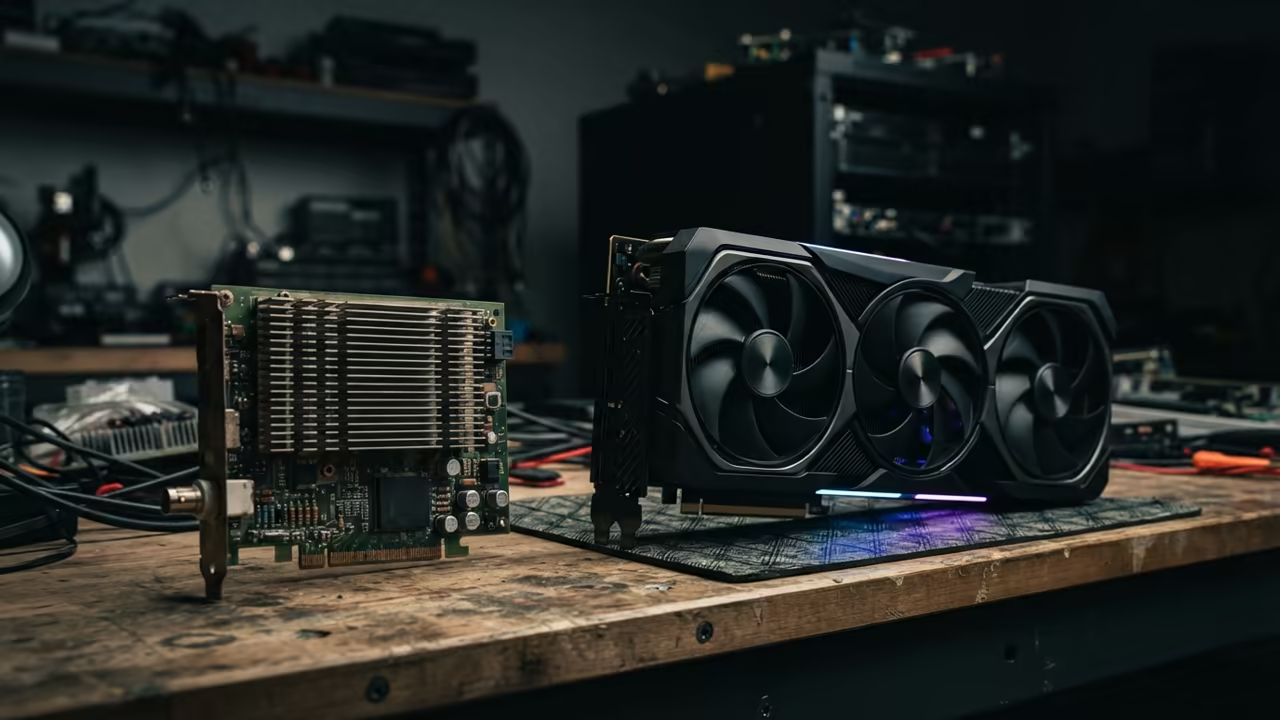
You see a cheap Tesla P40 with twenty four gigabytes of VRAM. It looks like a bargain for high resolution AI video. This is a dangerous trap for most creative professionals today.
Disclaimer: I may earn a commission from purchases made through these links at no extra cost to you.


The Architecture Performance Gap
Ancient enterprise cards lack the specialized hardware for modern AI. You will face agonizingly slow render times and constant software crashes. The VRAM capacity is a ghost that haunts your performance.
Implementing a modern RTX 40 series card feels like switching to light speed. Images generate in seconds while video frames flow without a single hitch. The system remains stable even under heavy thermal loads.
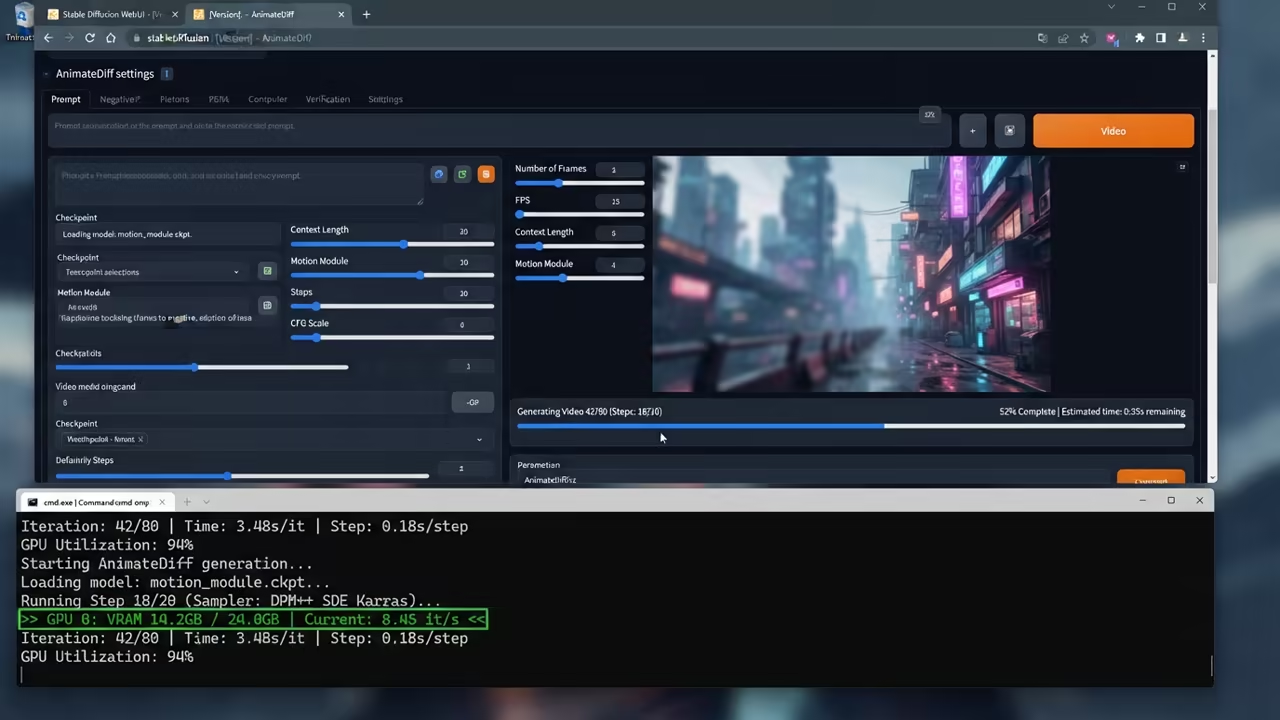
The secret is the total absence of Tensor cores in older GPUs. Modern AI depends on these matrix cores for massive parallel calculations. Without them your GPU relies on standard CUDA cores for everything.
This architectural gap creates a massive bottleneck for every single frame. You are essentially using a calculator to do quantum physics. The throughput is simply not there for 2026 standards.
Numerical Precision and BF16 Failures
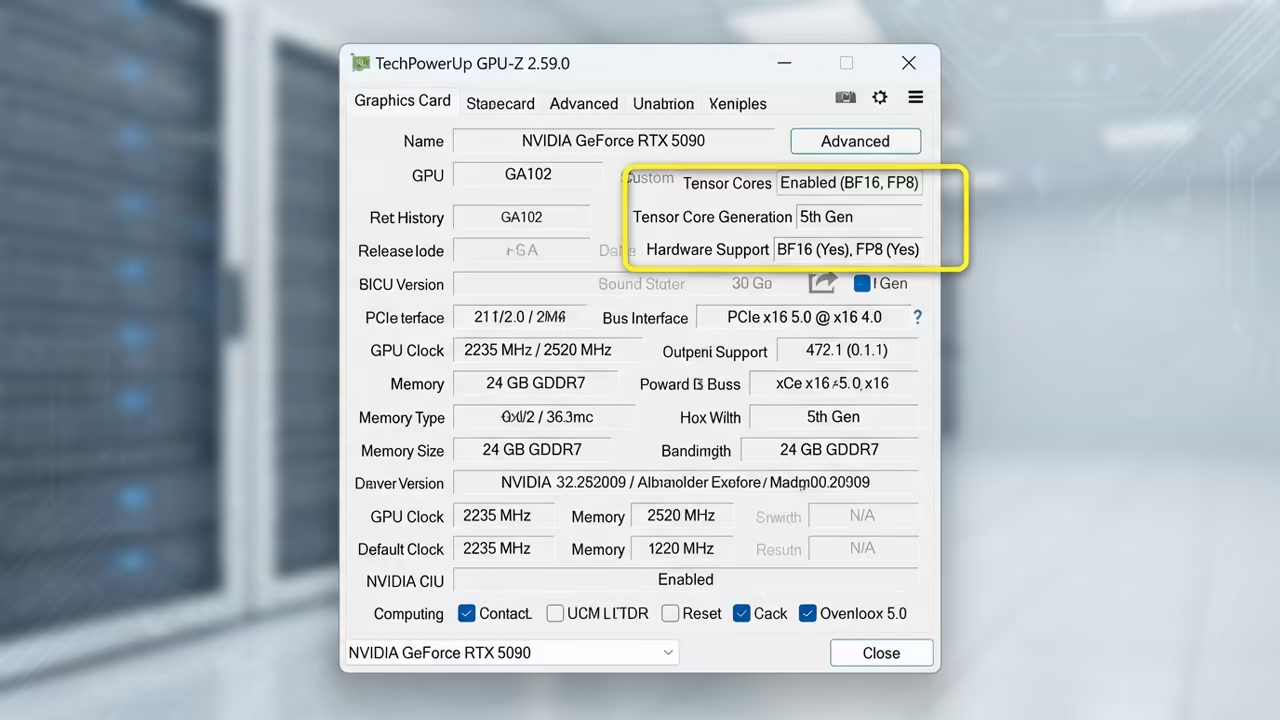
Then there is the critical lack of BF16 support in legacy hardware. Bfloat16 provides the dynamic range needed to prevent numerical overflows. Older cards only support FP16 which leads to black images and NaNs.
You will spend hours fighting configuration files just to get a basic image. Modern consumer cards handle BF16 natively and effortlessly. This stability is mandatory for the latest video generation models.
FP8 support is the newest frontier for high efficiency AI workflows. It allows models to run with half the memory of FP16. Legacy enterprise cards are completely blind to this optimization.
You cannot use the latest quantized models that save VRAM. This makes the large VRAM of old cards almost irrelevant. New GPUs use less memory while producing higher quality results.
Optimizing the Professional Stack
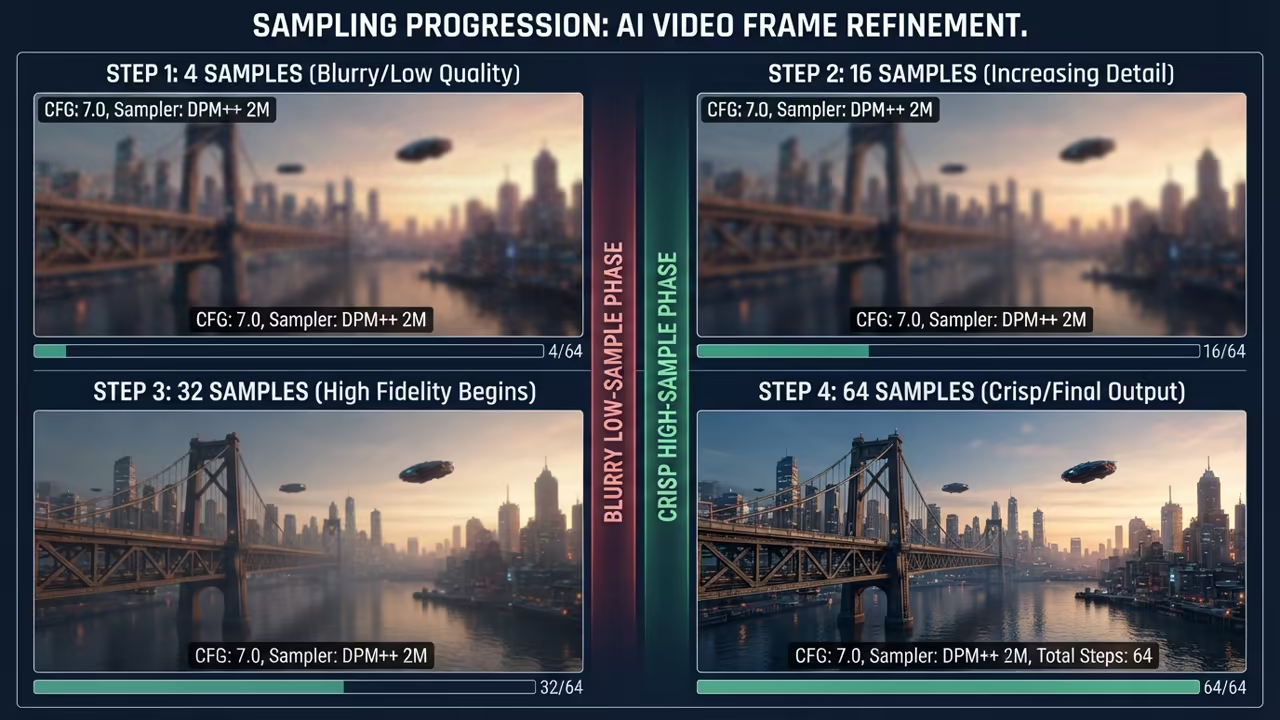
For the best results you must force the xformers library in your launch arguments. Use the specific xformers flag to reduce VRAM overhead on consumer cards. This optimization allows for larger batch sizes during video synthesis.
You can initialize your environment using the following command sequence for optimal speed.
pip install torch torchvision torchaudio --index-url https://download.pytorch.org/whl/cu121
python launch.py --xformers --precision full --no-half
| Parameter | Description | Value |
|---|---|---|
| Tensor Cores | AI Acceleration Hardware | Modern: 4th Gen / Legacy: None |
| BF16 Support | Numerical Range Stability | Modern: Yes / Legacy: No |
| FP8 Support | Memory Efficiency | Modern: Yes / Legacy: No |
| VRAM Speed | Memory Throughput | Modern: GDDR6X / Legacy: GDDR5 |
| Parameter | Description | Value |
This setup connects directly to our previous deep dives on ROCm optimization. It mirrors the architectural breakthroughs seen in our recent server build guides. Efficiency always beats raw capacity in the AI era.
Learning and Support
Reach out for personalized technical help to optimize your AI workstation. Dive deeper into the hardware secrets with our online tutorials.
Online Tutorials & Technical Help: https://ojambo.com/contact
🚀 Recommended Resources
Disclosure: Some of the links above are referral links. I may earn a commission if you make a purchase at no extra cost to you.
Leave a Reply