
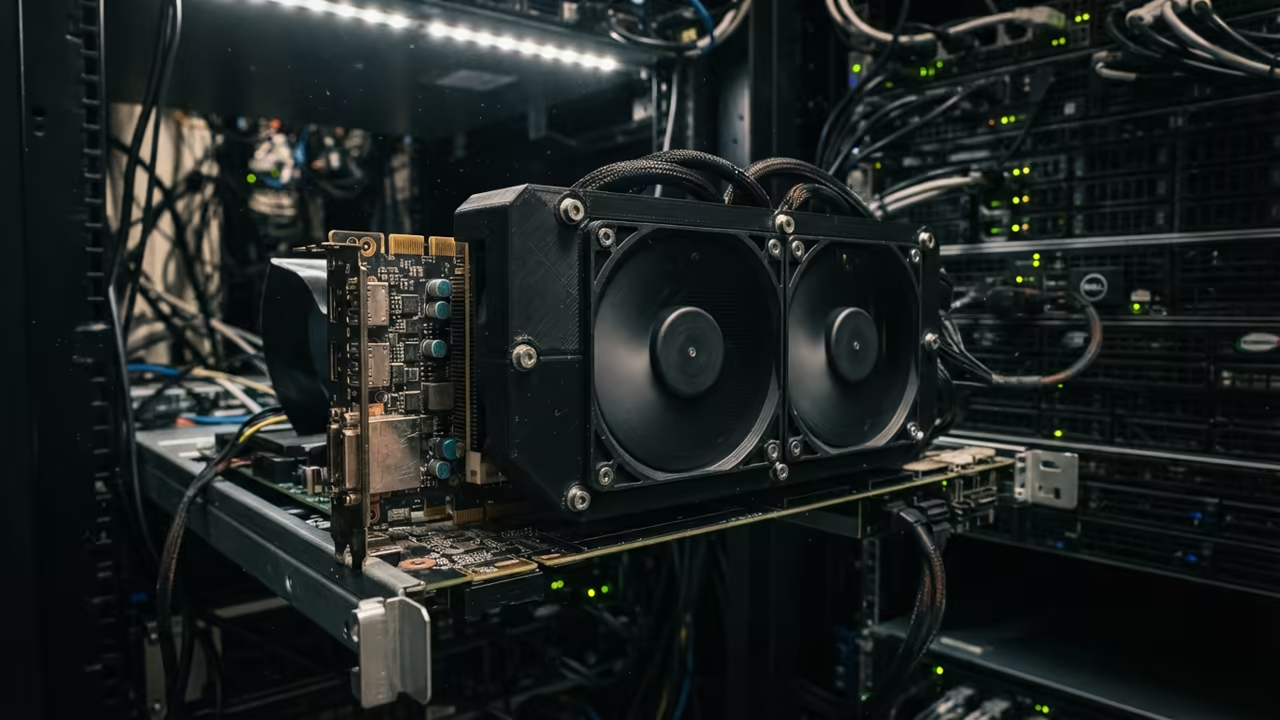
The VRAM Trap In Consumer Hardware
Most tech enthusiasts chase the latest consumer graphics cards to solve their VRAM bottlenecks. They spend thousands on cards that still crash when loading large AI models.
This cycle is a trap designed to keep you buying yearly upgrades. You can bypass this expensive loop by utilizing used enterprise hardware.
These discarded datacenter giants offer massive memory pools for a fraction of the cost. Transitioning to professional silicon transforms your workstation into a powerhouse.
Disclaimer: I may earn a commission from purchases made through these links at no extra cost to you.


The Professional Edge In Local AI
Implementing a used Instinct MI60 or Tesla P40 feels like unlocking a hidden cheat code. The first time a 32GB model loads instantly without quantization is pure euphoria.
You suddenly stop worrying about out of memory errors during complex renders. Your creative flow accelerates when the hardware finally stops limiting your imagination.
You can run local LLMs that actually remember the context of your entire project. This is the professional edge that separates hobbyists from architects.
Gaming Performance Trade Offs
The performance hit in gaming is the primary trade off for this power. Enterprise cards lack display outputs and rely on headless configurations.
You must use a secondary GPU to output your signal to the monitor. Gaming drivers for these cards are not optimized for high frame rates.
You will see a significant drop in FPS compared to an RTX 50 series. However the trade off is worth it for AI and Blender.
Rendering Power And Memory Density
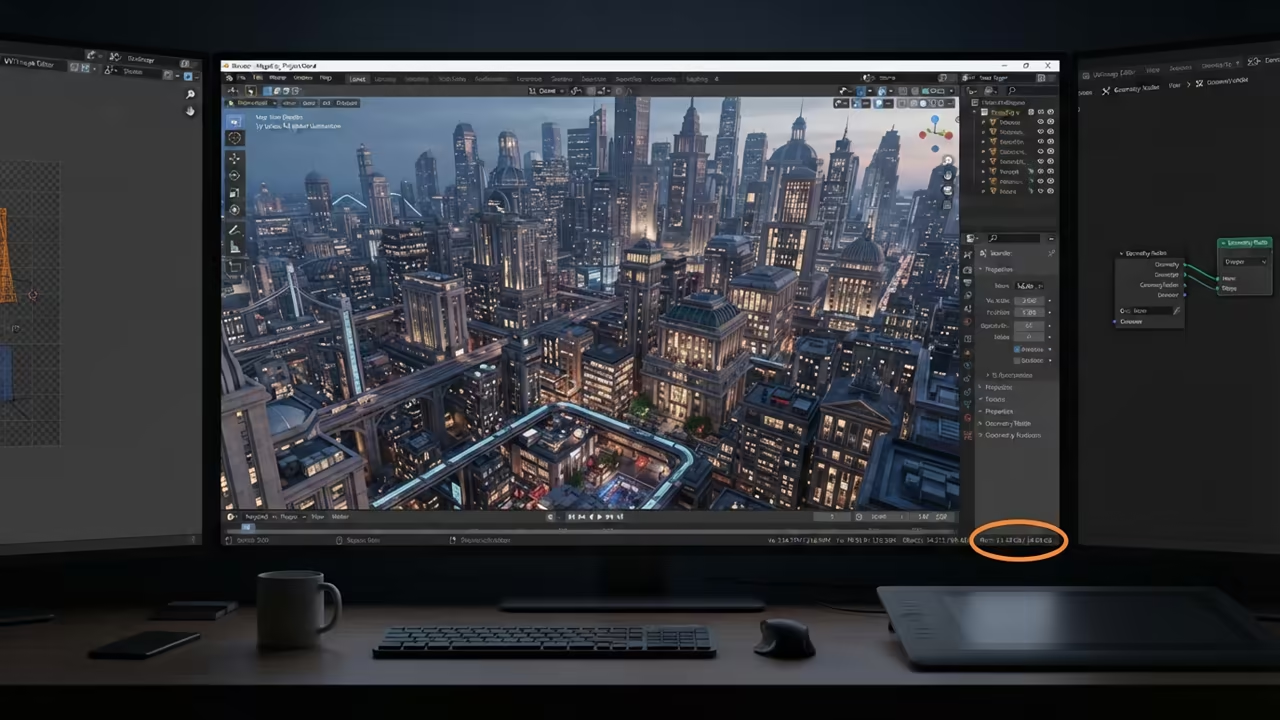
Blender rendering favors NVIDIA OptiX which gives consumer cards a speed advantage. Yet the massive VRAM of enterprise cards allows for scenes that simply will not load on consumer gear.
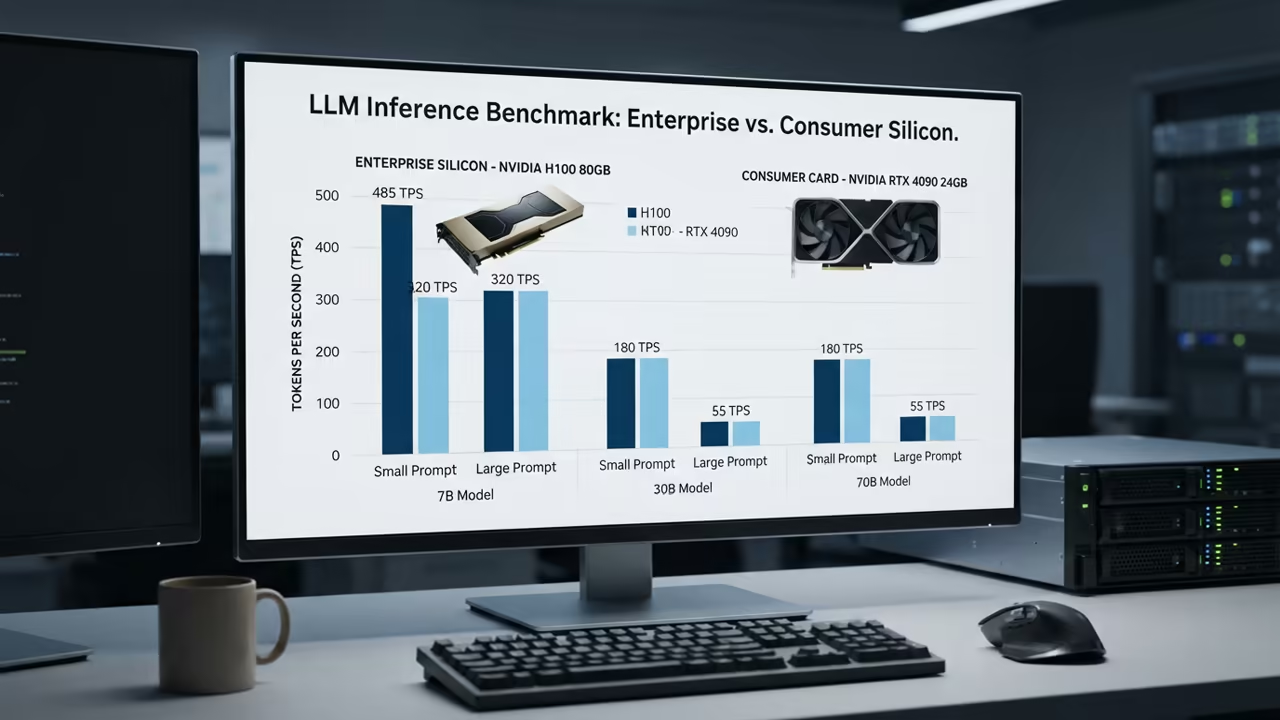
You can render cinematic environments without relying on slow proxy objects. For AI workloads VRAM is the only metric that truly matters for inference.
A used MI60 provides 32GB of high speed HBM2 memory for under three hundred dollars. No new consumer card offers that memory density at this price point.
Enterprise Silicon Configuration
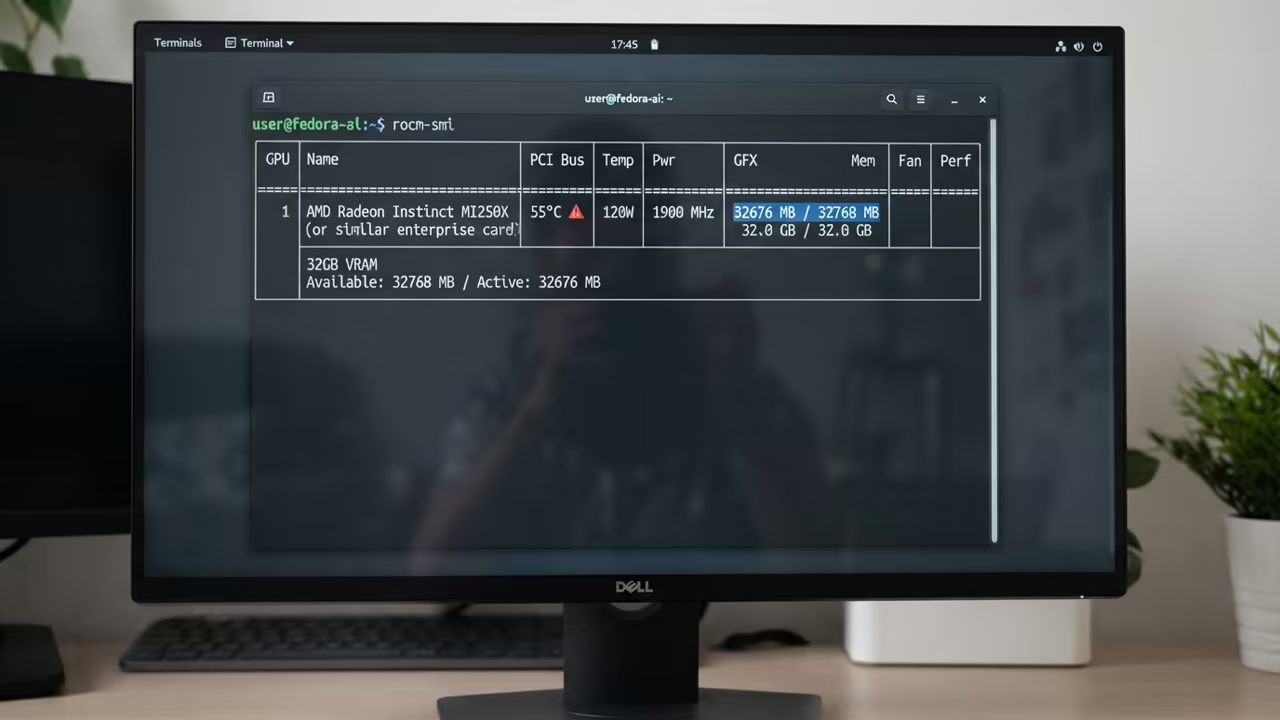
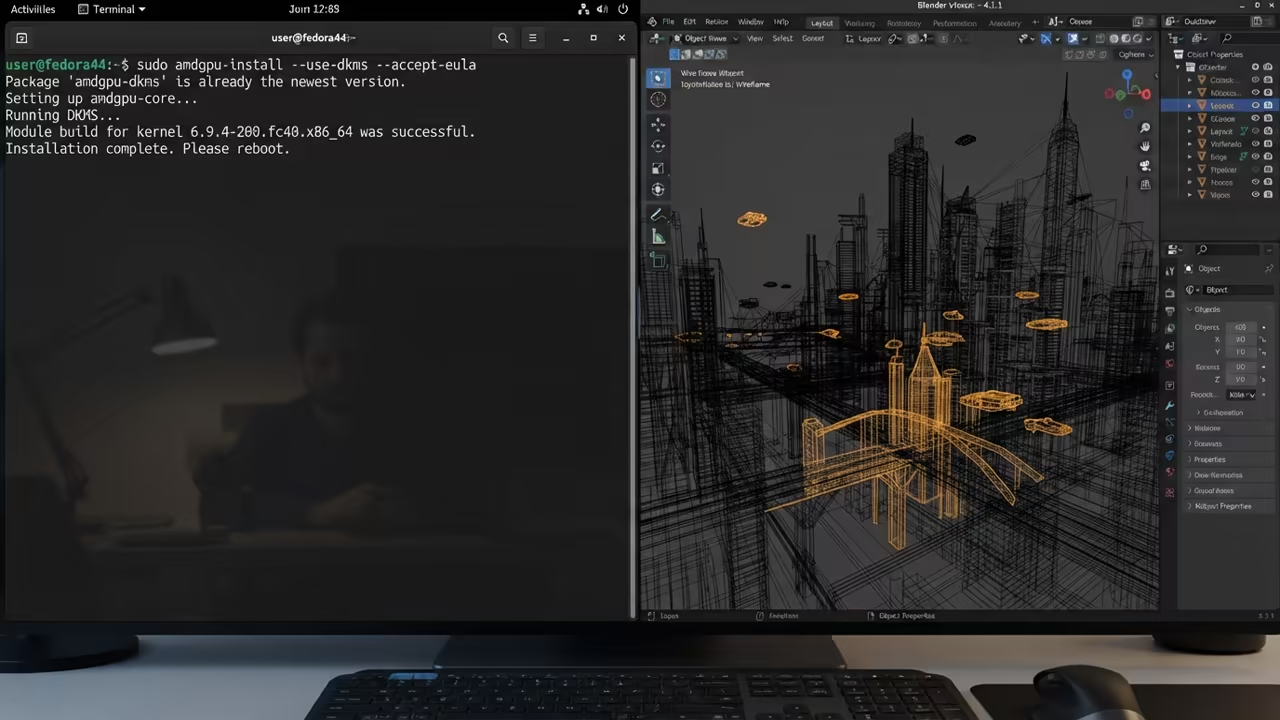
To get an MI60 running on Fedora 44 you must configure the ROCm stack. Use the following command to install the necessary drivers and kernel headers for the Instinct series.
sudo amdgpu-install -y --use-case=rocm,hiplib
Ensure you add your user to the render and video groups to avoid permission errors. This insider detail prevents the common failure where ROCm cannot see the GPU.
sudo usermod -aG render,video $USER
This configuration ensures your AI workloads have direct access to the hardware. It connects perfectly to our previous deep dives into Linux kernel optimization and hardware passthrough.
| Parameter | Description | Value |
|---|---|---|
| VRAM | Available memory on MI60 | 32GB HBM2 |
| AI Inference | Inference performance | High |
| Blender Speed | Rendering throughput | Medium |
| Price | Estimated used cost | Low |
| Gaming | Gaming capability | Low |
| Parameter | Description | Value |
Advanced Stability Tweaks
You can further optimize your setup by adjusting the GPU power limits via the shell. This prevents thermal throttling in consumer cases that lack server grade airflow.
rocm-smi --setperflevel perf
This small tweak ensures consistent clock speeds during long rendering sessions. It is the secret to maintaining stability when pushing enterprise silicon in a home environment.
Learning and Support
Reach out for personalized technical help to optimize your specific hardware stack. Dive deeper into our online tutorials to master your professional workstation.
Online Tutorials and Technical Help
🚀 Recommended Resources
Disclosure: Some of the links above are referral links. I may earn a commission if you make a purchase at no extra cost to you.
Leave a Reply