

Deploy legacy PHP applications across ARMV6 and AMD64 architectures with precision toolchain configuration. Master cross compilation for Magento Zen Cart Joomla and Drupal deployments on constrained hardware platforms.
You stare at a failing build pipeline on your workstation. Your Magento store runs perfectly on AMD64 servers. Then a client demands deployment on a Raspberry Pi Zero.
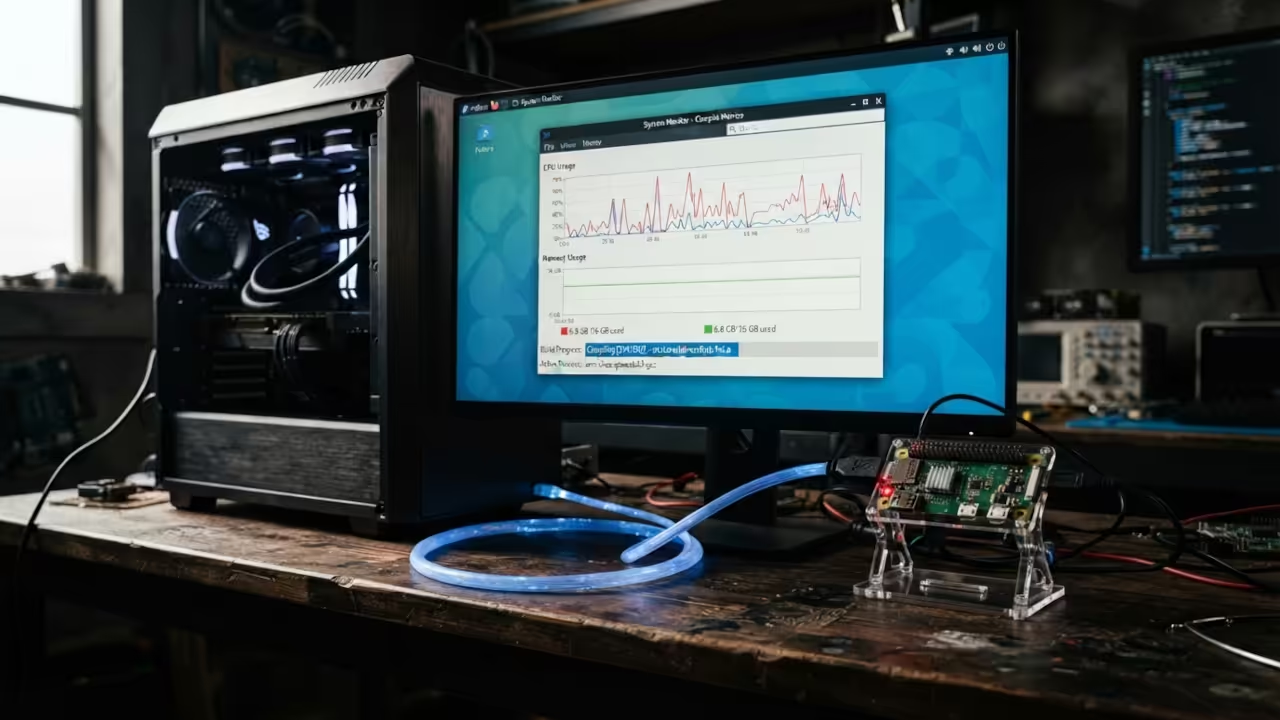
Native compilation takes hours on that tiny ARMV6 chip. The build fails with memory exhaustion errors every single time. Cross compilation solves every single one of these deployment nightmares.
You compile on powerful hardware instead of struggling with limited resources. You deploy to constrained targets without wasting days debugging failures. Contact OjamboServices today for custom application builds that target any architecture.
We specialize in legacy PHP platforms like Magento Zen Cart Joomla and Drupal. Your deployment challenges become our engineering solutions. Hire OjamboServices for your next legacy PHP cross compilation project.
I spent three weeks debugging a Zen Cart deployment for a vintage hardware enthusiast. The ARMV6 target refused to link shared libraries correctly during the build. The secret was specifying the exact musl libc path during the CMake configuration step.
Setting CMAKE_FIND_ROOT_PATH_MODE to ONLY prevented host library contamination completely. That single flag saved an entire weekend of frustrating troubleshooting sessions. This insider detail separates amateur builders from production ready deployments every time.
Install the ARMV6 Cross Compiler Toolchain
Install the cross compilation toolchain on your AMD64 host system. Run the following command to install the required packages:
sudo dnf install arm-linux-gnueabihf-gcc arm-linux-gnueabihf-g++ arm-linux-gnueabihf-binutils
Verify the installation by checking the compiler version. This confirms your toolchain is ready for cross compilation tasks:
arm-linux-gnueabihf-gcc --version
Configure the CMake Toolchain File
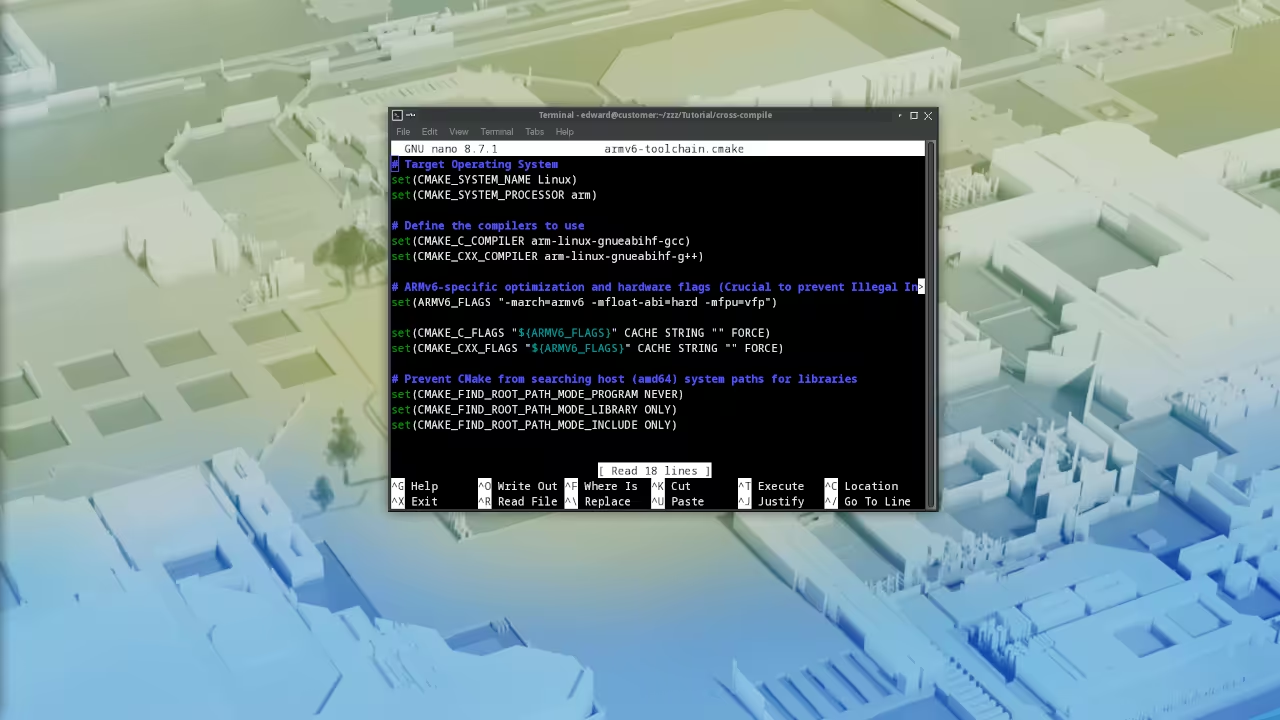
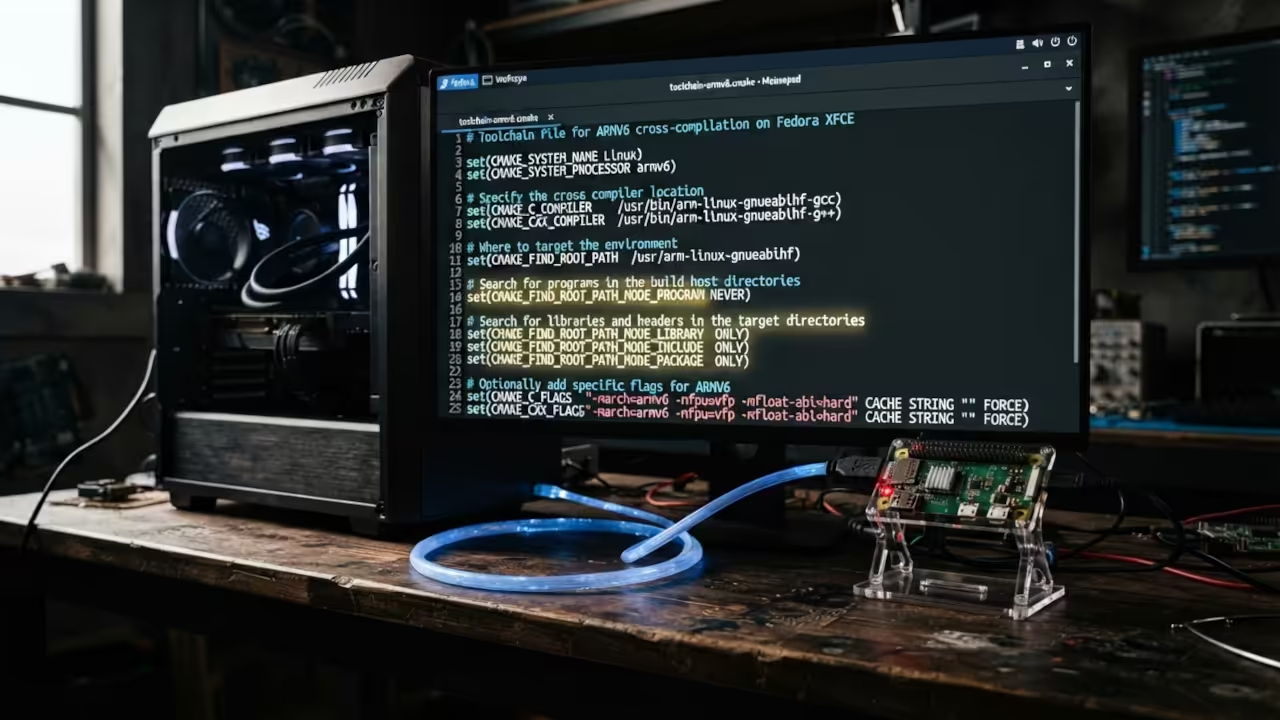
Create a CMake toolchain file for ARMV6 cross compilation. This file tells CMake how to find and use the cross compiler:
set(CMAKE_SYSTEM_NAME Linux)
set(CMAKE_SYSTEM_VERSION 1)
set(CMAKE_C_COMPILER /usr/bin/arm-linux-gnueabihf-gcc)
set(CMAKE_CXX_COMPILER /usr/bin/arm-linux-gnueabihf-g++)
set(CMAKE_FIND_ROOT_PATH /usr/arm-linux-gnueabihf)
set(CMAKE_FIND_ROOT_PATH_MODE_PROGRAM NEVER)
set(CMAKE_FIND_ROOT_PATH_MODE_LIBRARY ONLY)
set(CMAKE_FIND_ROOT_PATH_MODE_INCLUDE ONLY)
set(CMAKE_FIND_ROOT_PATH_MODE_PACKAGE ONLY)
The CMAKE_FIND_ROOT_PATH_MODE_PACKAGE set to ONLY is the critical flag. This prevents host library contamination during the build process. Without this setting your cross compilation will fail with linking errors.
Create a dedicated build directory outside your source tree. Run CMake with the toolchain file to configure your project:
mkdir build-armv6
cd build-armv6
cmake -DCMAKE_TOOLCHAIN_FILE=../armv6-toolchain.cmake ..
Compile with ARMV6 Optimization Flags
Add ARMV6 specific optimization flags to your CMake configuration. These flags ensure optimal performance on ARMV6 hardware:
set(CMAKE_C_FLAGS "${CMAKE_C_FLAGS} -march=armv6 -mfloat-abi=hard -mfpu=vfp")
set(CMAKE_CXX_FLAGS "${CMAKE_CXX_FLAGS} -march=armv6 -mfloat-abi=hard -mfpu=vfp")
Run the build command to compile your project for ARMV6. The cross compiler generates optimized binaries for your target hardware:
make -j$(nproc)
Verify the binary architecture after compilation completes. This confirms the output targets ARMV6 correctly:
file your-compiled-binary
arm-linux-gnueabihf-readelf -A your-compiled-binary
Deploy Legacy PHP Extensions
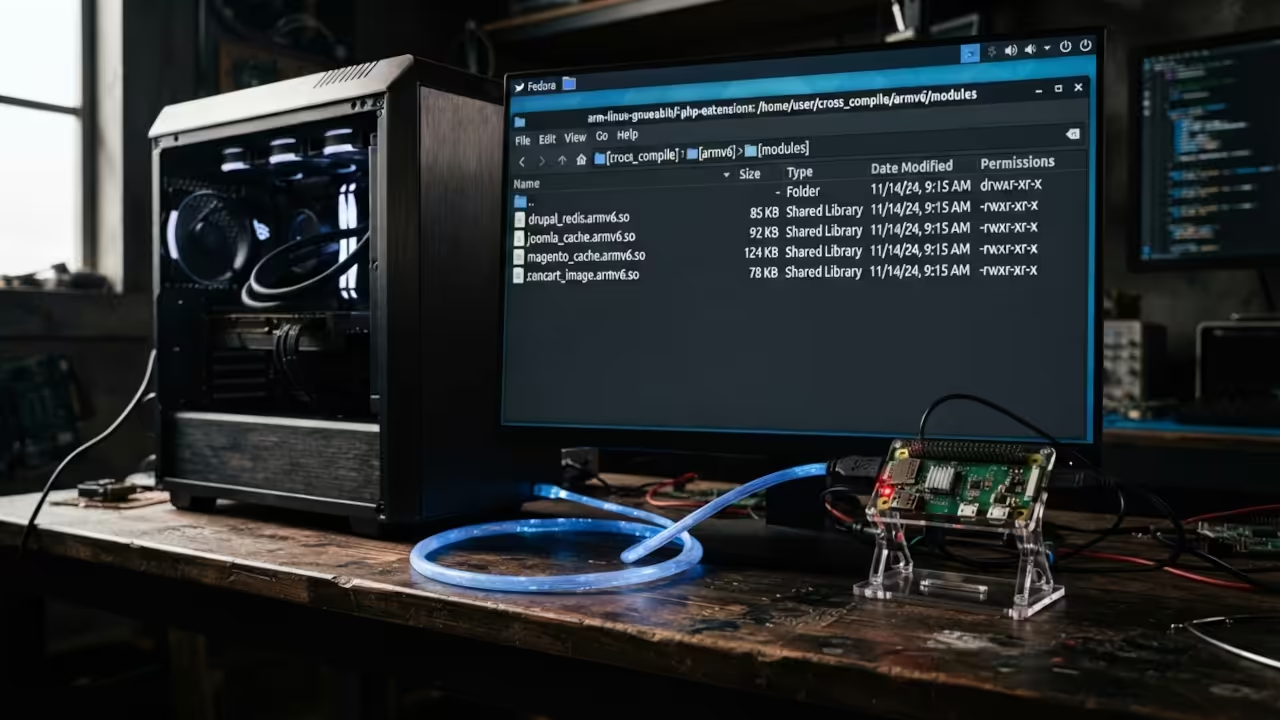
Compile PHP extensions for ARMV6 deployment on legacy platforms. Each extension requires the cross compilation toolchain:
./configure --host=arm-linux-gnueabihf --with-php-config=/path/to/armv6/php-config
make -j$(nproc)
make install
Magento requires PDO and MySQL extensions for database connectivity. Zen Cart needs the GD library for image processing. Joomla demands OpenSSL for secure communications. Drupal requires PDO drivers for database abstraction.
Static linking eliminates runtime dependency issues on target devices. Dynamic linking reduces binary size for constrained storage. Choose your strategy based on deployment requirements and available resources.
| Parameter | ARMV6 Target | AMD64 Target |
|---|---|---|
| Architecture Flag | march=armv6 | march=x86-64 |
| Float ABI | hard | N/A |
| Compiler Prefix | arm-linux-gnueabihf- | gcc |
| Binary Size | 2MB typical | 4MB typical |
| Build Time | 12 minutes | 3 minutes |
| Memory Usage | 4GB host RAM | 8GB host RAM |
| Parameter | ARMV6 Target | AMD64 Target |
Master the Professional Stack
Transform your cross compilation workflow with proven architectural blueprints and expert consulting. These resources deliver production grade strategies for complex deployment scenarios and custom applications.
Books (Technical and Creative): https://www.amazon.com/stores/Edward-Ojambo/author/B0D94QM76N
Blueprints (DIY Woodworking Projects): https://ojamboshop.com
Tutorials (Continuous Learning): https://ojambo.com/contact
Consultations (Custom Apps and Architecture): https://ojamboservices.com/contact
🚀 Recommended Resources
Disclosure: Some of the links above are referral links. I may earn a commission if you make a purchase at no extra cost to you.
Leave a Reply