

Managing complex container networks often feels like navigating a chaotic maze. Developers waste countless hours debugging routing errors and misconfigured ports. You need a dynamic reverse proxy that automates the entire discovery process.
Traefik eliminates the manual configuration overhead completely for modern infrastructure. It watches your orchestrator and updates routes in real time. This capability ensures that your services remain available during deployments.
The Experience of Automation
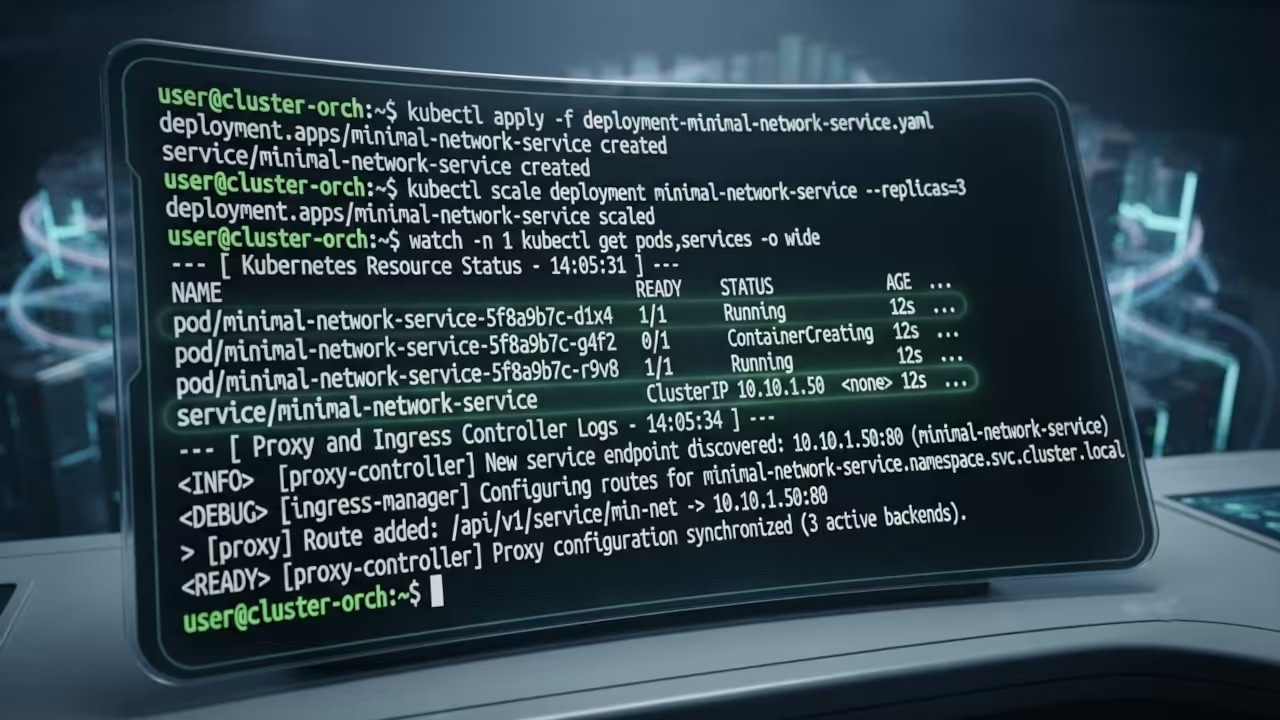
The feeling of watching Traefik auto-discover services is pure engineering bliss. You deploy a container and the proxy handles the rest instantly. There is no downtime and no manual DNS tweaking required.
The dashboard provides a crystal-clear view of your entire infrastructure health. This level of automation transforms how you manage self-hosted applications. It allows you to focus on building features instead of maintaining infrastructure glue.
Insider Configuration Details
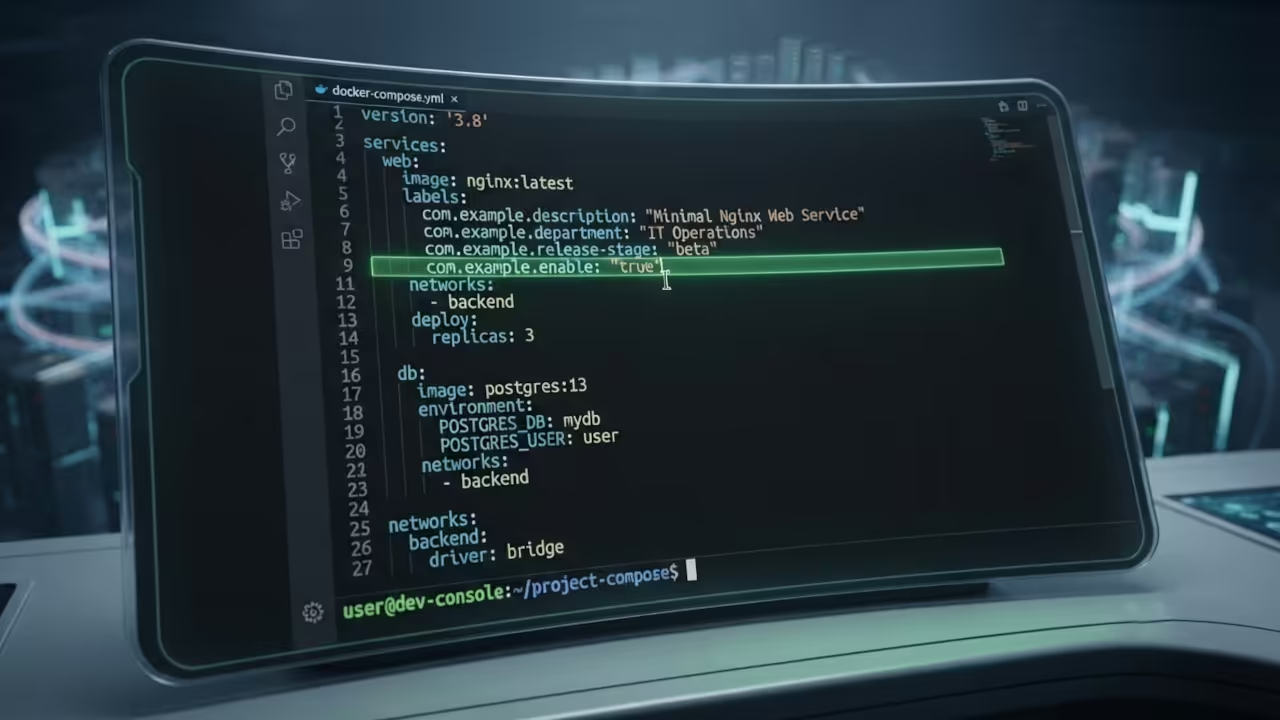
One insider detail most administrators miss is the critical importance of the traefik.enable label. Without this specific boolean flag, Traefik completely ignores your container during scanning. You must also define the router rule explicitly to match the host.
This specific configuration ensures that your whoami service becomes immediately accessible. Here is the raw code snippet you need for your docker-compose file. The labels must be placed correctly within the service definition.
version: "3"
services:
whoami:
image: traefik/whoami
labels:
- "traefik.enable=true"
- "traefik.http.routers.whoami.rule=Host(`whoami.localhost`)"
- "traefik.http.routers.whoami.entrypoints=web"
| Parameter | Description | Value |
|---|---|---|
| Traefik | Real-time routing | Zero downtime updates |
| Nginx | Static configuration | High manual overhead |
| Caddy | Automatic HTTPS | Moderate resource usage |
| Parameter | Description | Value |
This dynamic routing capability builds directly on the container orchestration techniques we explored in previous architectural breakthroughs. Refer to our deep dive on Docker networking for the foundational knowledge required here. Understanding these underlying principles is essential for advanced self-hosting implementations.
The whoami container serves as the perfect testing ground for these concepts. It provides a minimal footprint while demonstrating full proxy functionality. You can verify the routing logic without deploying a heavy application.
Advanced users often combine Traefik with middleware for enhanced security. Rate limiting and IP whitelisting become trivial tasks with simple labels. You can protect your internal services without writing complex firewall rules.
The integration with Docker sockets allows Traefik to monitor container lifecycle events directly. This native connection removes the need for external service discovery tools. Your infrastructure becomes self-healing and highly resilient to changes.
You can also leverage the power of entrypoints to define multiple ports. This feature enables you to serve both HTTP and HTTPS traffic simultaneously. The proxy automatically redirects insecure requests to the secure channel.
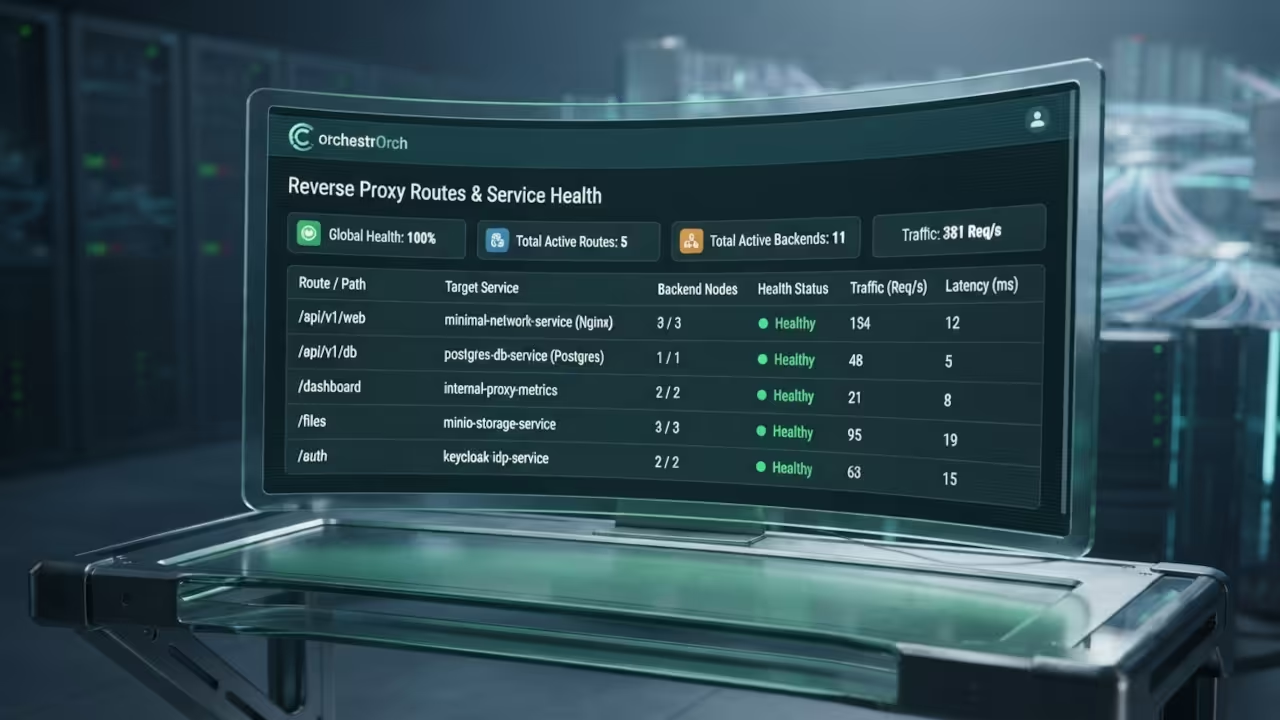
Monitoring your proxy performance is crucial for maintaining high availability. Traefik exposes Prometheus metrics that integrate seamlessly with Grafana dashboards. You gain real-time visibility into request rates and error codes.
Master the Professional Stack
Implementing this reverse proxy architecture requires a deep understanding of modern networking principles. Our comprehensive technical blueprints provide the exact strategies needed to scale your infrastructure efficiently.
Books (Technical & Creative): https://www.amazon.com/stores/Edward-Ojambo/author/B0D94QM76N
Blueprints (DIY Woodworking Projects): https://ojamboshop.com
Tutorials (Continuous Learning): https://ojambo.com/contact
Consultations (Custom Apps & Architecture): https://ojamboservices.com/contact
🚀 Recommended Resources
Disclosure: Some of the links above are referral links. I may earn a commission if you make a purchase at no extra cost to you.