

Authentication headaches plague every developer building modern applications. Password resets flood support tickets while users complain about weak security practices.
You need a solution that eliminates passwords entirely while maintaining enterprise-grade protection. Hanko delivers exactly that through open source passkey authentication running in Podman containers.
This privacy-first platform replaces traditional login systems with phishing-resistant WebAuthn technology. The entire stack spins up in minutes using Podman Desktop on your local machine. No cloud vendor lock-in means you control every byte of user data.
The Experience of Passwordless Authentication
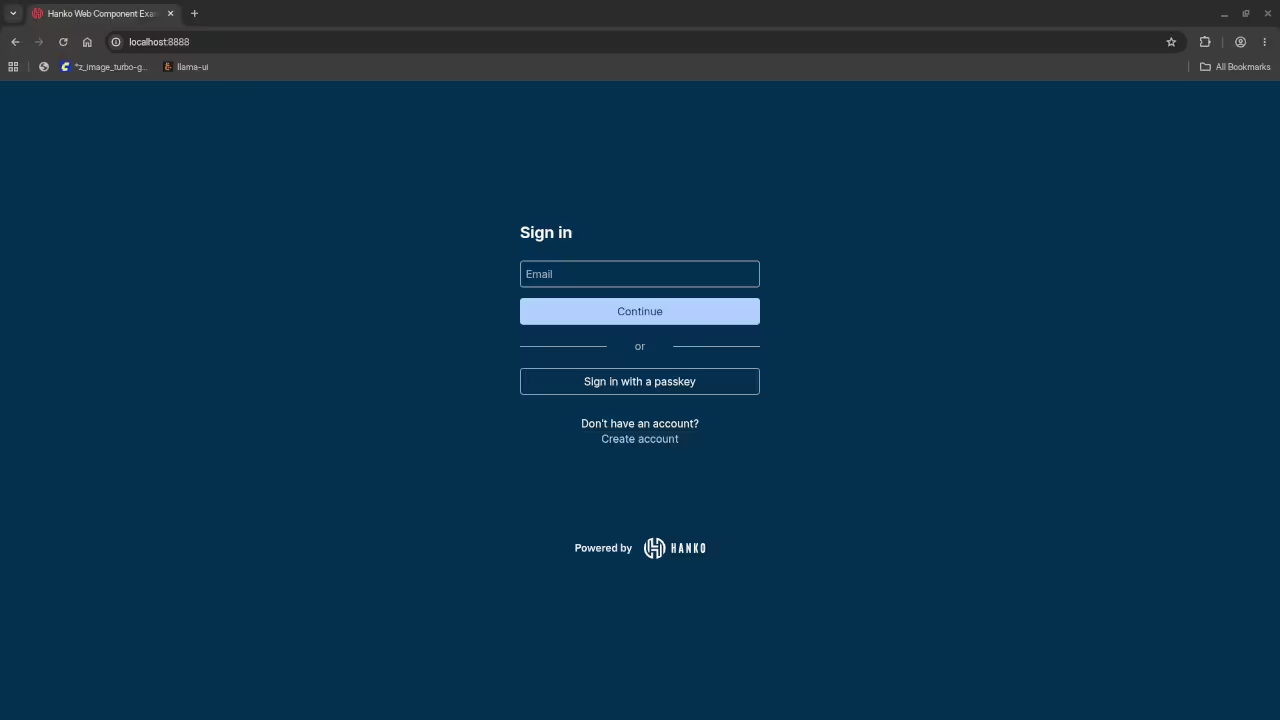
The moment Hanko launches in your browser feels like stepping into the future of authentication. You see a clean login interface accepting passkeys email codes or traditional credentials.
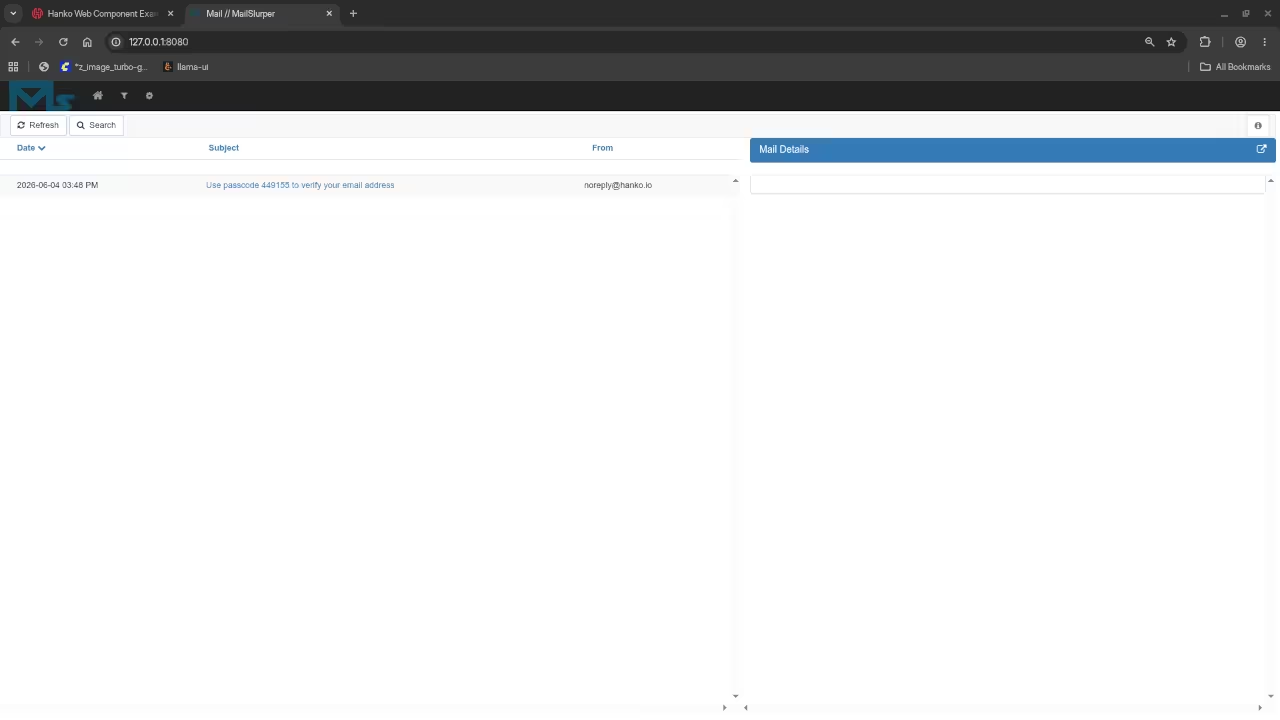
Creating an account takes seconds without memorizing another complex password. The MailHog interface catches every verification email for instant testing. Your Fedora system handles the entire containerized stack without breaking a sweat.
Setting Up Hanko With Podman
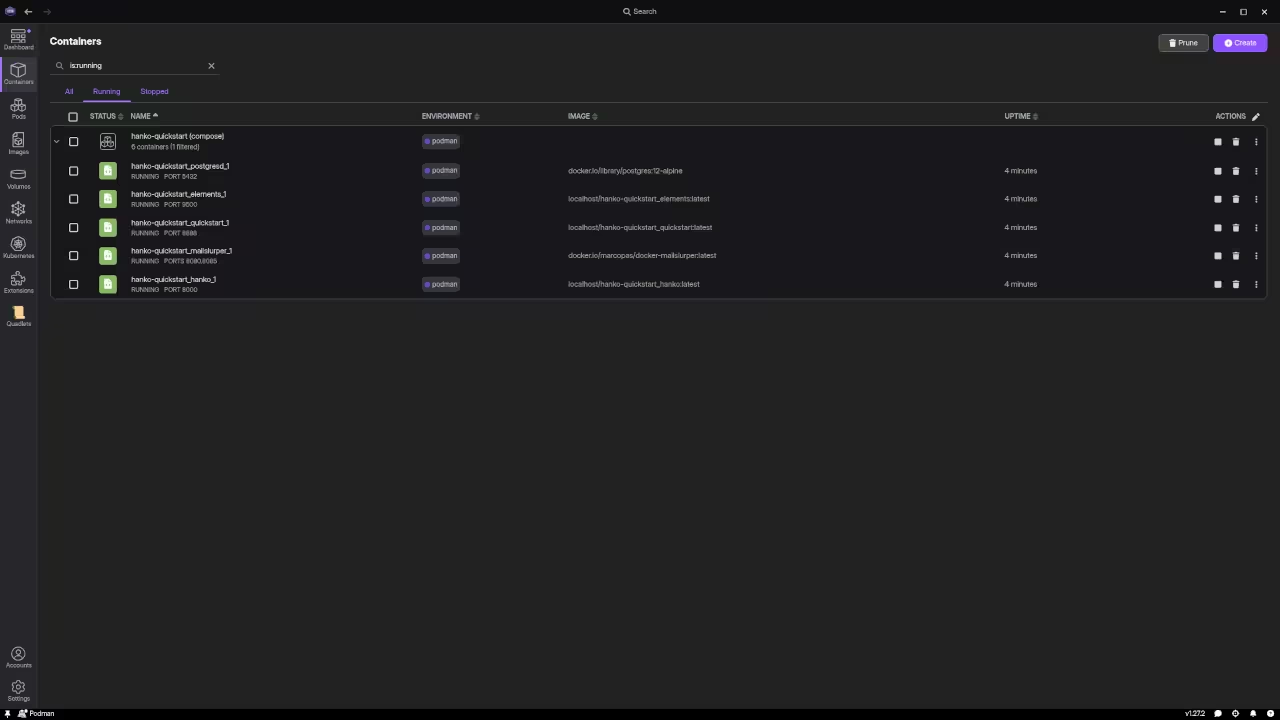
Setting up Hanko with Podman requires cloning the repository and executing a single compose command. The quickstart configuration builds four interconnected services automatically.
The backend API handles authentication flows through RESTful endpoints on port eight thousand. The frontend component serves the user interface on port eight thousand eight hundred eighty eight. PostgreSQL stores all user data securely while MailHog intercepts emails on port eight thousand twenty five for testing purposes.
git clone https://github.com/teamhanko/hanko.git
cd hanko
podman compose -f deploy/docker-compose/quickstart.yaml -p "hanko-quickstart" up --build
The insider secret involves modifying the quickstart YAML file to strip the frontend service when you only need the backend API. This reduces container overhead significantly on systems with limited storage. You can then integrate Hanko Elements web components directly into your existing application framework.
The configuration supports passkey-only mode for maximum security or flexible hybrid approaches combining OAuth social logins with traditional passwords.
Hanko Architecture Breakdown
Hanko architecture separates concerns into three distinct layers for maximum flexibility. The backend API manages all authentication state machines and session tokens.
Hanko Elements provides prebuilt web components styled with standard CSS for rapid integration. The frontend SDK handles communication between your application and the authentication server. This modular design means you deploy only what your project actually needs.
The Flow API represents the brain of the entire operation. It guides users through multi-step authentication journeys without frontend complexity. Each step returns a clear state object telling your interface exactly what to render next. Password creation flows into optional MFA enrollment seamlessly.
The system supports TOTP authenticator apps and FIDO security keys simultaneously.
Feature Comparison
| Feature | Hanko | Auth0 | Keycloak |
|---|---|---|---|
| Passkeys First Class | Yes | Limited | Basic |
| Self Hosting | Full Source | Enterprise Only | Full Source |
| Podman Compatible | Yes | Yes | Yes |
| Data Portability | Guaranteed | Restricted | Guaranteed |
| MFA Support | TOTP Security Keys | Multiple Options | Multiple Options |
| Setup Complexity | Single Command | Dashboard Required | Complex Configuration |
| Privacy Focus | Data Minimalism | Cloud Centralized | Enterprise Grade |
| Frontend Components | Web Components | SDK Required | Theme Templates |
| Pricing Model | Open Source Plus Cloud | Usage Based | Open Source |
| Feature | Hanko | Auth0 | Keycloak |
Containerized Security Advantages
The containerized approach eliminates dependency nightmares completely. Podman runs rootless by default providing an extra security layer over traditional Docker setups.
Each service communicates through an isolated network preventing external exposure. The PostgreSQL container persists data in named volumes ensuring your user database survives container rebuilds. Configuration lives in a single YAML file making environment switching trivial.
Hanko Elements transform authentication from a development burden into a drop-in feature. The web components work with any JavaScript framework or vanilla HTML pages. Customization happens through standard CSS variables matching your brand identity instantly. Registration forms adapt their fields based on backend configuration without code changes.
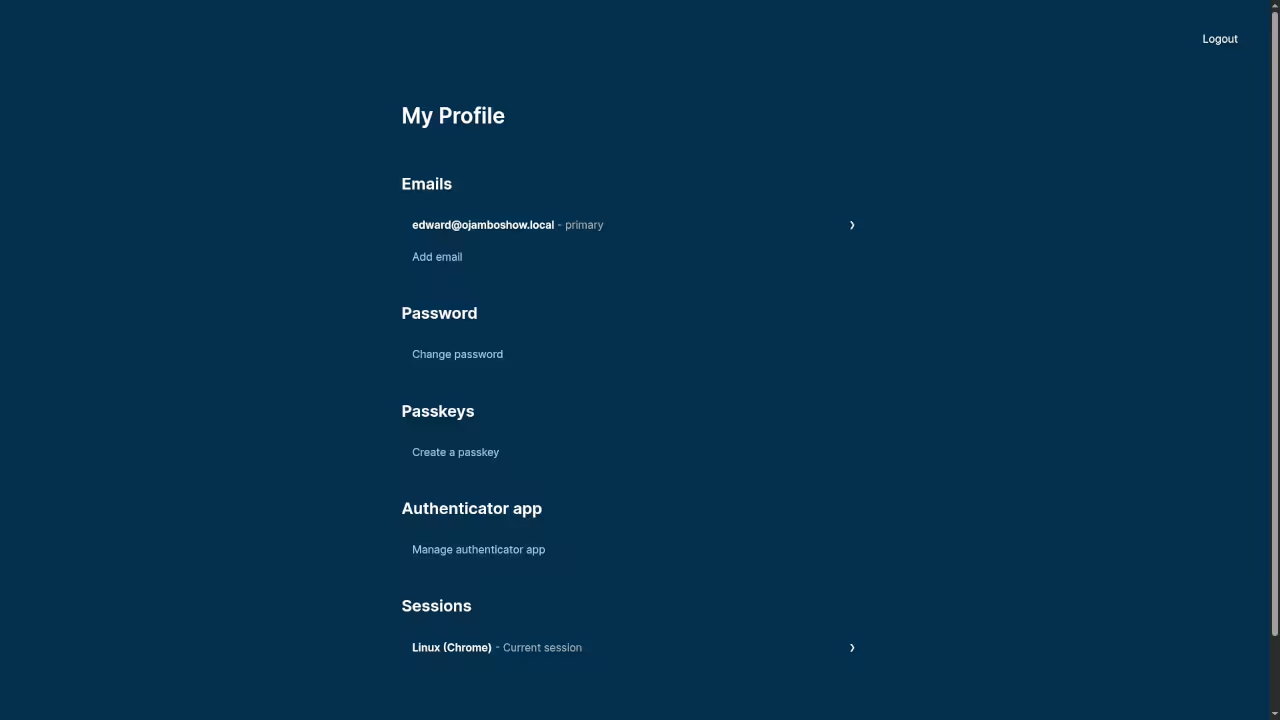
Profile management screens let users update passwords or delete accounts with privacy compliance built in.
Privacy-First Implementation
The privacy-first philosophy extends beyond marketing slogans into actual implementation choices. Data minimalism means Hanko stores only what authentication requires.
User profiles contain basic identifiers without invasive tracking metadata. Password hashing uses industry-standard algorithms with automatic salting. Session management generates short-lived tokens with refresh capabilities preventing credential theft.
Master the Professional Stack
Authentication architecture demands the same rigorous engineering as your core application logic. My technical books break down the security patterns behind modern identity management systems.
Books Technical and Creative https://www.amazon.com/stores/Edward-Ojambo/author/B0D94QM76N
Blueprints DIY Woodworking Projects https://ojamboshop.com
Tutorials Continuous Learning https://ojambo.com/contact
Consultations Custom Apps and Architecture https://ojamboservices.com/contact
🚀 Recommended Resources
Disclosure: Some of the links above are referral links. I may earn a commission if you make a purchase at no extra cost to you.