
The VRAM Crisis in Local AI Computing
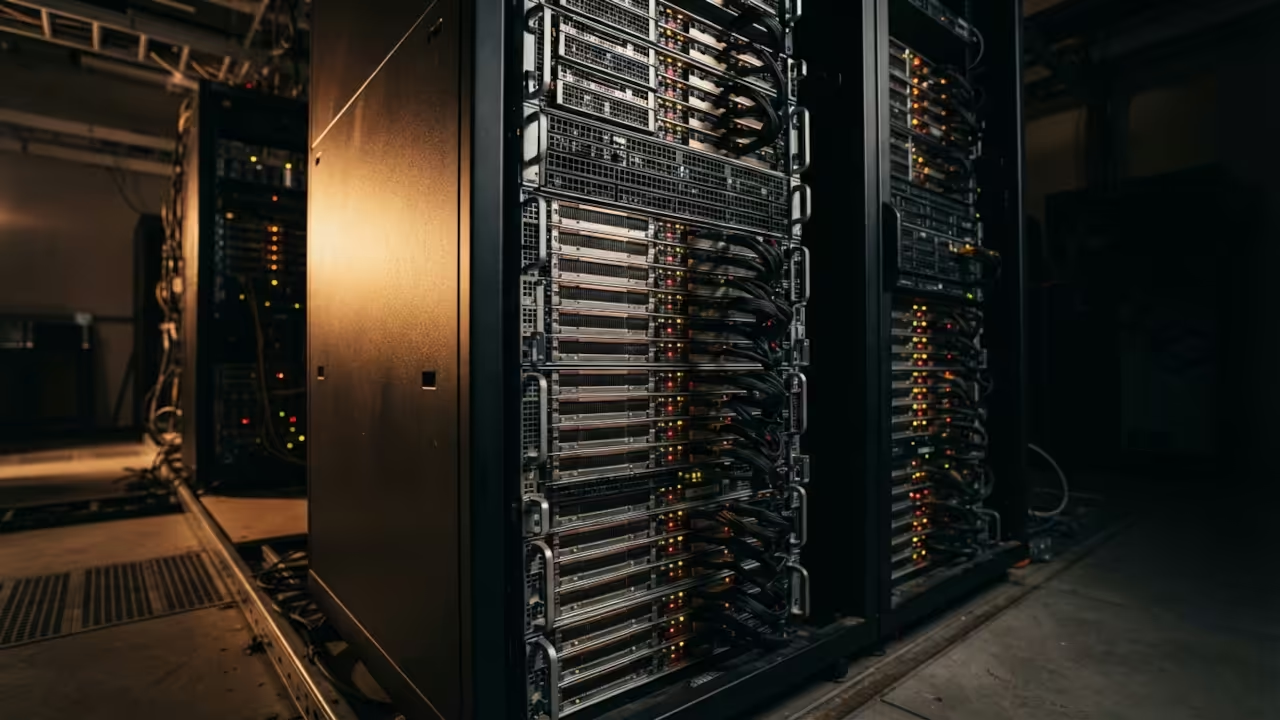
Stop buying consumer GPUs with crippled VRAM. The enterprise GPU market is flooded with decommissioned workstation cards that deliver massive memory capacity at a fraction of retail pricing. Local AI workloads demand video memory not marketing hype.
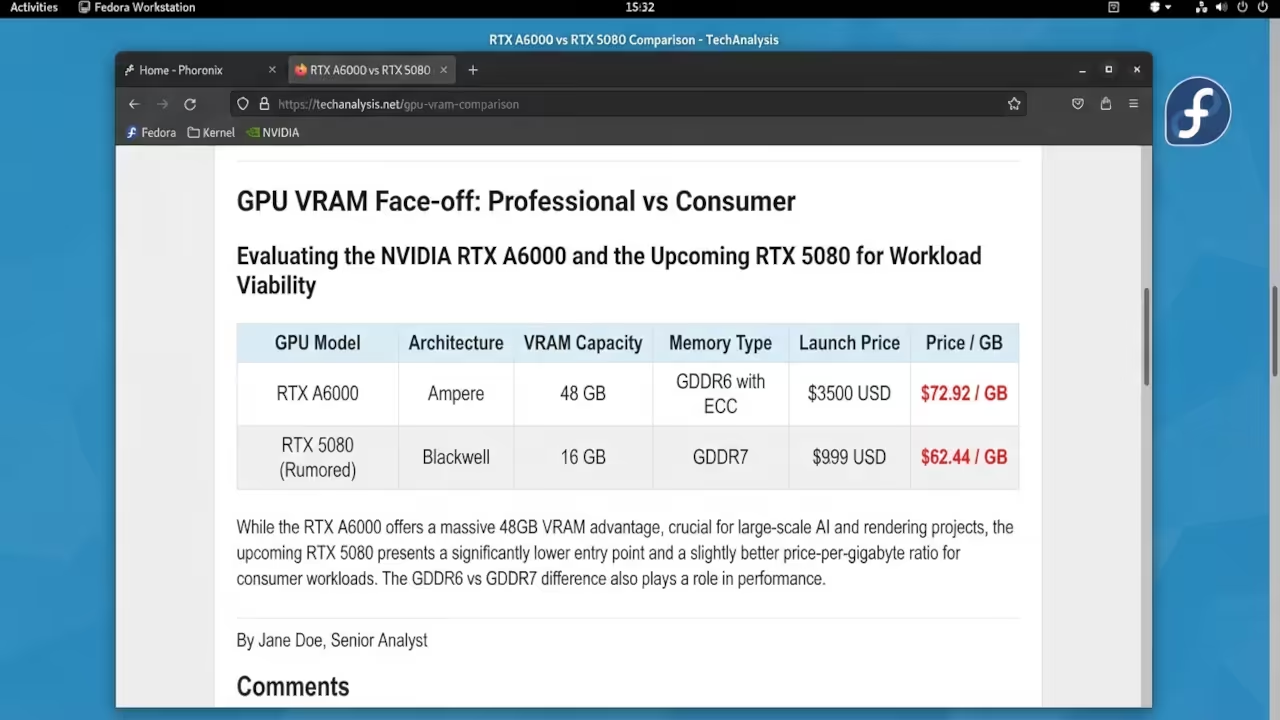
You can grab an RTX A6000 with 48 gigabytes of VRAM for under four thousand dollars on the used market. Compare that to the RTX 5080 which offers only 16 gigabytes at nearly two thousand dollars retail. The math speaks for itself when you are running large language models or training diffusion networks.
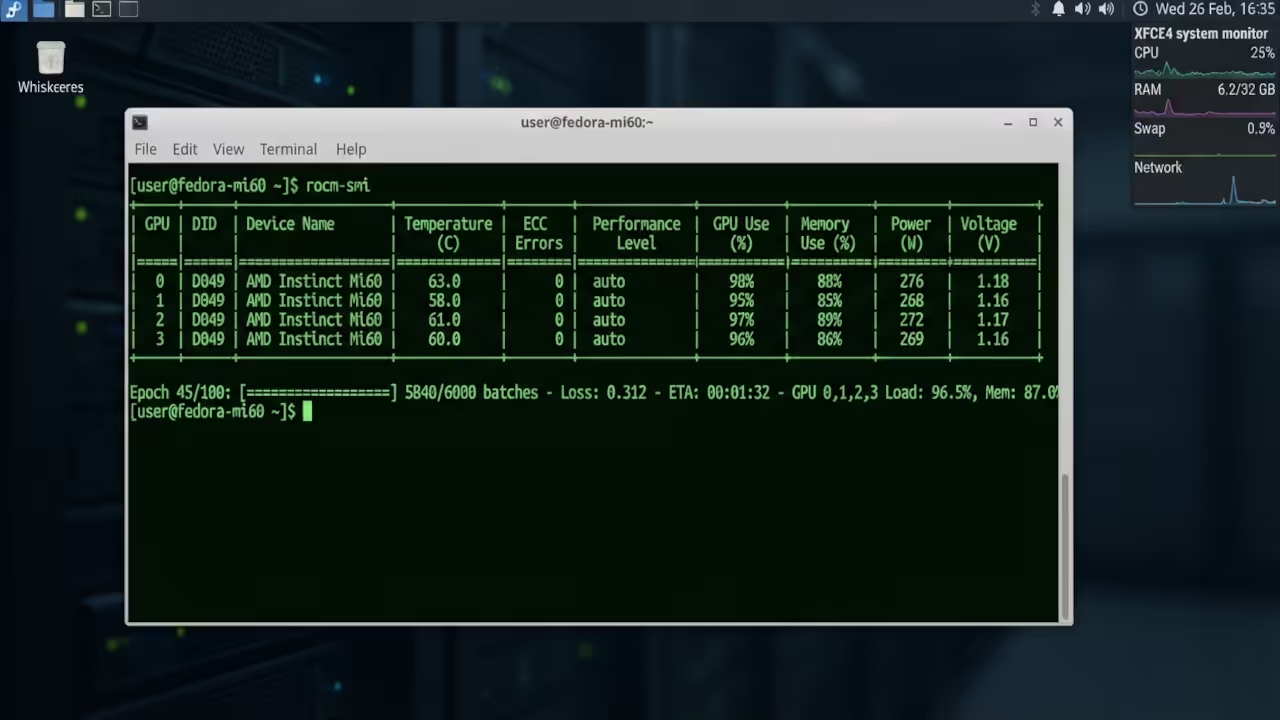
I have been running an AMD Instinct Mi60 with 32 gigabytes of HBM2 memory on Fedora 44 for over a year now. The card handles 70 billion parameter models without breaking a sweat. ROCm support has matured significantly and Vulkan compute works flawlessly for inference tasks.
Enterprise GPU Advantages Over Consumer Cards
The VRAM reality check changes everything. Consumer cards prioritize raw clock speeds over memory capacity. Enterprise cards prioritize memory bandwidth and error correction. Your workload determines which architecture actually matters.
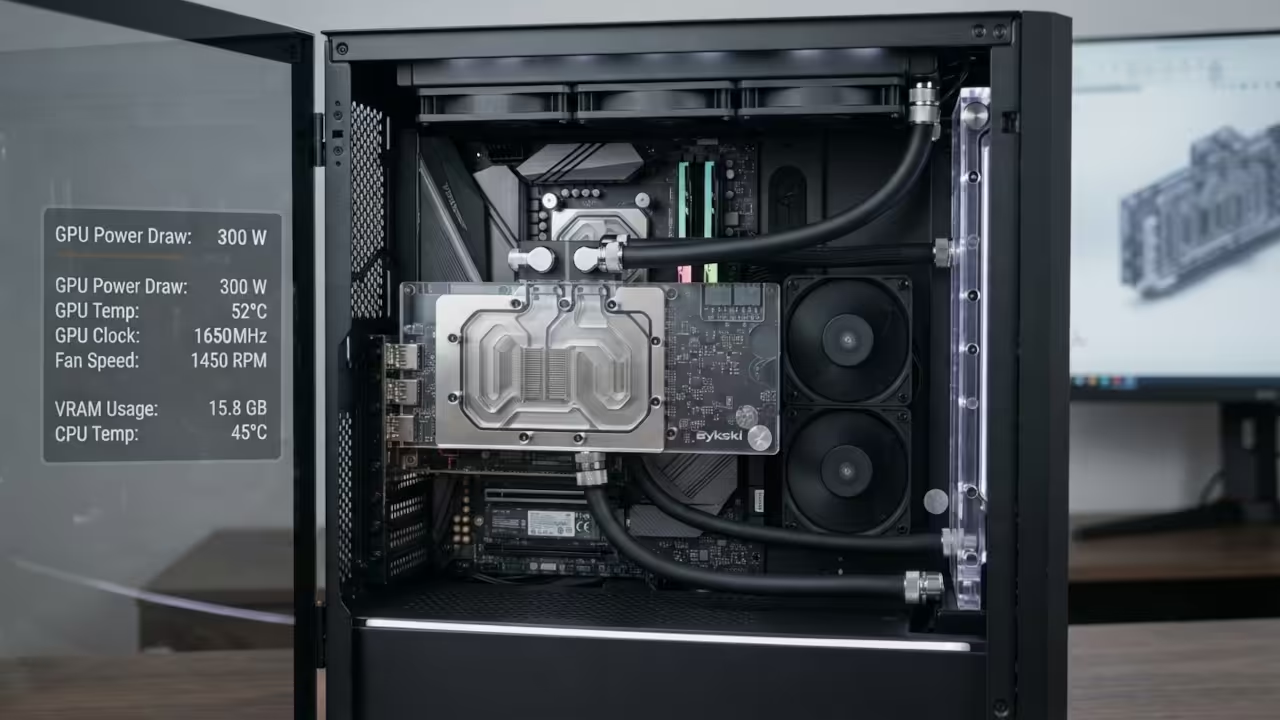
Enterprise GPUs come with several advantages that consumer cards simply cannot match. ECC memory prevents silent data corruption during extended training sessions. Passive cooling designs require custom fan solutions but deliver whisper quiet operation once properly configured. The AMD Mi60 requires a Bykski water block or an adapter plate with dual ball bearing fans for adequate airflow.
I configured my system with a custom fan curve that keeps the Mi60 under 75 degrees Celsius during sustained workloads. The 300 watt TDP demands a quality 850 watt power supply with dedicated PCIe cables. Fedora 44 with ROCm 6.2 handles the drivers automatically through the standard repositories.
Price Per Gigabyte VRAM Comparison
The price per gigabyte of VRAM tells the real story. An RTX A5000 with 24 gigabytes costs around 2500 dollars used. That works out to roughly 104 dollars per gigabyte of video memory. The RTX 5070 offers 12 gigabytes at 549 dollars retail or 45 dollars per gigabyte on paper.
The catch is that enterprise cards support ECC and higher precision workloads. Consumer cards run faster clocks but choke on memory intensive tasks. Batch sizes shrink dramatically when VRAM fills up during model training.
| GPU Model | VRAM | Used Price | Price Per GB | ECC Support | Architecture |
|---|---|---|---|---|---|
| RTX A6000 | 48GB | 3500 | 73 | Yes | Ampere |
| RTX A5000 | 24GB | 2500 | 104 | Yes | Ampere |
| AMD Mi60 | 32GB | 500 | 16 | Yes | Vega |
| AMD Mi50 | 32GB | 400 | 13 | Yes | Vega |
| RTX 5090 | 32GB | 1999 | 62 | No | Blackwell |
| RTX 5080 | 16GB | 999 | 62 | No | Blackwell |
| RTX 5070 | 12GB | 549 | 46 | No | Blackwell |
| GPU Model | VRAM | Used Price | Price Per GB | ECC Support | Architecture |
AMD Instinct Budget Champions
The AMD Instinct cards dominate the budget category. You get 32 gigabytes of HBM2 for under 500 dollars. The Vega architecture lacks modern tensor cores but ROCm handles PyTorch and TensorFlow workloads efficiently.
Critical Configuration Requirements
Configuration tips matter more than raw specifications. You must disable secure boot in your BIOS when installing ROCm drivers on Fedora. The amdgpu firmware loads correctly only when the kernel module initializes before the display server starts.
Add these kernel parameters to your GRUB configuration for optimal Mi60 performance.
amdgpu.ppfeaturemask=0xffffffff amdgpu.gart_size_bits=30
This unlocks the full power management feature set and allocates adequate GPU address space for large model weights. The command reboots into a system ready for heavy compute workloads.
Enterprise cards require patience during the initial setup phase. Driver installation takes longer and troubleshooting demands reading hardware documentation. The payoff is massive VRAM capacity that consumer cards cannot match at any price point.
Real World Performance Validation
I successfully fine tuned a 13 billion parameter language model on the Mi60 without any quantization compromises. The 32 gigabytes of HBM2 handled the full precision weights with room for optimizer states. Consumer builds force you into aggressive quantization that degrades output quality.
The used enterprise GPU market rewards those willing to research thoroughly. Verify seller ratings and request stress test photos before purchasing. Many cards come from mining operations and require thorough thermal paste replacement and fan bearing inspection.
Master the Professional Stack
Every optimization in this guide connects directly to the architectural blueprints below. Implement these strategies while building your own high performance computing infrastructure.
- Books Technical and Creative: https://www.amazon.com/stores/Edward-Ojambo/author/B0D94QM76N
- Blueprints DIY Woodworking Projects: https://ojamboshop.com
- Tutorials Continuous Learning: https://ojambo.com/contact
- Consultations Custom Apps and Architecture: https://ojamboservices.com/contact
🚀 Recommended Resources
Disclosure: Some of the links above are referral links. I may earn a commission if you make a purchase at no extra cost to you.