
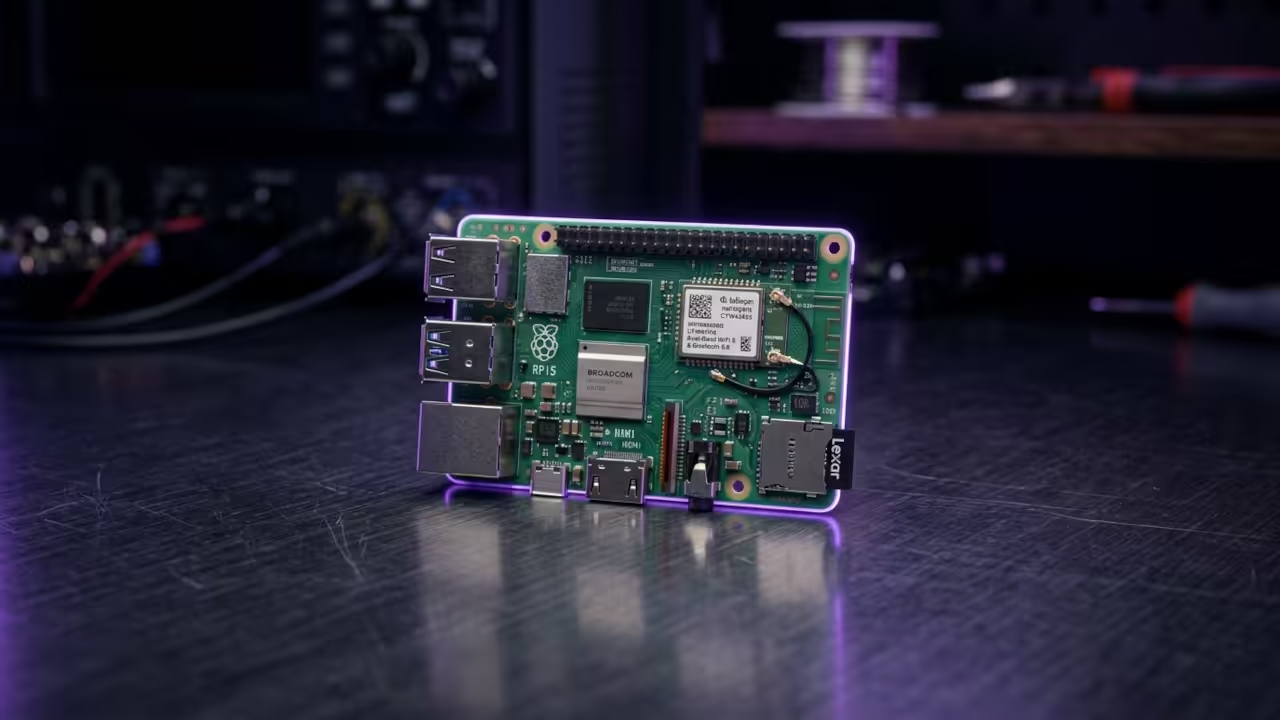
Stop wasting your hardware on bloated desktop environments that kill your performance. Most users struggle with the Raspberry Pi Zero W because they treat it like a full PC.
The real secret to unlocking this tiny board is a headless setup using TightVNC and Openbox. This combination strips away the waste and gives you a lightning fast remote desktop.
You will feel the immediate difference when the window manager snaps into place without lag. It turns a struggling microcontroller into a precise remote terminal for your home lab.
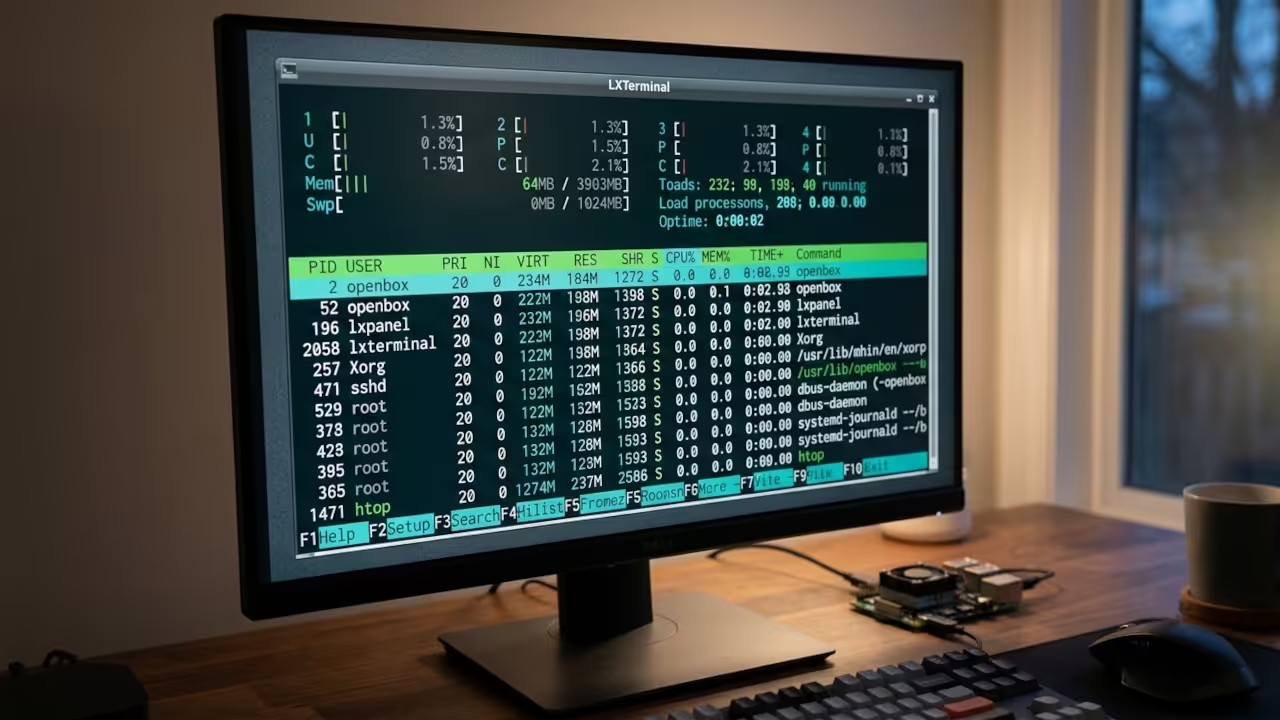
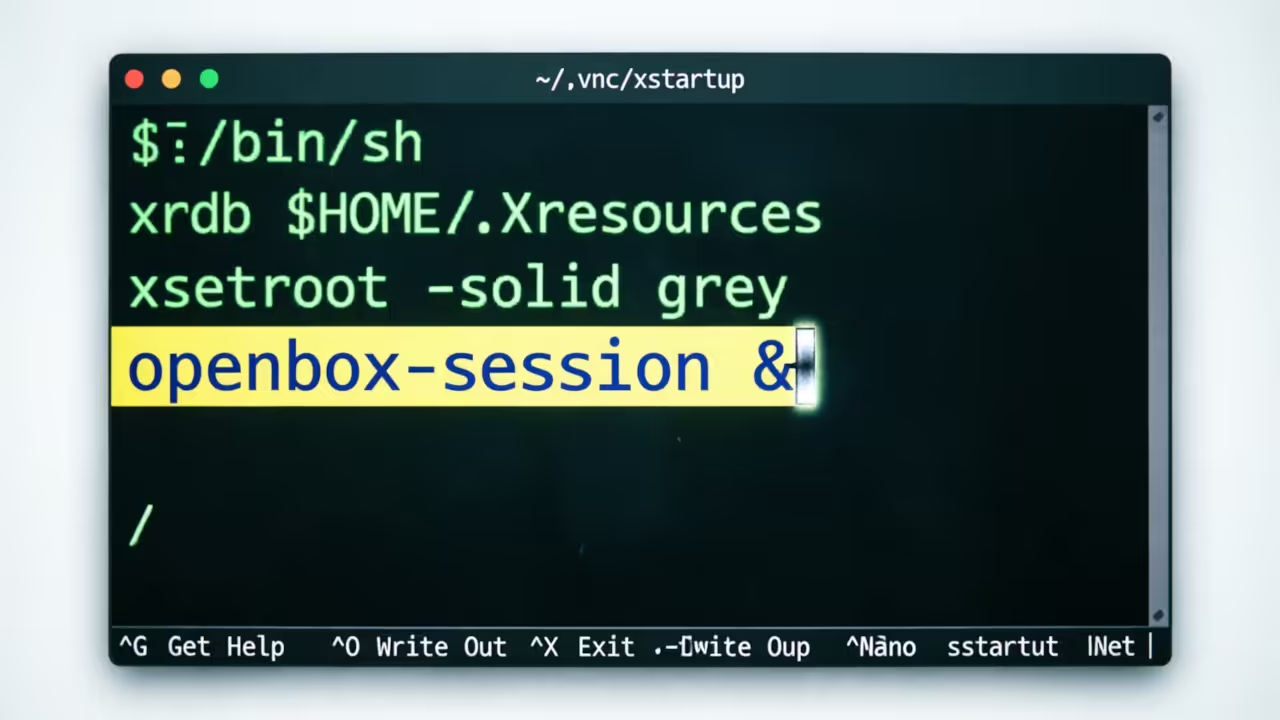
The setup requires a specific sequence to ensure the VNC server handles the virtual desktop correctly. You must configure the X session to launch Openbox specifically for the VNC instance.
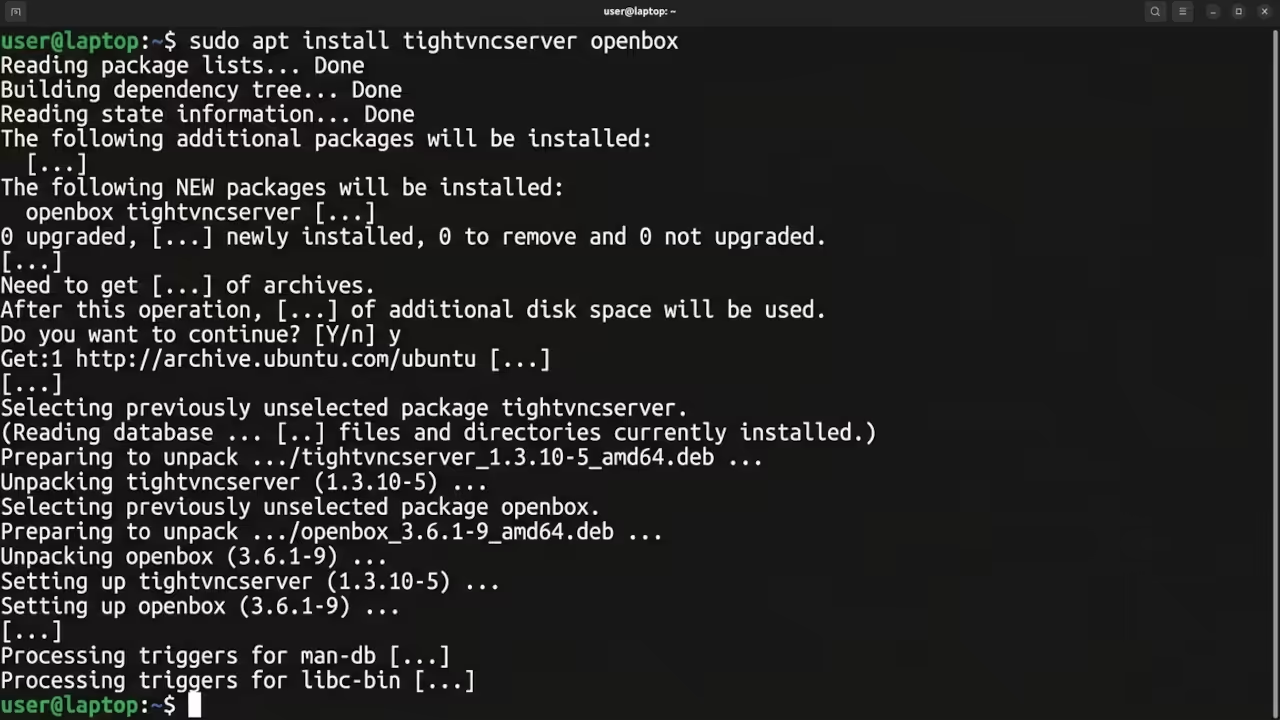
To get started you need to install the core components via the terminal. Use the following commands to prepare your environment.
sudo apt update
sudo apt install tightvncserver openbox xterm
The insider detail for maximum stability is editing the xstartup file to disable the default geometry. This prevents the screen from flickering when you resize your remote window on a 4K monitor.
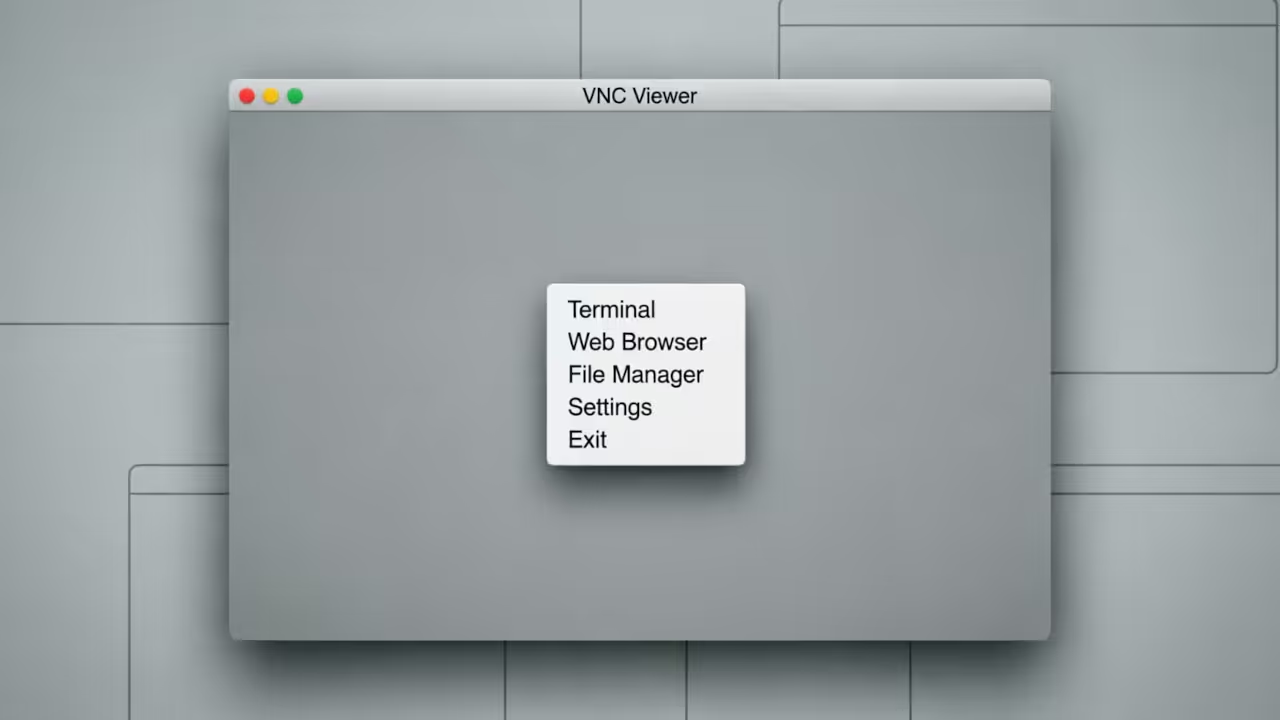
Compare the resource footprint of a standard desktop versus this optimized stack.
| Parameter | Standard Desktop | Openbox Stack |
|---|---|---|
| RAM Usage | 250MB+ | 45MB |
| Boot Time | 45 Seconds | 12 Seconds |
| CPU Idle | 15 Percent | 3 Percent |
| Parameter | Standard Desktop | Openbox Stack |
This lean architecture connects directly to our previous deep dives into headless server optimization. It represents a major breakthrough in edge computing efficiency for limited hardware.
Master the Professional Stack
Elevate your technical execution with these architectural blueprints and expert guides. Use these resources to scale your home lab into a professional production environment.
- Books (Technical & Creative): https://www.amazon.com/stores/Edward-Ojambo/author/B0D94QM76N
- Blueprints (DIY Woodworking Projects): https://ojamboshop.com
- Tutorials (Continuous Learning): https://ojambo.com/contact
- Consultations (Custom Apps & Architecture): https://ojamboservices.com/contact
🚀 Recommended Resources
Disclosure: Some of the links above are referral links. I may earn a commission if you make a purchase at no extra cost to you.