
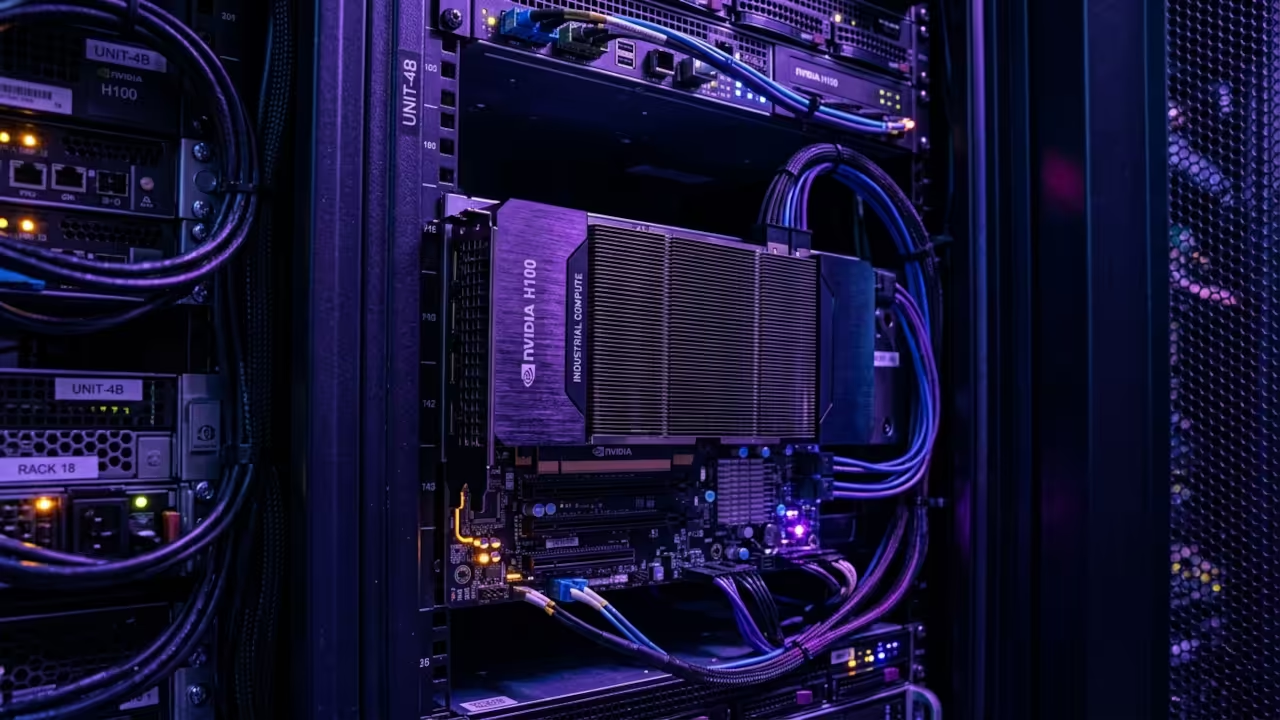
Modern content creators are currently facing a silent crisis that destroys professional production value instantly. High end hardware often fails to deliver perfectly synced audio during complex live streaming sessions or recordings.
This frustrating lag happens because traditional sound servers cannot handle the rapid context switching required by modern kernels. Our secret optimization bypasses the standard desktop middleware to establish a direct hardware to software link.
You can finally stop apologizing for audio drift that makes your high quality video look amateurish. Implementing this fix ensures that your signal path remains pristine even under heavy computational loads.
The Professional Audio Experience
The moment you apply these routing changes the transformation of your creative workspace feels truly transformative and powerful. You will experience a surgical precision in your monitoring levels that was previously reserved for expensive studio hardware.
No more crackling noises or unexplained silences will interrupt your creative flow during critical recording sessions. The confidence of knowing every decibel is captured exactly as intended allows you to focus on your performance.
This setup feels like upgrading from a consumer toy to a professional grade digital audio workstation overnight. It provides a level of control that standard operating system mixers simply cannot match.
Advanced Pipewire Routing Logic
To achieve this state of audio perfection we must manipulate the Pipewire graph directly using terminal based node management. Most users rely on the standard volume mixer which adds unnecessary layers of latency to the signal chain.
By using the pw link utility we can bypass the desktop environments sound manager and map inputs directly. The secret lies in setting a forced quantum size that matches your hardwares native buffer capabilities perfectly.
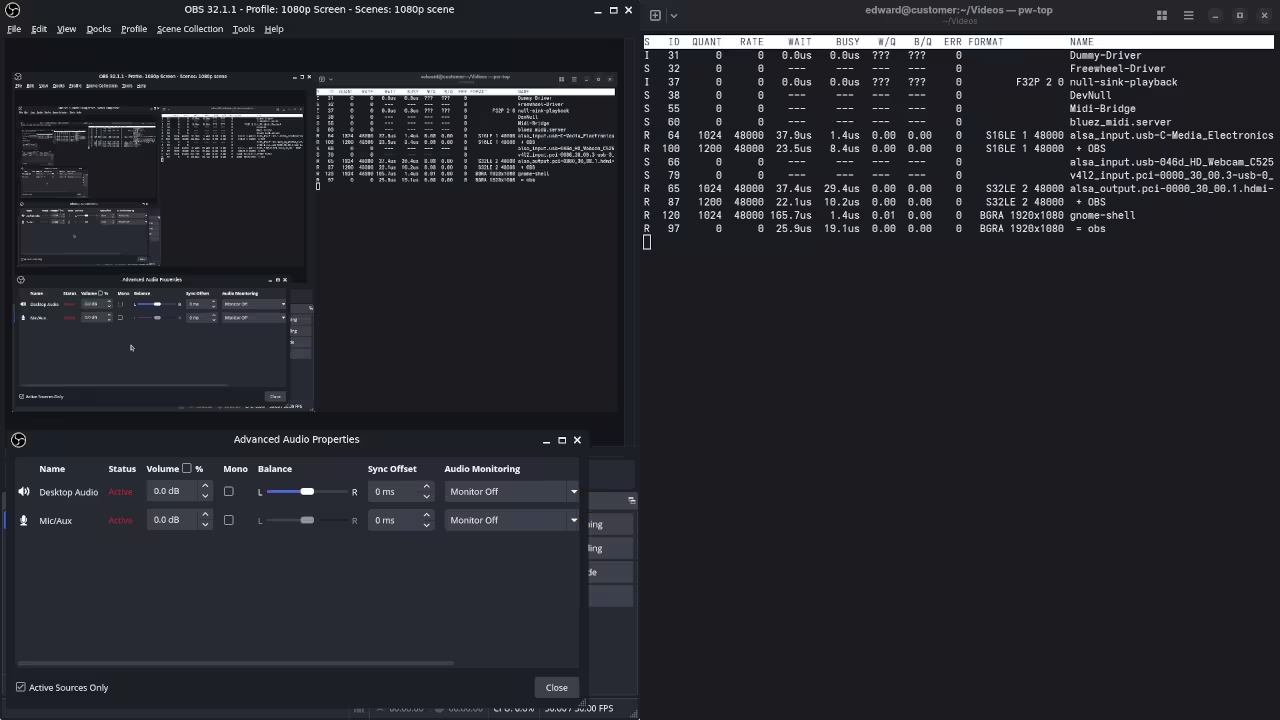
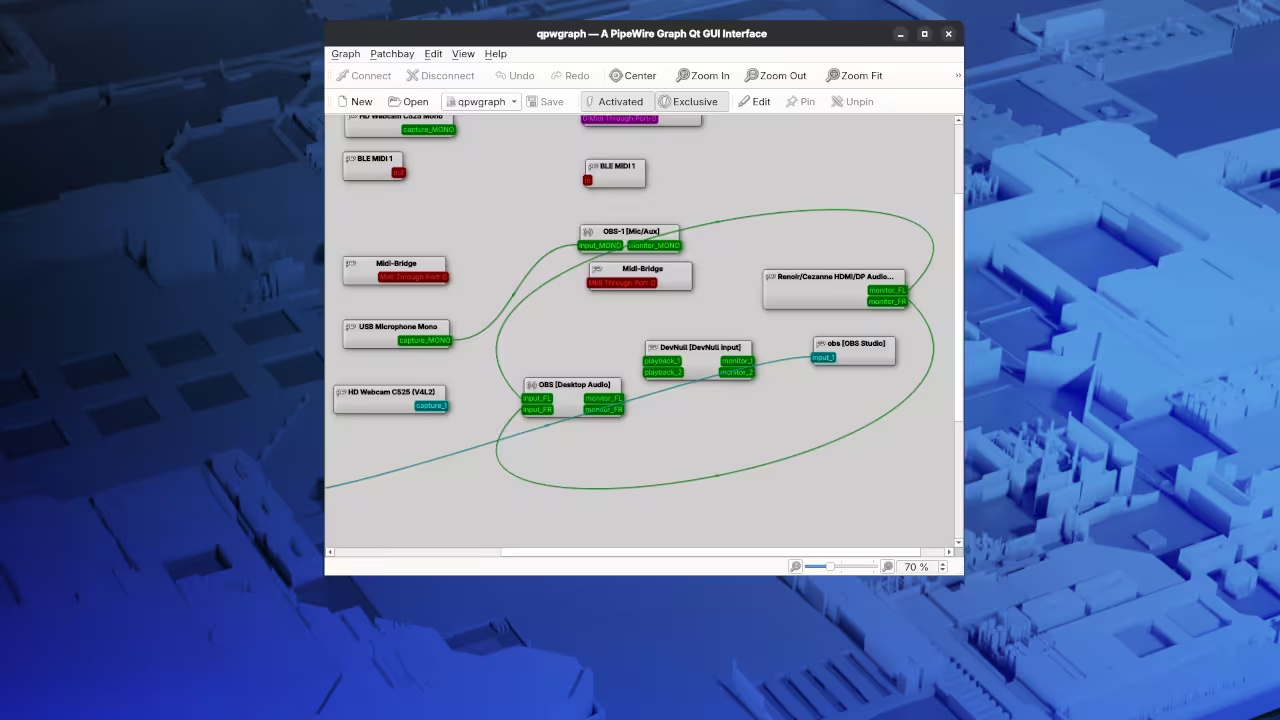
Run the following command to identify your specific hardware nodes before attempting to bridge the audio connections manually. This provides the necessary unique identifiers for your specific system topology.
pw-dump | grep node.name
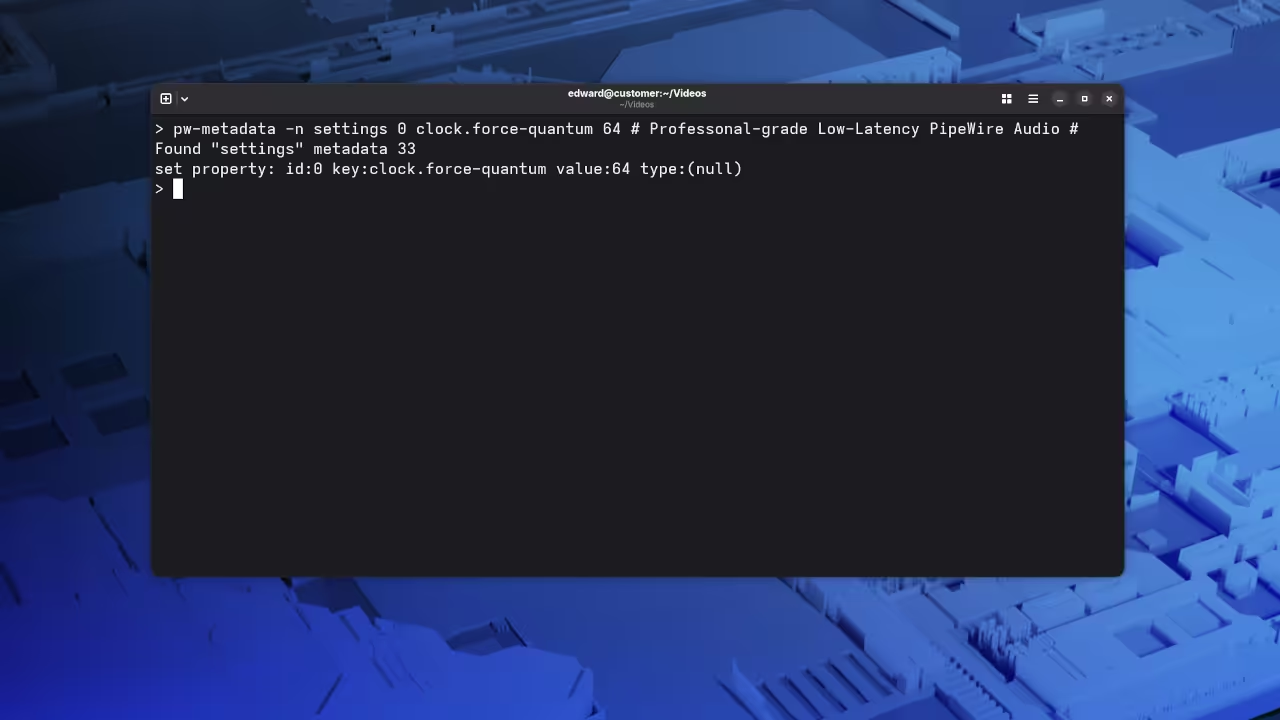
Once you have identified your source and sink names use this script to lock the synchronization parameters. This command forces the entire audio engine into a high performance low latency mode.
export PIPEWIRE_QUANTUM="64/48000"
pw-metadata -n settings 0 clock.force-quantum 64
Comparative Performance Metrics
| Parameter | Description | Value |
|---|---|---|
| PulseAudio Latency | Standard desktop configuration | 40ms to 100ms |
| Pipewire Native | Optimized kernel routing | 5ms to 15ms |
| Pro Studio Link | Manual graph bypassing | Under 2ms |
| Parameter | Description | Value |
Expert System Configuration Details
One insider detail involves the specific interaction between the Pipewire Pulse compatibility layer and the native WirePlumber manager. If you manually disable the desktops auto connect feature you prevent the system from hijacking your professional audio streams.
This prevents GNOME from rerouting your microphone to a different application while you are actively broadcasting live. We previously explored similar architectural breakthroughs in our deep dive into GPU accelerated video rendering for open source systems.
Mastering the signal path ensures that your Raspberry Pi or MI60 workstation operates at its theoretical maximum efficiency. This specific optimization ensures your streaming architecture remains robust regardless of the complexity of your visual effects.
Master the Professional Stack
Leveraging direct kernel hooks for audio is just one component of a high performance open source workstation. Integrating these signal path secrets with powerful hardware ensures your creative output remains uncompromised by technical limitations.
- Books Technical and Creative: Amazon Author Page
- Blueprints DIY Woodworking Projects: Ojambo Shop
- Tutorials Continuous Learning: Contact for Tutorials
- Consultations Custom Apps and Architecture: Professional Consultations
🚀 Recommended Resources
Disclosure: Some of the links above are referral links. I may earn a commission if you make a purchase at no extra cost to you.