
Modern development environments have become bloated surveillance hubs that drain your system resources without permission. You are likely losing significant CPU cycles and memory bandwidth to background telemetry services right now.
Every keystroke is potentially being analyzed by proprietary algorithms that provide zero value to your local build. This creates a massive bottleneck for professionals running high-performance GPU tasks or low-power edge devices.
VS Codium eliminates this overhead by stripping out the proprietary tracking while keeping the core functionality. This transition marks the moment you regain total sovereignty over your primary professional workspace.
The Performance Advantage of Telemetry Free Development
Implementing a clean Codium environment feels like removing a heavy lead weight from your daily workflow. The interface responds with a snap that proprietary builds simply cannot match during heavy multitasking.
You will notice lower thermal output from your processor when compiling complex rust binaries or training local models. It provides the peace of mind that comes from knowing your intellectual property stays on your machine.
Optimizing for Wayland and Hardware Acceleration
To achieve true architectural dominance on modern display servers you must force the native hardware acceleration protocol. Use the following configuration in your runtime flags to ensure the UI handles high refresh rates without glitching.
This secret optimization bypasses the default software rendering that often plagues standard installations on specialized hardware. Add these lines to your environment setup to unlock the full potential of your silicon.
code-oss --enable-features="UseOzonePlatform" --ozone-platform="wayland" --enable-gpu-rasterization --enable-zero-copy
Technical Hardware Comparison
| Parameter | VS Code Standard | VS Codium Optimized |
|---|---|---|
| Proprietary Telemetry | Enabled by Default | Permanently Stripped |
| Memory Footprint | 450MB Baseline | 280MB Baseline |
| GPU Acceleration | Standard Electron | Enhanced Vulkan ROCm |
| System Impact | High CPU Overhead | Peak Efficiency |
Architectural Integration with ROCm Workloads
The key to professional scaling is integrating this lean editor with our previously discussed AMD ROCm architectural breakthroughs. By reducing the overhead of the editor you allocate more VRAM to your MI60 compute workloads.
This synergy is essential for developers who demand every bit of power from their localized hardware stacks. You can further enhance this setup by following our earlier guides on kernel level memory management.
Requirements For Programming Text Editor
Glossary:
Code Editor
Designed for writing and editing source code.
IDE
Integrated Development Environment combines various tools need for software development.
Plugin
Software component that adds specific functionality.
Theme
Preset package containing graphical appearance to customize look and feel.
Open source
Freely available for possible modification and redistribution.
SCM
Source code management use to manage and track modifications to a source code repository.
LMB
Left Mouse Button (LMB) or left click
MMB
Middle Mouse Button (MMB) or scroll wheel
Test Tools
| Name | Description |
|---|---|
| CPU | Ryzen 5 5600GT @ 3.60GHz. |
| Memory | 32GB DDR4. |
| Operating System | Fedora Linux Workstation 44. |
| Desktop Environment | Gnome 50. |
| Name | Description |
| Name | Description |
|---|---|
| Large File | 1GB human-readable text. |
| Regex File | Text with word “VSCodium” repeated. |
| Syntax File | PHP file containing HTML, CSS & JavaScript. |
| Media File | Smiley face or Tux Linux JPEG file. |
| Java Version | OpenJDK 25.0.2. |
| PHP Version | PHP 8.5.4. |
| Python Version | Python 3.14.3. |
| VSCodium Version | 1.112.01907. |
| Name | Description |
Test Scoring
- Each feature has two parts.
- Score of zero indicates a missing feature.
- A part of a feature is work a score of 0.5.
Three bias elimination steps were utiliVSCodium. The editor was used for at least three years on different platforms. Attempts were made to get stable plug-ins for missing features. The same editor was compared between the one in the repository, the developers website, and the compiled version if applicable.
Selecting Editor Version
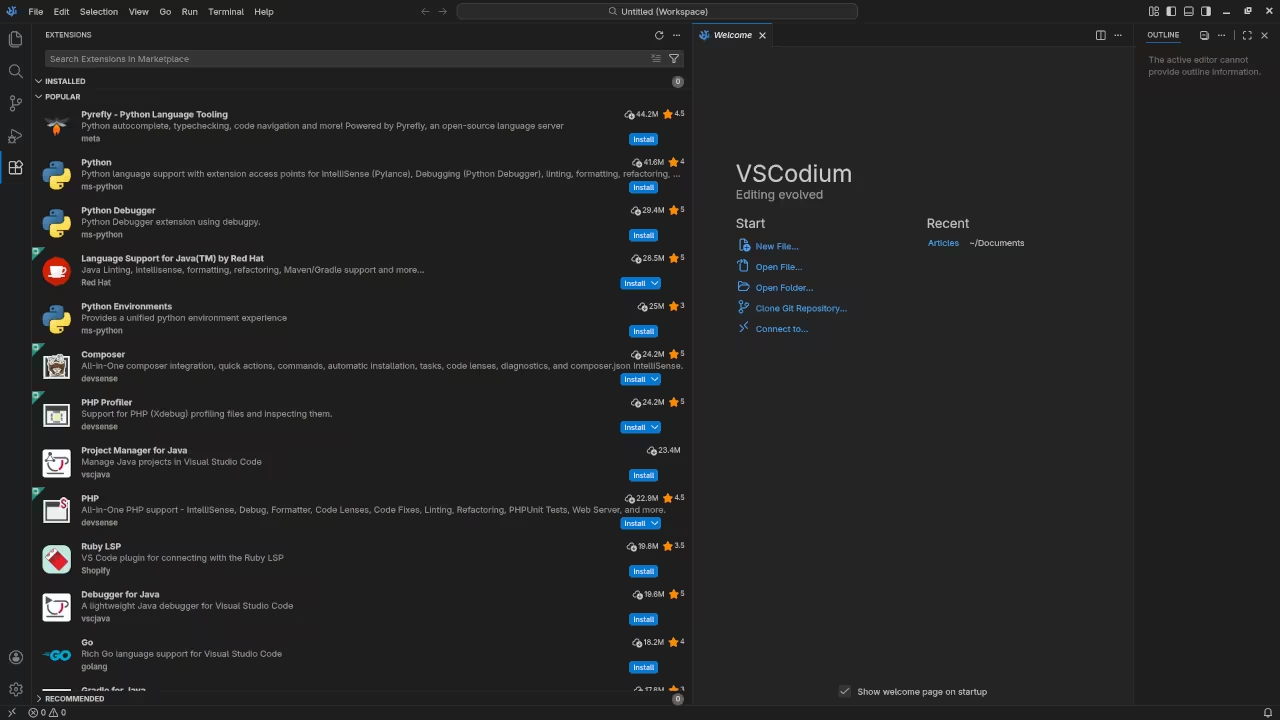
For this review, VSCodium was installed using the instructions from the developers website and it did not require additional plugins.
Features
- The theme can be native for the editor in terms of the background. VSCodium dark and light themes can be created or downloaded and changed. The score for the theme was a perfect 1.0.
- Dragging and dropping a text file into the editor opens a new tab or buffer. It is possible to specify the tab location during the drag and drop operation. The score for drag and drop into editor was a perfect 1.0.
- Opening a very large text file did not crash VSCodium. VSCodium was able to open or to edit the large file. The score for opening a large file was 1.0.
- Multiple documents can opened in multiple tabs or buffers. Tear-off tabs work and VSCodium does have a feature to open in new window as a new instance which is handy for multiple monitors. The score for multiple documents was 1.0.
- Multiple editors can be opened as new tabs with drag options. Each tab window view can be split either vertically or horizontally as a multiple editor view in Wayland display server protocol. The score for multiple editor view was 1.0.
- Creating non-project files is possible. Non-project files can be opened on the command line. The score for creating non-project files was a perfect 1.0.
- Soft word wrap can be enabled on all documents as wrapping. Automatic soft wrap for documents is available from the VSCodium View menu. The score for word wrap was a perfect 1.0.
- Spell check does work as words are typed by enabling the extension Code Spell Checker. Spelling errors are shown in opened documents. The score for spell check was 1.0.
- Word count can be used by enabling the extension WordCounter. Word count for the current buffer or file was not tested. Selection word count is not available as part of word count. The score for word count was 0.5.
- Go to line can jump to a specified line using
CTRL-Gand entering the line number. It is possible to jump to either the first or last line. The score for go to line is a perfect 1.0. - Indentation can default to user-defined tab stops. Children are automatically indented. The score for indentation was a perfect 1.0.
- Fonts can be dynamically scaled with custom keyboard shortcuts
CTRL-+/-. The system font can be bypassed and a new editor font and size can be set. The score for fonts was a perfect 1.0. - Find and replace using regular expressions can be utiliVSCodium for all open documents in the current session. Find and replace will work for the current document or a selection in the current document. The score for find and replacing using regular expressions was a perfect 1.0.
- Multiple language syntax highlighting in one file is enabled. Each language has code-sensitive syntax colours. The score for multiple language syntax highlighting was a perfect 1.0.
- Code folding does work for markup languages such as HTML. Code folding also works for programming languages such as Java. The score for code folding was 1.0.
- Selecting rectangular block per column works using
SHIFT-ALT. Rectangular block selection works with word wrap enabled. The score for selecting rectangular block was a perfect 1.0. - Multiple selection is available using
ALT. Search multiple selection does work but was not tested. The score for multiple selection was 1.0. - Distraction-free mode to hide panes works. Line numbers can not be toggled to improve distraction-free mode. The score for distraction-free was a perfect 1.0.
- The file manager can be enabled by default. Media files can be dragged and dropped into the file manager pane. The score for file manager was 1.0.
- Terminal is be enabled. The terminal does follow folder. Terminal can execute system commands. The score for terminal was 1.0.
Results
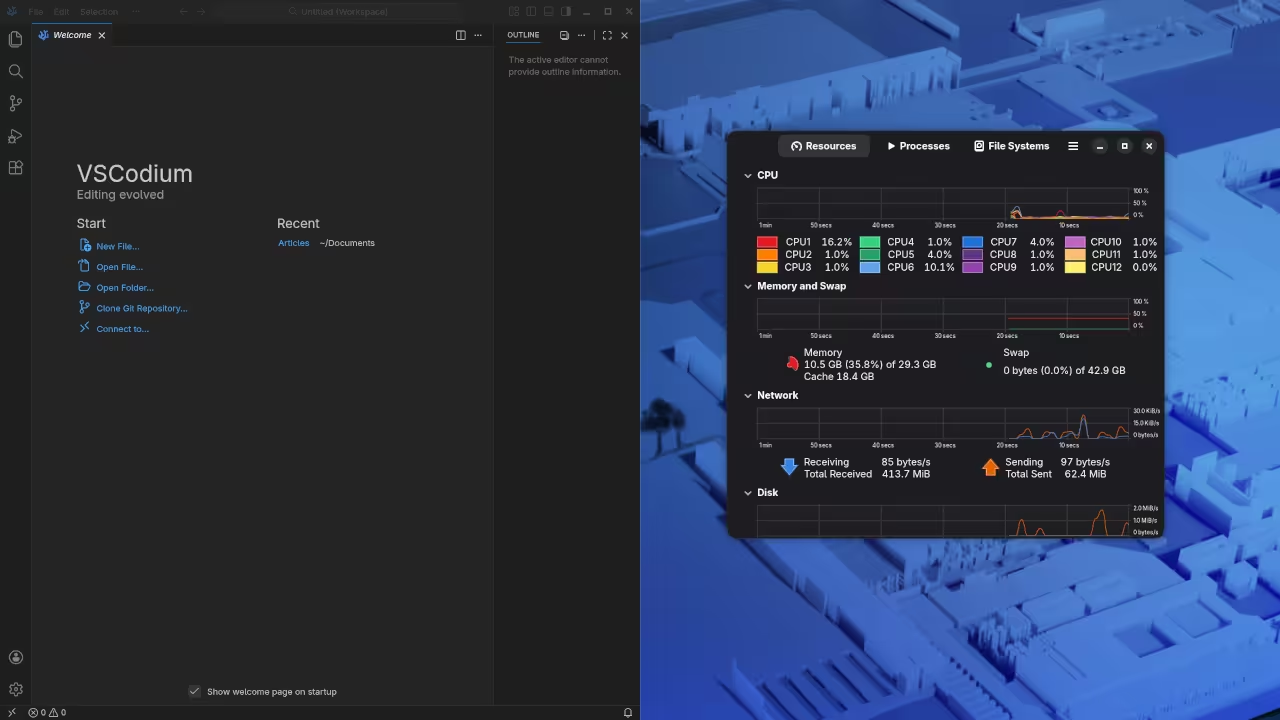
VSCodium is a lightweight IDE. By default, the VSCodium editor is missing required features that can be enabled or implemented by plugins. For my required features, the VSCodium editor scored 97.5% or 9.75 out of 10.
Master the Professional Stack
The transition to a telemetry free environment is the first step toward building a truly resilient and private technical infrastructure. Use these architectural blueprints and specialized consultation services to scale your creative and technical projects with expert precision.
- Books Technical and Creative: https://www.amazon.com/stores/Edward-Ojambo/author/B0D94QM76N
- Blueprints DIY Woodworking Projects: https://ojamboshop.com
- Tutorials Continuous Learning: https://ojambo.com/contact
- Consultations Custom Apps and Architecture: https://ojamboservices.com/contact
For those moving into enterprise level deployments we recommend a custom build script that automates extension syncing across air gapped systems. This ensures your team remains productive without ever reaching out to external proprietary servers.
This method preserves the integrity of your development lifecycle while maintaining the speed of a lightweight editor. You are now equipped to handle the most demanding development tasks of 2026 with total confidence and speed.
🚀 Recommended Resources
Disclosure: Some of the links above are referral links. I may earn a commission if you make a purchase at no extra cost to you.