
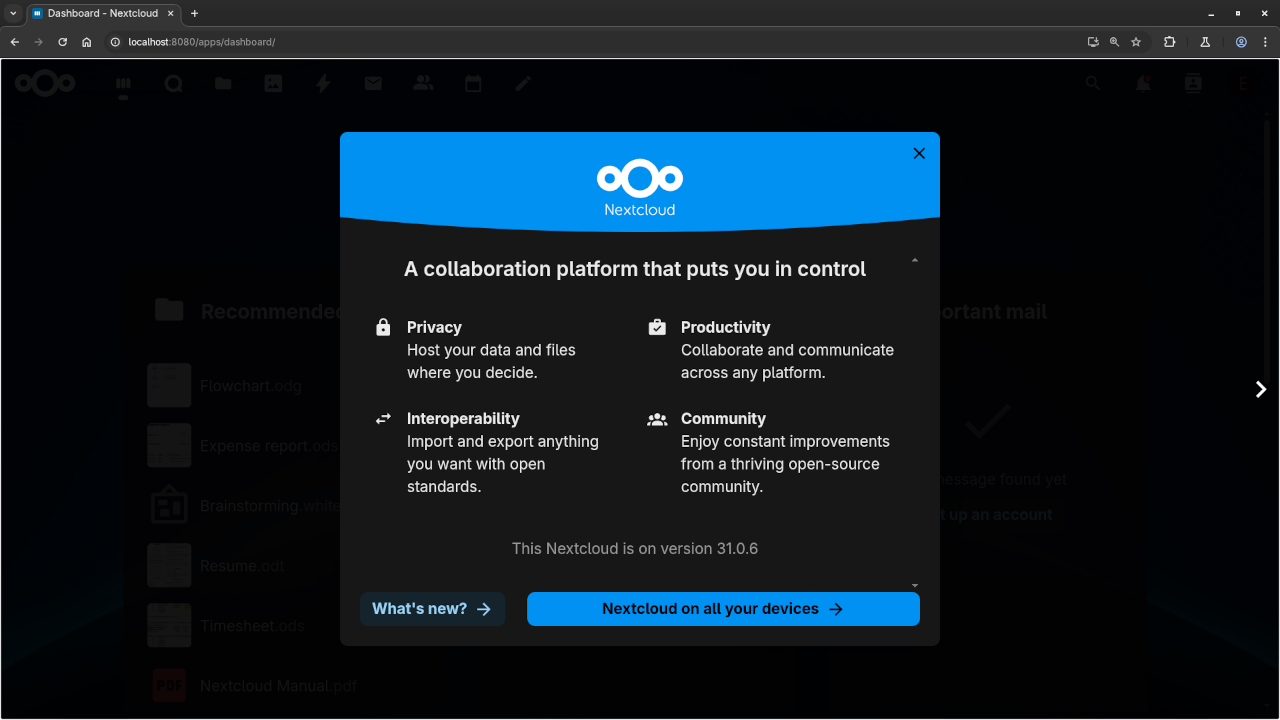
🌐 How to Deploy NextCloud in a Pod Container
Looking for a secure, open-source way to store your files, manage your calendar, and collaborate online? NextCloud is the answer! In this guide, I’ll show you how to install NextCloud using Podman-a lightweight and daemonless container engine that doesn’t require root access. This tutorial is perfect for beginners and privacy-conscious users alike.
🔍 What is NextCloud?
NextCloud is an open-source, self-hosted productivity platform that offers file sharing, collaborative editing, calendar, contacts, and more-all under your control. Think of it like your personal cloud alternative to Google Drive or Dropbox, but with more flexibility and no data snooping.
🧠 Why Use Podman?
Unlike Docker, Podman runs containers in rootless mode, which adds a layer of security and flexibility. You don’t need to be a sysadmin to get started!
🔧 Step-by-Step: Installing NextCloud with Podman
🛠️ Prerequisites:
- Linux OS (Ubuntu, Fedora, or similar)
- Podman installed (
sudo apt install podmanorsudo dnf install podman) - Basic command-line familiarity
Step 1: Create a Pod
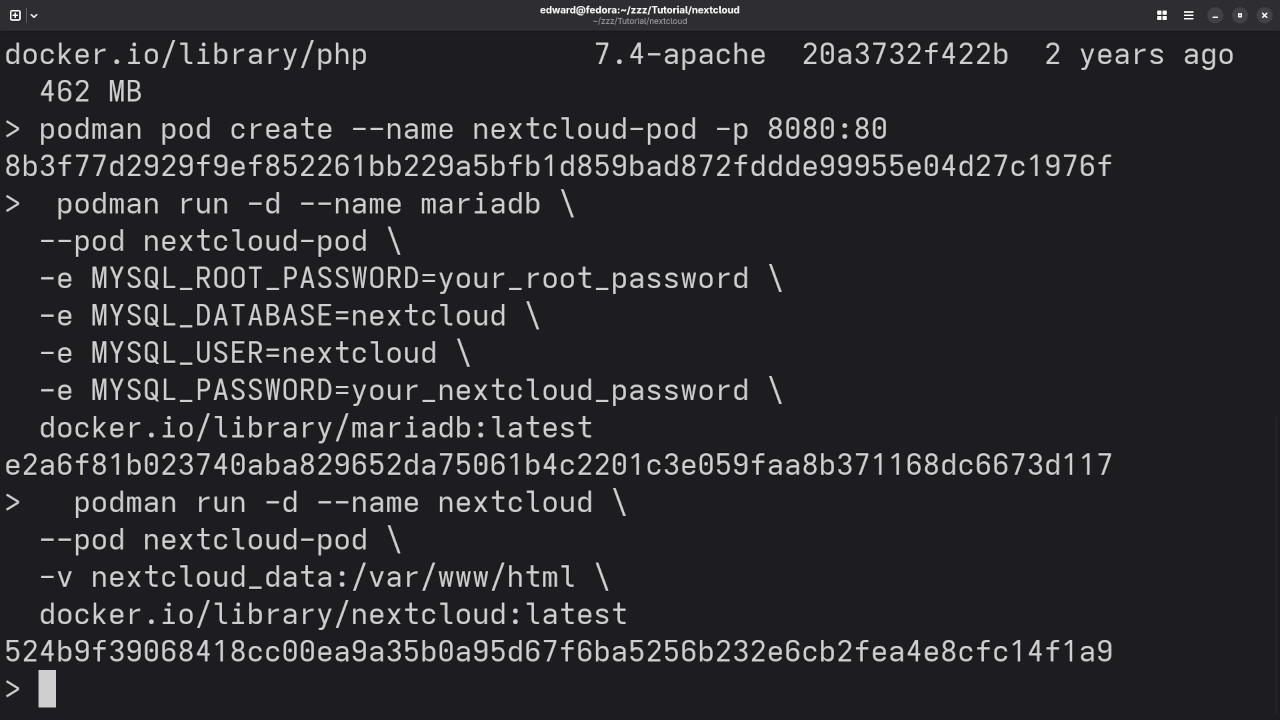
podman pod create --name nextcloud-pod -p 8080:80 This creates a pod that maps port 8080 on your host to port 80 inside the container.
Step 2: Start a MariaDB (or MySQL) Database
podman run -d --name mariadb \
--pod nextcloud-pod \
-e MYSQL_ROOT_PASSWORD=your_root_password \
-e MYSQL_DATABASE=nextcloud \
-e MYSQL_USER=nextcloud \
-e MYSQL_PASSWORD=your_nextcloud_password \
docker.io/library/mariadb:latest
This sets up a database for NextCloud to store its data.
Step 3: Run NextCloud
podman run -d --name nextcloud \
--pod nextcloud-pod \
-v nextcloud_data:/var/www/html \
docker.io/library/nextcloud:latest
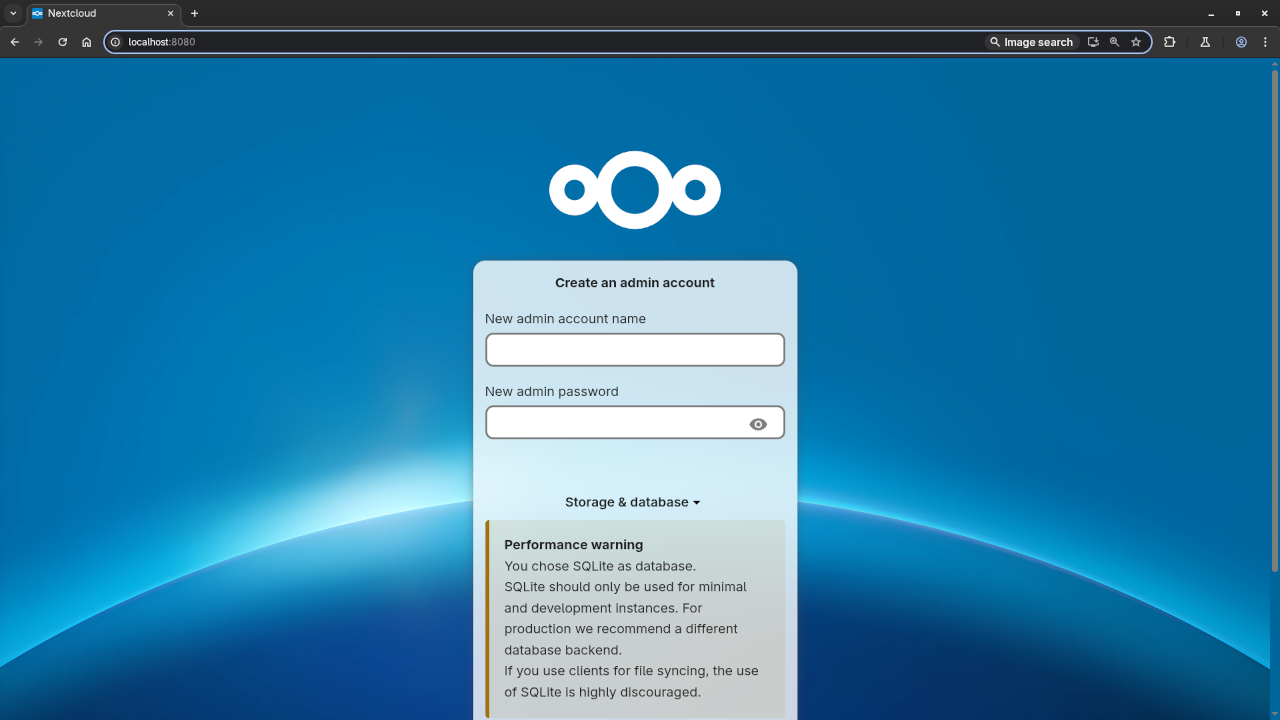
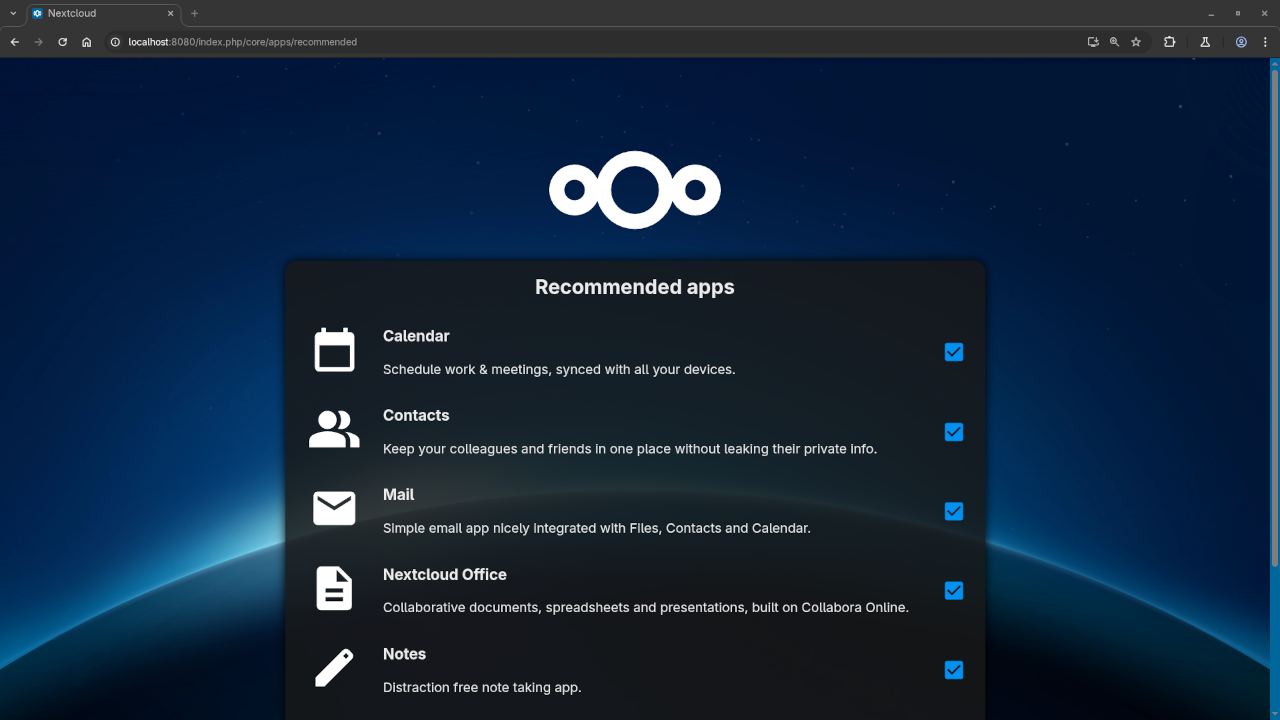
Now NextCloud is up and running! Visit http://localhost:8080 in your browser to complete the setup wizard.
💡 NextCloud Is Fully Open Source
One of the best parts of NextCloud is that it’s 100% open source, licensed under the GNU AGPLv3 (Affero General Public License v3). This means:
- You can study, modify, and redistribute the software.
- There’s no vendor lock-in.
- It’s developed by a vibrant community and backed by enterprise-level support (if needed).
This makes it a great fit for developers, educators, small businesses, and privacy-conscious individuals.
📅 Why Business-Minded Users Love It
NextCloud isn’t just about file syncing. Its Calendar app includes an Availability Link feature-perfect for:
- Booking meetings with clients or coworkers.
- Sharing your schedule easily.
- Avoiding endless back-and-forth emails.
It’s a smart way to stay organized while maintaining full control over your data.
🤝 Need Help Installing It?
If you’d like some assistance getting NextCloud up and running-or just want to ask a few questions-I’m here to help! Whether you’re a beginner or just need a second pair of eyes, feel free to Contact Me anytime or Click here to request help.
✅ Final Thoughts
With Podman and NextCloud, you can create your own private cloud solution quickly, securely, and without giving up control over your data. It’s a great weekend project-and a smart move for anyone interested in data sovereignty and productivity.
🖼️ Screenshots and Video
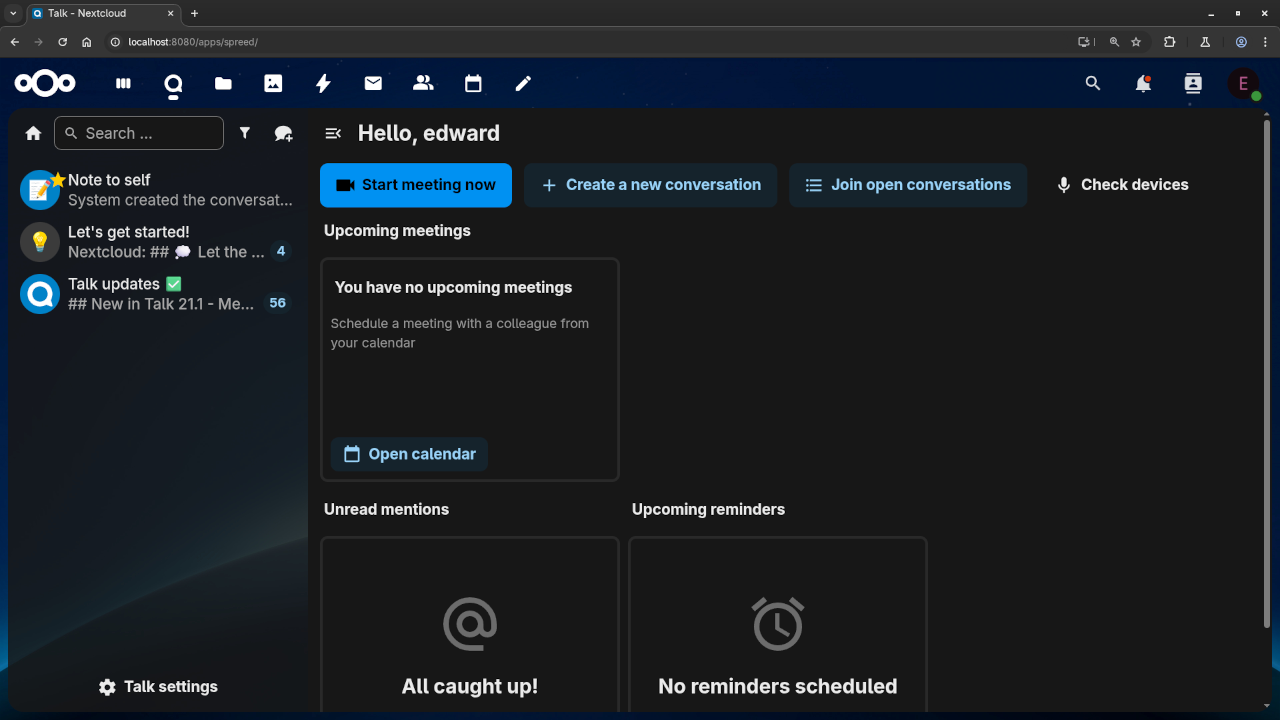
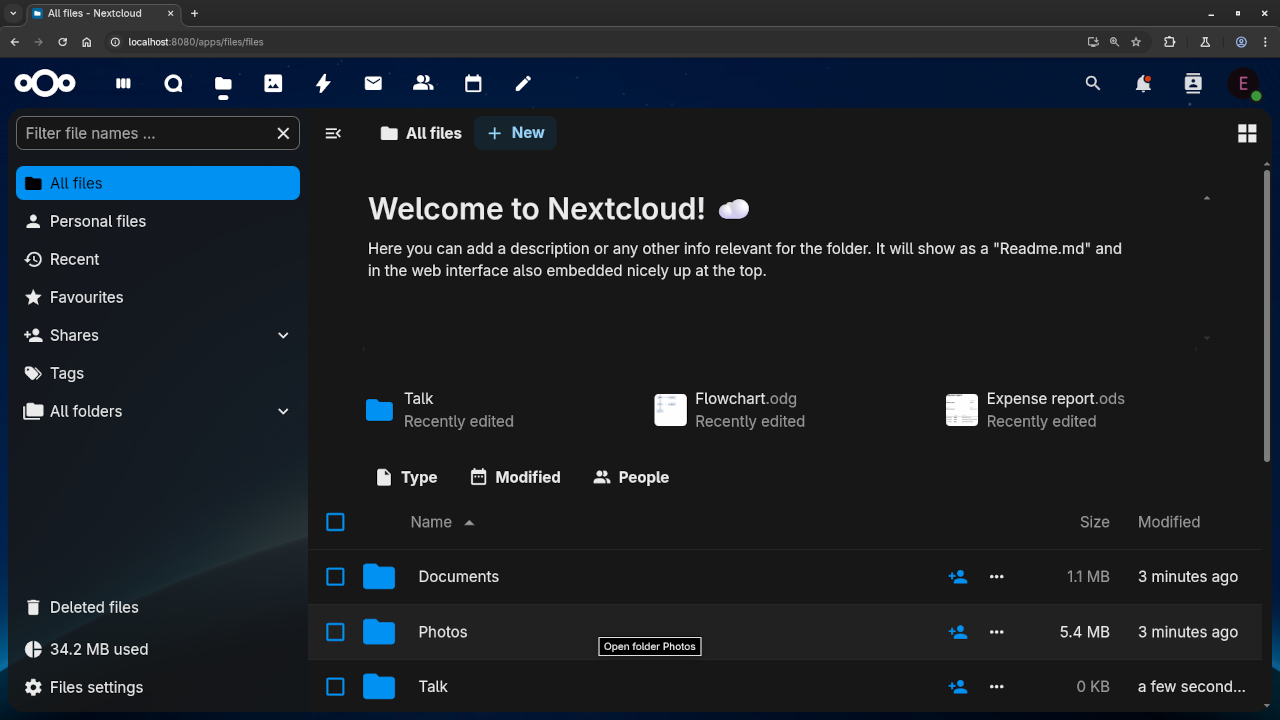
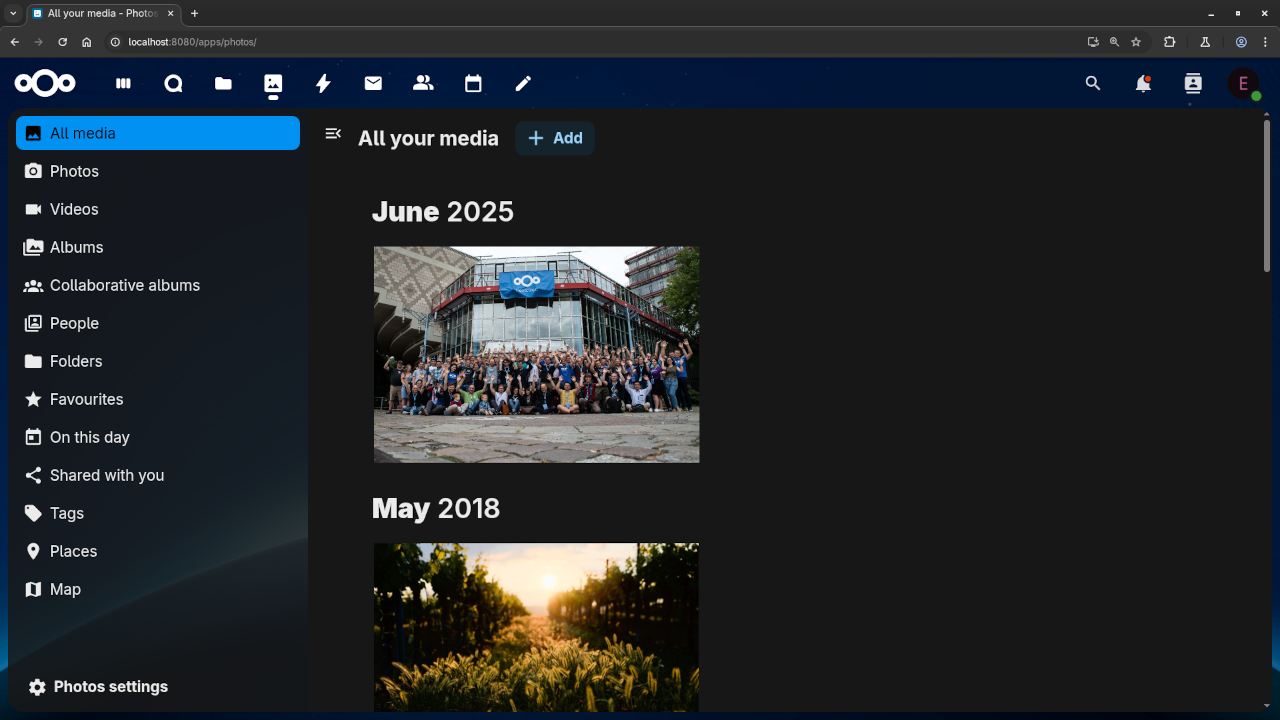
NextCloud Dashboard
Podman Running Containers
Video Walkthrough
🚀 Recommended Resources
Disclosure: Some of the links above are referral links. I may earn a commission if you make a purchase at no extra cost to you.