
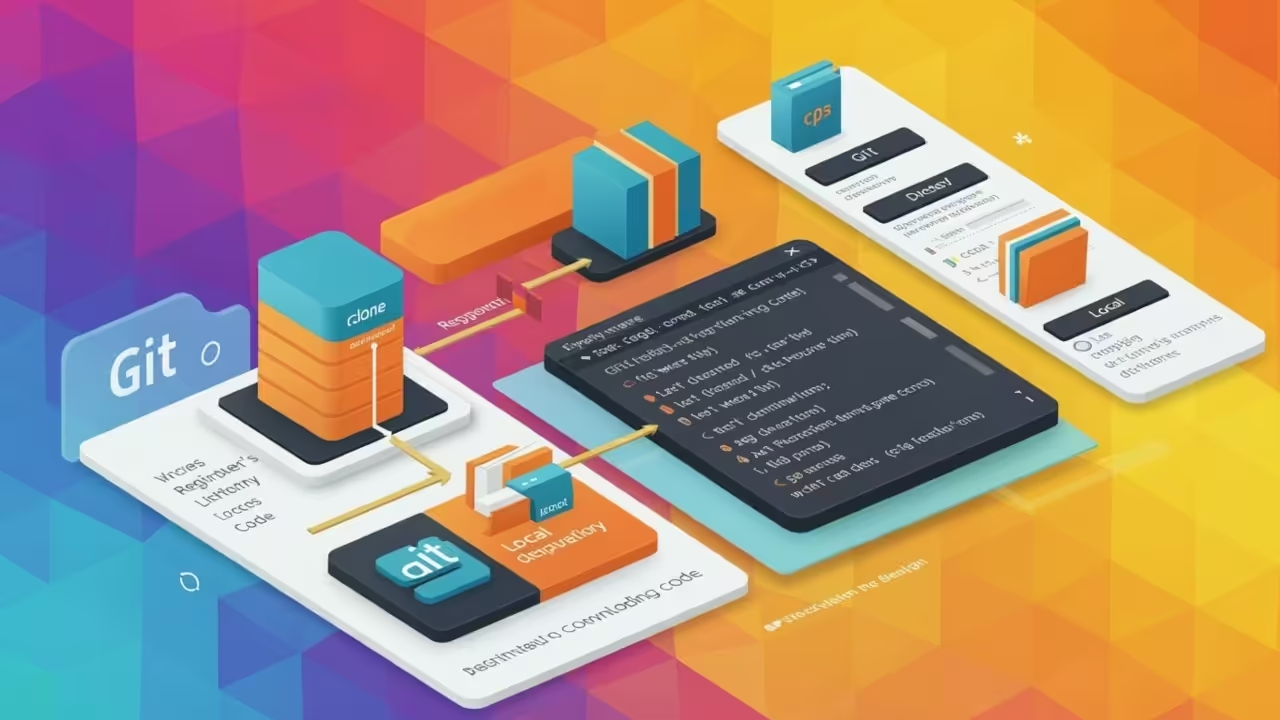
How to Use git clone Like a Pro
If you’re just getting started with Git, one of the first commands you’ll need to learn is git clone. This powerful command allows you to copy an entire remote repository to your local machine, enabling you to work on existing projects with ease. Whether you’re collaborating on a team or exploring open-source code, git clone is your gateway into the project.
What is git clone?
The git clone command creates a copy of a remote repository, downloading all its files, branches, commits, and history to your local system. It’s commonly used when you want to contribute to a project or simply browse its source code locally.
Prerequisites
- Have Git installed on your system. Download Git.
- Have a terminal or command prompt ready.
- Know the URL of the repository you want to clone (from GitHub, GitLab, etc.).
Basic Syntax
git clone <repository-url>
Example:
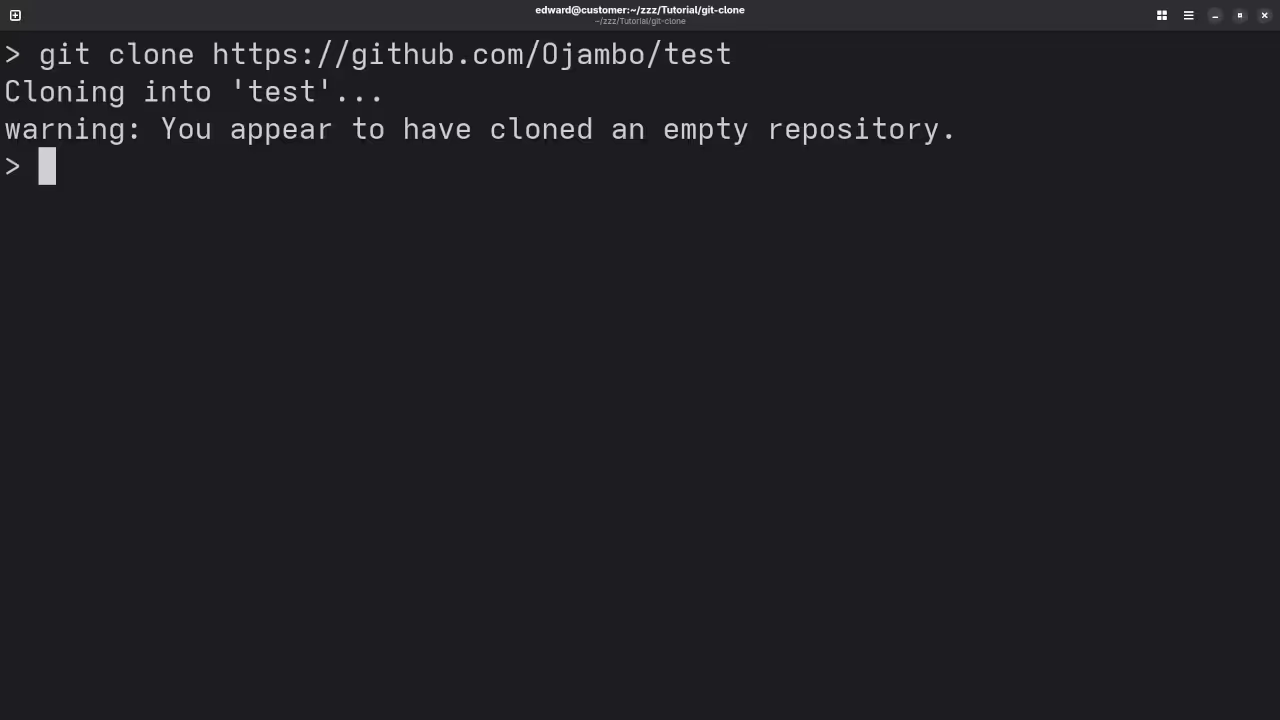
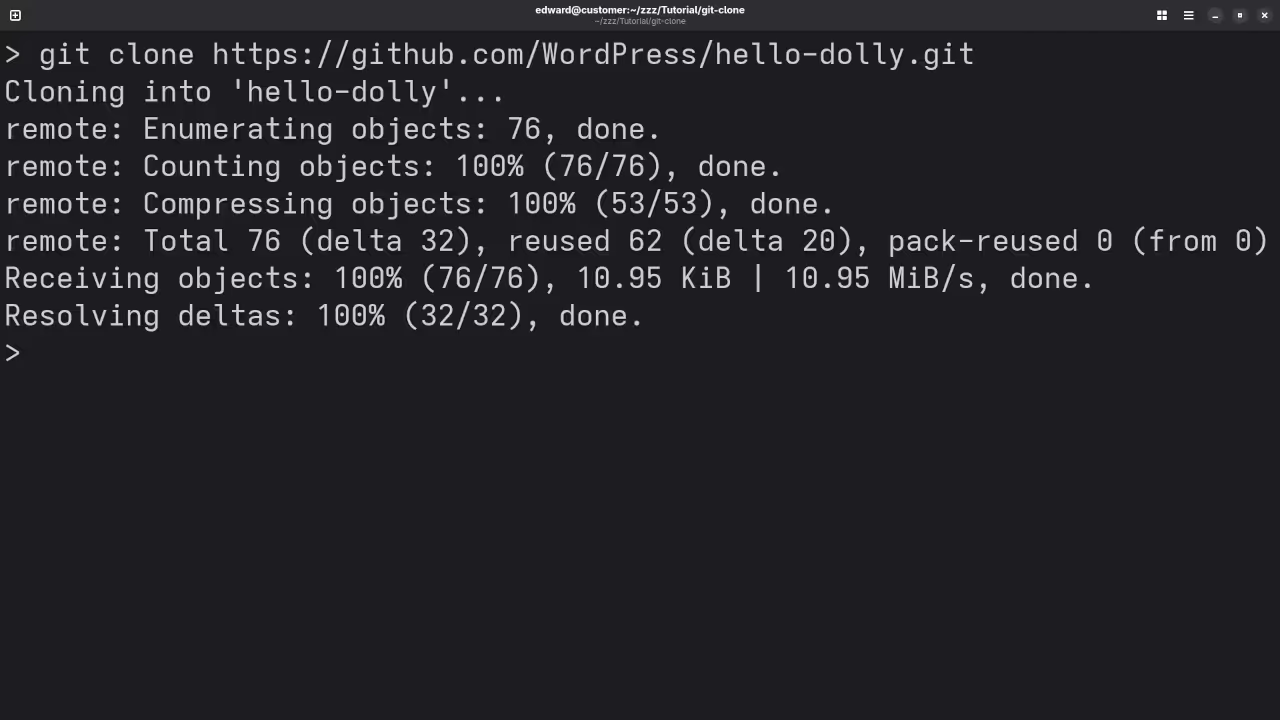
git clone https://github.com/username/repository.git
This command will:
- Create a new folder named
repositoryin your current directory. - Download all files and history from the remote repo into that folder.
Cloning Into a Custom Directory
You can specify a custom folder name like this:
git clone https://github.com/username/repository.git my-project
This will place the contents in a folder named my-project.
Cloning via SSH
If you use SSH keys with GitHub or GitLab, use the SSH URL instead:
git clone git@github.com:username/repository.git
This method is more secure and avoids entering credentials repeatedly.
Troubleshooting Tips
- Authentication errors? Make sure your SSH keys or GitHub tokens are set up correctly.
- Permission denied? You may be trying to clone a private repository without access.
- Not a valid repository? Double-check the URL for typos.
🔓 Open Source
Git is licensed under the GNU General Public License Version 2.0. The copyleft license comes with strict rules and requirements to ensure the software remains free and open-source. It allows commercial use, modification, distribution, and does not allow making derivatives proprietary, consult the license for more specific details.
Conclusion
Mastering git clone is an essential step in your journey with Git. Whether you’re joining a team or exploring a new project, knowing how to clone repositories will help you hit the ground running. In future articles, we’ll explore how to make changes and push them back using git push and git pull.
If you enjoy this article, consider supporting me by purchasing one of my OjamboShop.com Online Programming Courses or publications at Edward Ojambo Programming Books or simply donate here Ojambo.com Donate
References:
- Customer Sets Price Plugin for WooCommerce on Ojambo.com
- Learning JavaScript Course on OjamboShop.com
- Learning Python Course on OjamboShop.com
- Learning PHP Course on OjamboShop.com
- Master Blender Python API Paperback on Amazon
- Master Blender Python API Ebook on Amazon
- Learning JavaScript Paperback on Amazon
- Learning JavaScript Ebook on Amazon
- Learning Python Ebook on Amazon
- Learning PHP Ebook on Amazon
- OjamboServices.com For Custom Websites, Applications & Tutorials
🚀 Recommended Resources
Disclosure: Some of the links above are referral links. I may earn a commission if you make a purchase at no extra cost to you.