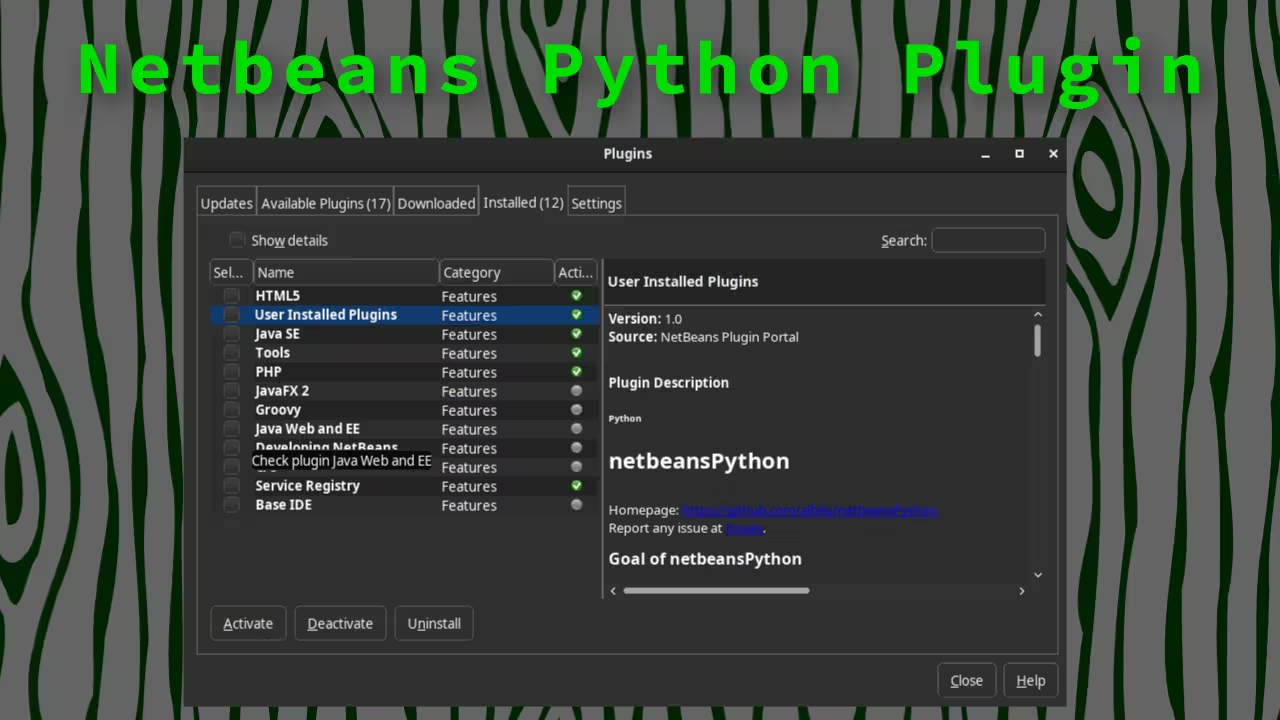
Install the Python plugin for Netbeans from the interface Tools -> Plugins.
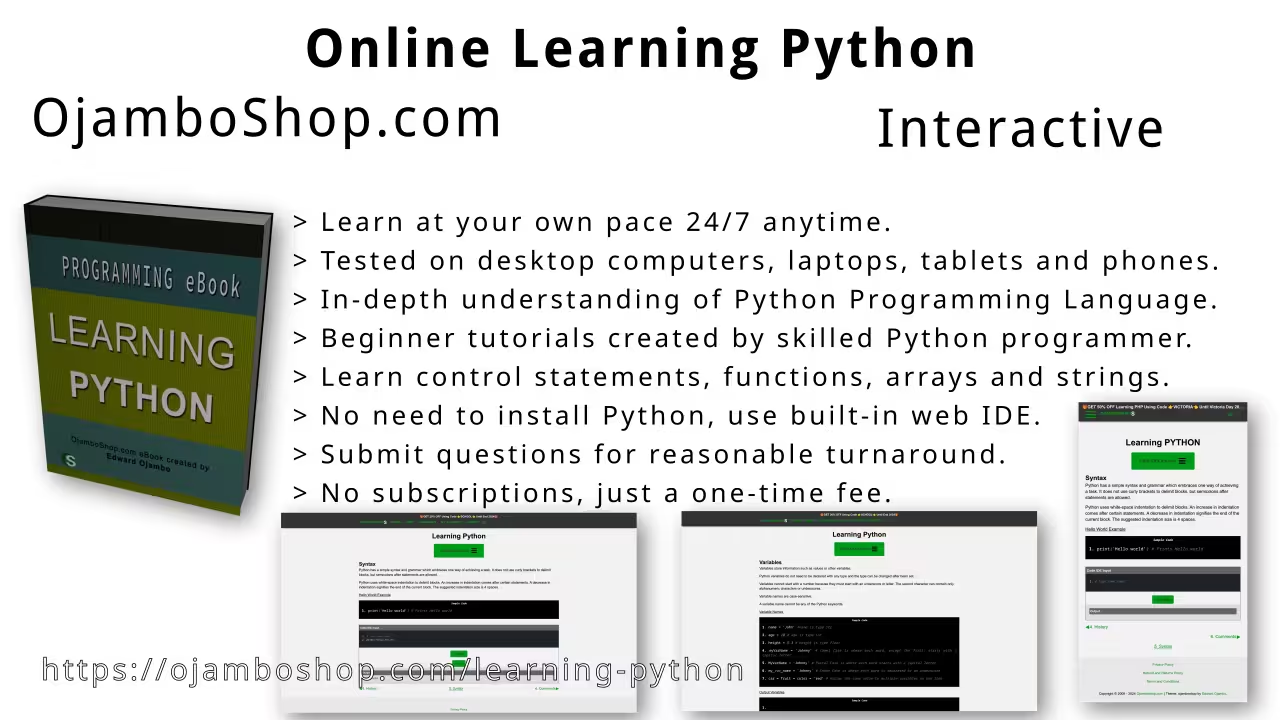
Take this opportunity to learn Python programming language by making a one-time purchase at Learning Python. A web browser is the only thing needed to learn Python in 2024 at your leisure. All the developer tools are provided right in your web browser.
Edward is a software engineer, author, and designer dedicated to providing the actionable blueprints and real-world tools needed to navigate a shifting economic landscape.
With a provocative focus on the evolution of technology—boldly declaring that “programming is dead”—Edward’s latest work, The Recession Business Blueprint, serves as a strategic guide for modern entrepreneurship. His bibliography also includes Mastering Blender Python API and The Algorithmic Serpent.
Beyond the page, Edward produces open-source tool review videos and provides practical resources for the “build it yourself” movement.
📚 Explore His Books – Visit the Book Shop to grab your copies today.
💼 Need Support? – Learn more about Services and the ways to benefit from his expertise.
🔨 Build it Yourself – Download Free Plans for Backyard Structures, Small Living, and Woodworking.