Tag: Ollama
-
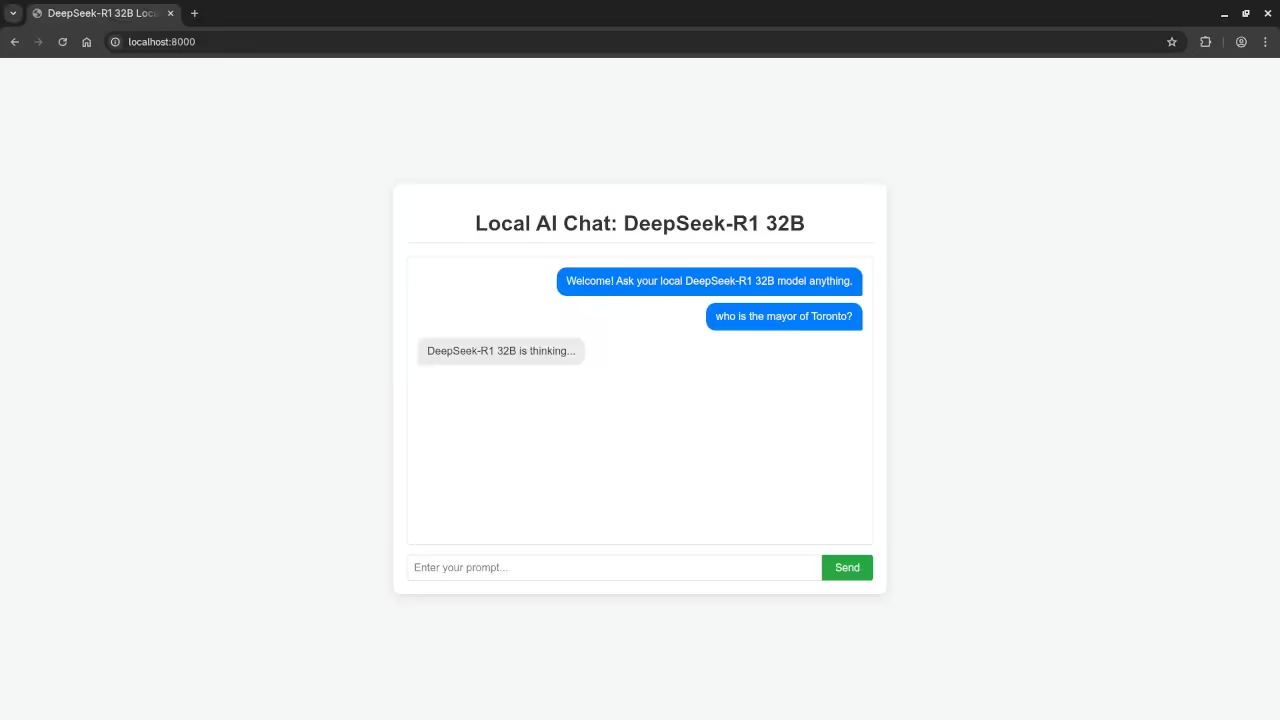
Web UI For AI DeepSeek-R1 32B Model
DeepSeek-R1 32B on Fedora: Launching the Local AI Web Chat (Moving Beyond the CLI) Introduction Following our previous exploration of the powerful DeepSeek-R1 32B Large Language Model (LLM) via the command line (as detailed here), we’re ready for the next step.
Written by
-
Review Generative AI DeepSeek-R1 32B Model
How to Run Ollama with DeepSeek-R1 32B LLM on Fedora 42 – Open Source AI for Everyone Introduction In this post, we will walk through the steps to get Ollama running on your system, with a special focus on using the DeepSeek-R1 32B LLM.
Written by

-
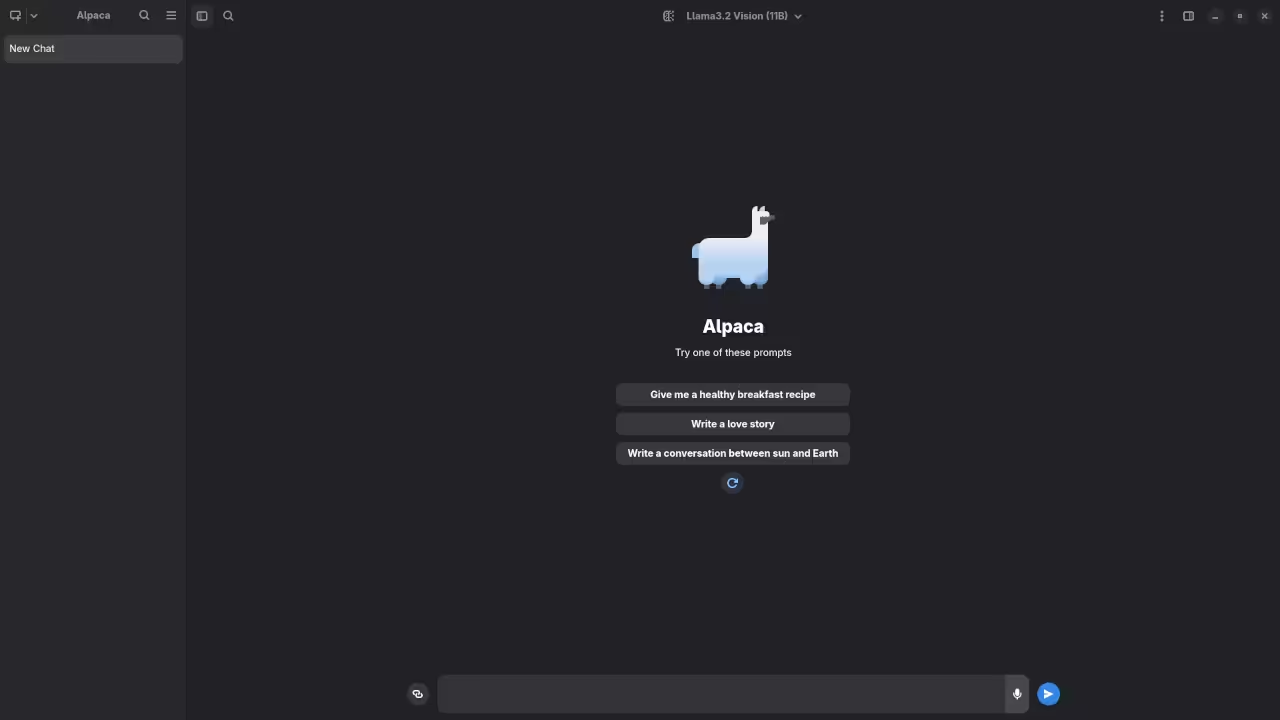
Review Generative AI Llama 3.2 Vision 11B Model
Getting Started with Llama 3.2 Vision 11B on Alpaca Ollama: AI on Your Desktop Artificial Intelligence is getting more powerful – and more accessible – by the day.
Written by
-
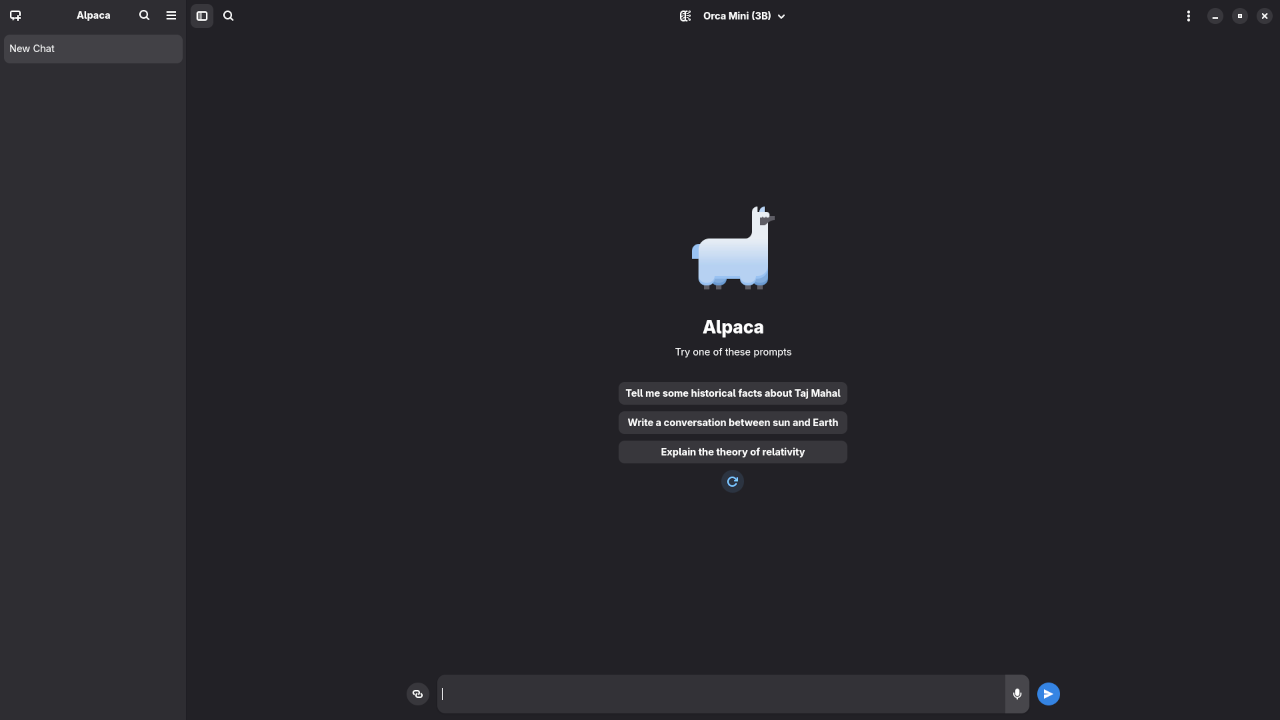
Review Generative AI Orca Mini 3B Model
How to Run Orca Mini 3B on Your Machine Using the Alpaca Ollama Client If you’ve ever wanted to explore local AI models without needing expensive cloud infrastructure, the Orca Mini 3B model is a great starting point.
Written by
-
Review Generative AI Phi 2.7B Model
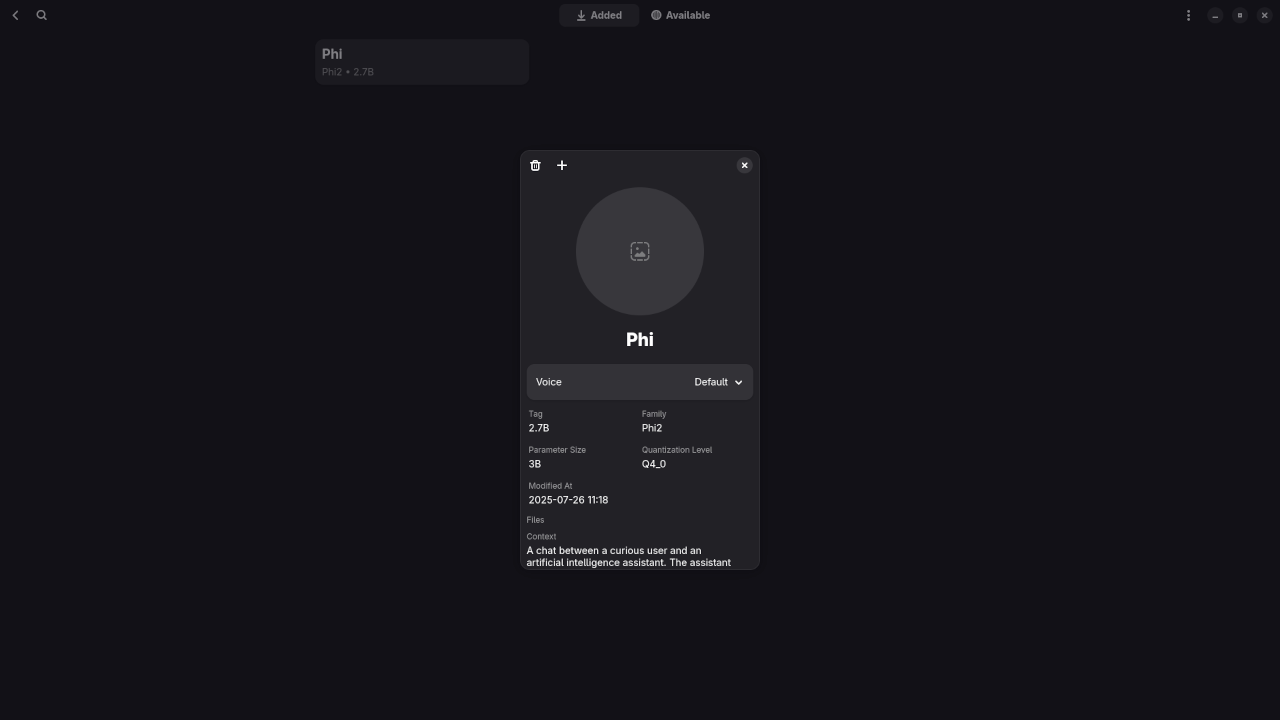
How to Run Phi 2.7B Locally Using Alpaca (Ollama Client) If you’re interested in experimenting with powerful AI models on your own machine, Phi 2.7B is a great starting point.
Written by
-
Review Generative AI Llava 7B Model
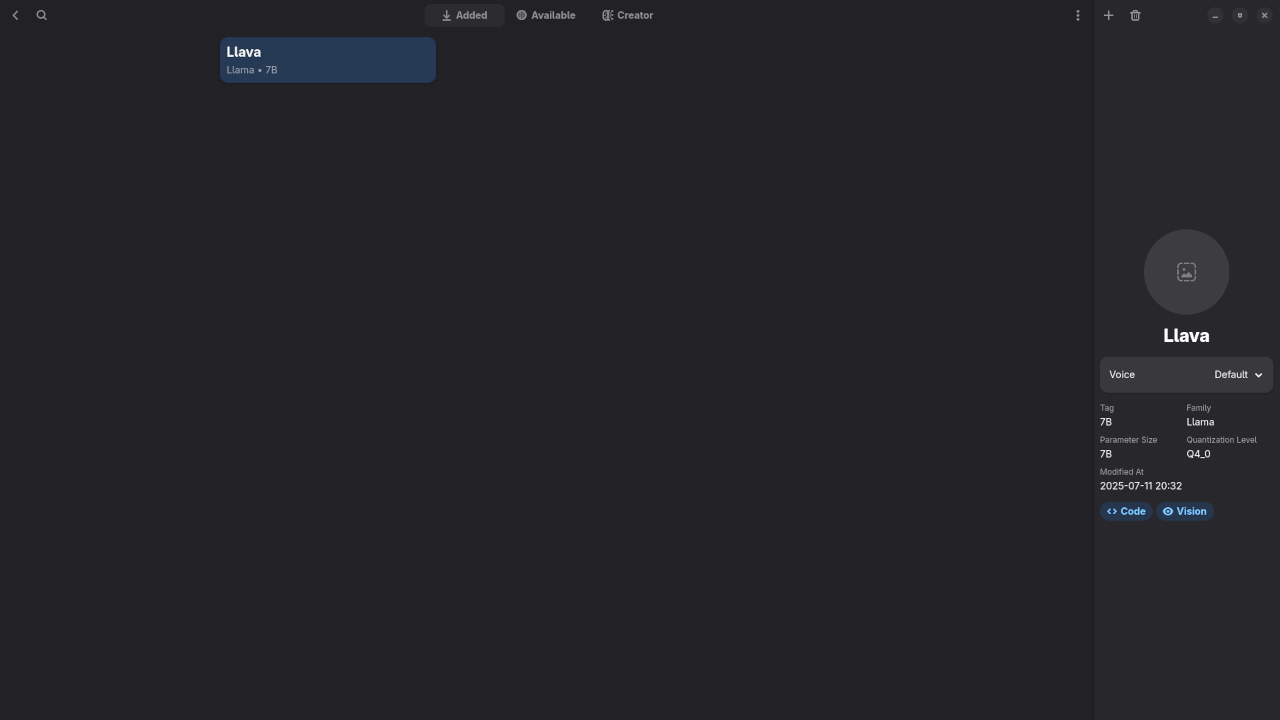
Curious about running open-source AI models right from your Linux desktop?
Written by
-
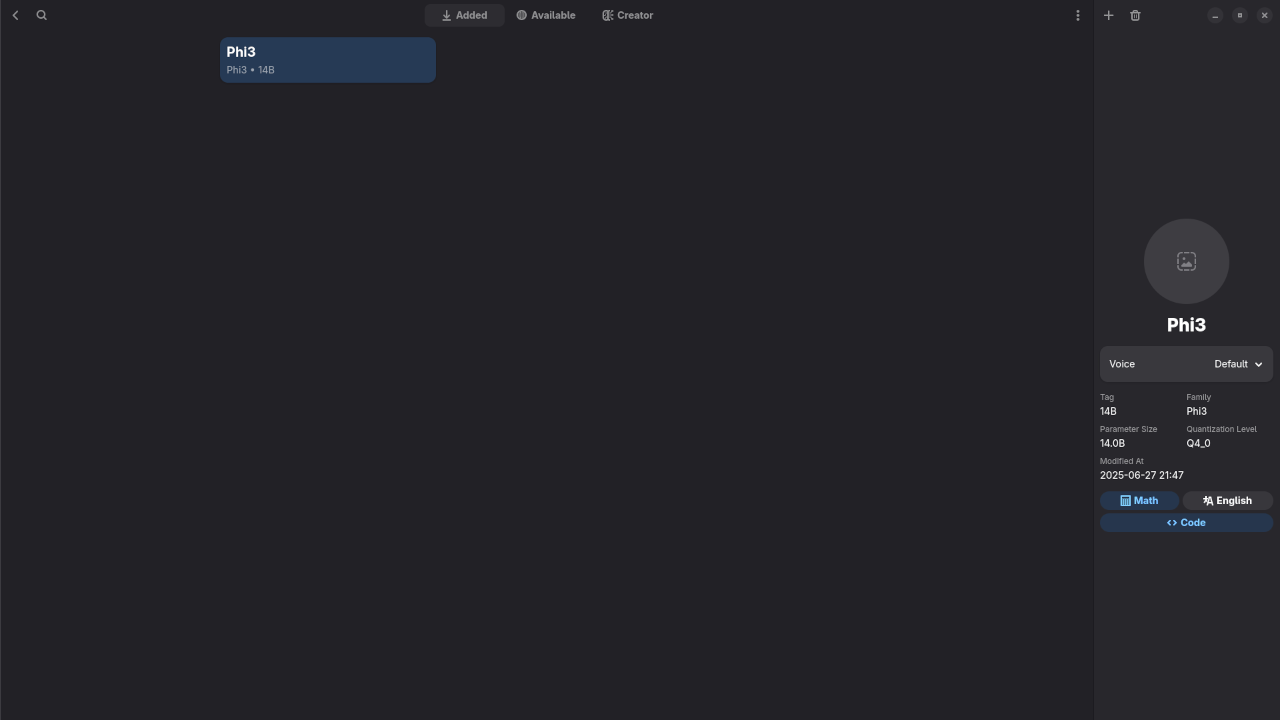
Review Generative AI Phi3 14B Model
🔍 Reviewing Phi-3 LLM on Linux Using Alpaca & Ollama In this article, I’ll walk you through my experience using Phi-3, a lightweight large language model (LLM) developed by Microsoft, running locally on Linux via Alpaca, a user-friendly front-end for Ollama packaged conveniently as a Flatpak.
Written by