

IDLE Is The Default Python Editor
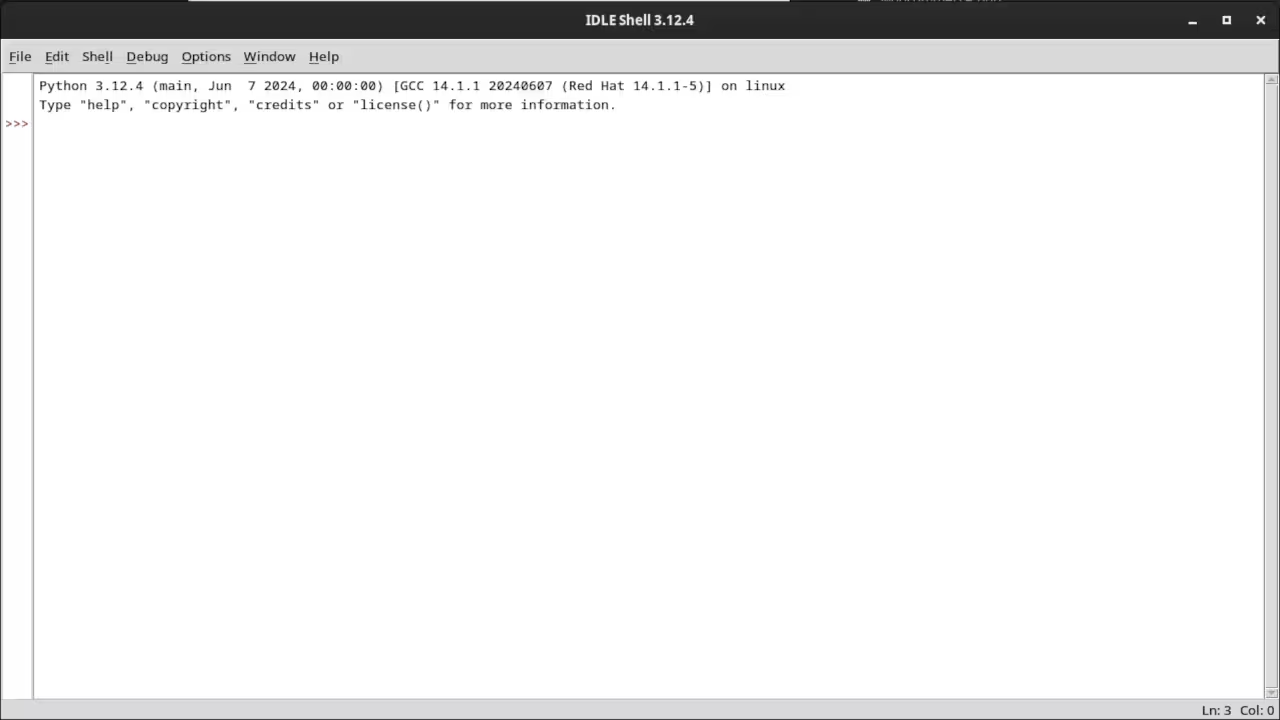
IDLE (Integrated Development and Learning Environment) is cross-platform for Mac OS, Windows and Linux.
It has 2 main window types, Shell and Editor.
It is written in Python and the Tinker GUI toolkit.
Review
Overview:
- Multi-window text editor
- Syntax highlighting
- Autocompletion
- Smart indent
- Search and replace
- Debugger
Menus:
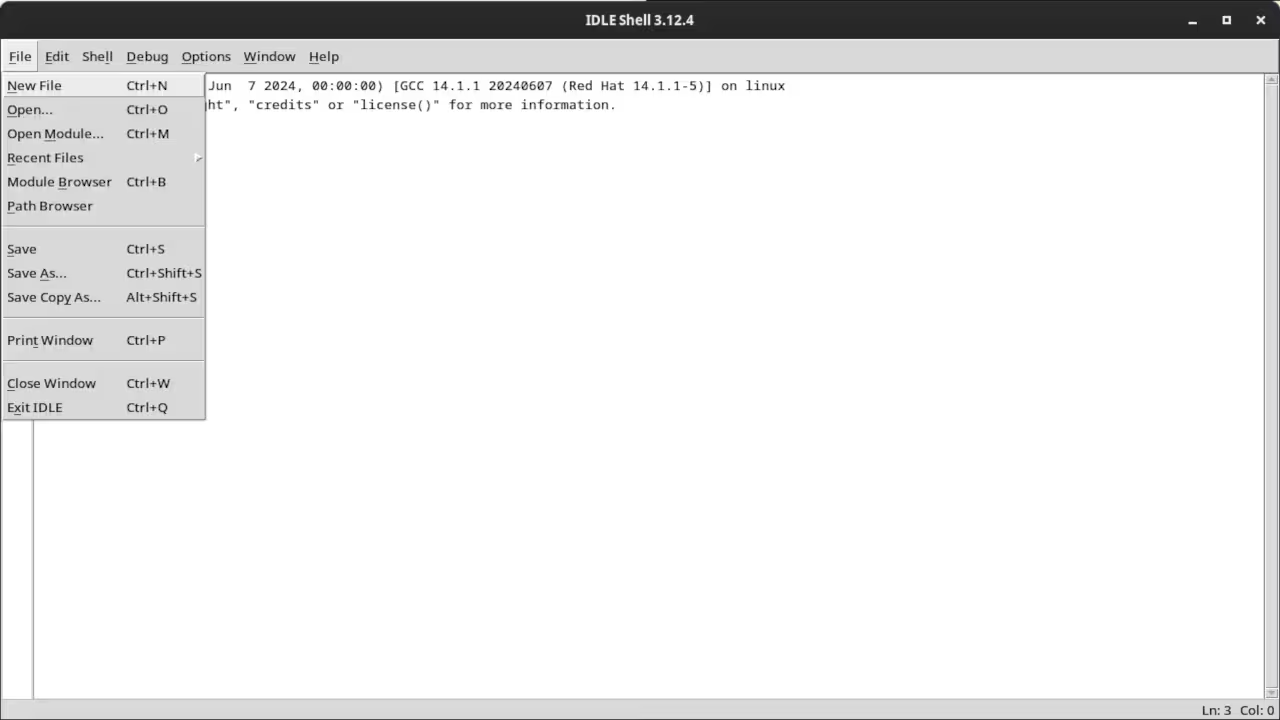
- File menu for both Shell and Editor.
- Edit menu for both Shell and Editor.
- Format menu for Editor only
- Run menu for Editor only
- Shell menu for Shell only
- Debug menu for Shell only
- Options menu for Shell and Editor
- Window menu for Shell and Editor
- Help menu for Shell and Editor
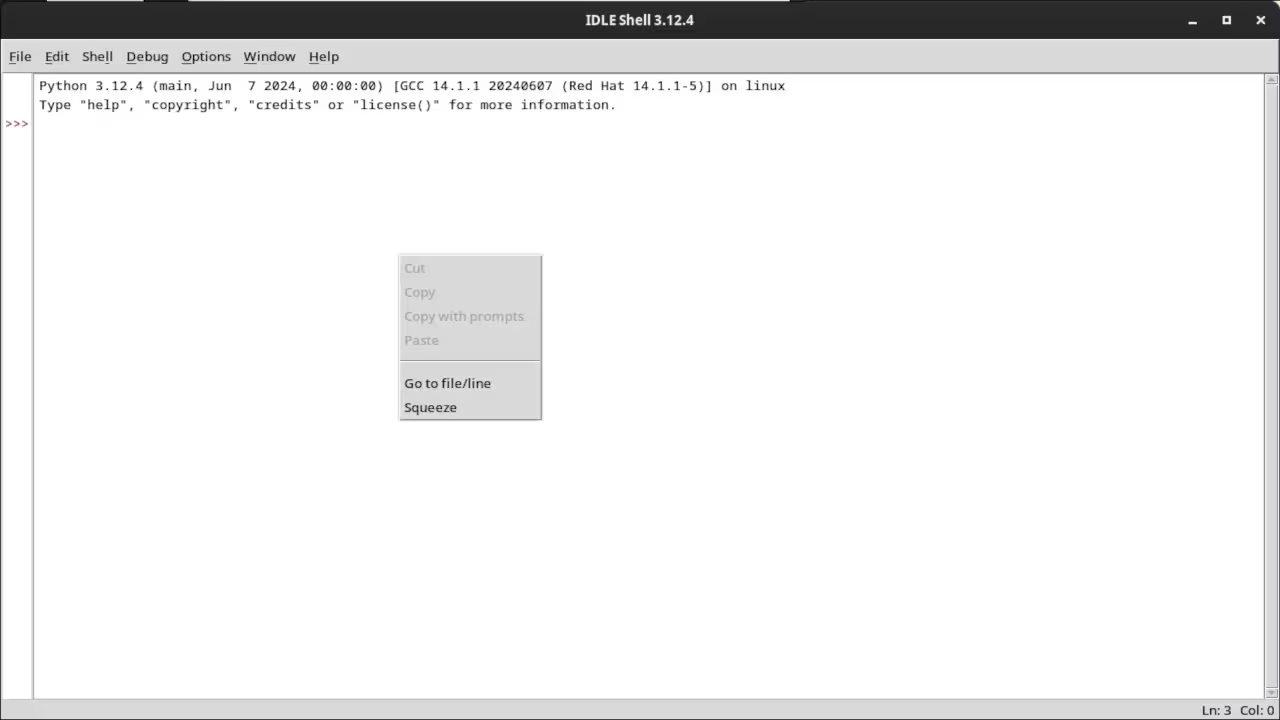
Context Menus:
- Cut
- Copy
- Paste
Usage
IDLE can be installed at the same time as Python. The initial screen displays the IDLE Shell which is the same as the command line Python Shell. It is possible to open a custom python file or paste code into the editor. Normal IDE features such as search and replace, debugging and history are available.
Open Source
IDLE is licensed under the Python Software Foundation License. This allows commercial use, modification, distribution, and allows making derivatives proprietary. Since it is made with Python, it makes it easier to contribute and modify.
Learning Python:
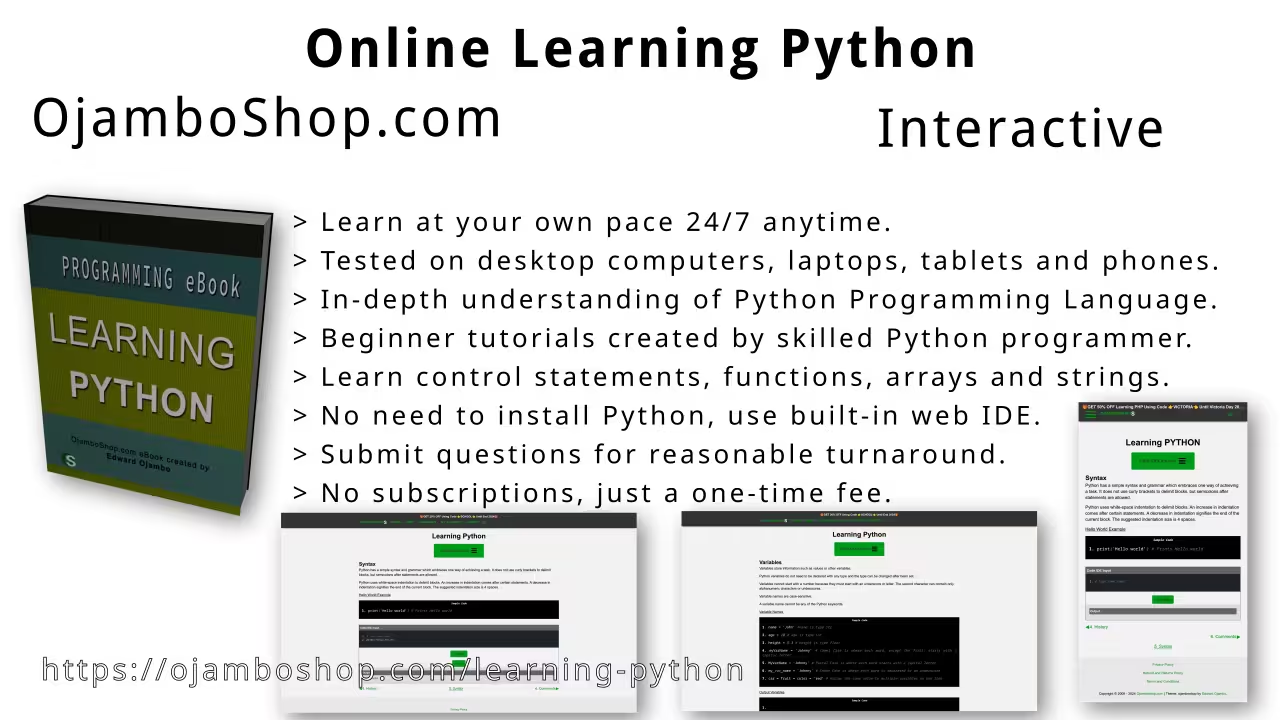
Course is ready for you in the web browser on any device.
Limited Time Offer:
OjamboShop.com is offering 20% off coupon code SCHOOL for Learning Python until End Day 2024.
Conclusion:
Install the IDLE application by compiling from source or downloading binaries for your device.
Take this opportunity to learn Python programming language by making a one-time purchase at Learning Python. A web browser is the only thing needed to learn Python in 2024 at your leisure. All the developer tools are provided right in your web browser.
References:
- Learning Python Course on OjamboShop.com
- IDLE Source Code
- IDLE Python’s Integrated Development and Learning Environment
🚀 Recommended Resources
Disclosure: Some of the links above are referral links. I may earn a commission if you make a purchase at no extra cost to you.