
Package Web Development
Symfony is a PHP framework and set of component libraries designed to help developers build web applications, APIs, and web services.
Symfony follows the MVC (Model-View-Controller) Architecture that makes code more organized, maintainable, and testable.
Symfony comes with a built-in libraries to handle common tasks, saving development time. Symfony integrates with template engines like the Twig template or other options such as Smarty to further separate the presentation layer from code. Symfony can be extended by third-party libraries, helpers, and plugins to customize its functionality to fit your project’s specific needs
Requirements For Symfony
Glossary
Model
Represents the data and business logic. Interacts with the database (CRUD operations), performs calculations, and handles data processing.
View
Responsible for displaying the user interface. Contains HTML, CSS, and potentially some PHP for data presentation.
Controller
Acts as the intermediary. Receives user requests, loads models, interacts with them to retrieve data, and then loads the appropriate views to display the results.
Download
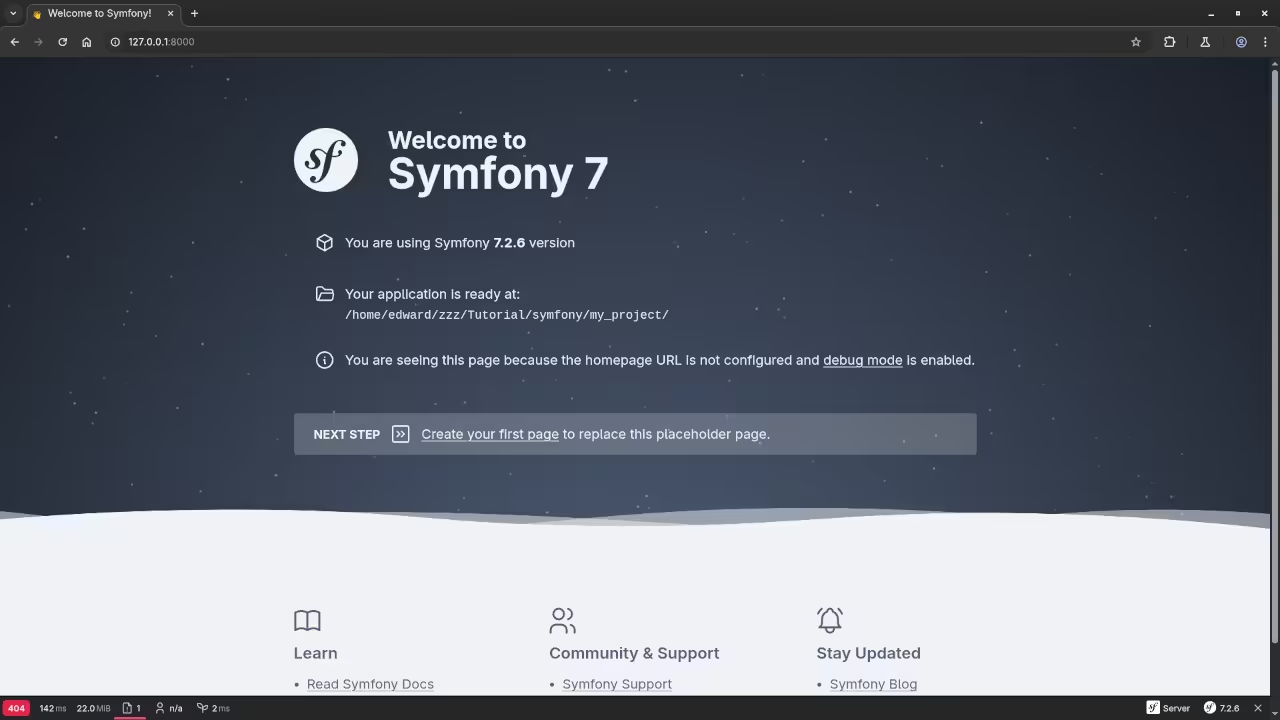
Symfony can be downloaded from Symfony. Then the downloaded file is executed directly on the server or locally before installation based on the operating system.
Web Portal
The Symfony development server interface can be accessed at the following URL https://localhost:8080.
Install Symfony CLI Tool
# Install Symfony CLI #
curl -sS https://get.symfony.com/cli/installer | bash
Setup Symfony With Composer
# App Starter Outside Project Root #
symfony new --webapp my_project
Run Symfony Development Server
# Run Symfony Server #
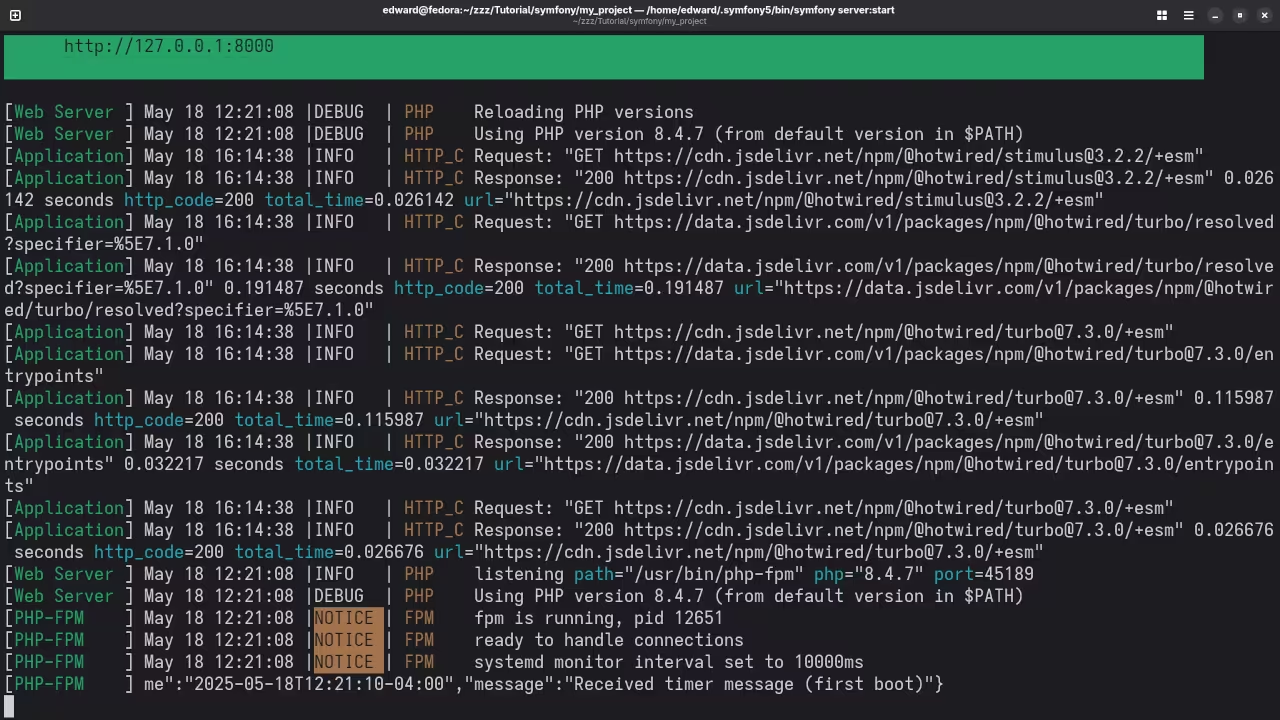
symfony server:start
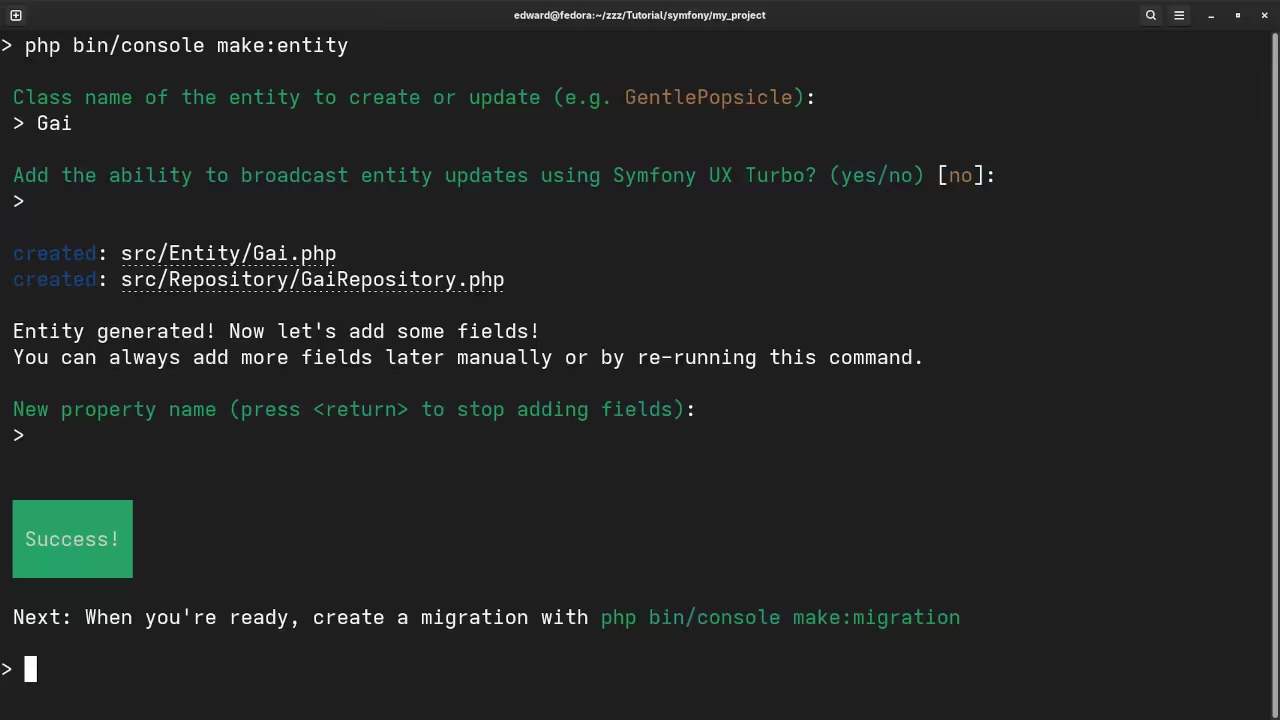
Create An Entity
# Create Entity Class #
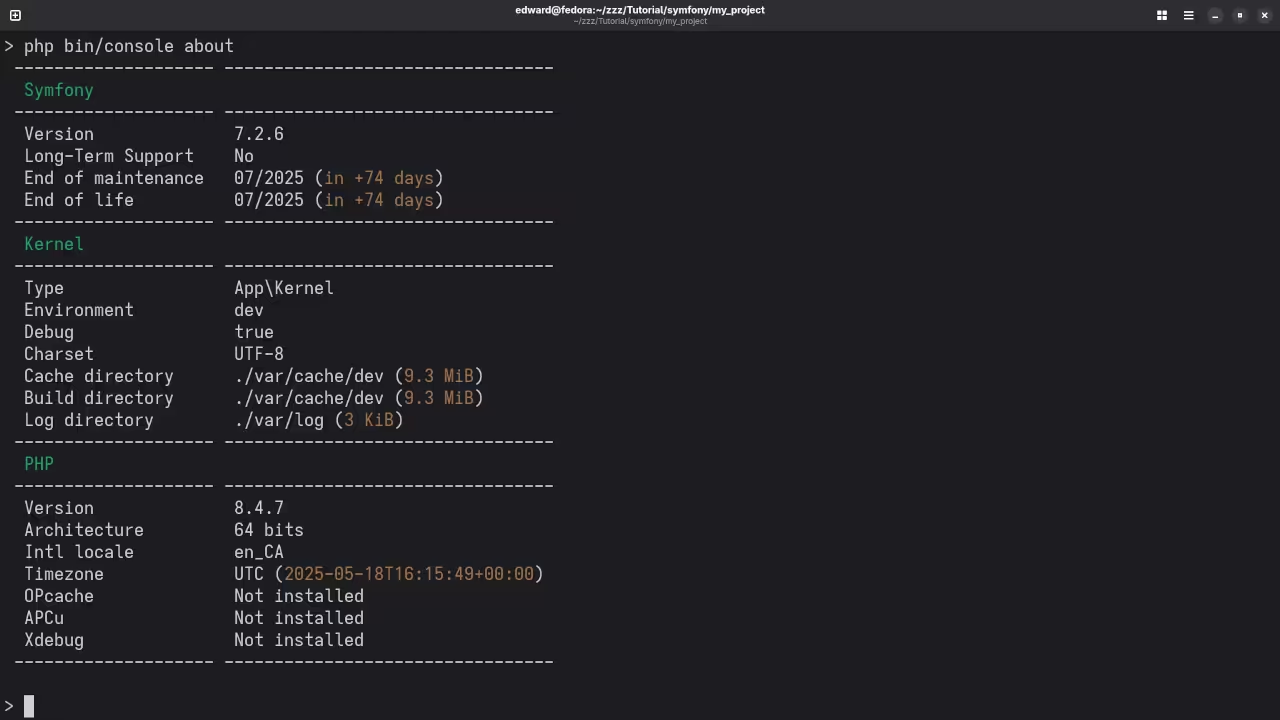
php bin/console make:entity
Create A Database Environment
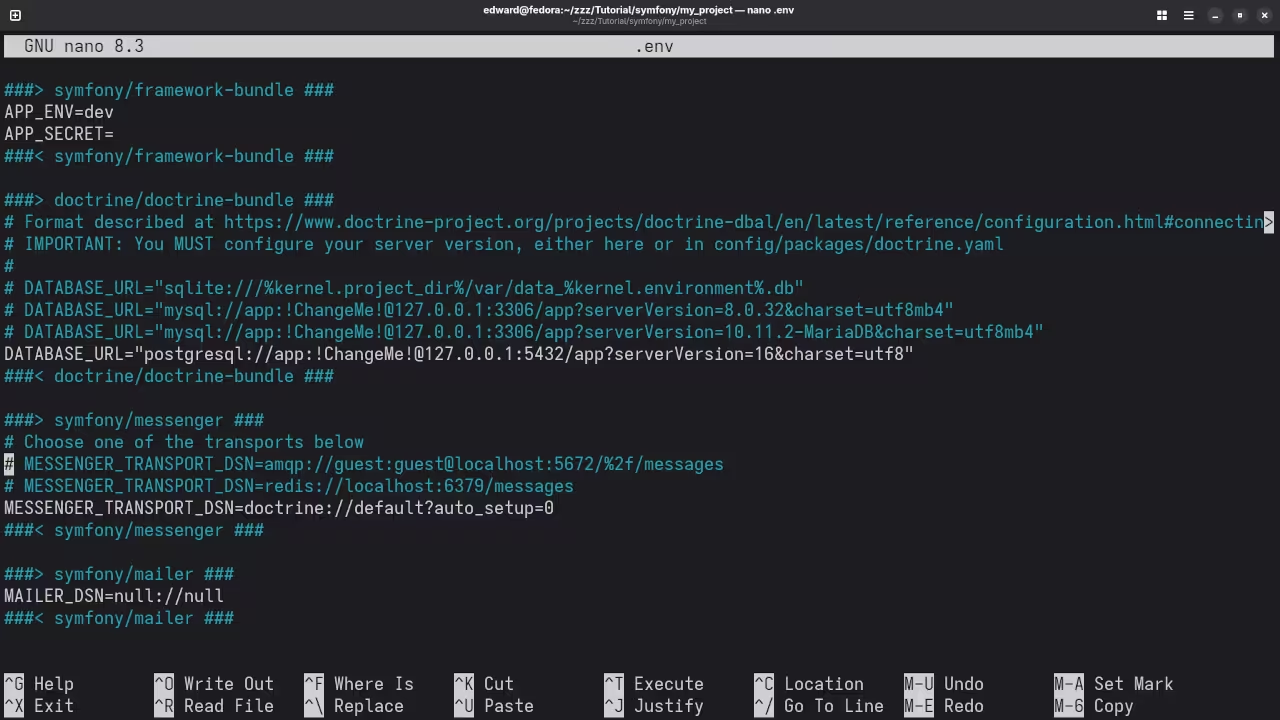
# Create Database Environment Variable .env #
DATABASE_URL="mysql://dbuser:dbpass@127.0.0.1:3306/db_name?serverVersion=10.11.2-MariaDB&charset=utf8mb4"
Create A Controller
namespace App\Controller;
use Symfony\Component\HttpFoundation\Response;
class LuckyController
{
public function number(): Response
{
$number = random_int(0, 100);
return new Response(
'<html><body>Lucky number: '.$number.'</body></html>'
);
}
}
Create A Route
# Create Route config/routes/attributes.yaml #
controllers:
resource:
path: ../../src/Controller/
namespace: App\Controller
type: attribute
kernel:
resource: App\Kernel
type: attribute
Usage
The Database configuration file in located at app/Config/Database.php. The Contollers are located in the app/Controllers folder. The Views are located in the app/Views folder.
Open Source
Symfony is released under the MIT License. The permissive license requires the preservation of the copyright notice and disclaimer. It allows commercial use, modification, distribution, and allows making derivatives proprietary, consult the license for more specific details.
The PHP scripting language is licensed under the PHP License. The permissive license has conditions requiring preservation of copyright and license notices. Redistribution is permitted in source or binary form with or without modifications, consult the license for more specific details.
Conclusion:
Symfony is easy to install for both existing and new projects. Symfony follows the Model-View-Controller Architecture where clear separation makes code more maintainable. The Symfony built-in libraries save development time.
If you enjoy this article, consider supporting me by purchasing one of my OjamboShop.com Online Programming Courses or publications at Edward Ojambo Programming Books or simply donate here Ojambo.com Donate
References:
- Customer Sets Price Plugin for WooCommerce on Ojambo.com
- Learning JavaScript Course on OjamboShop.com
- Learning Python Course on OjamboShop.com
- Learning PHP Course on OjamboShop.com
- Learning JavaScript Paperback on Amazon
- Learning JavaScript Ebook on Amazon
- Learning Python Ebook on Amazon
- Learning PHP Ebook on Amazon
- OjamboServices.com For Custom Websites, Applications & Tutorials
🚀 Recommended Resources
Disclosure: Some of the links above are referral links. I may earn a commission if you make a purchase at no extra cost to you.