
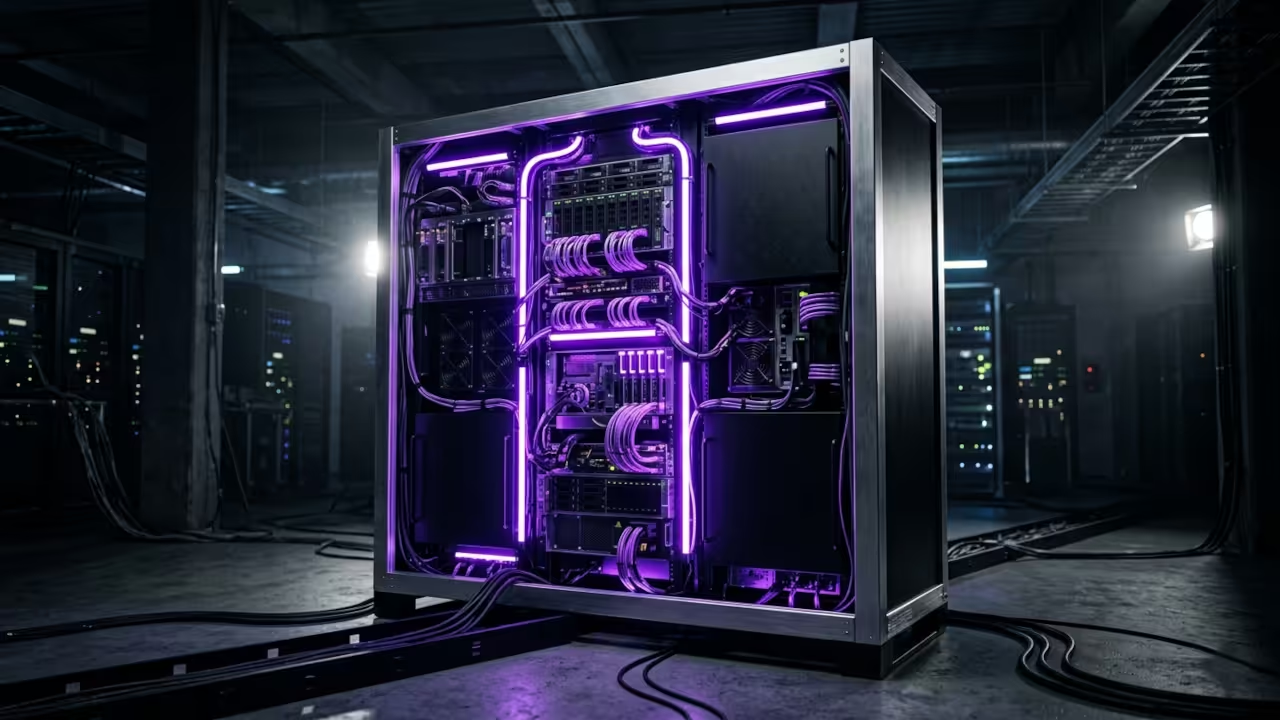
The Modern Desktop Revolution
The modern desktop environment has become a fragmented mess of disconnected applications and scattered widgets. You spend hours configuring individual panels only to watch them break after every system update.
This chaotic workflow drains your creative energy before you even open your primary software. A centralized dashboard solution finally brings order to this digital wilderness.
You can unify your entire stack into a single responsive interface that respects your system resources.
Installation and Performance
Installing Homepage on Fedora 44 requires zero complex dependencies or heavy runtime environments. The containerized architecture guarantees isolation while maintaining lightning-fast load times across any browser.
You will notice an immediate reduction in desktop clutter once you replace those bloated monitoring tools. The interface renders crisp vector graphics without consuming unnecessary GPU cycles or thermal headroom.
Experience and Integration
Experience installing this lightweight dashboard reveals a surprisingly smooth integration with existing Linux workflows. The configuration files rely on standard YAML syntax that developers already understand intimately.
You can map custom API endpoints to track server health metrics in real time. The visual feedback loops provide immediate clarity when services experience unexpected downtime during development cycles.
Technical Configuration
A specific technical configuration tip involves disabling the default Docker provider and switching to a direct socket mount. This approach bypasses the network stack entirely and reduces latency for container status checks.
You simply bind the host Docker socket into the container volume mapping while adjusting file permissions. The result is near-instantaneous service discovery without introducing additional security vulnerabilities or network overhead.
Performance Comparison
| Feature | Traditional Suite | App Review Homepage |
|---|---|---|
| Resource Usage | High CPU and RAM overhead | Minimal footprint under 50 megabytes |
| Configuration Complexity | Graphical wizards with hidden dependencies | Pure text-based YAML files |
| Update Frequency | Monthly | Continuous community contributions |
| Hardware Compatibility | Proprietary drivers required | Universal Linux support |
You can integrate raw code snippets directly into your workflow to automate service provisioning. The platform supports custom widgets that pull data from external APIs without requiring backend proxies.
This architecture keeps your local machine secure while delivering real-time analytics to your screen. Developers often combine these features with automated deployment scripts for seamless infrastructure management.
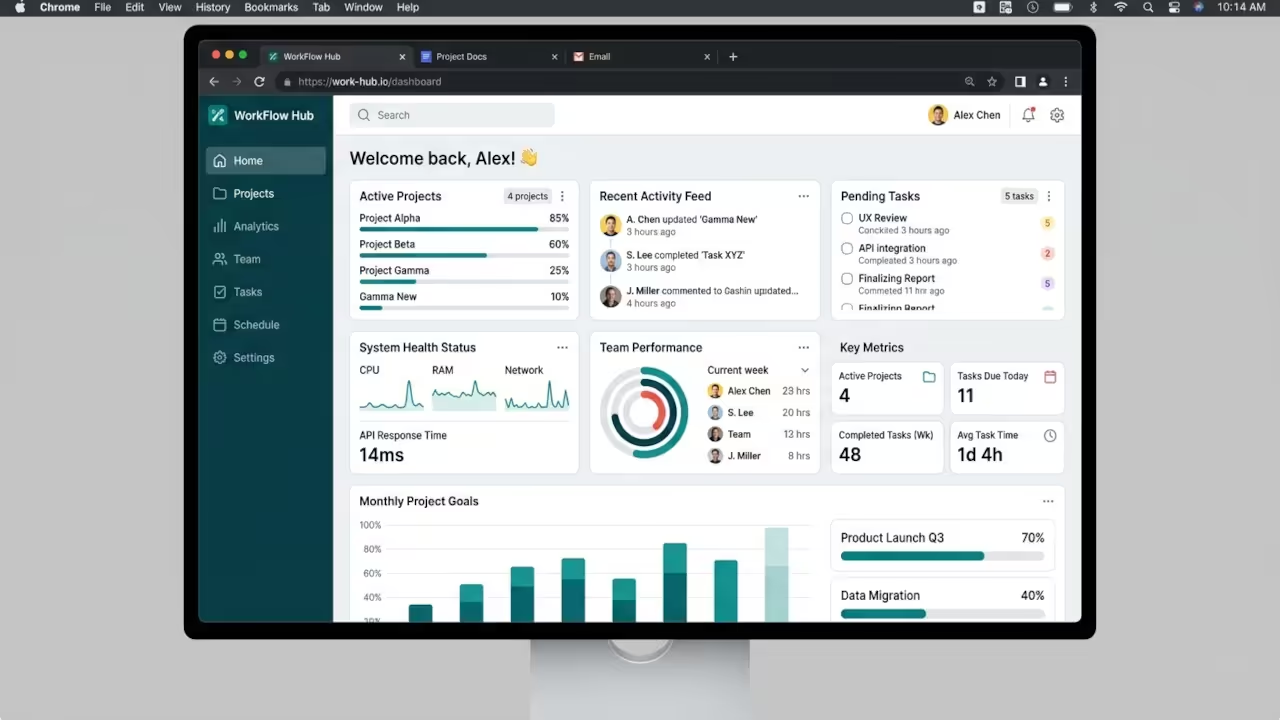
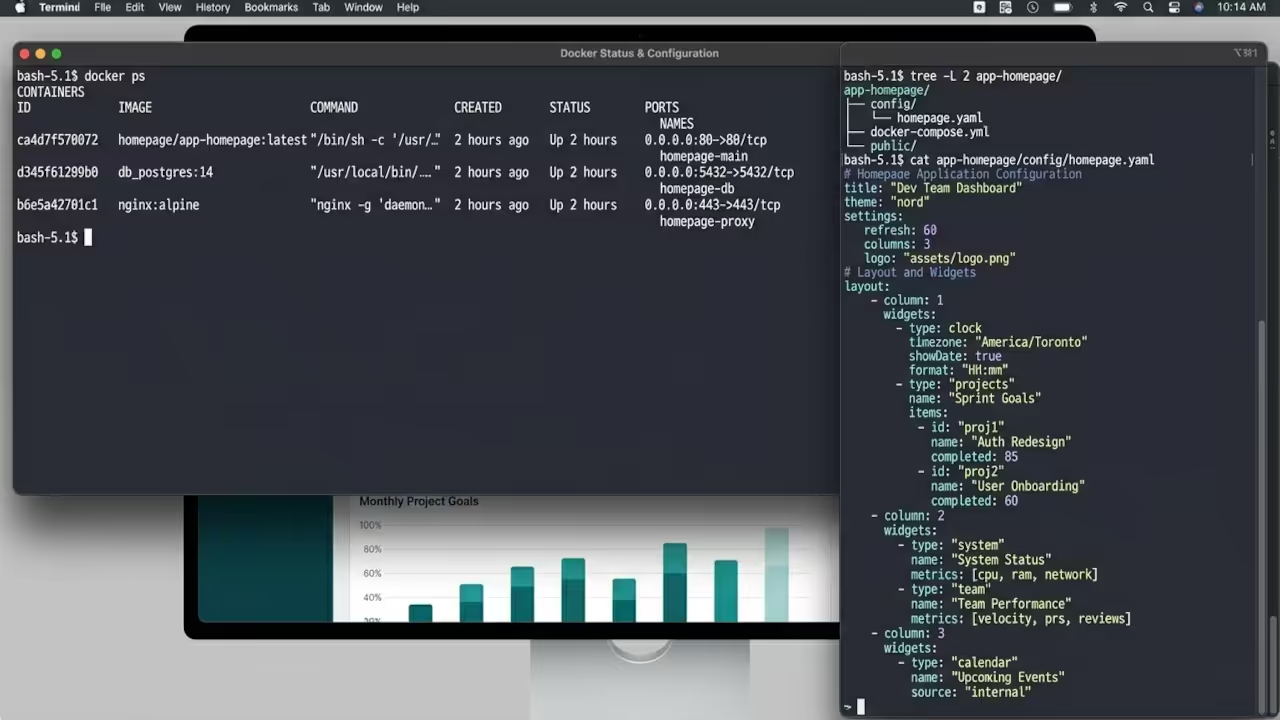
Architectural Synergy
As we previously explored in our architectural breakdowns of decentralized compute clusters, this dashboard serves as the perfect visual layer. It bridges the gap between raw terminal commands and intuitive graphical interfaces.
You will find that combining these tools creates a unified workspace for complex engineering tasks. The seamless integration mirrors the principles we discussed when optimizing GPU rendering pipelines for creative professionals.
Master the Professional Stack
Books (Technical & Creative): https://www.amazon.com/stores/Edward-Ojambo/author/B0D94QM76N
Blueprints (DIY Woodworking Projects): https://ojamboshop.com
Tutorials (Continuous Learning): https://ojambo.com/contact
Consultations (Custom Apps & Architecture): https://ojamboservices.com/contact
🚀 Recommended Resources
Disclosure: Some of the links above are referral links. I may earn a commission if you make a purchase at no extra cost to you.