
Build a Simple URL Shortener Using PHP and MariaDB
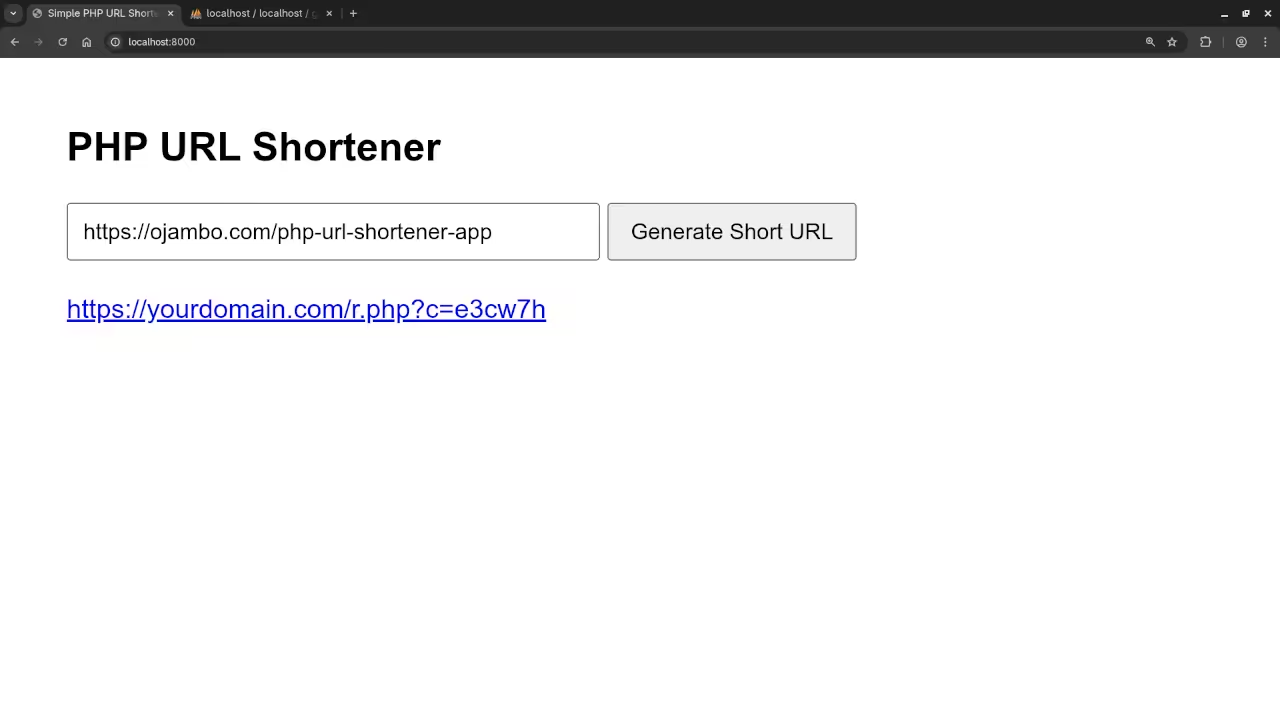
In this tutorial, we will build a simple URL shortener using PHP and MariaDB. The application will allow users to generate short URLs, view a list of previously created URLs, and serve redirects when the short URLs are accessed. We will use HTML5 and the Fetch API for a modern, interactive interface.
Step 1: Database Setup
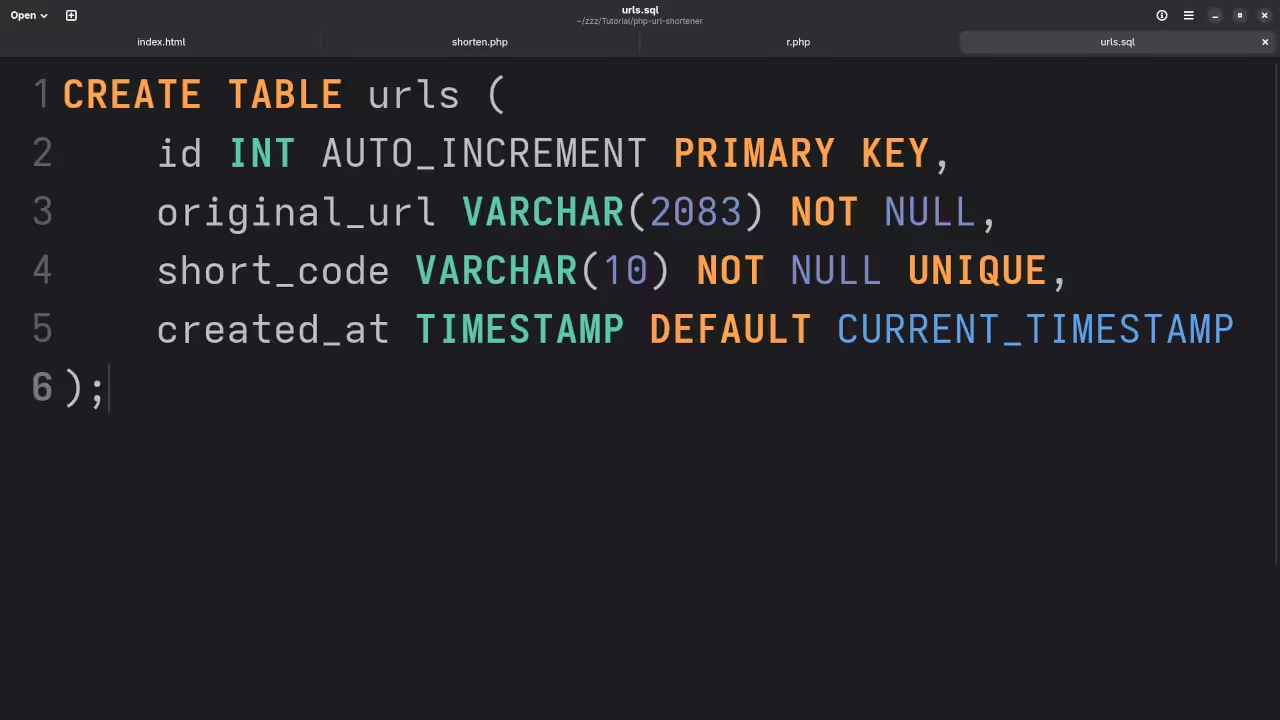
Create a MariaDB table to store original and short URLs.
CREATE TABLE urls (
id INT AUTO_INCREMENT PRIMARY KEY,
original_url VARCHAR(2083) NOT NULL,
short_code VARCHAR(10) NOT NULL UNIQUE,
created_at TIMESTAMP DEFAULT CURRENT_TIMESTAMP
);
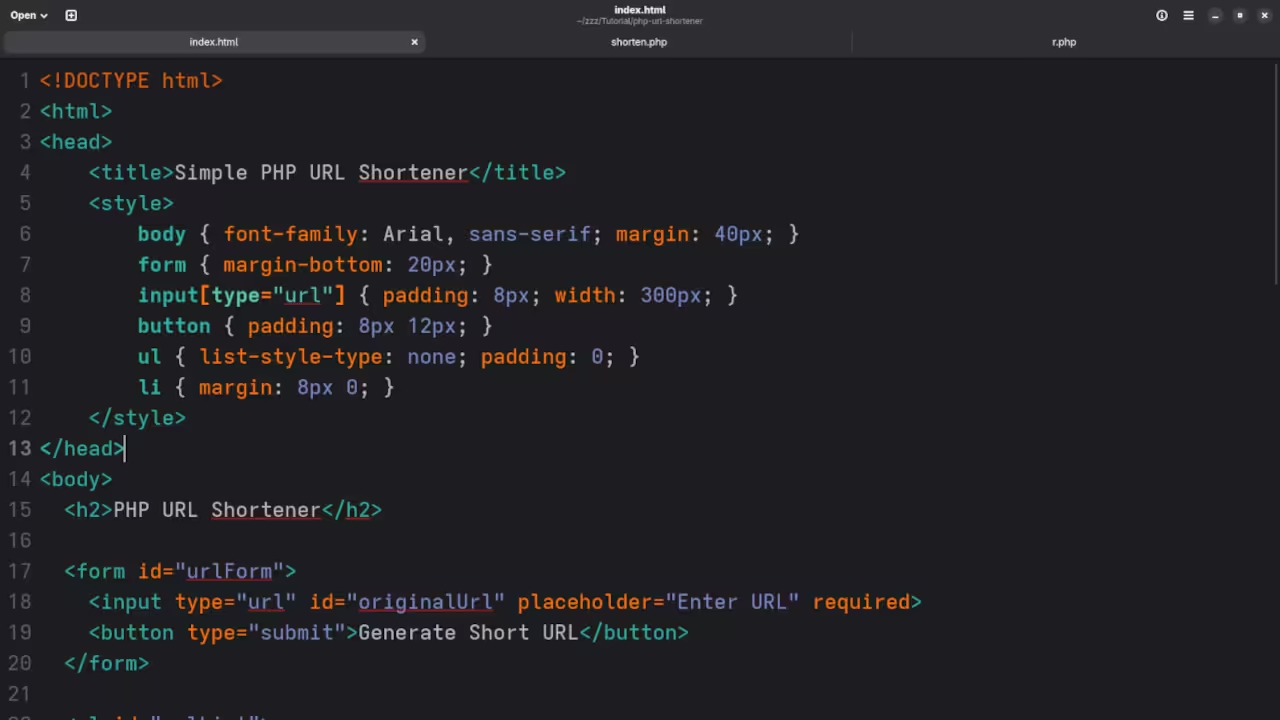
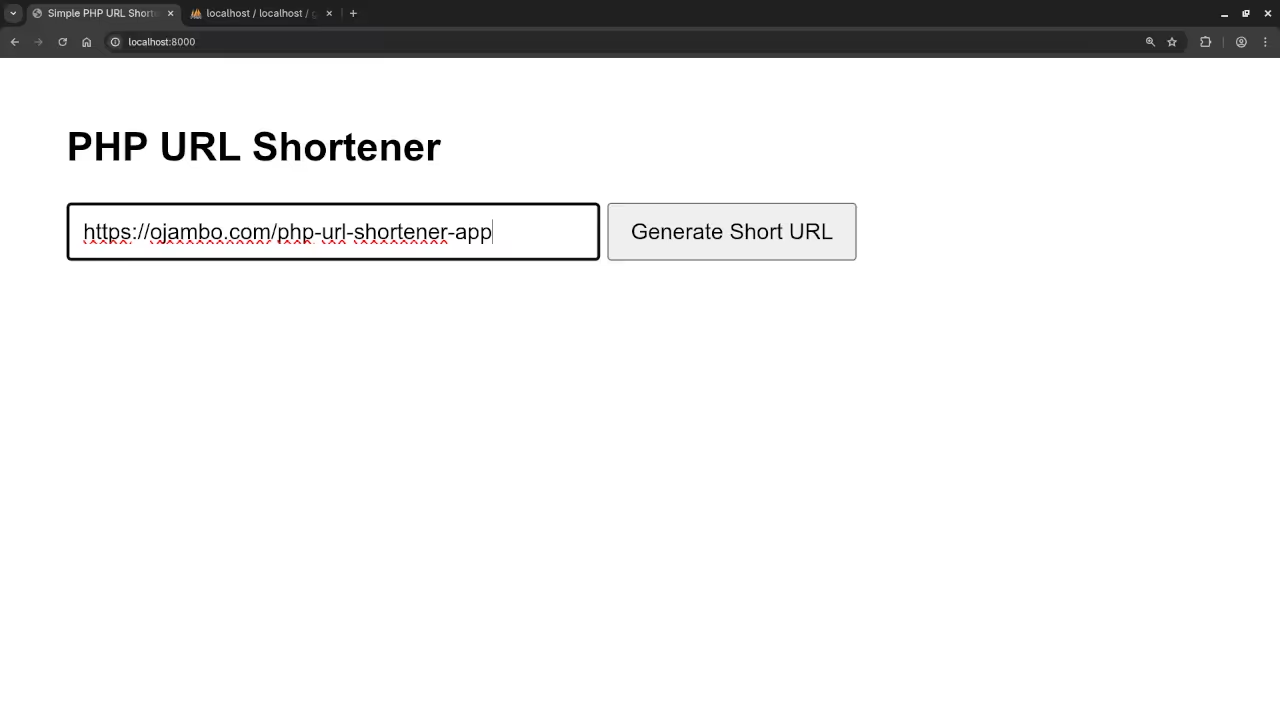
Step 2: HTML Form for Shortening URLs
<form id="urlForm">
<input type="url" id="originalUrl" placeholder="Enter URL" required>
<button type="submit">Generate Short URL</button>
</form>
<ul id="urlList">
<!-- Short URLs will be listed here -->
</ul>
Step 3: JavaScript with Fetch API
document.getElementById('urlForm').addEventListener('submit', async (e) => {
e.preventDefault();
const originalUrl = document.getElementById('originalUrl').value;
const response = await fetch('shorten.php', {
method: 'POST',
headers: {'Content-Type': 'application/json'},
body: JSON.stringify({url: originalUrl})
});
const data = await response.json();
if (data.shortUrl) {
const li = document.createElement('li');
li.innerHTML = `<a href="${data.shortUrl}" target="_blank">${data.shortUrl}</a>`;
document.getElementById('urlList').appendChild(li);
}
});
Step 4: PHP Backend for Shortening and Redirects
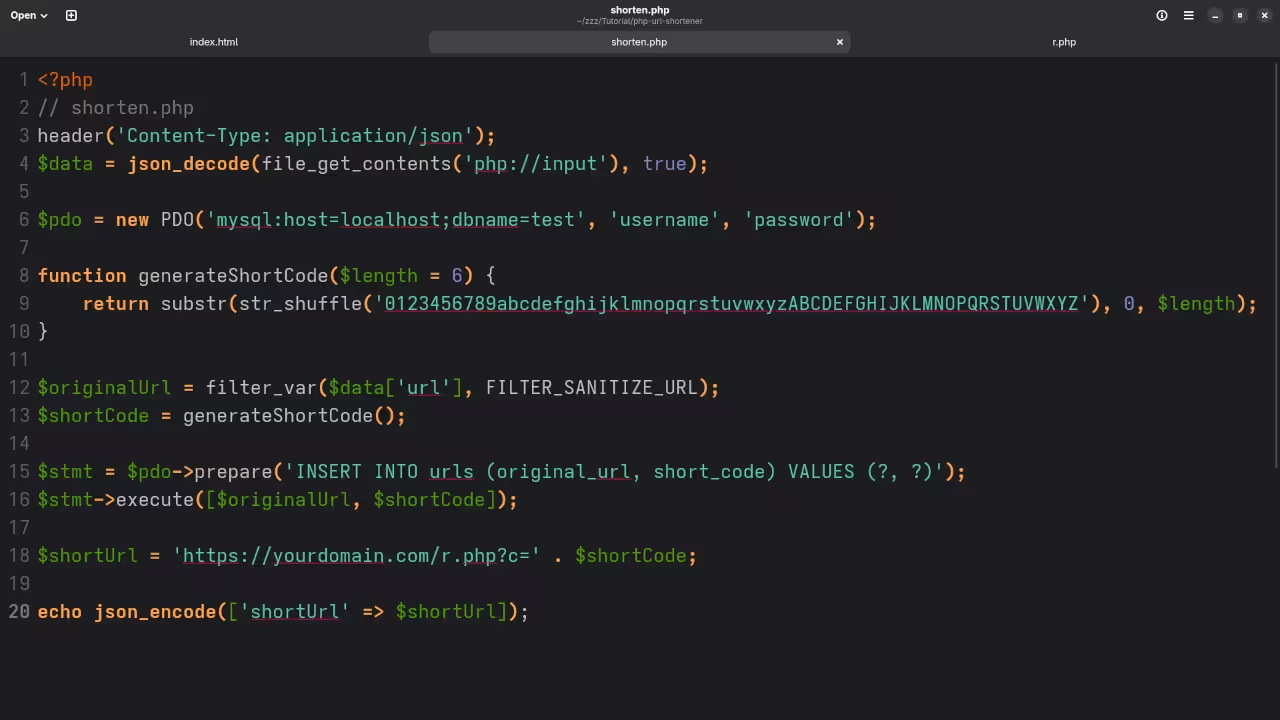
File: shorten.php
// shorten.php
header('Content-Type: application/json');
$data = json_decode(file_get_contents('php://input'), true);
$pdo = new PDO('mysql:host=localhost;dbname=test', 'username', 'password');
function generateShortCode($length = 6) {
return substr(str_shuffle('0123456789abcdefghijklmnopqrstuvwxyzABCDEFGHIJKLMNOPQRSTUVWXYZ'), 0, $length);
}
$originalUrl = filter_var($data['url'], FILTER_SANITIZE_URL);
$shortCode = generateShortCode();
$stmt = $pdo->prepare('INSERT INTO urls (original_url, short_code) VALUES (?, ?)');
$stmt->execute([$originalUrl, $shortCode]);
$shortUrl = 'https://yourdomain.com/r.php?c=' . $shortCode;
echo json_encode(['shortUrl' => $shortUrl]);
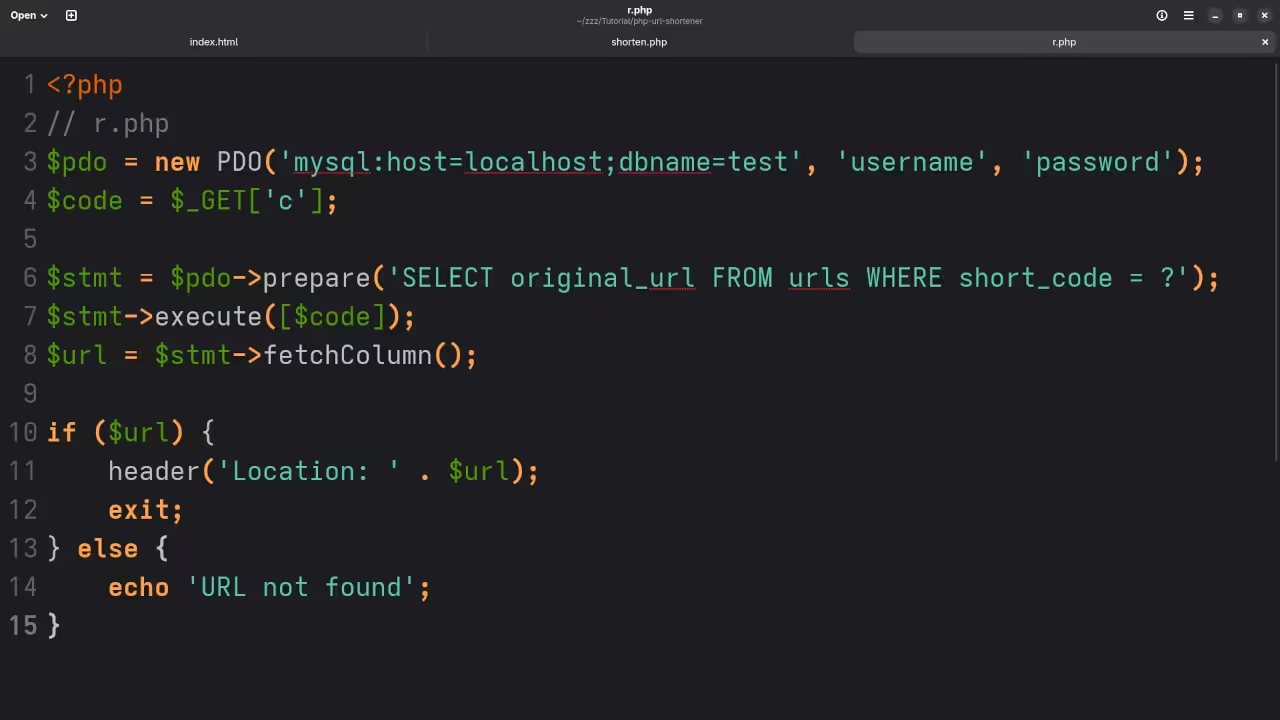
File: r.php
// r.php
$pdo = new PDO('mysql:host=localhost;dbname=test', 'username', 'password');
$code = $_GET['c'];
$stmt = $pdo->prepare('SELECT original_url FROM urls WHERE short_code = ?');
$stmt->execute([$code]);
$url = $stmt->fetchColumn();
if ($url) {
header('Location: ' . $url);
exit;
} else {
echo 'URL not found';
}
Step 5: Running the Application
- Place the PHP files on your server.
- Ensure your MariaDB database is configured correctly.
- Open the HTML form in a browser, enter a URL, and generate a short link.
- Click the short URL to test the redirect.
Screenshots And Screencast

Learning Resources
Book: Learning PHP
https://www.amazon.com/Learning-PHP-Programming-Edward-Ojambo-ebook/dp/B0D442PR8T
Course: Learning PHP
https://ojamboshop.com/product/learning-php
One-on-One Programming Tutorials & PHP App Services:
https://ojambo.com/contact
🚀 Recommended Resources
Disclosure: Some of the links above are referral links. I may earn a commission if you make a purchase at no extra cost to you.