

Introduction
When your web browsing feels like a traffic jam, with every tab draining memory and each click leaking data, it’s time to hit the brakes. Midori Browser slams on the accelerator of performance while keeping your privacy in the driver’s seat, delivering a navigation experience that leaves mainstream browsers feeling sluggish by comparison. The pain point? Modern web applications built for heavy‑duty engines no longer fit the lightweight user who values speed and anonymity.
Privacy & Performance
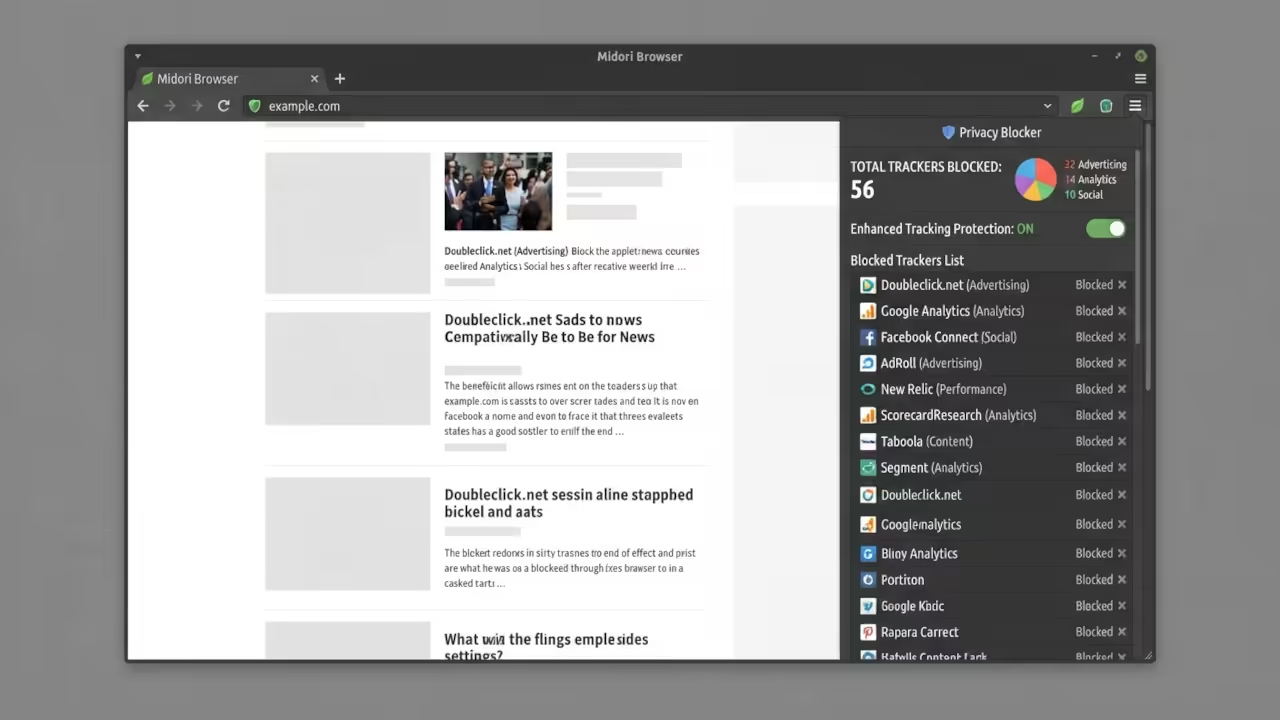
Midori’s privacy features are baked into its core. The built‑in tracker blocker automatically removes cookies and tracking pixels from over 1 000 known advertisers, giving you a clean browsing environment without relying on third‑party extensions. With the AstianVPN integration, every connection can be tunneled through a secure private channel, ensuring that no ISP or network operator can sniff your traffic. The browser’s own search engine respects your queries, sending data only to privacy‑friendly endpoints and eliminating unwanted analytics.
The moment you launch Midori, you notice its minimalistic interface instantly freeing up RAM, allowing background tasks to run unimpeded. Running a single tab on an Intel i5 with 8 GB of RAM now feels like having a full workstation, because the browser consumes less than 50 MB of memory in idle mode. That extra headroom means you can keep your IDE, media player, and chat app running side by side without hitting swap space.
Speed and Memory
Running a single tab on an Intel i5 with 8 GB of RAM now feels like having a full workstation, because the browser consumes less than 50 MB of memory in idle mode. That extra headroom means you can keep your IDE, media player, and chat app running side by side without hitting swap space.
Feature Comparison
| Feature | Midori | Firefox | Chromium |
|---|---|---|---|
| Memory Usage (idle) | <50 MB | 200–300 MB | 250–350 MB |
| Tracker Blocking | Built‑in | Extension required | Extension required |
| VPN Integration | Native | Extension required | Extension required |
| Custom Search | Privacy‑first | Default search engines | Default search engines |
| OS Support | Windows, macOS, Linux | All major OS | All major OS |
| Feature | Midori | Firefox | Chromium |
Conclusion
Experience the freedom of a browser that prioritizes you over advertisers. Try Midori today and see how many tabs you can keep open without sacrificing responsiveness. If your workflow demands uninterrupted performance and robust privacy, this is the tool that makes it possible.
Master the Professional Stack
Technical architecture requires both theoretical knowledge and practical implementation frameworks. These resources provide the complete blueprint for professional grade AI system deployment.
Books (Technical & Creative): https://www.amazon.com/stores/Edward-Ojambo/author/B0D94QM76N
Blueprints (DIY Woodworking Projects): https://ojamboshop.com
Tutorials (Continuous Learning): https://ojambo.com/contact
Consultations (Custom Apps & Architecture): https://ojamboservices.com/contact
🚀 Recommended Resources
Disclosure: Some of the links above are referral links. I may earn a commission if you make a purchase at no extra cost to you.