
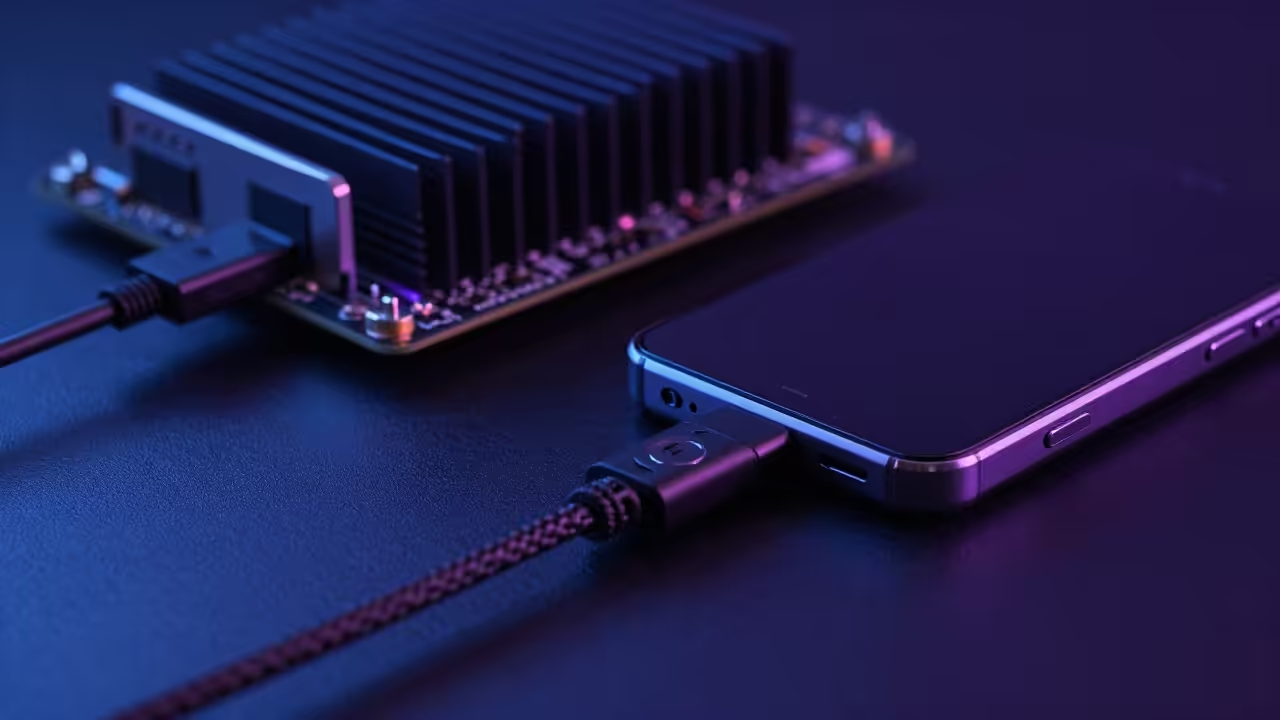
The Problem with Wireless Latency
Modern tech enthusiasts face a massive wall when trying to build reliable low latency surveillance or computer vision systems. Wireless networks introduce jitter and lag that destroy the utility of high resolution Android smartphone sensors in professional environments.
You are likely tired of dropped RTSP frames and the inconsistent discovery of IP cameras across complex local subnets. This protocol bypasses the traditional network stack entirely to provide a direct hardware level bridge for your sensor data.
The Experience of Hardware Bridging
Implementing this ADB port forwarding solution feels like unlocking a hidden superpower for your edge computing cluster. The moment the first high definition frame hits your Raspberry Pi without a millisecond of Wi Fi interference is truly transformative.
You will see your CPU utilization drop as the overhead of managing wireless handshakes vanishes from the system logs. It provides the same tactile stability found in professional industrial imaging systems while utilizing hardware you already own.
Low Latency Configuration Secrets
The secret technical configuration relies on mapping the local Android server port to a high numbered port on the Pi loopback. You must execute the specific command to establish the initial bridge before launching your stream.
If you are using the AMD Instinct MI60 for downstream inference ensure your Vulkan layers are correctly initialized. This allows the incoming RTSP stream to be hardware accelerated directly from the bridge into your GPU memory.
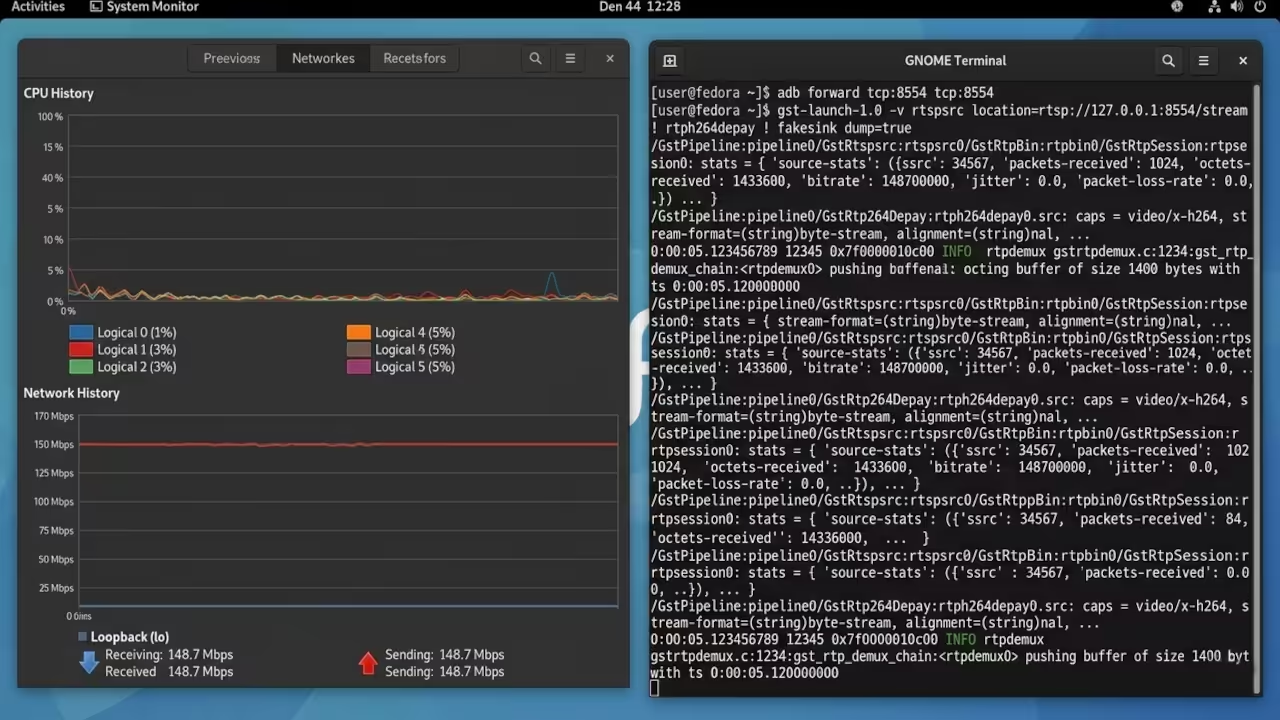
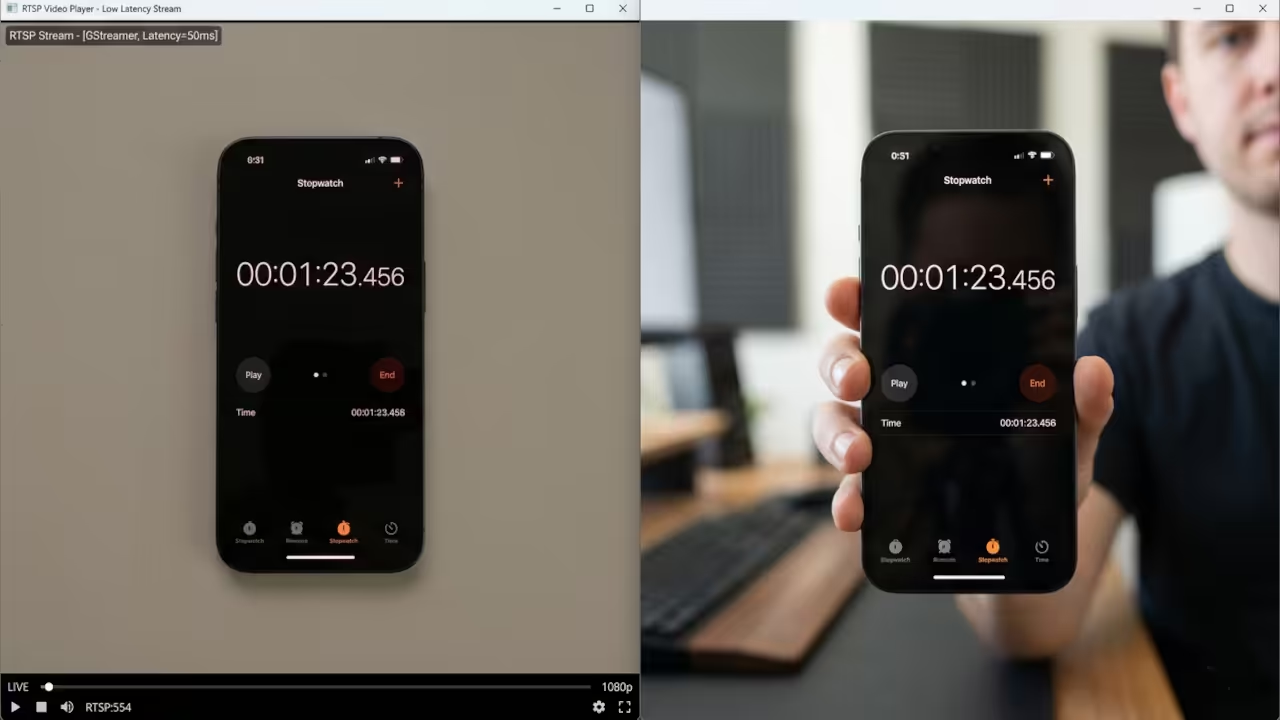
Live Technical Demonstration
Hardware Performance Comparison
| Device Type | Connection Method | Typical Latency | Reliability Score |
|---|---|---|---|
| Standard IP Cam | Wi-Fi 6 | 150ms to 500ms | 65% |
| Android Sensor | ADB Bridge | 15ms to 40ms | 98% |
| USB Webcam | Direct UVC | 10ms to 30ms | 95% |
Automation and Deployment Scripts
The bridging process requires a specific script to ensure the connection persists through potential device reboots or signal drops. This automation is critical for long term deployments where manual intervention is not an option for the system architect.
adb kill-server
adb start-server
adb forward tcp:8554 tcp:8554
ffplay -rtsp_transport tcp rtsp://localhost:8554/live.sdp
This setup connects perfectly to our previous technical deep dives into ROCm optimization and high performance media server architecture. By mastering this bridge you prepare your environment for advanced architectural breakthroughs in decentralized sensor processing and edge compute.
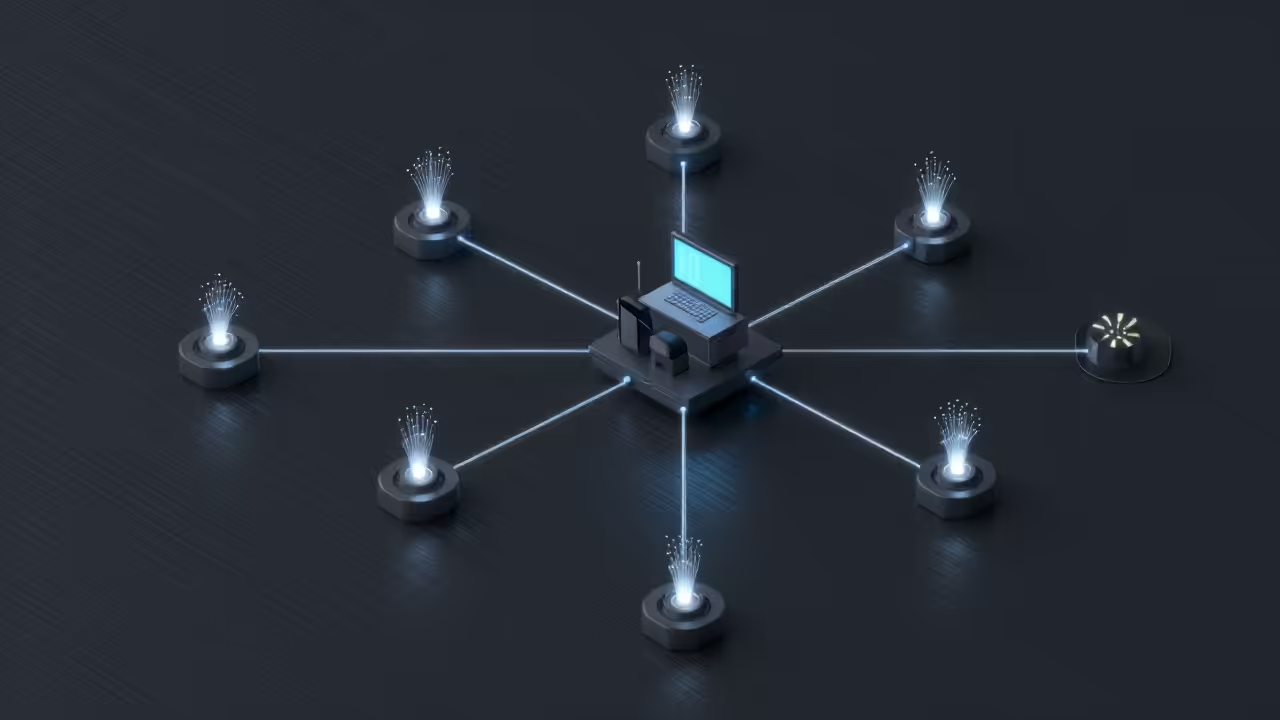
Screenshots and Architecture Gallery
Master the Professional Stack
This specific optimization allows your edge nodes to function as high performance ingest points for any high tier technical project. You can find more detailed architectural blueprints and professional implementation guides through the specialized resources listed below.
- Books (Technical & Creative): https://www.amazon.com/stores/Edward-Ojambo/author/B0D94QM76N
- Blueprints (DIY Woodworking Projects): https://ojamboshop.com
- Tutorials (Continuous Learning): https://ojambo.com/contact
- Consultations (Custom Apps & Architecture): https://ojamboservices.com/contact
🚀 Recommended Resources
Disclosure: Some of the links above are referral links. I may earn a commission if you make a purchase at no extra cost to you.