
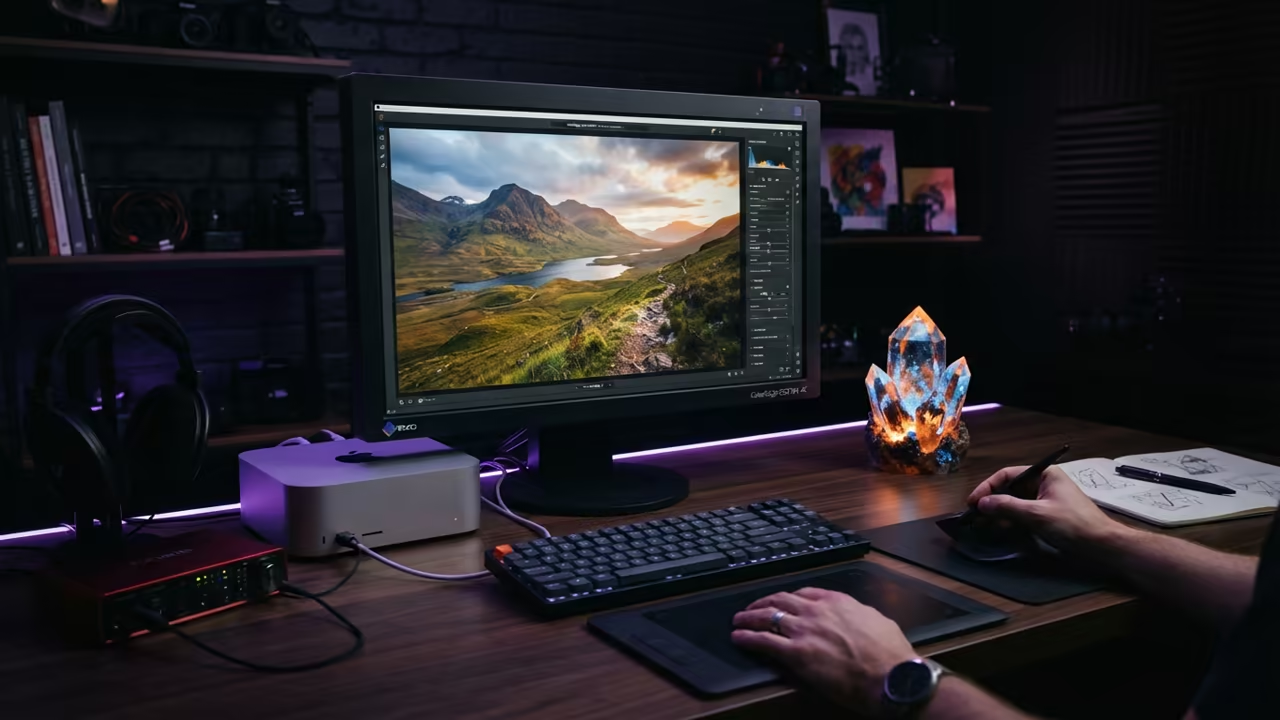
Modern Photo Editing Pain Points
Modern photo editors are plagued by subscription fees and cloud bloat. They track every single move you make inside your own creative workspace.
This invasive model destroys the relationship between the artist and the tool. LightCraft breaks this cycle by offering a native and open source alternative.
Disclaimer: I may earn a commission from purchases made through these links at no extra cost to you.


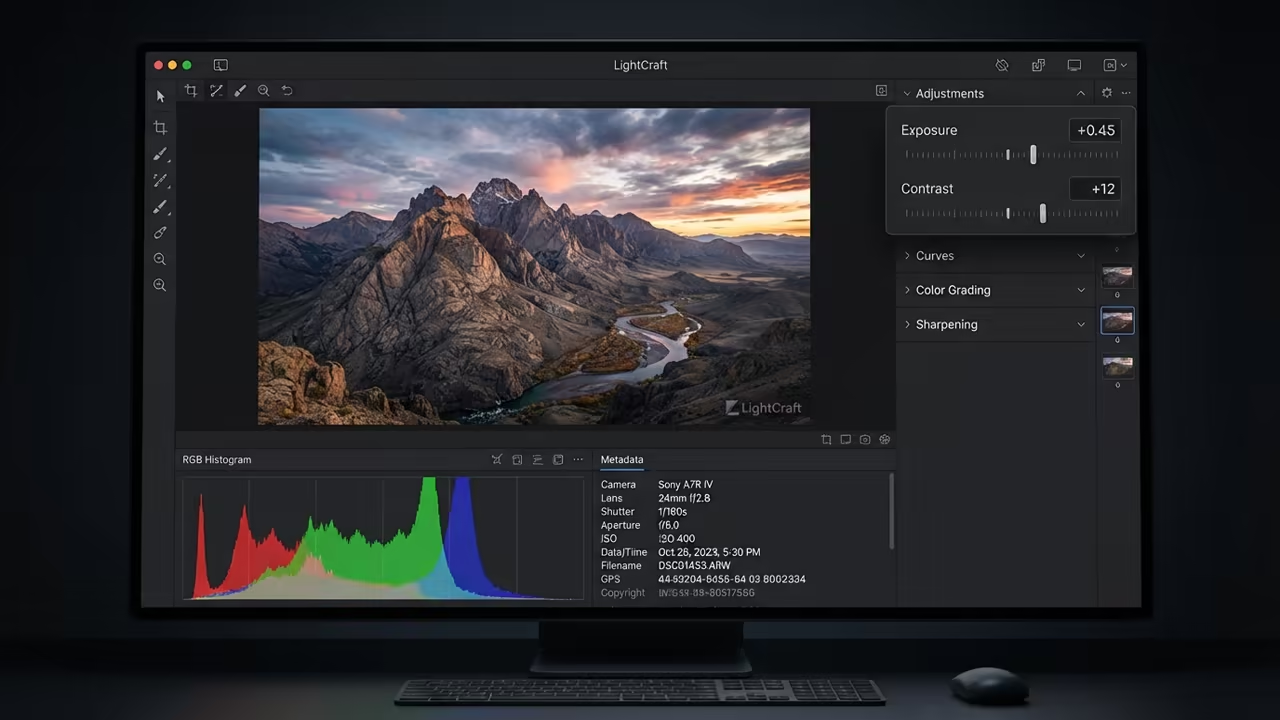
The User Experience of Pure Performance
Using LightCraft feels like removing a heavy weight from your system resources. The interface responds instantly to every slider movement without any perceptible input lag.
You finally regain total control over your pixels and your private hardware. This efficiency is a direct result of the underlying Rust language implementation.
Deep Dive into the Rust Architecture
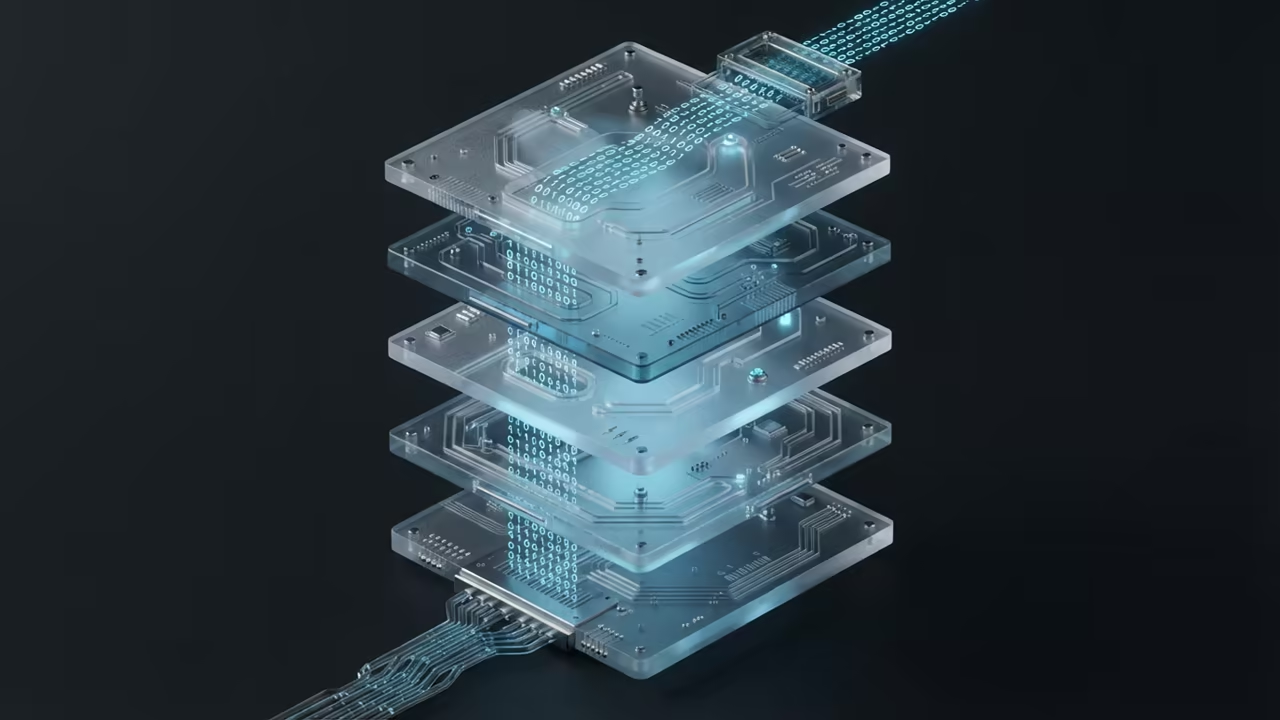
This application is written from scratch in pure Rust for maximum performance. It utilizes a layered architecture that separates geometry from the final rendering engine.
The system operates on a non destructive pipeline that protects your original files. This ensures that no pixel data is lost during the editing process.
The core architecture spans five distinct levels of operational abstraction. Level zero handles the basic geometry and rasterization of the image data.
Level one manages the raw codecs and metadata extraction for various cameras. The pipeline then flows through a catalog engine into the user interface.
The Immediate Mode GUI Secret
A critical insider secret involves the use of the egui immediate mode GUI. Most editors use retained mode which consumes massive amounts of memory for state.
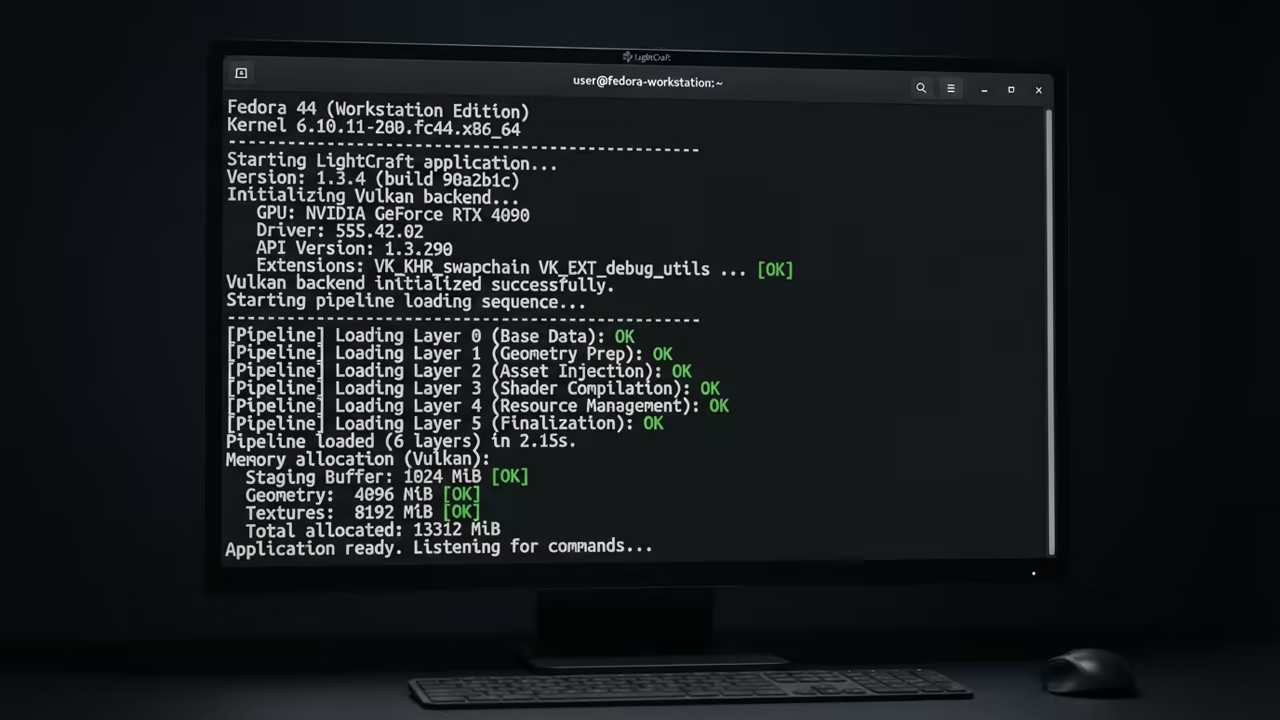
LightCraft redraws the interface every frame to ensure absolute state synchronization. To maximize performance you should ensure your GPU supports the Vulkan backend.
vulkaninfo | grep GPU
# Ensure the Vulkan driver is active for zero copy memory transfers
This allows the app to leverage zero copy memory transfers for image buffers. It eliminates the typical bottleneck found in Java or Electron based editors.
| Parameter | Description | Value |
|---|---|---|
| Language | Core Programming Language | Rust |
| Model | Pricing and Access Model | Local Open Source |
| UI Mode | User Interface Rendering Style | Immediate Mode |
| Telemetry | Data Tracking and Phoning Home | None |
Sovereign Computing and Local Control
The lack of a cloud account removes the risk of data lock in. Your library stays on your disk where it belongs for long term safety.
This is the only way to ensure a truly permanent digital archive. Implementing this workflow changes how you perceive the digital darkroom process.
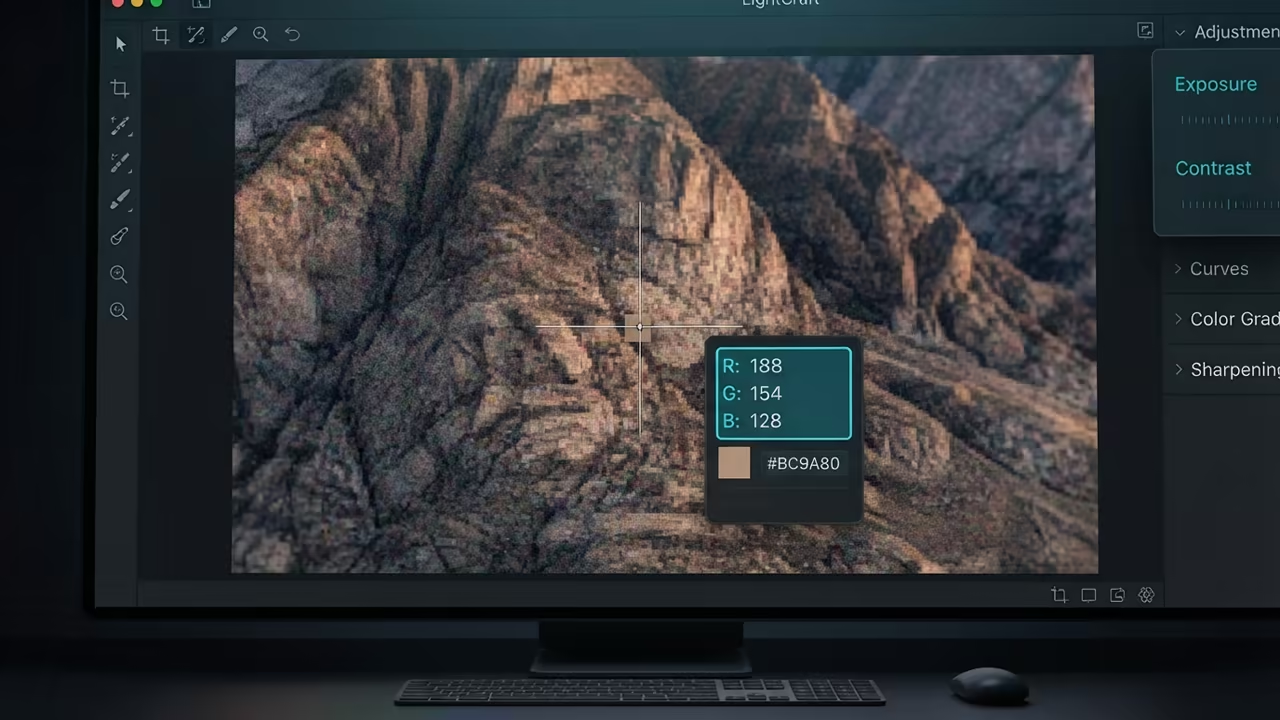
You spend more time adjusting colors and less time waiting for loaders. The sheer speed of the Rust engine is a revelation for professionals.
Integrating this into a Linux or Windows environment is a seamless process. It does not require heavy runtime dependencies or complex environment configurations.
Professional Integration
You simply launch the binary and start processing your high resolution images. This tool connects perfectly to previous technical deep dives on open source stacks.
It represents a shift toward sovereign computing and local first software development. The architecture is a blueprint for future creative applications.
Learning and Support
Reach out for personalized technical help to optimize your local photo pipeline. Dive deeper into the architecture with our comprehensive online tutorials.
Online Tutorials and Technical Help: https://ojambo.com/contact
🚀 Recommended Resources
Disclosure: Some of the links above are referral links. I may earn a commission if you make a purchase at no extra cost to you.
Leave a Reply