
The War Against Software Bloat
Modern note apps are now bloated with AI sidebars. They eat gigabytes of RAM for simple text editing.
This creates a massive friction point for creative professionals. You need a focused environment without the system lag.
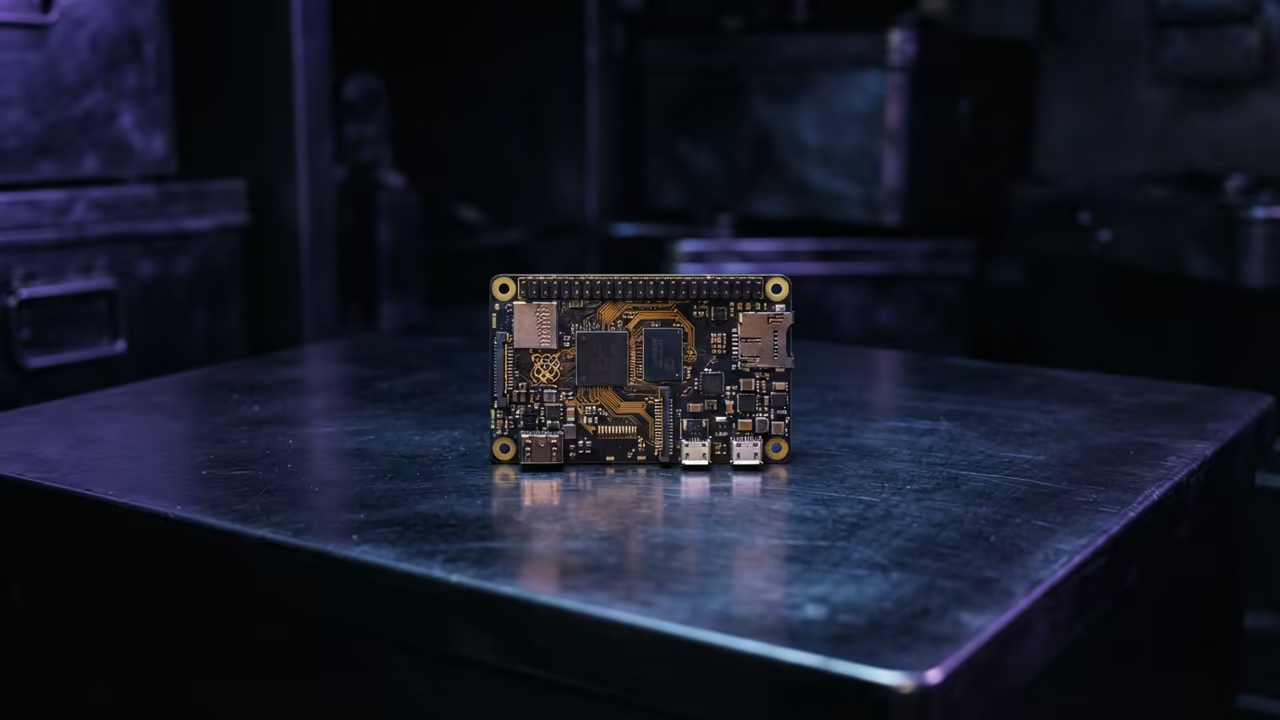
The solution is a dedicated headless note appliance. A Raspberry Pi Zero can handle this perfectly.
Disclaimer: I may earn a commission from purchases made through these links at no extra cost to you.


The Experience of Sovereign Computing
There is a unique joy in this setup. Watching a single core CPU handle a GUI is satisfying.
It feels like cheating the laws of modern hardware. You obtain a sovereign vault on a ten dollar board.
The system responds with a snappy precision that surprises. Every character appears instantly in your private vault.
Building the Minimalist Foundation
To begin you must use Raspberry Pi OS Lite. This version avoids the heavy desktop overhead of standard releases.
The installation process requires the use of the apt tool. You must use the no install recommends flag to save space.
sudo apt update && sudo apt upgrade -y
sudo apt install --no-install-recommends xserver-xorg x11-xserver-utils xinit openbox tightvncserver feathernotes -y
Openbox Optimization Secrets
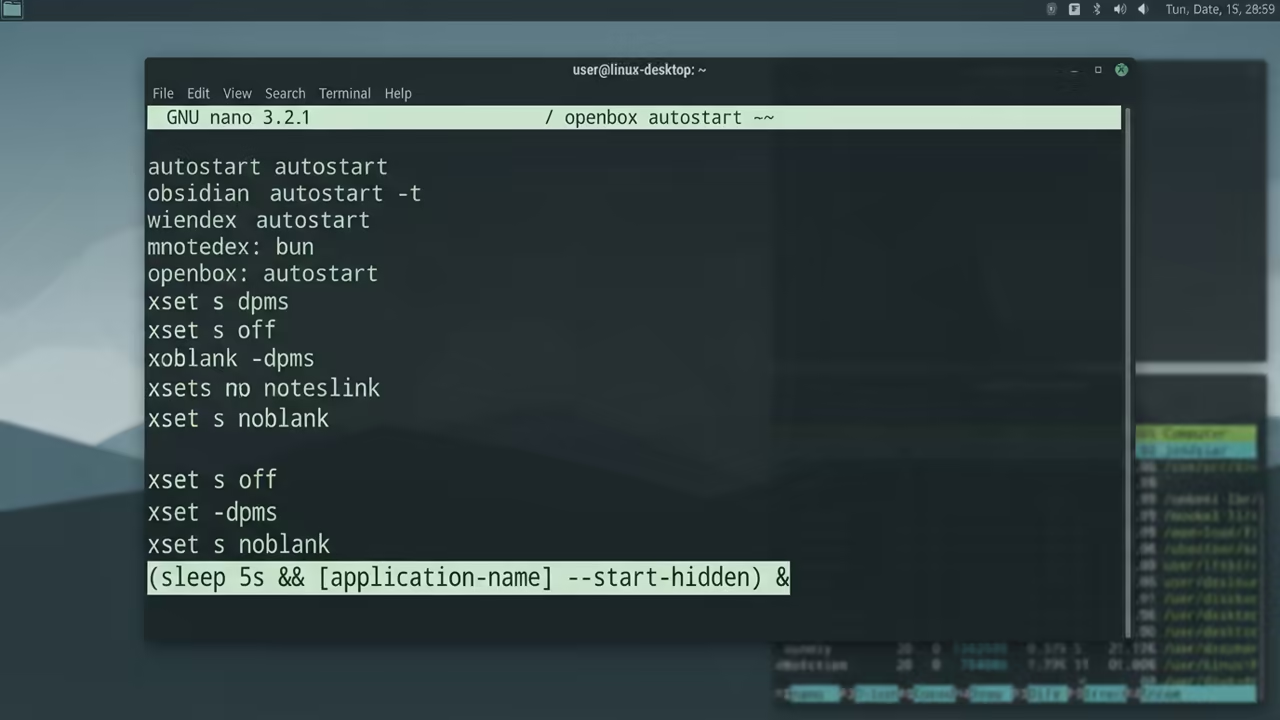
The real magic happens within the Openbox configuration. You should disable all window animations in the rc xml file.
This ensures the CPU remains available for the application. It prevents the window manager from wasting precious cycles.
Your xstartup script should launch Openbox directly. This bypasses the session manager to reduce the memory footprint.
# ~/.config/openbox/autostart
xset s off -dpms &
xsetroot -solid "#1e1e1e" &
feathernotes &
High Performance Remote Access
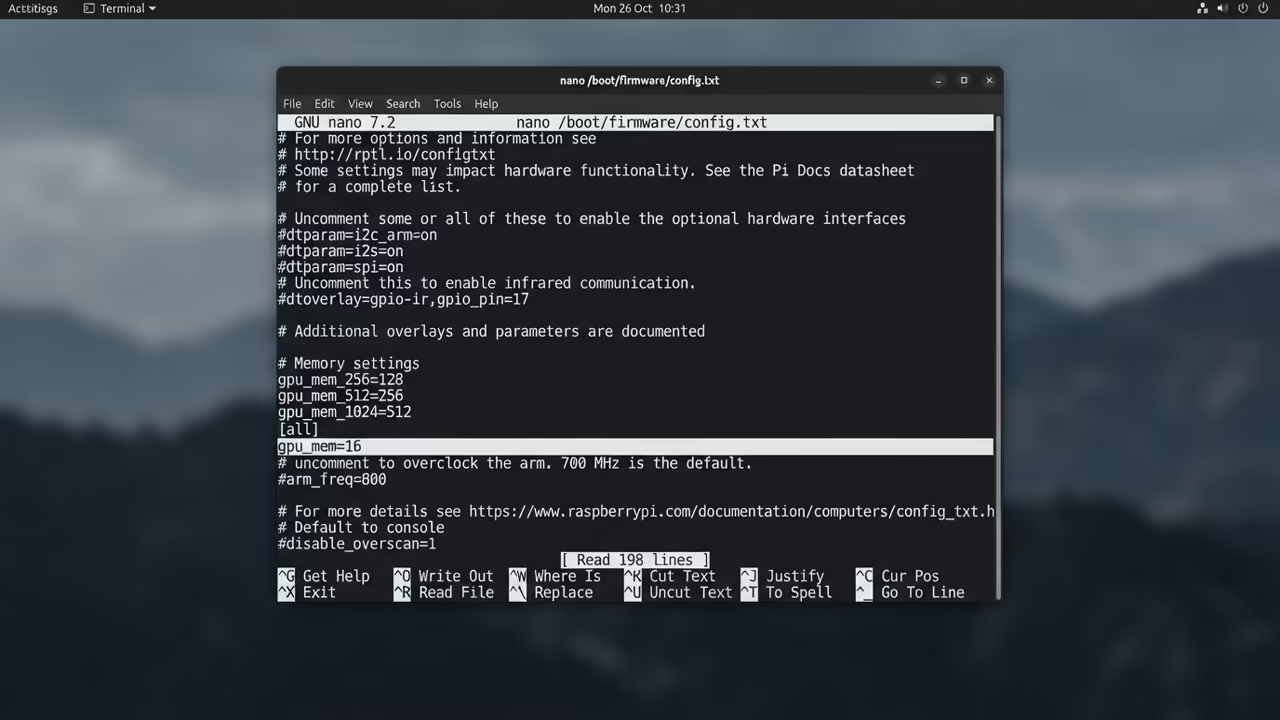
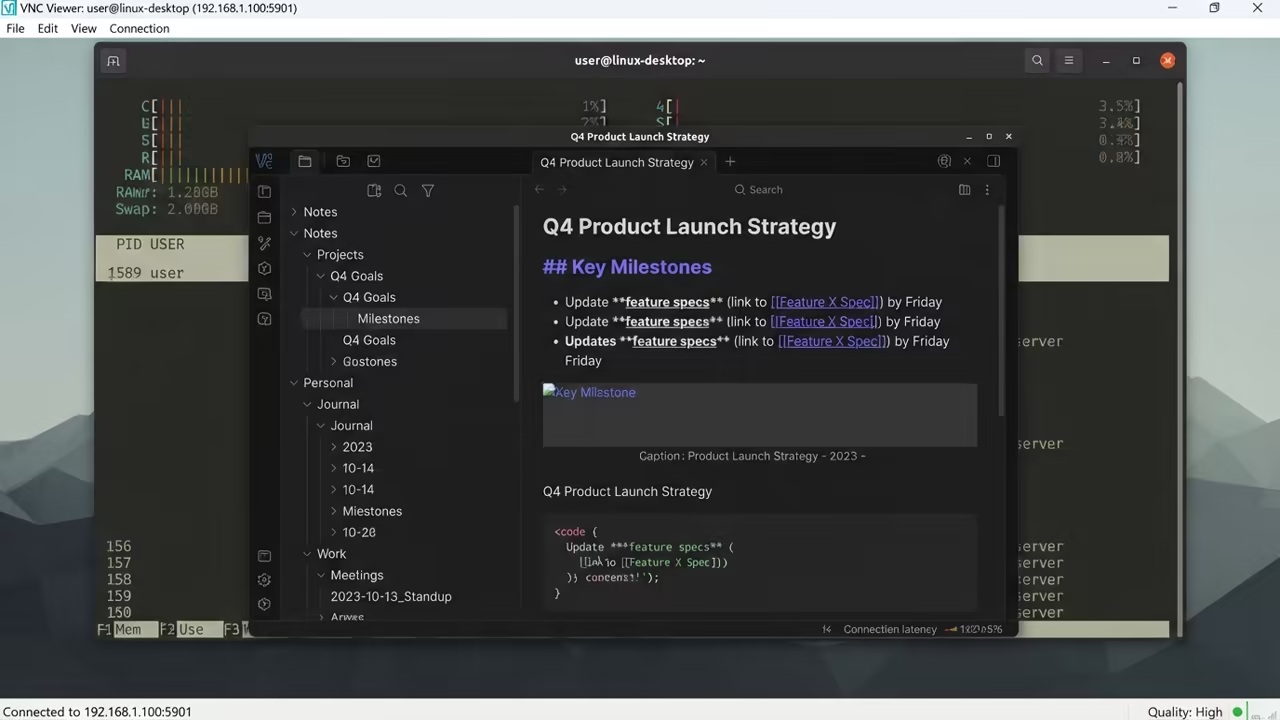
TightVNC must be configured with a 16 bit color depth. This reduces the framebuffer memory and improves the transfer speed.
Use the Hextile encoding for the best local performance. This avoids the heavy zlib compression that pegs the CPU.
Setting a resolution of 1280 by 720 is ideal. It balances visual clarity with rendering speed on ARMv6.
vncserver :1 -geometry 1280x720 -depth 16 -dpi 96
Hardware Level Tuning
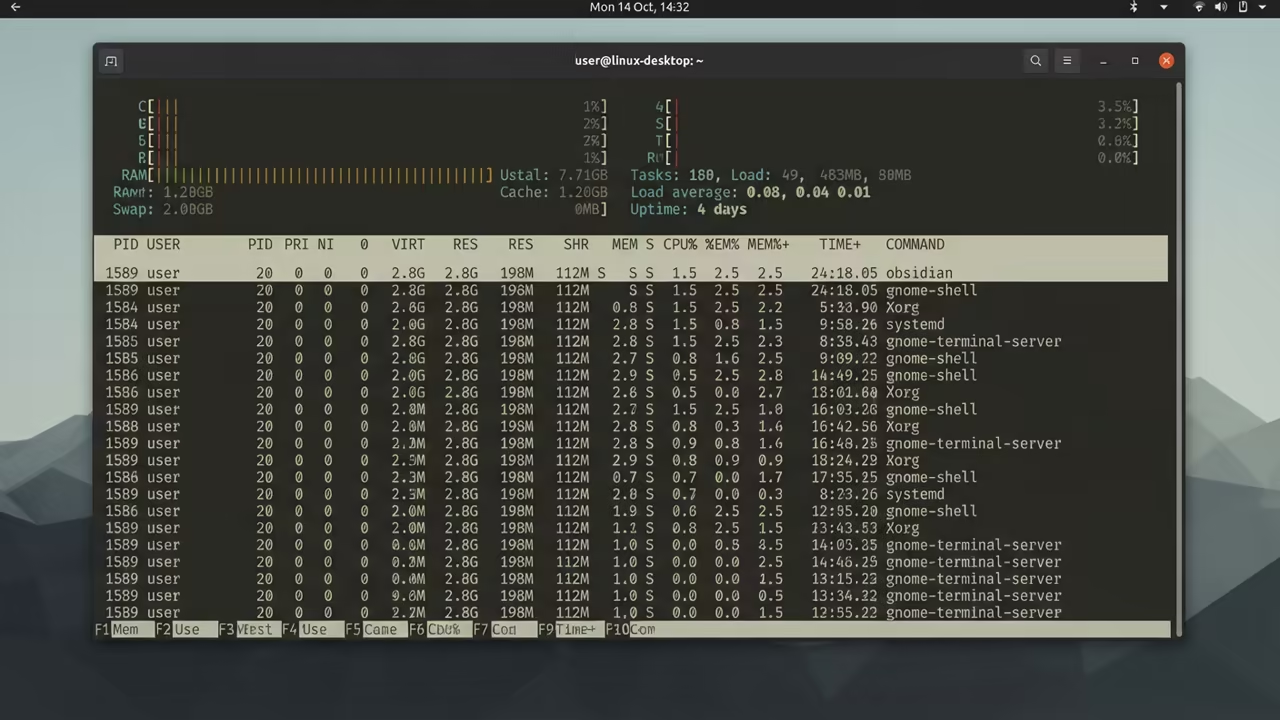
An insider secret involves the GPU memory split. Set gpu mem to 16 in the config txt file.
This returns nearly 60MB of physical RAM to the system. It is critical for running GUI apps on 512MB.
# /boot/firmware/config.txt
gpu_mem=16
Another breakthrough is switching the zRAM algorithm to lz4. This reduces the CPU load during active typing sessions.
The kernel should be tuned for aggressive compression. Setting swappiness to 150 forces inactive pages into zRAM.
You should also set page cluster to zero. This eliminates read ahead latency on single page swaps.
# /etc/sysctl.d/99-pizero.conf
vm.swappiness=150
vm.page-cluster=0
Software Execution Environment
To optimize the software you need specific environment variables. Set the Qt quick backend to software rendering mode.
Disable the accessibility bridge to save another ten megabytes. This prevents background IPC polling from slowing the system.
export QT_QUICK_BACKEND=software
export QT_ACCESSIBILITY=0
feathernotes
| Metric | FeatherNotes | Mousepad | Joplin | Obsidian |
|---|---|---|---|---|
| Pi Zero Support | Native | Native | Unsupported | Unsupported |
| Idle RAM | 20 MB | 10 MB | 300 MB | 400 MB |
| Total System RAM | 150 MB | 130 MB | OOM Crash | OOM Crash |
| Rich Text | Yes | No | Yes | Yes |
This setup connects to previous technical deep dives and architectural breakthroughs. It mirrors the efficiency of air gapped security systems.
You have now built a distraction free digital sanctuary. Your notes are safe and your hardware is optimized.
Learning and Support
Reach out for personalized technical help to optimize your hardware. Dive deeper with the expert online tutorials provided.
Online Tutorials and Technical Help: https://ojambo.com/contact
🚀 Recommended Resources
Disclosure: Some of the links above are referral links. I may earn a commission if you make a purchase at no extra cost to you.
Leave a Reply