
Introduction
If you are curious about Stable Diffusion and want to run an open-source image generation web UI on your AMD hardware, you are in the right place.
This guide walks you through installing SD.Next on Fedora 42, using the AMD Instinct MI60 GPU, and setting up everything cleanly on a separate partition (/AI). You will be running fully accelerated PyTorch with ROCm 6.3 and using a Python virtual environment to keep things isolated.
No Docker needed – this is a local install for speed and simplicity.
What is SD.Next?
SD.Next is a fork of the popular Stable Diffusion Web UI, built for performance and flexibility. It supports AMD GPUs using ROCm and can be used for tasks like:
- Text-to-image generation
- Image enhancement
- Inpainting
- More use cases in deep learning
The project is fully open-source and community-driven.
System Requirements
- Fedora 42 (or compatible distro with ROCm 6.3 support)
- AMD Instinct MI60 (or compatible ROCm GPU)
- At least 16GB RAM
- 30GB+ of free space (we will use /AI for all files)
Installation Guide
1. Set up a dedicated directory on your separate partition:
cd /AI
mkdir sdnext
cd sdnext 2. Create and activate the virtual environment:
python3 -m venv rocm-venv
source rocm-venv/bin/activate 3. Install PyTorch with ROCm 6.3:
pip install --upgrade pip
pip install torch torchvision --extra-index-url https://download.pytorch.org/whl/rocm6.3 Verify ROCm is working:
python -c "import torch; print(torch.version.hip); print(torch.cuda.is_available())" Expected Output:
6.3.42131-fa1d09cbd
True 4. Install SD.Next and its dependencies:
git clone https://github.com/vladmandic/sdnext.git
cd sdnext
pip install -r requirements.txt If there are version mismatch warnings (e.g., urllib3, Pillow, pydantic), resolve them using:
pip install --upgrade package==required_version Launching SD.Next
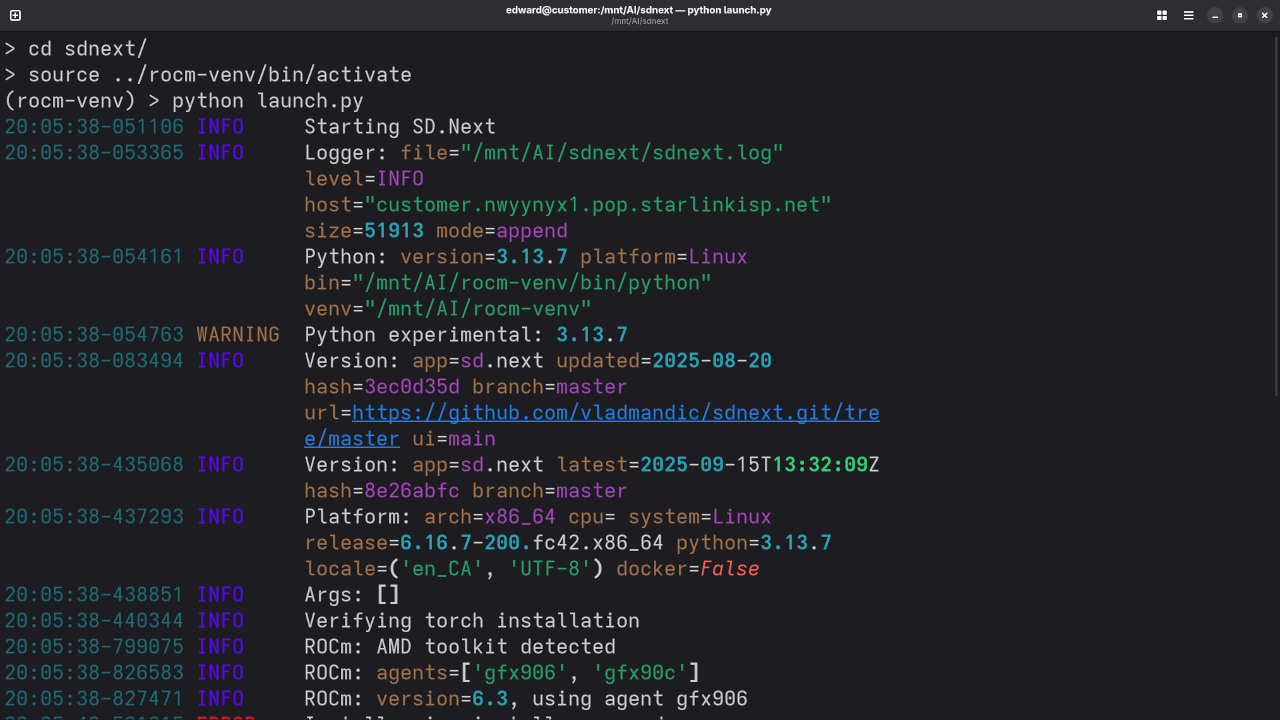
Each time you want to use SD.Next, run:
cd AI/sdnext
source ../rocm-venv/bin/activate
python launch.py
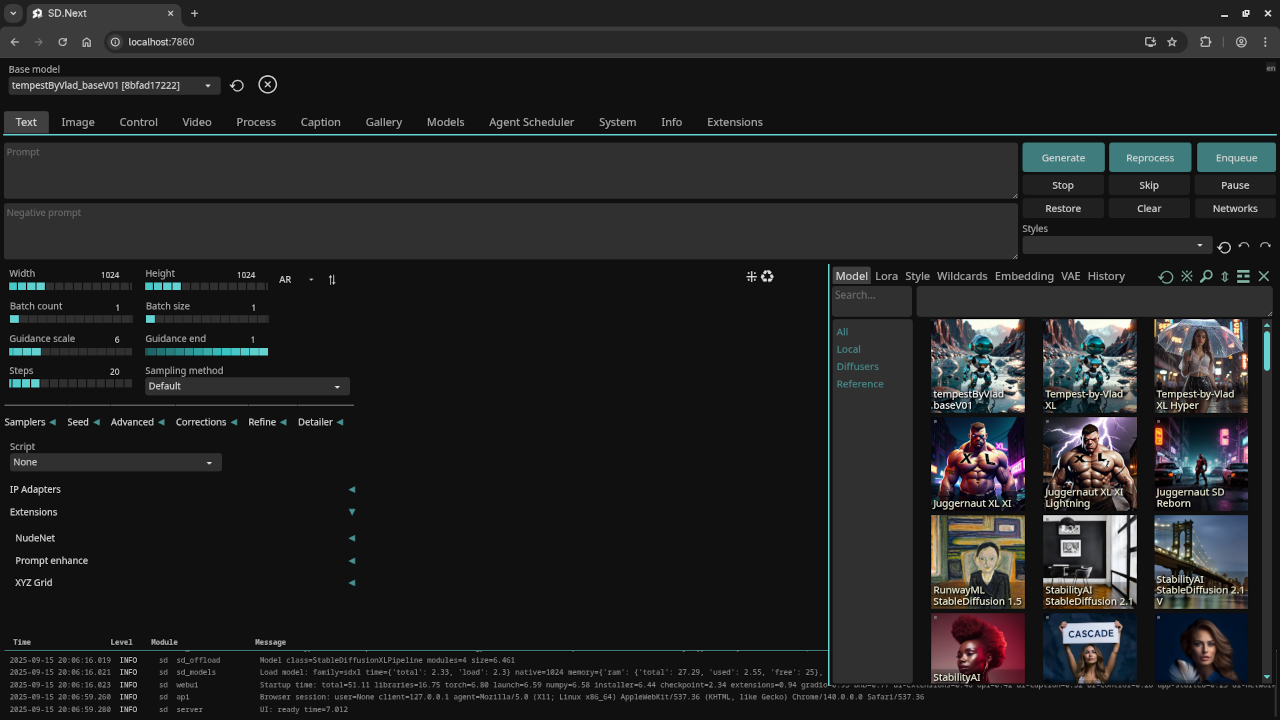
The web UI will be available at:
http://localhost:7860
Test Tools
| Name | Description |
|---|---|
| CPU | AMD Ryzen 5 5600GT (6C/12T, 3.6GHz). |
| Memory | 32GB DDR4. |
| GPU | AMD Instinct MI60 (32GB HBM2). |
| Operating System | Fedora Linux Workstation 42. |
| Desktop Environment | Gnome 48. |
| Name | Description |
🖼️ Screenshots and Screencast
Before and After Training Results
| Type | Example |
|---|---|
| Pre-trained | Add image of pre-trained generation |
| Fine-tuned | Add image of fine-tuned generation |
| Model Used | SD 1.5, custom model, or LoRA |
Results:
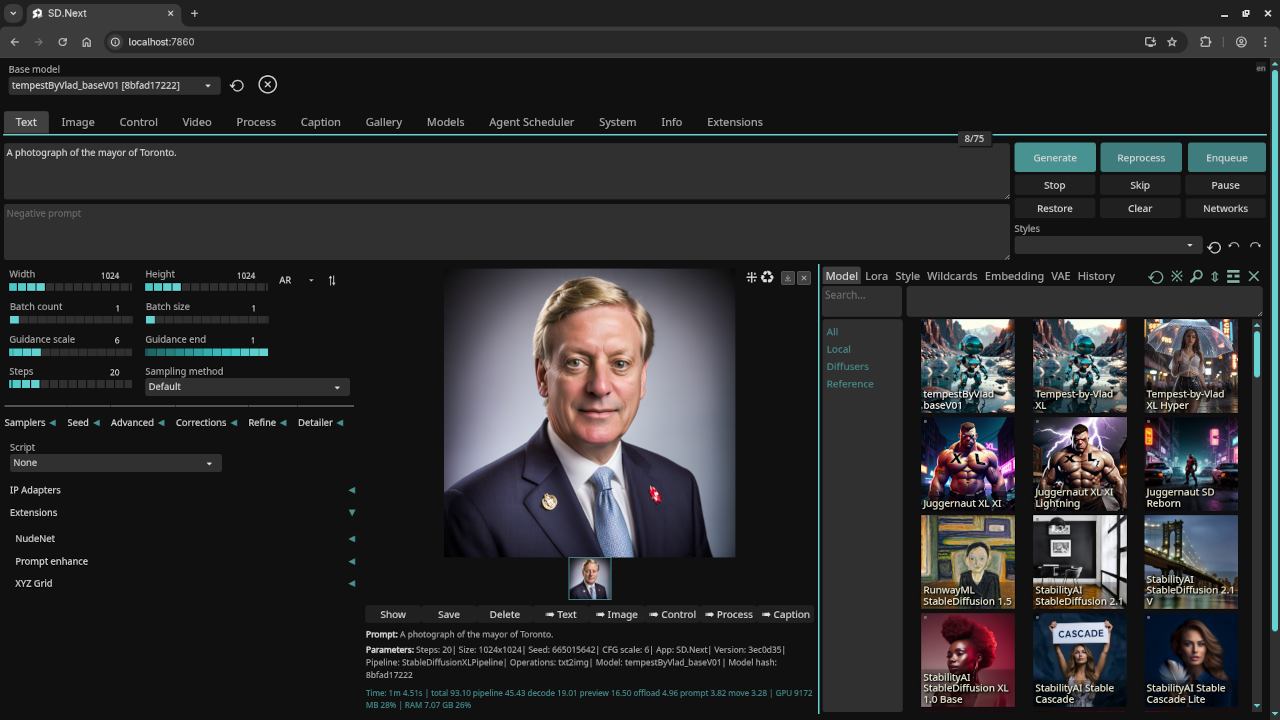
A photograph of the mayor of Toronto
Accurately drew a photograph of a past mayor of Toronto.
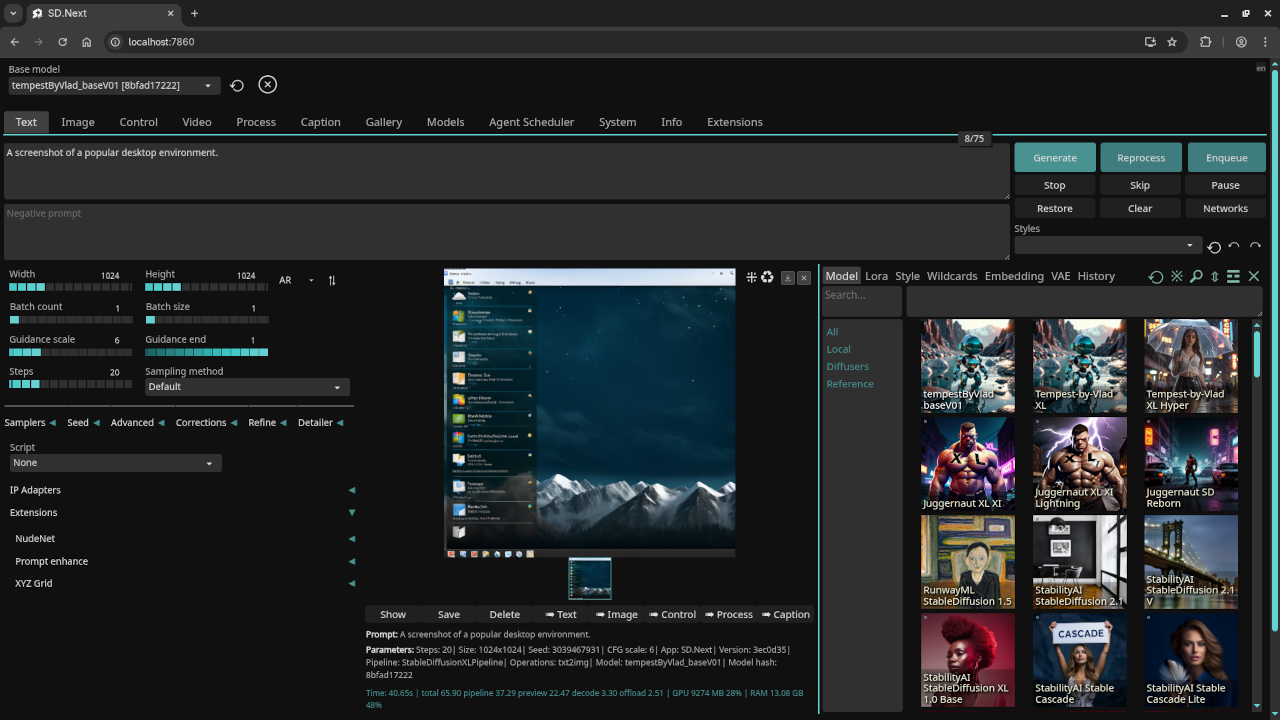
A screenshot of the gnome desktop environment.
Accurately drew a screenshot of an older version of the Gnome desktop environment.
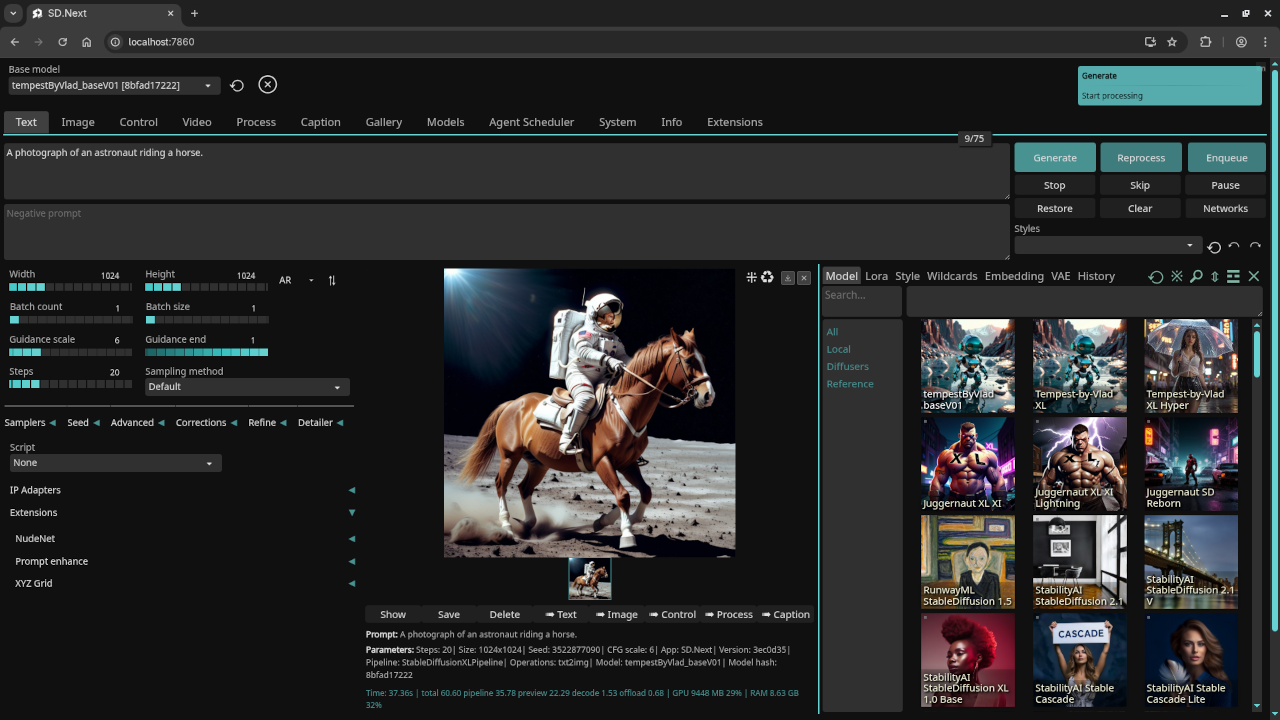
A photograph of an astronaut riding a horse.
Accurately drew a photograph of an astronaut riding a horse.
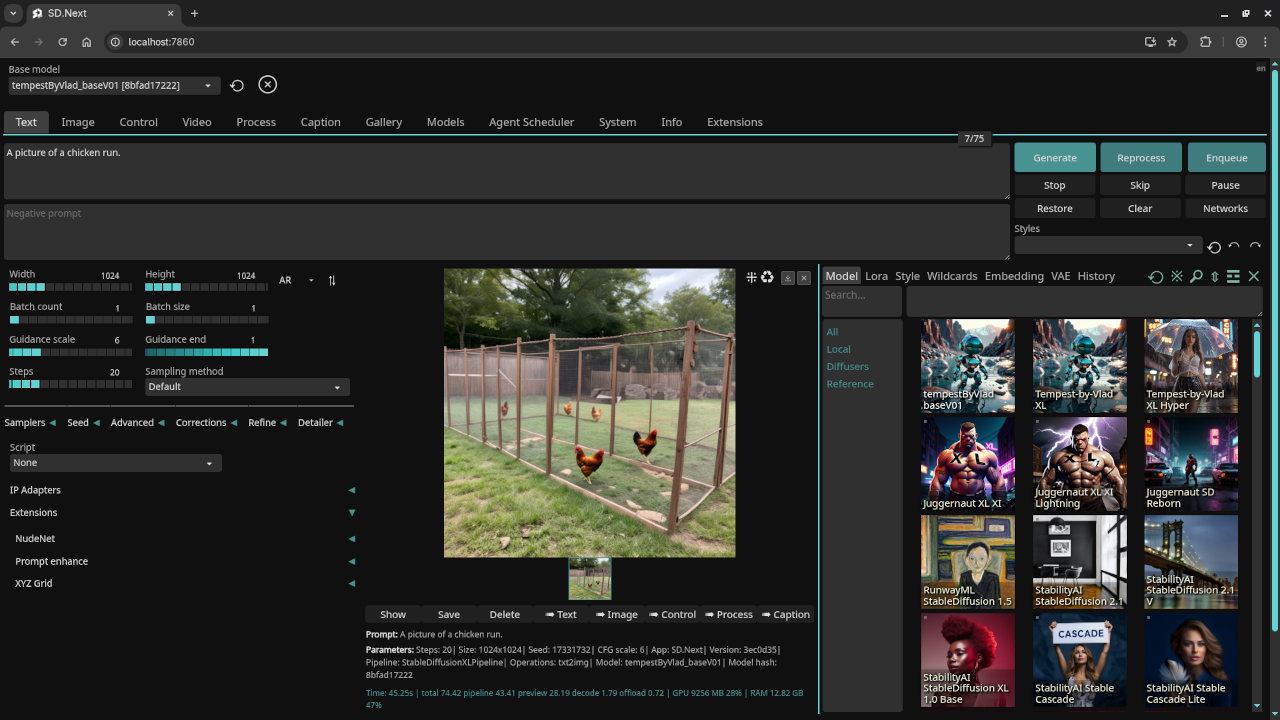
A picture of a chicken run.
Accurately drew a picture of a chicken run.
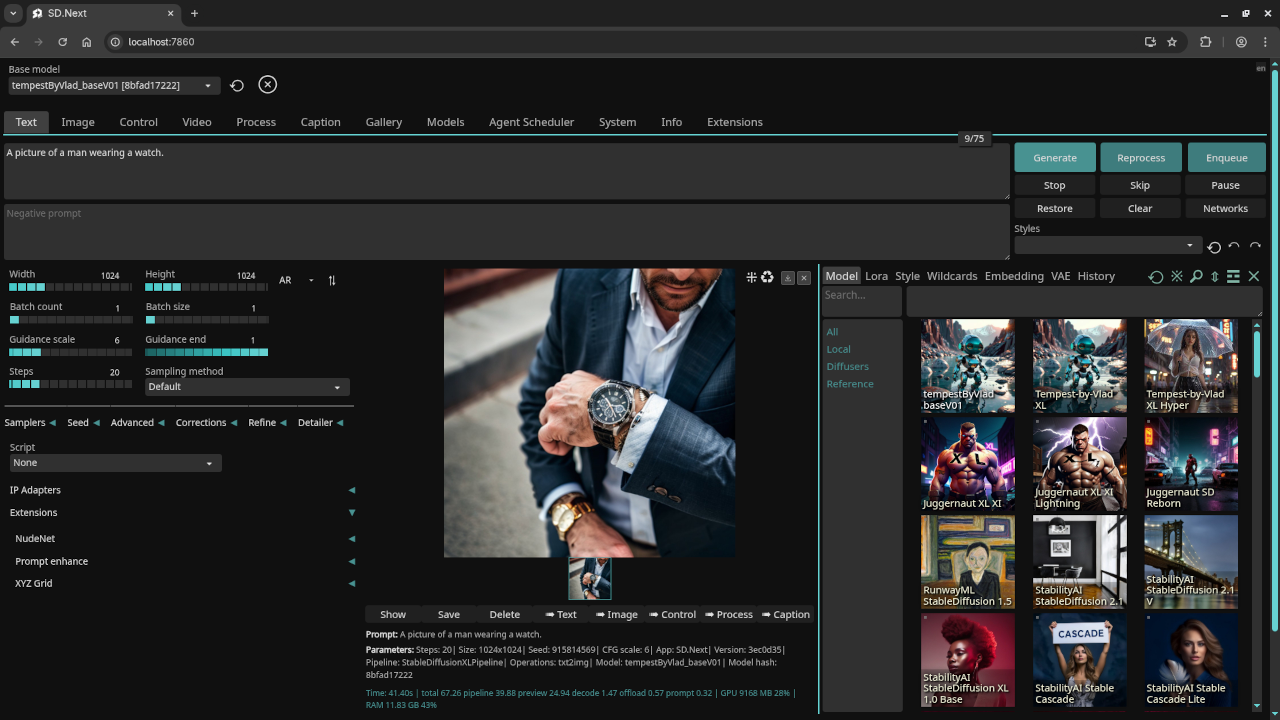
A picture of a man wearing a watch.
Accurately drew a picture of a man wearing a watch.
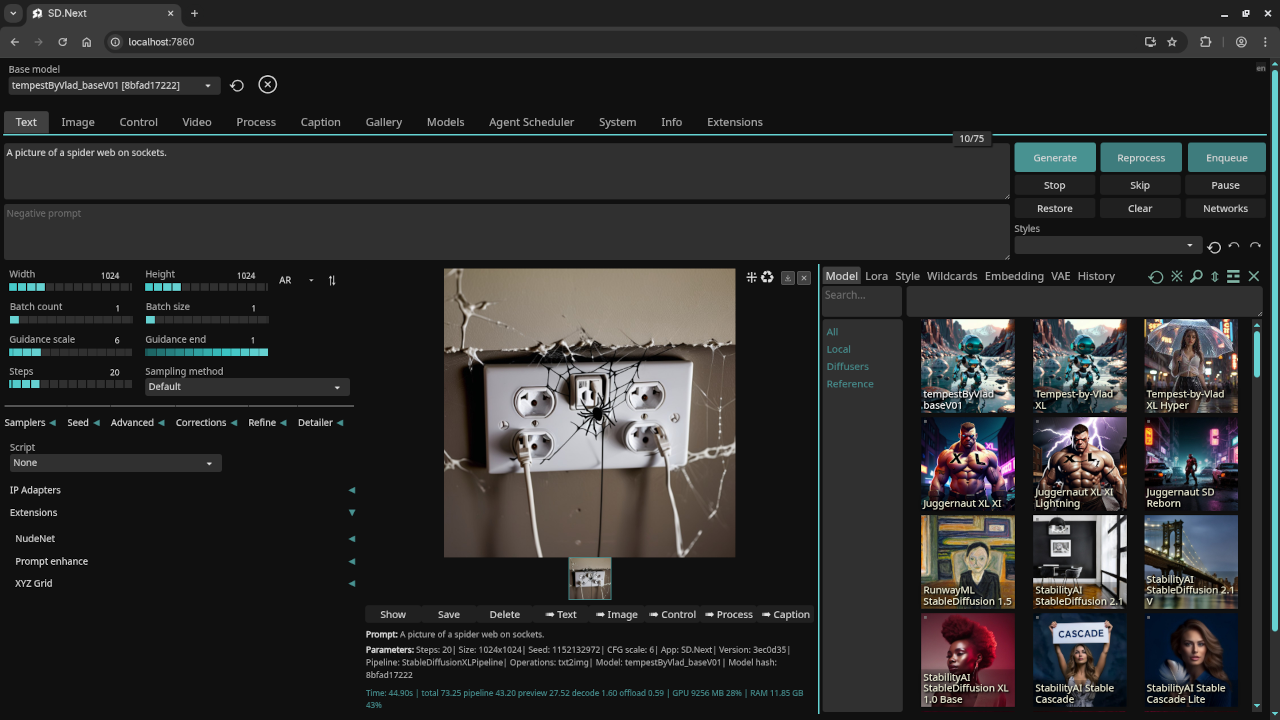
A picture of a spider web on sockets.
Accurately drew a picture of a spider web on sockets.
Further Learning
Want to learn Python from scratch or improve your skills? Explore my beginner-friendly book and online course:
- Book: Learning Python (Amazon)
- Course: Learning Python (Ojambo Shop)
One-on-One Python Tutoring and AI Installation Help
I offer private online Python tutoring sessions and custom installation or migration of Stable Diffusion and SD.Next setups.
Conclusion
Running SD.Next on Fedora 42 with your AMD Instinct MI60 is both possible and efficient. By setting it up natively and using a dedicated partition, you maintain speed, flexibility, and control.
Document your results, experiment with fine-tuning, and share your work with the community.
Have questions or feedback? Leave a comment or reach out directly.
🚀 Recommended Resources
Disclosure: Some of the links above are referral links. I may earn a commission if you make a purchase at no extra cost to you.