
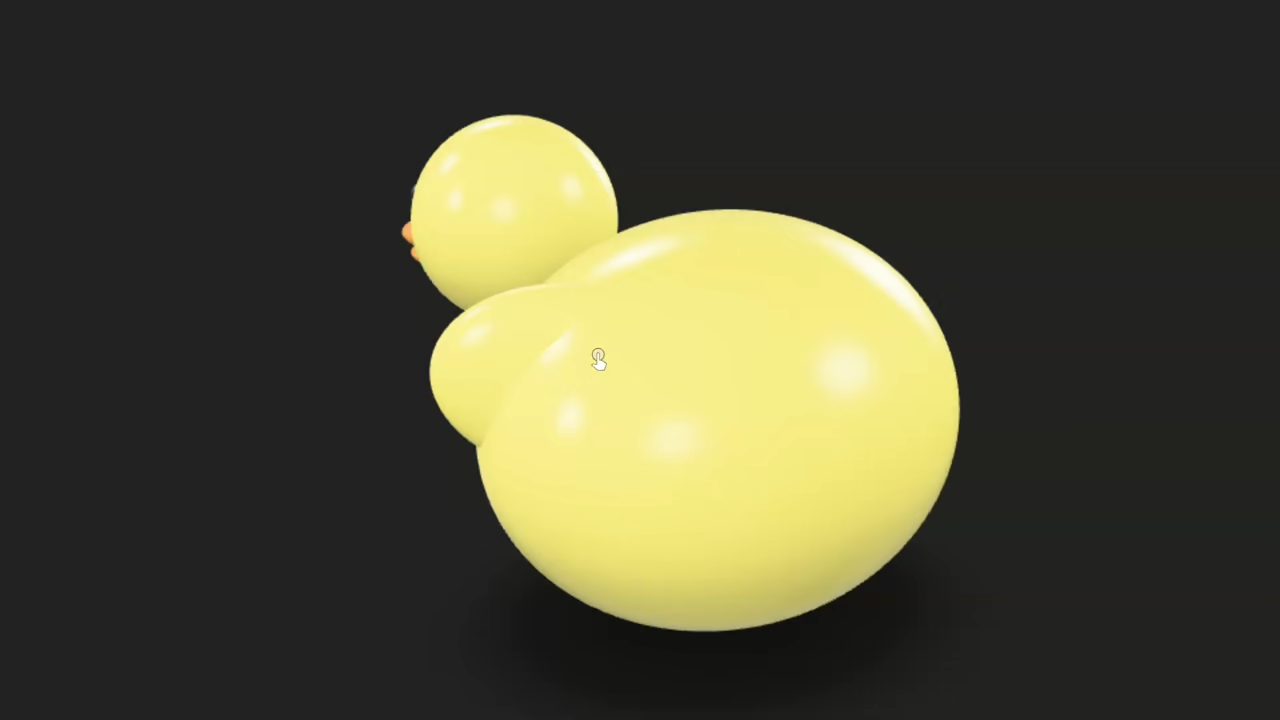
Create a Cute Rubber Duck in Blender Using Python (No GUI) and Display It on Your Website
If you’re new to Blender and Python, this tutorial will guide you through creating a simple, stylized rubber duck entirely via Blender’s Python API – all from the command line without opening the Blender interface. Then, you’ll learn how to display the 3D duck model on your website using the <model-viewer> web component.
Step 1: Running Blender Python Script Without GUI
You can write a Blender Python script that generates the rubber duck model automatically. Instead of manually working in Blender’s GUI, you run Blender in background mode to execute your Python script.
Use this command in your terminal or command prompt (replace your_duck_script.py with your script’s filename):
blender --background --python your_duck_script.py This runs Blender without the graphical interface, executes your script, and you can export the model directly in the script as a .glb or .gltf file.
Step 2: Export the Model Automatically
Include export code inside your Python script like this:
import bpy
import bmesh
import math
import os
# --- Clear existing objects ---
bpy.ops.object.select_all(action='SELECT')
bpy.ops.object.delete()
# --- Plastic Material Function ---
def plastic_mat(name, color):
mat = bpy.data.materials.new(name)
mat.use_nodes = True
nodes = mat.node_tree.nodes
links = mat.node_tree.links
nodes.clear()
output = nodes.new(type="ShaderNodeOutputMaterial")
bsdf = nodes.new(type="ShaderNodeBsdfPrincipled")
bsdf.inputs["Base Color"].default_value = color
bsdf.inputs["Roughness"].default_value = 0.2 # Slightly glossy
links.new(bsdf.outputs["BSDF"], output.inputs["Surface"])
return mat
# --- Materials ---
mat_body = plastic_mat("DuckBodyMat", (1.0, 0.9, 0.2, 1)) # Yellow
mat_beak = plastic_mat("DuckBeakMat", (1.0, 0.4, 0.05, 1)) # Orange
mat_eye = plastic_mat("DuckEyeMat", (0.02, 0.02, 0.02, 1)) # Black
# --- Helper: Create UV Sphere ---
def add_uv_sphere(name, loc, scale, mat):
bpy.ops.mesh.primitive_uv_sphere_add(segments=32, ring_count=16, radius=1, location=loc)
obj = bpy.context.active_object
obj.name = name
obj.scale = scale
obj.data.materials.append(mat)
bpy.ops.object.shade_smooth()
return obj
# --- Create Body ---
body = add_uv_sphere("Duck_Body", (0, 0, 0.5), (1.0, 1.2, 0.9), mat_body)
# --- Create Head ---
head = add_uv_sphere("Duck_Head", (1.2, 0, 1.25), (0.5, 0.5, 0.5), mat_body)
# --- Create Duck Lips (Upper + Lower Bills) ---
def create_duck_beak():
# Upper bill
bpy.ops.mesh.primitive_uv_sphere_add(segments=32, ring_count=16, location=(1.55, 0, 1.15))
upper = bpy.context.active_object
upper.name = "Duck_UpperBeak"
upper.scale = (0.35, 0.25, 0.1)
upper.data.materials.append(mat_beak)
bpy.ops.object.shade_smooth()
# Lower bill
bpy.ops.mesh.primitive_uv_sphere_add(segments=32, ring_count=16, location=(1.55, 0, 1.05))
lower = bpy.context.active_object
lower.name = "Duck_LowerBeak"
lower.scale = (0.3, 0.22, 0.08)
lower.data.materials.append(mat_beak)
bpy.ops.object.shade_smooth()
return upper, lower
upper_beak, lower_beak = create_duck_beak()
# --- Create Eyes ---
eye_L = add_uv_sphere("Duck_Eye_L", (1.65, 0.15, 1.35), (0.07, 0.07, 0.07), mat_eye)
eye_R = add_uv_sphere("Duck_Eye_R", (1.65, -0.15, 1.35), (0.07, 0.07, 0.07), mat_eye)
# --- Create Wings ---
wing_R = add_uv_sphere("Duck_Wing_R", (0.2, -0.8, 0.8), (0.6, 0.2, 0.4), mat_body)
wing_R.rotation_euler = (0, 0, math.radians(-25))
wing_L = add_uv_sphere("Duck_Wing_L", (0.2, 0.8, 0.8), (0.6, 0.2, 0.4), mat_body)
wing_L.rotation_euler = (0, 0, math.radians(25))
# --- Subdivision for Smoothness ---
for obj in [body, head, upper_beak, lower_beak, wing_L, wing_R]:
mod = obj.modifiers.new(name="Subsurf", type='SUBSURF')
mod.levels = 2
mod.render_levels = 2
# Export as GLB file
bpy.ops.export_scene.gltf(filepath="rubber_duck.glb", export_format='GLB')
This way, when you run Blender headless, the model is generated and exported automatically.
Step 3: Embedding Your 3D Rubber Duck on a Website
To display the 3D duck on a webpage, use the <model-viewer> component – a simple, interactive viewer for 3D models in modern browsers.
Here is example HTML to embed in your site:
<script type="module" src="https://unpkg.com/@google/model-viewer/dist/model-viewer.min.js"></script>
<model-viewer src="path/to/rubber_duck.glb"
alt="Cute Rubber Duck"
auto-rotate camera-controls
style="width: 400px; height: 400px;">
</model-viewer>
Make sure to upload your exported rubber_duck.glb to your web host, and update the src attribute accordingly.
📸 Screenshots & Screencast
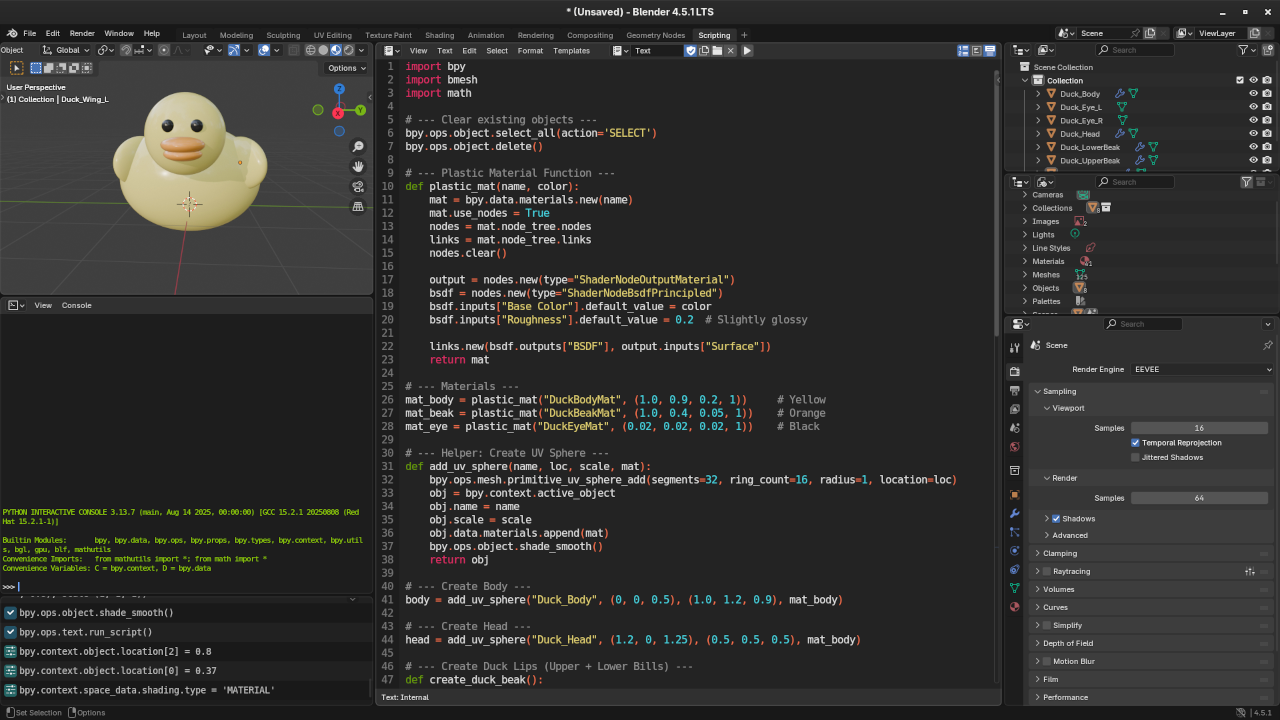
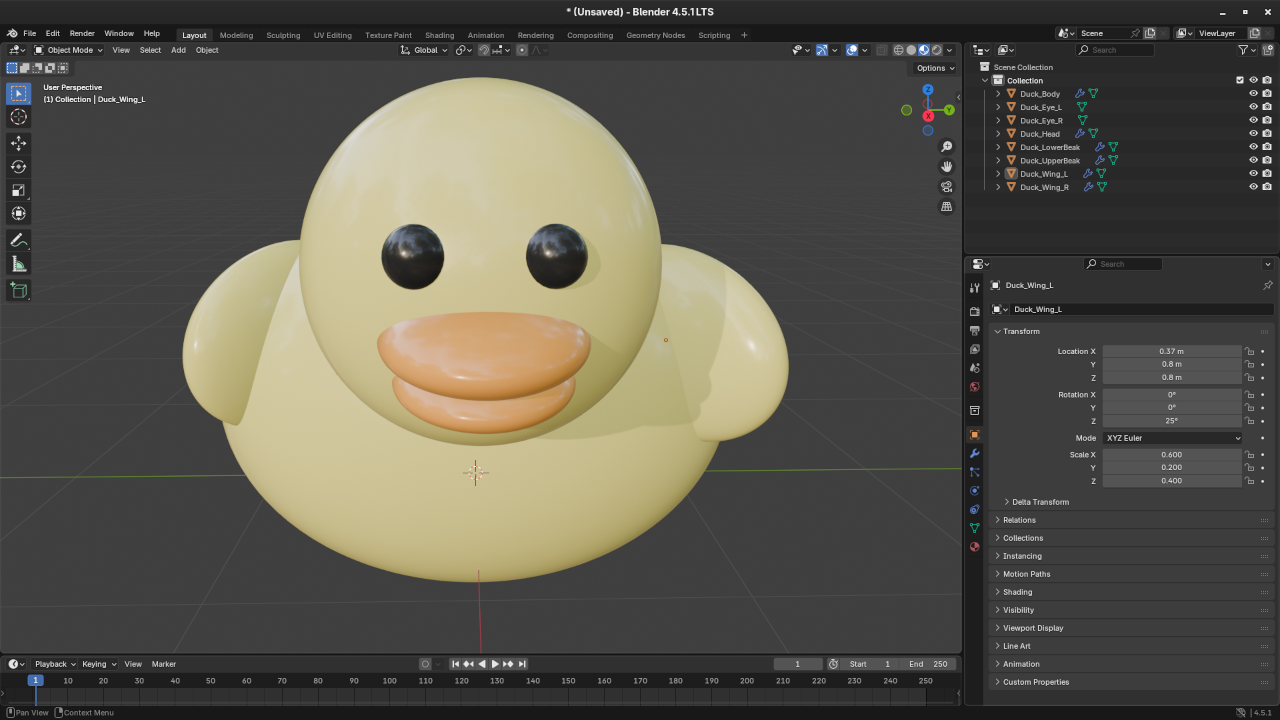
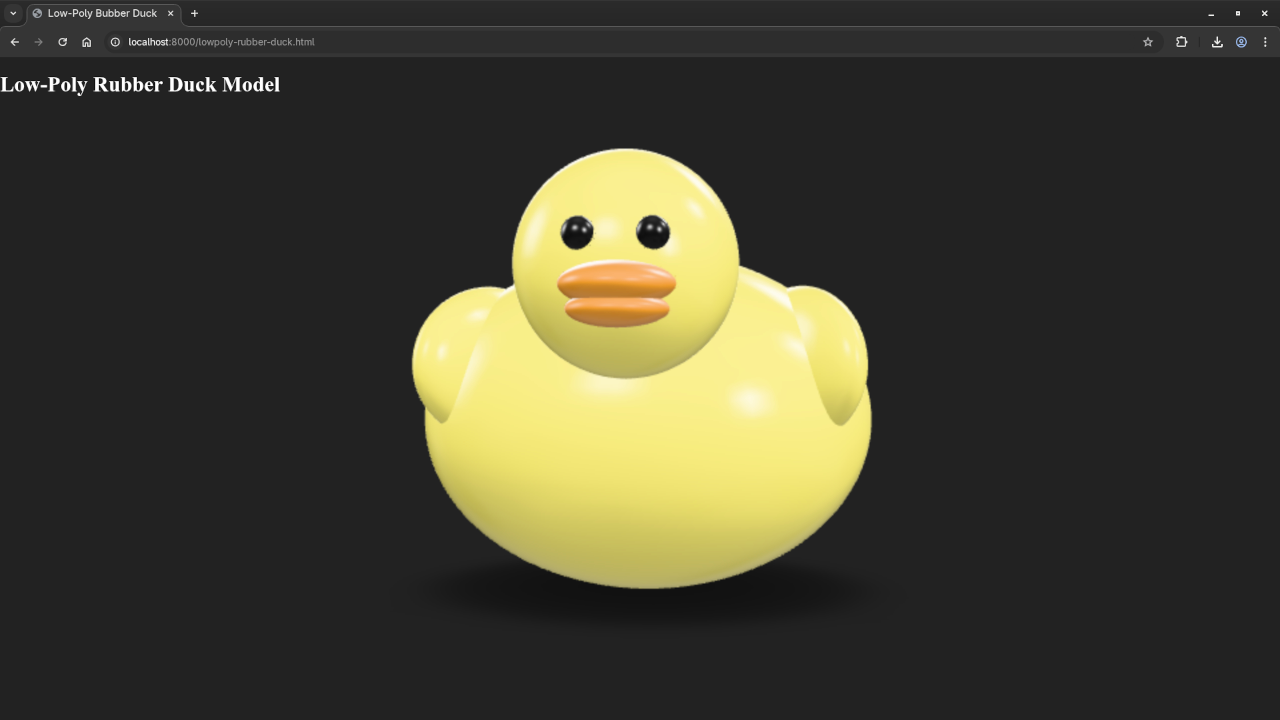
Additional Learning Resources
Expand your Python and Blender scripting skills with my recommended books and courses:
- Books:
Learning Python
Mastering Blender Python API - Course:
Learning Python
Personalized Python & Blender Tutorials
I also offer one-on-one online tutorials for Python programming and Blender scripting. Reach out if you want personalized guidance.
Feel free to leave questions or share your duck creations in the comments!
🚀 Recommended Resources
Disclosure: Some of the links above are referral links. I may earn a commission if you make a purchase at no extra cost to you.