

Git Ignore for Beginners: How to Keep Unwanted Files Out of Your Git Repositories
When working with Git, especially as a beginner, it is easy to accidentally include files in your repository that you do not actually want tracked. This can include log files, OS-generated files such as .DS_Store, compiled binaries, or personal settings files. Thankfully, Git has a built-in feature called .gitignore that allows you to easily tell Git which files or folders to ignore.
What is .gitignore?
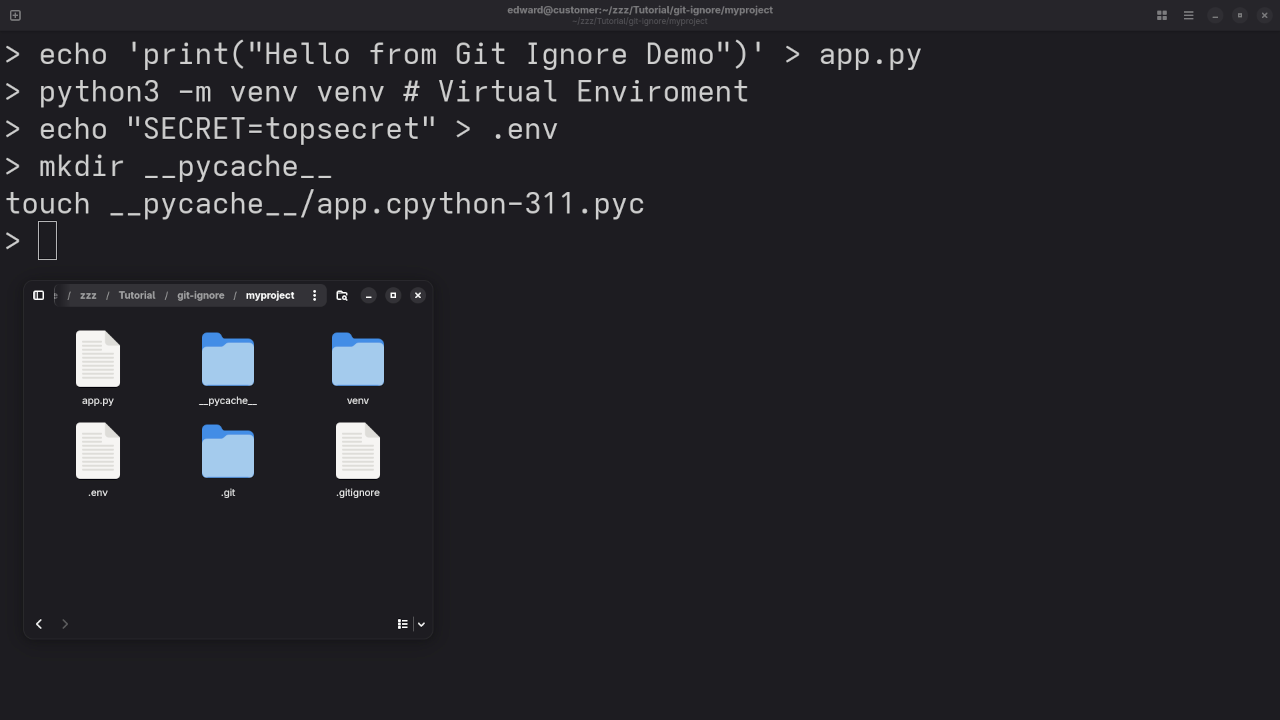
The .gitignore file is a special plain text file that tells Git which files or directories to skip when committing code. For example, if you are working on a Python project and do not want to track compiled .pyc files or your virtual environment folder, .gitignore is your best friend.
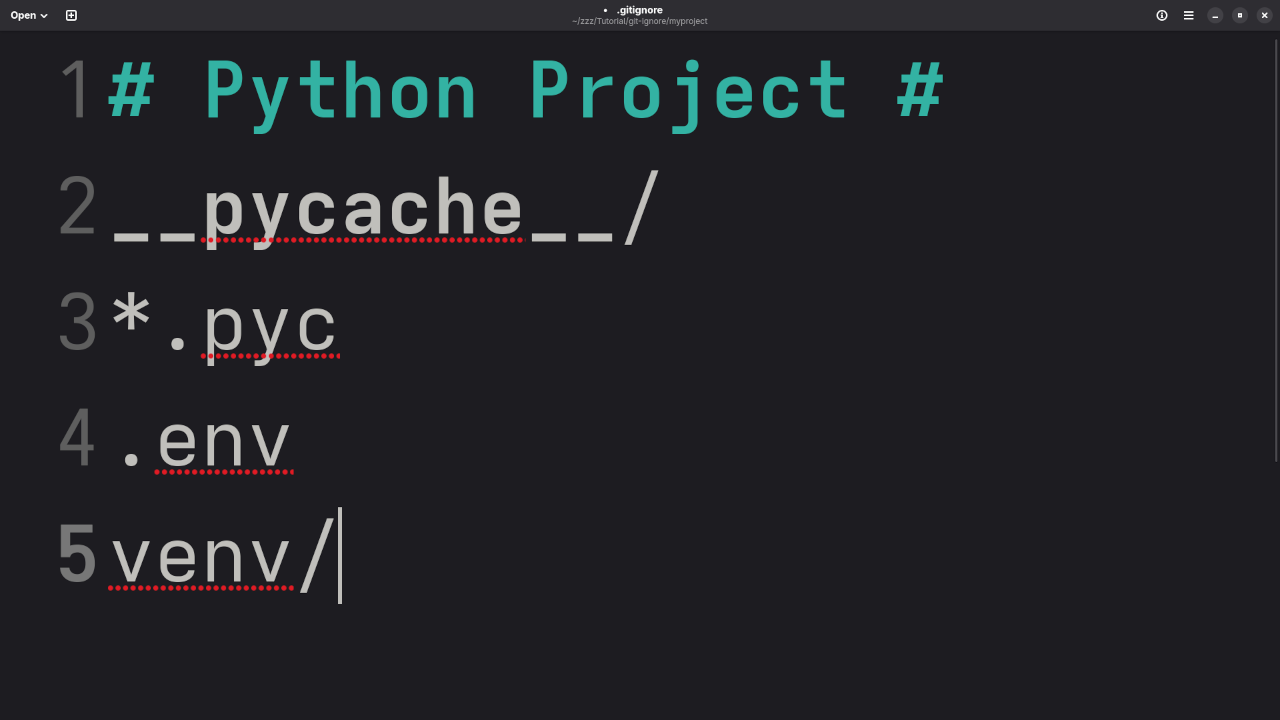
Here is a basic example for a Python project:
__pycache__/
*.pyc
.env
venv/ Once listed, Git will ignore those files and not include them in future commits, even if they exist in your project folder.
Why Use .gitignore?
- Security: Avoid committing sensitive files like API keys or passwords.
- Clean Repositories: Keep your Git history free from clutter.
- Consistency: Ensure only relevant code and files are shared with collaborators.
How to Create and Use a .gitignore File
- Open your project root directory.
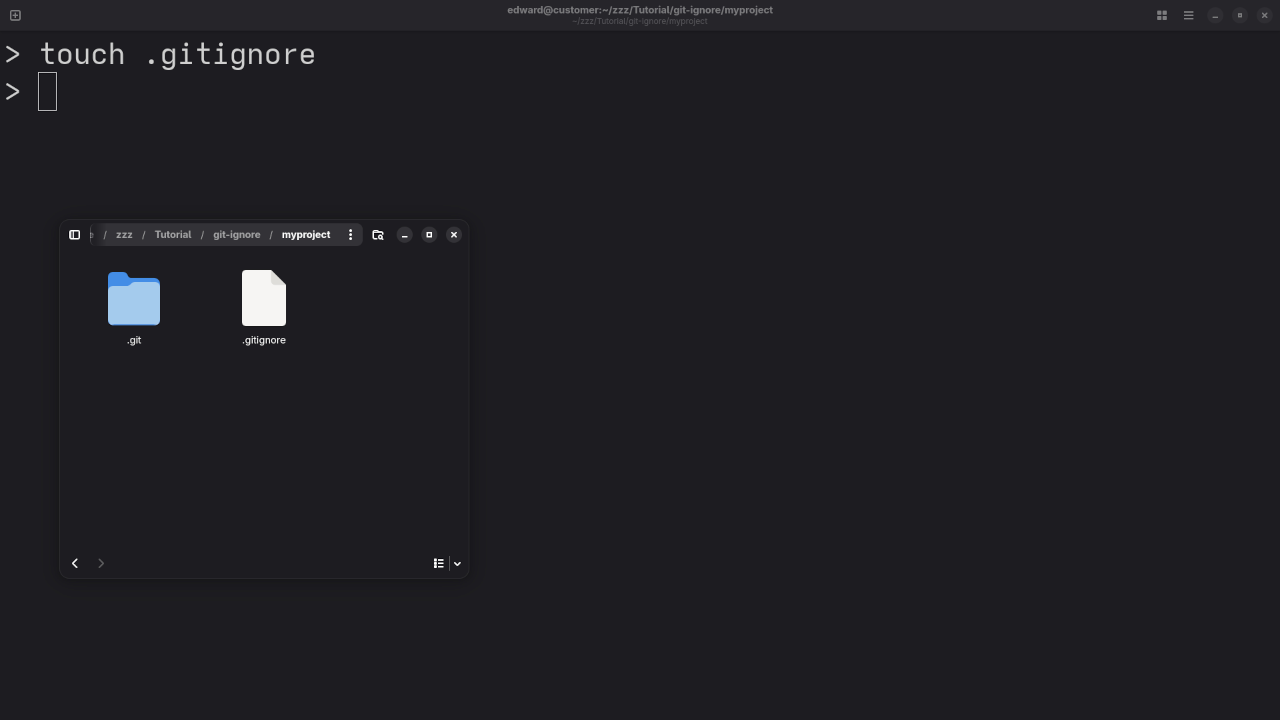
- Create a new file named
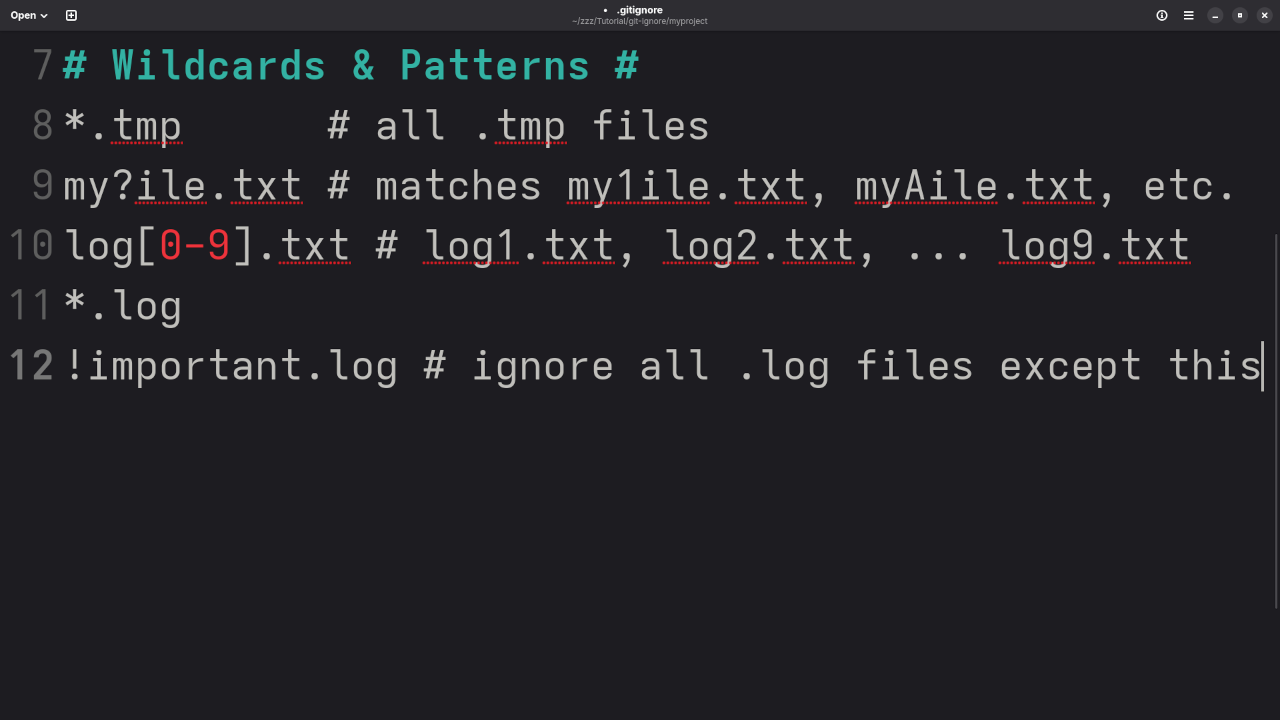
.gitignore. - Add paths or patterns for files and folders to ignore.
- Save and commit your changes.
Note: If you have already committed a file, adding it to .gitignore will not remove it from the repository. You will need to untrack it manually using the following command:
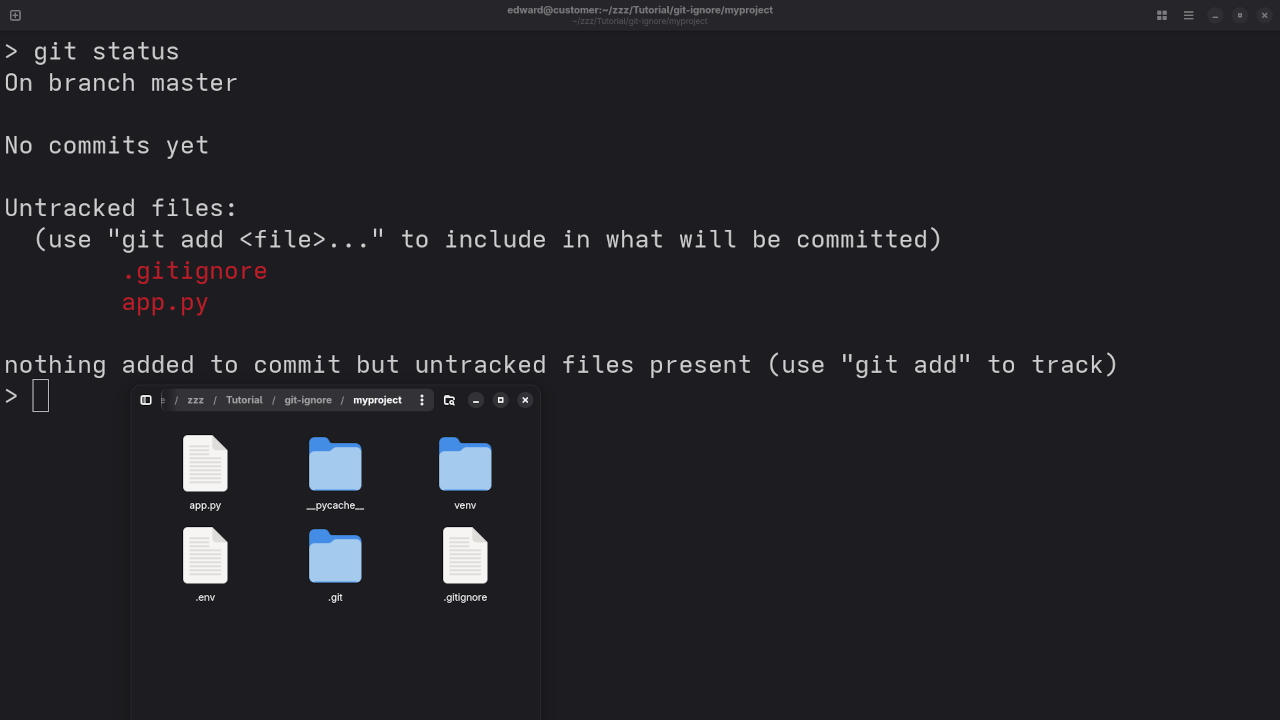
git rm --cached filename Screencast Tutorial & Screenshots
Learn More with My Programming Books
Want to go deeper into Git and other programming topics? Check out my books on Amazon:
Edward Ojambo’s Programming Books
Online Courses for Developers
Ready to level up your skills? Enroll in my hands-on programming courses here:
One-on-One Programming Help
Need personalized help with your Git setup or programming journey? Book a session with me:
Git Installation and Repository Migration Services
Whether you are just starting with Git or need to migrate large repositories, I can help:
Open Source for Everyone
Git is open source and free to use. The .gitignore system helps keep your open source or private projects tidy and secure. It is a simple but powerful step in maintaining clean code.
🚀 Recommended Resources
Disclosure: Some of the links above are referral links. I may earn a commission if you make a purchase at no extra cost to you.