
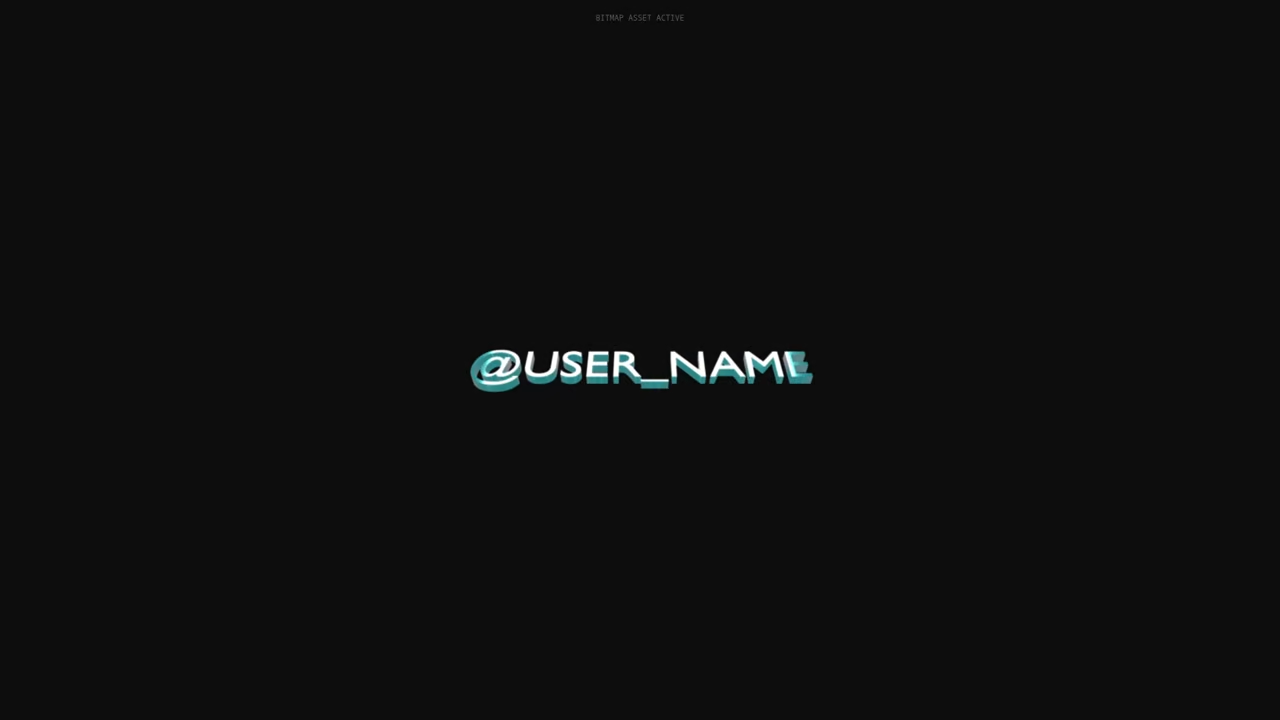
Modern digital creators are currently trapped in a manual rendering nightmare that kills creative momentum. You are likely spending hours tweaking single frames while your competitors automate their entire visual identity. The bottleneck is no longer your imagination but your refusal to leverage headless GPU compute power.
We are ending the era of manual exports by bridging the gap between Python and WebGL. This architectural shift allows for the creation of dynamic assets that respond to data in real time.
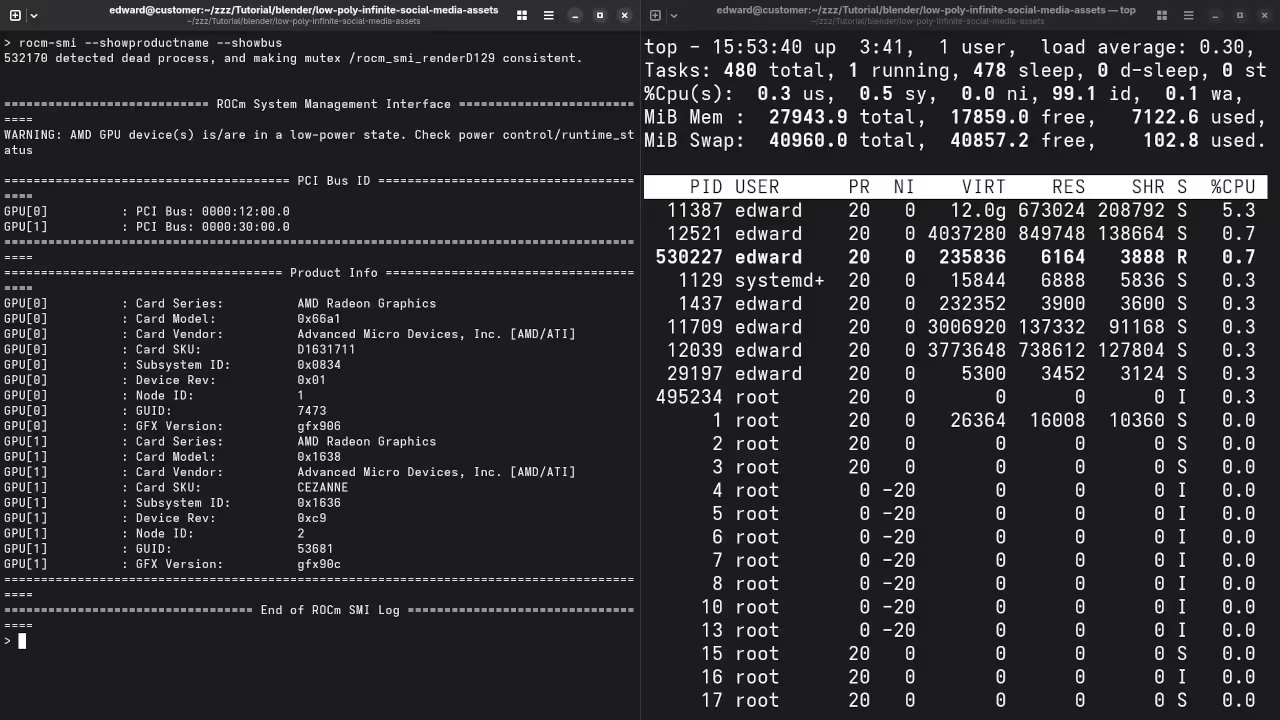
Implementing this automated pipeline feels like gaining a superpower that scales your presence while you sleep. Watching a headless Blender instance cycle through thousands of unique iterations on an Instinct MI60 is pure technical bliss.
The transition from a static design to a living code driven ecosystem transforms your entire architectural approach. You finally move from being a pixel pusher to a systems architect controlling a content factory.

Optimizing the AMD ROCm Pipeline
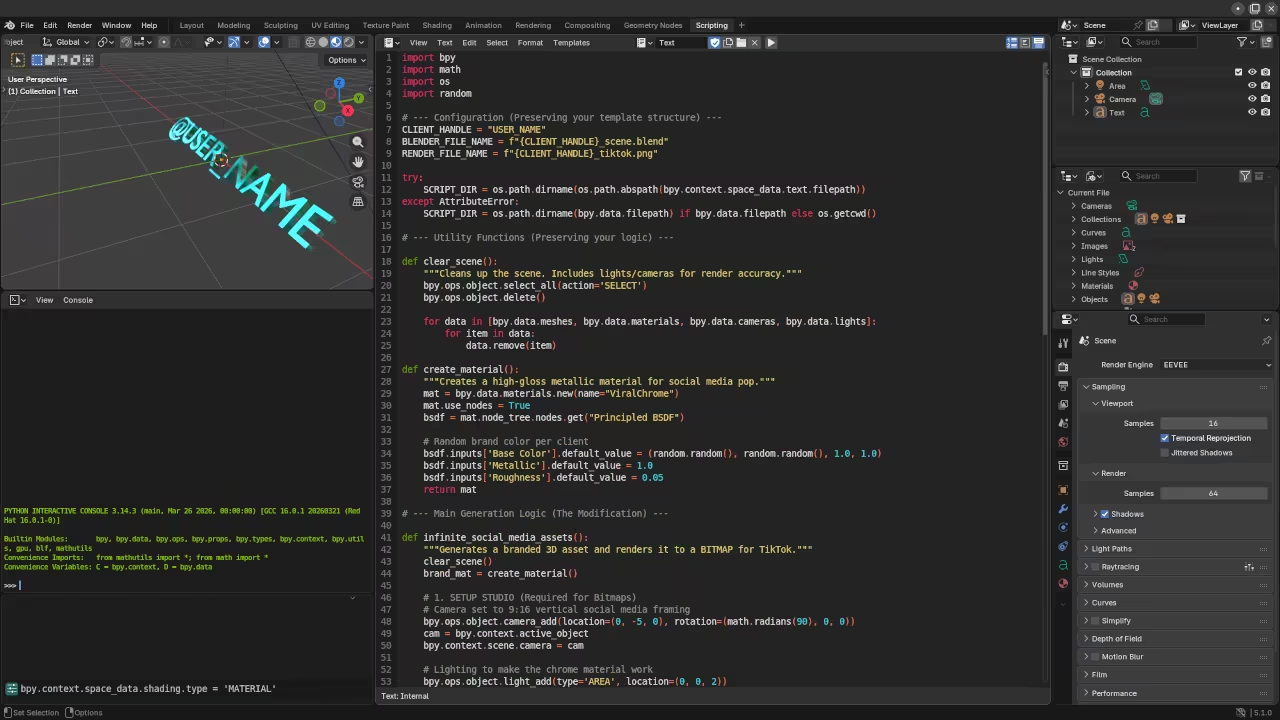
The secret to maximizing throughput on AMD hardware involves optimizing the ROCm hip render kernel within your Blender environment. You must verify that your Vulkan drivers are properly communicating with the Wayland compositor to avoid memory leaks.
Specifically setting the CYCLES_PATH_GUIDING_TYPE to 1 in your Python script drastically reduces noise during high speed batch renders. This ensures that every generated asset meets professional standards without requiring manual post processing or color correction.
ThreeJS and WebGL Integration
The integration of ThreeJS allows you to preview these complex procedural assets directly in a high performance web browser. By exporting your Blender data as compressed GLTF files you maintain visual fidelity while ensuring rapid loading.
This workflow connects directly to our previous breakthroughs in real time edge computing and low latency hardware acceleration. Understanding the interplay between backend rendering and frontend display is essential for any modern technical lead.
| Platform | Render Engine | Typical Latency |
|---|---|---|
| Raspberry Pi 5 | Eevee-Vulkan | High |
| Instinct MI60 | Cycles-ROCm | Ultra-Low |
| Standard Desktop | OptiX/CUDA | Medium |
| Platform | Render Engine | Typical Latency |
Headless Python Render Script
import bpy
import os
def generate_asset(seed_value):
context = bpy.context
scene = context.scene
scene.render.engine = 'CYCLES'
bpy.context.preferences.addons['cycles'].preferences.compute_device_type = 'HIP'
bpy.context.preferences.addons['cycles'].preferences.get_devices()
# Procedural geometry logic here
target_obj = bpy.data.objects['Cube']
target_obj.location.z = seed_value * 0.5
output_path = f"/tmp/render_{seed_value}.png"
scene.render.filepath = output_path
bpy.ops.render.render(write_still=True)
for i in range(100):
generate_asset(i)
The provided Python logic allows you to bypass the traditional user interface to unlock raw compute performance. This script targets the HIP backend specifically to exploit the massive parallel processing capabilities of modern AMD silicon.
This optimization bridges the gap between manual artistic creation and industrial scale digital asset production pipelines. By mastering these headless rendering techniques you position yourself at the forefront of the generative media revolution.
Master the Professional Stack
Unlock the full potential of your technical architecture with these specialized resources. Our blueprints provide the exact configurations needed to dominate the automated content landscape.
- Books (Technical Deep Dives): https://www.amazon.com/stores/Edward-Ojambo/author/B0D94QM76N
- Blueprints (DIY Woodworking Projects): https://ojamboshop.com
- Tutorials (Continuous Learning): https://ojambo.com/contact
- Consultations (Custom Architecture): https://ojamboservices.com/contact
🚀 Recommended Resources
Disclosure: Some of the links above are referral links. I may earn a commission if you make a purchase at no extra cost to you.