
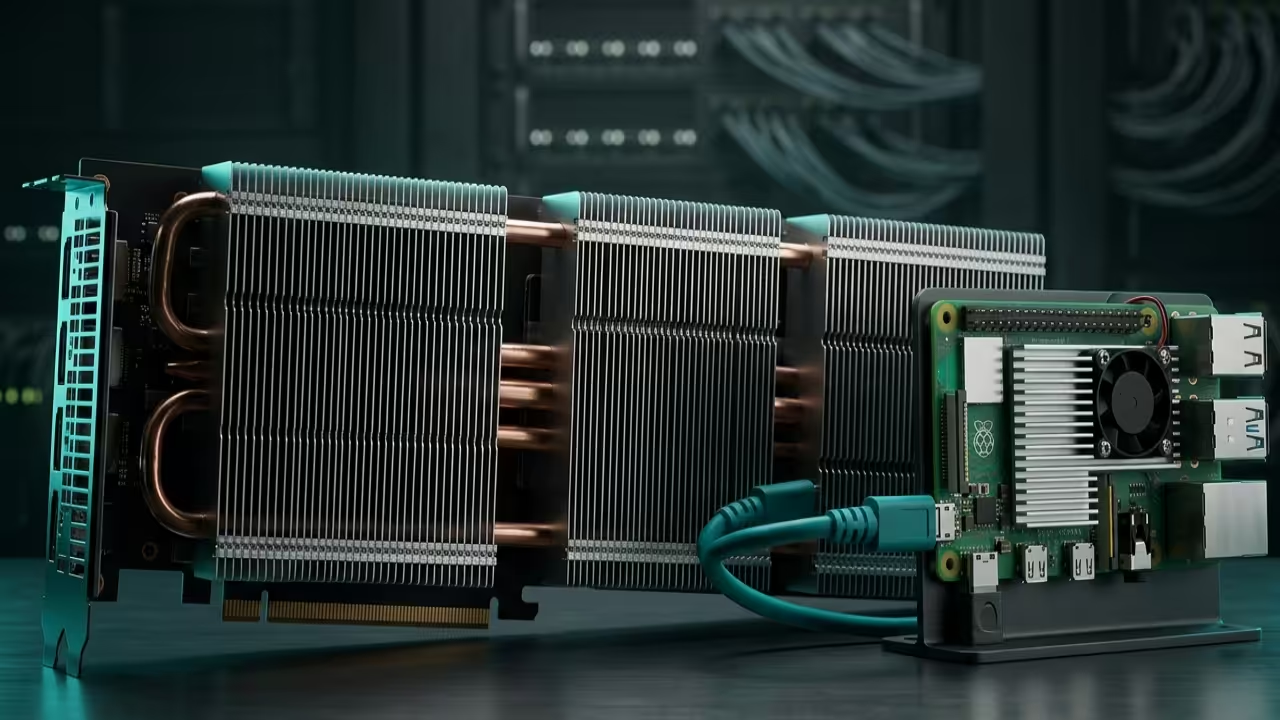
Most creators are currently trapped in a cycle of expensive cloud subscriptions and sluggish local rendering speeds. Waiting minutes for a single image to generate kills the creative flow and drains your technical momentum.
The industry wants you to believe that high-end consumer cards are the only path to AI mastery. This article exposes the hidden power of enterprise-grade hardware combined with lean C++ inference engines.
We are breaking the chains of Python dependency to achieve near-instantaneous latent diffusion results on your own terms. This specific optimization ensures that the Vulkan backend utilizes every available compute unit without unnecessary overhead from the host CPU.
The Turbocharged Generative Experience
Implementing the z-image-turbo configuration feels like upgrading from a bicycle to a supersonic jet mid-flight. The moment you execute the first bin and see the HBM2 memory on your MI60 saturate is pure adrenaline.
There is a specific satisfaction in watching 32GB of VRAM handle complex batching without a single stutter or lag. Your workspace transforms from a static desk into a high-performance neural engine capable of infinite visual output.
Every prompt iteration flashes across the screen in milliseconds rather than the typical agonizing crawl of standard setups. This setup perfectly complements our recent deep dives into automated Blender pipelines and distributed edge computing nodes.
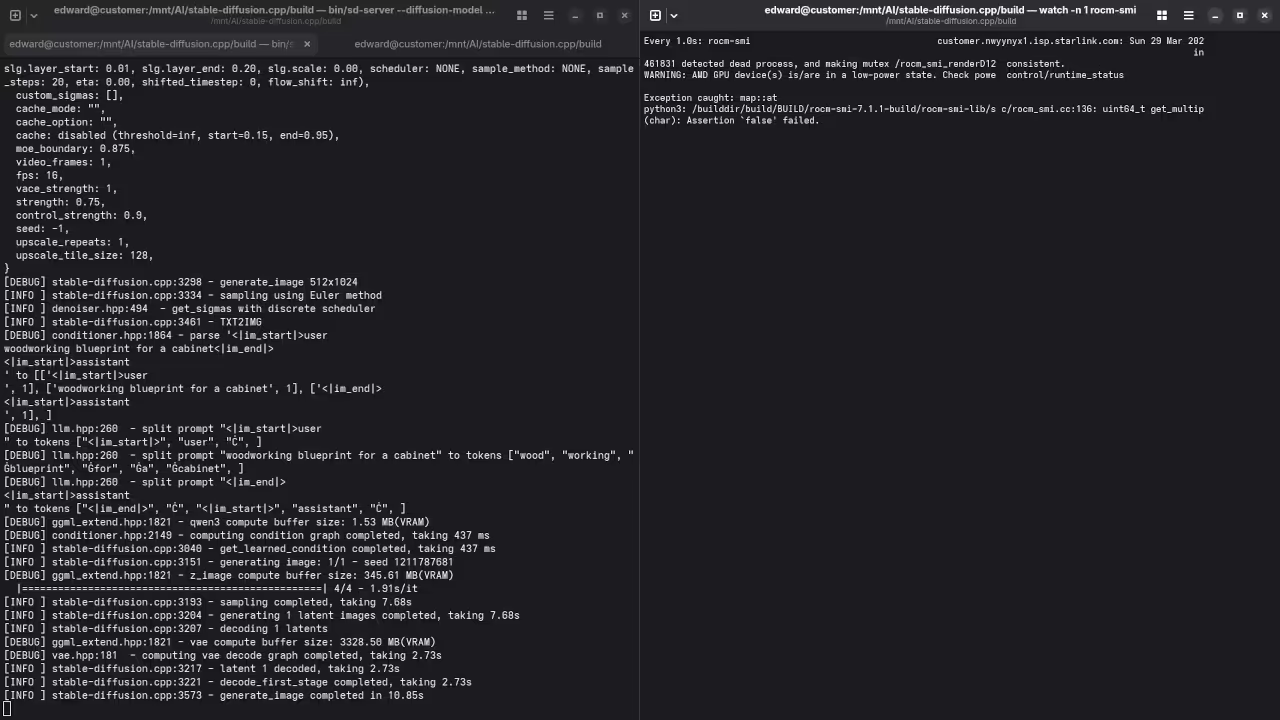
Mastering the GFX906 Architecture
The secret to unlocking the Instinct MI60 involves forcing the flash attention kernels through the ROCm 6.0 compatibility layer. You must set the HSA_OVERRIDE_GFX_VERSION to 9.0.6 to ensure the Vega 20 architecture communicates correctly with modern libraries.
Standard installations often overlook the memory clock states which can lead to significant thermal throttling during long batch sessions. By pinning the power profile to maximum performance you eliminate the micro-stuttering typically found in default Linux kernel scheduling.
Hardware Efficiency Comparison
| Hardware Type | Interface | VRAM Capacity | Optimization Path |
|---|---|---|---|
| Enterprise MI60 | PCIe 3.0 x16 | 32GB HBM2 | ROCm GFX906 Override |
| Consumer Card | PCIe 4.0 x16 | 12GB GDDR6 | Standard Torch |
| Raspberry Pi 5 | GPIO/PCIe | 8GB LPDDR5 | Vulkan Kompute |
| Hardware Type | Interface | VRAM Capacity | Optimization Path |
Technical Deployment Steps
To deploy the server you need to compile the source with specific flags targeting the architecture of your accelerator. Use the following command to initialize the build process while ensuring the clblast or rocblas paths are correctly identified.
git clone --recursive https://github.com/leejet/stable-diffusion.cpp
cd stable-diffusion.cpp
mkdir build && cd build
cmake .. -DSD_ROCM=ON -DAMDGPU_TARGETS=gfx906
cmake --build . --config Release
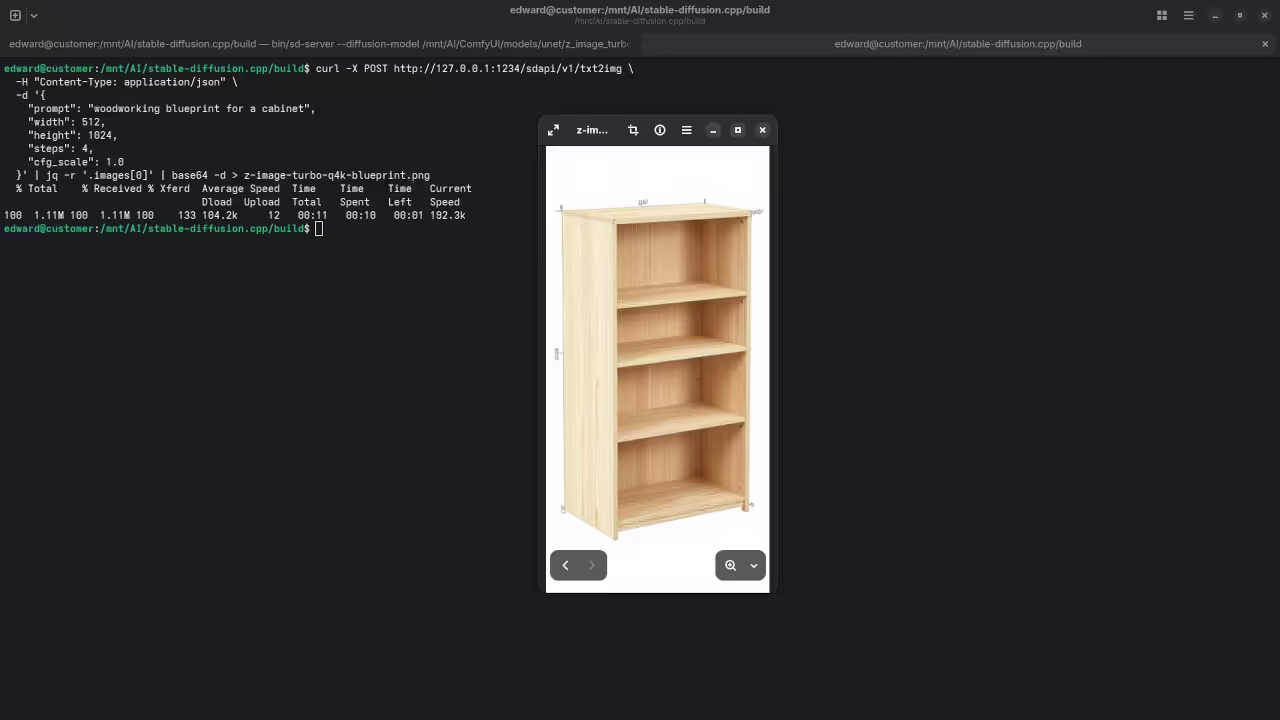
Once the binary is ready launching the z-image-turbo server requires a precise heap allocation to prevent memory fragmentation. Use the following execution string to start the listener on your local network for remote Raspberry Pi access.
./bin/sd -m ../models/v1-5-pruned-emaonly.safetensors --type f16 --server --port 8080
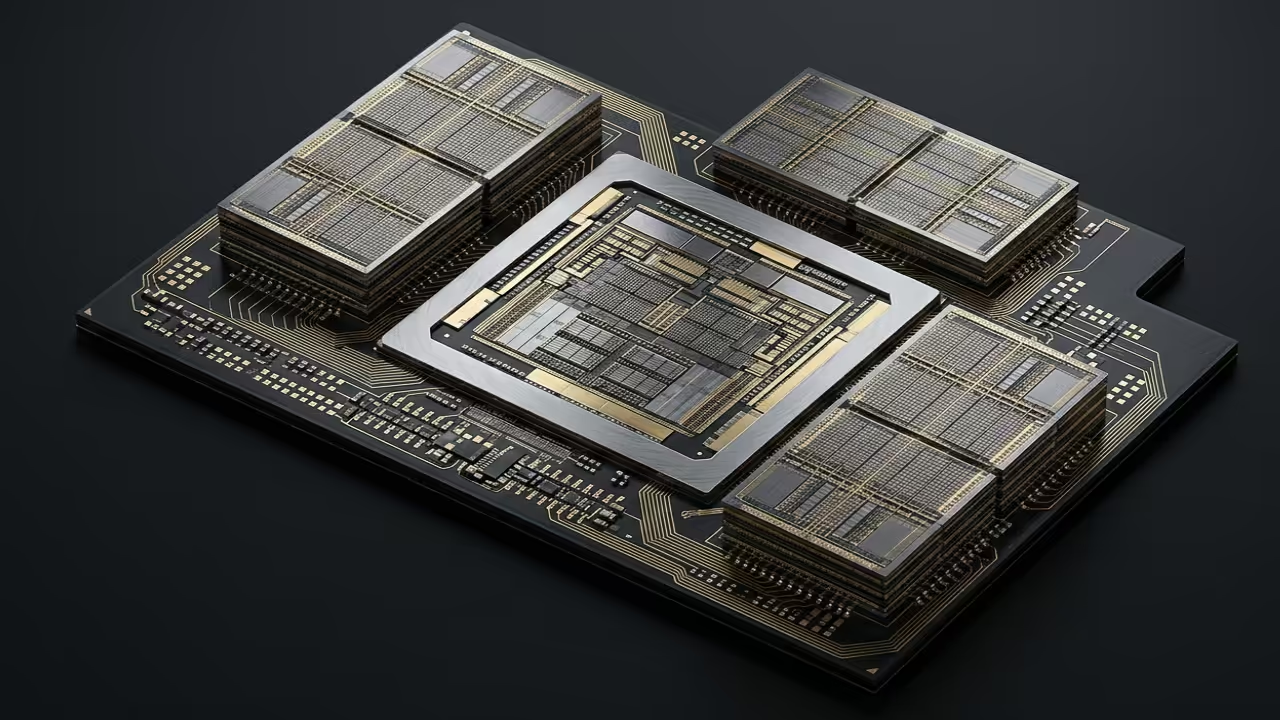
Visual Deployment Gallery
Master the Professional Stack
Our z-image-turbo optimization serves as the foundational layer for the complex architectural blueprints detailed in the professional resources below. These guides provide the structural integrity needed to scale your local AI laboratory into a production grade powerhouse.
- Books Technical Deep Dives: Amazon Author Page
- Blueprints DIY Woodworking Projects: Ojambo Shop
- Tutorials Continuous Learning: Contact for Tutorials
- Consultations Custom Architecture: Consultation Services
🚀 Recommended Resources
Disclosure: Some of the links above are referral links. I may earn a commission if you make a purchase at no extra cost to you.