
The Lean Communication Strategy
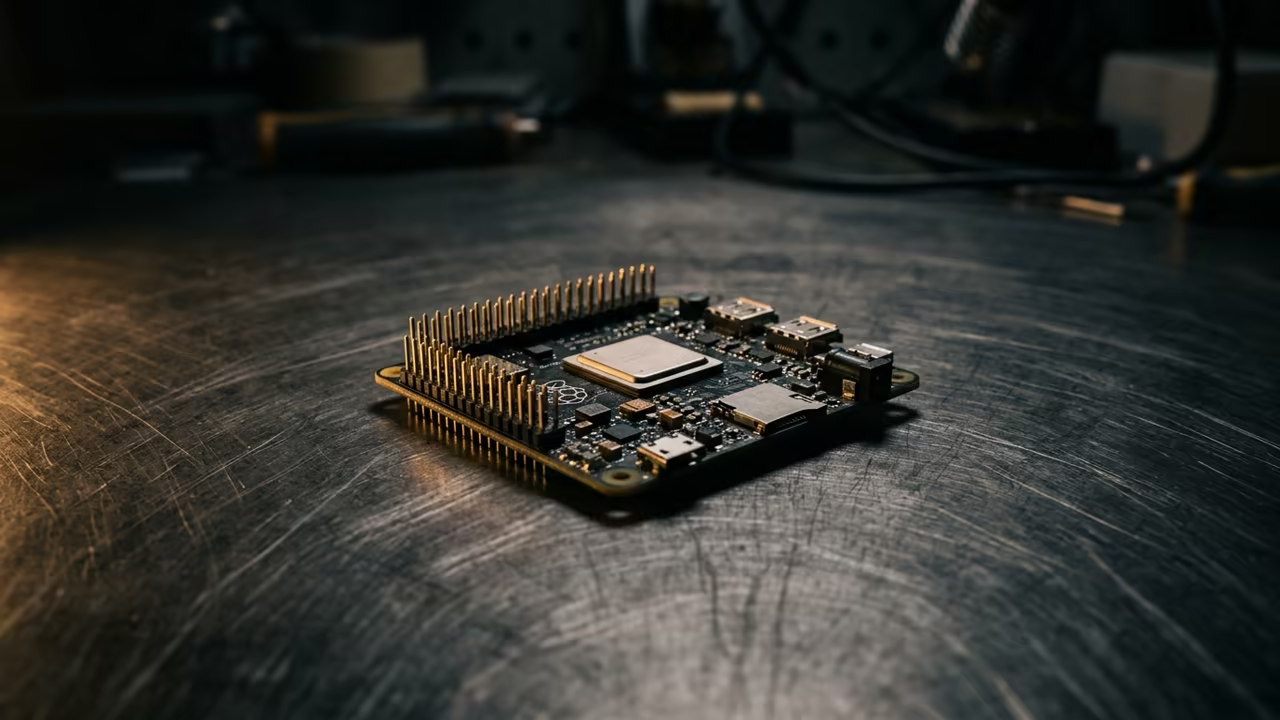
The modern tech landscape is drowning in resource hungry software. Tiny hardware like the Pi Zero W usually chokes under basic mail tasks.
Most users give up because the lag is simply unbearable. You can transform this tiny board into a lightning fast mail station.
Implementing a lean stack removes every single point of friction. The result is a dedicated machine that boots in seconds.
Disclaimer: I may earn a commission from purchases made through these links at no extra cost to you.


The Power of Minimal Environments
Running a lightweight window manager changes the entire user experience. Everything feels immediate and responsive despite the limited hardware specs.
You finally own a distraction free communication hub that just works.
Installing the Core Stack
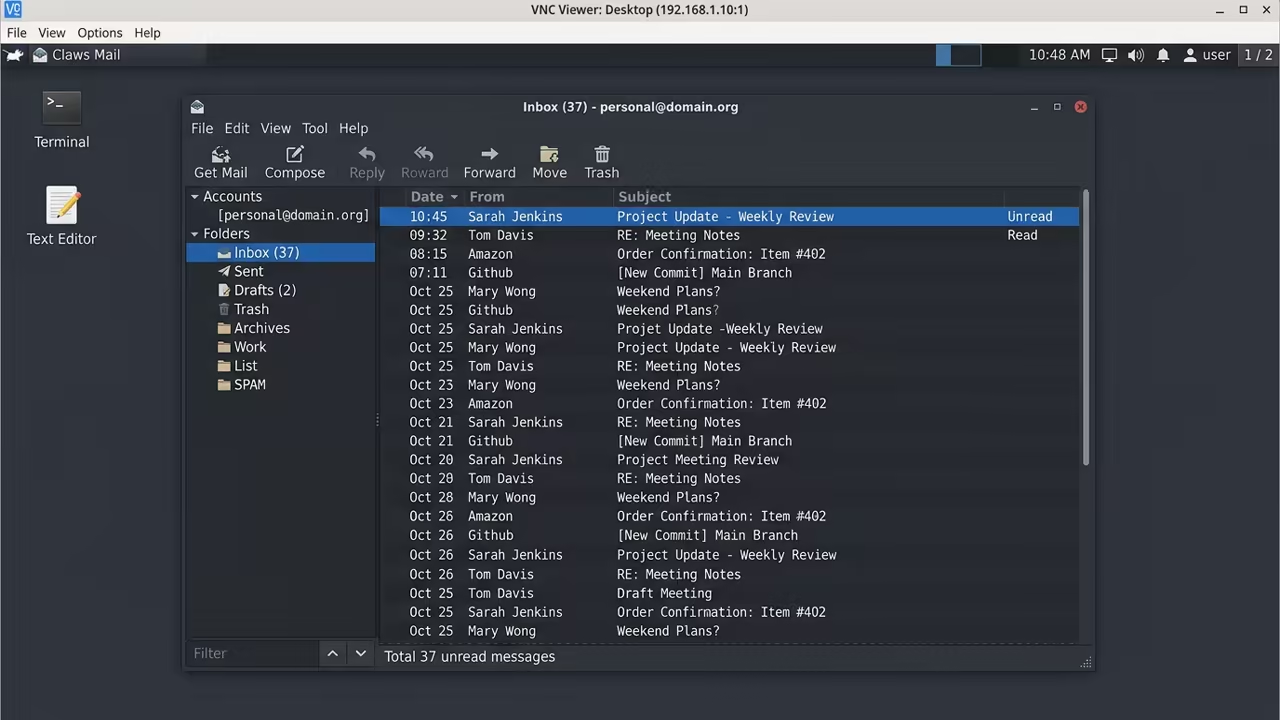
Start by installing a barebones window manager to save memory. OpenBox is the perfect choice for this specific hardware constraint.
It provides a minimal environment without the bloat of full desktops.
sudo apt update
sudo apt install openbox tightvncserver claws-mail -y
Configure the VNC server to use a low color depth. Reducing the palette to 16 bits significantly lowers the bandwidth requirements.
This prevents the screen from stuttering during fast window movements.
vncserver :1 -geometry 1024x768 -depth 16
Optimizing Claws Mail
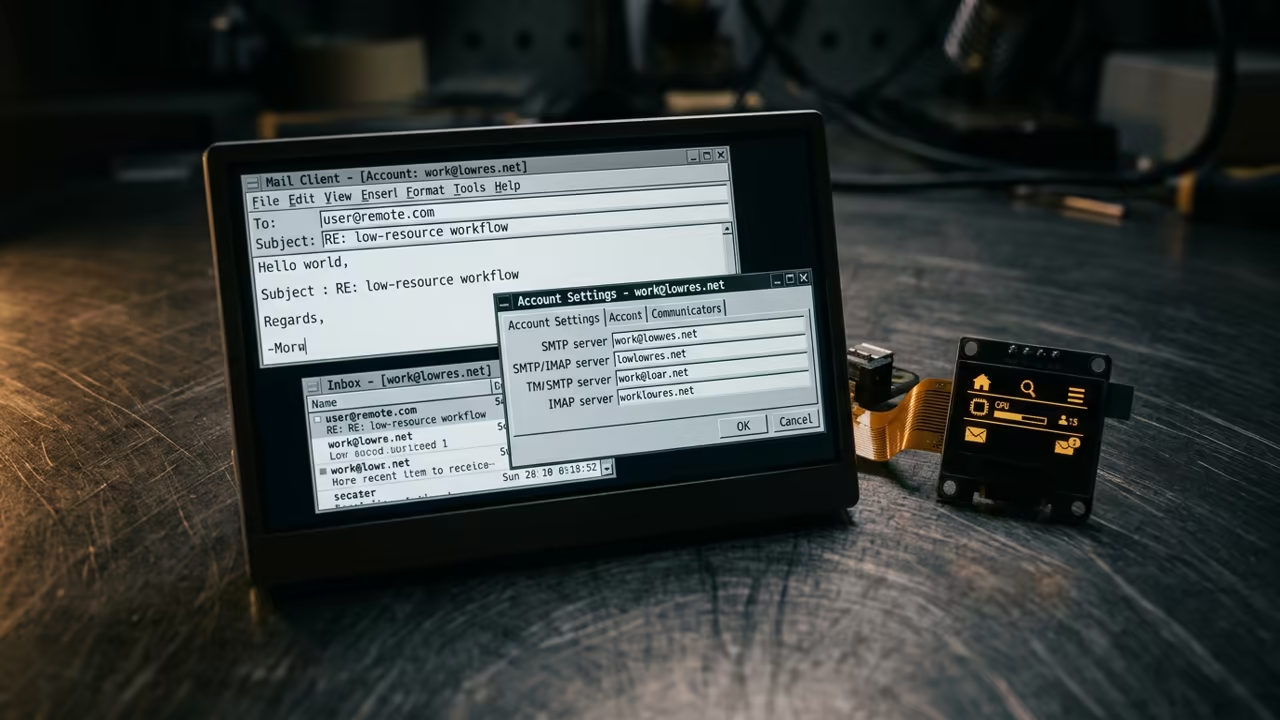
Claws Mail is the secret weapon for this lean setup. It handles large mailboxes with ease and uses very little RAM.
You can manage multiple accounts without any system slowdown.
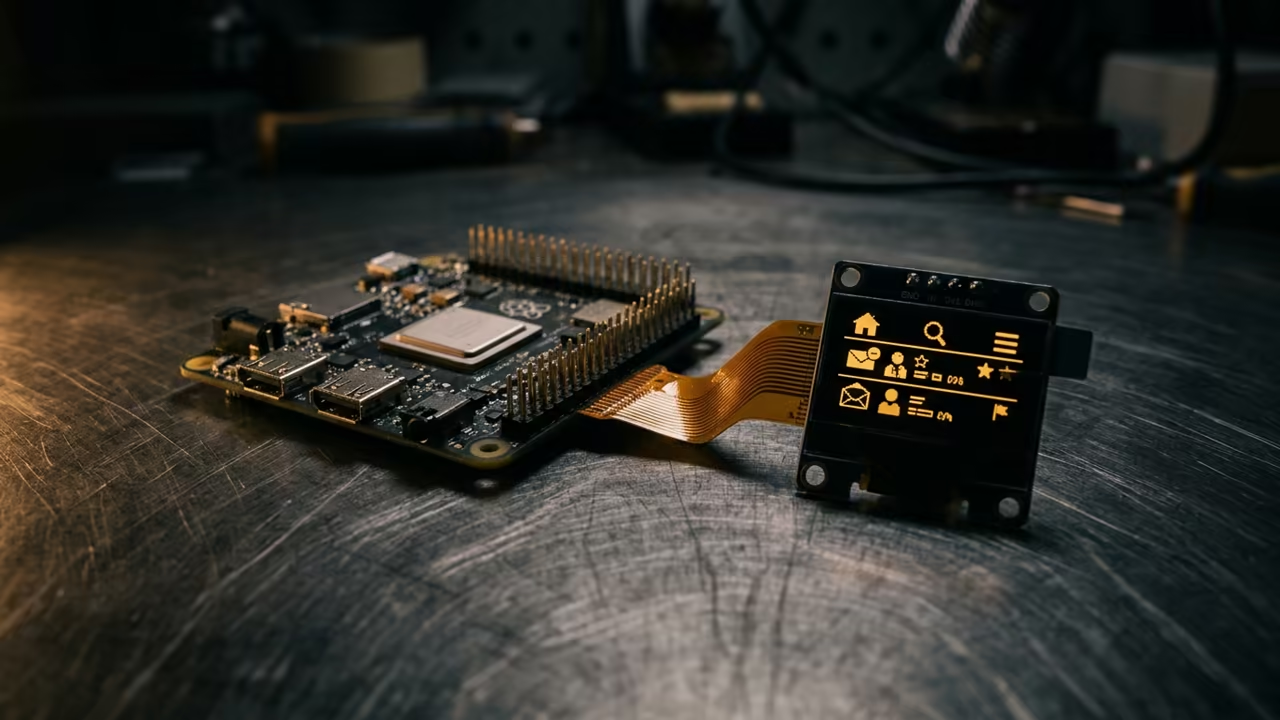
Edit the openbox config file to launch Claws Mail on startup. This ensures your mail client is ready the moment you connect.
The configuration file is located in the user home directory.
echo "claws-mail &" >> ~/.config/openbox/autostart
Advanced Hardware Tuning
One insider detail involves the GPU memory allocation on the Pi Zero. Set the gpu_mem to 16 in the config file.
This frees up critical system RAM for the mail client.
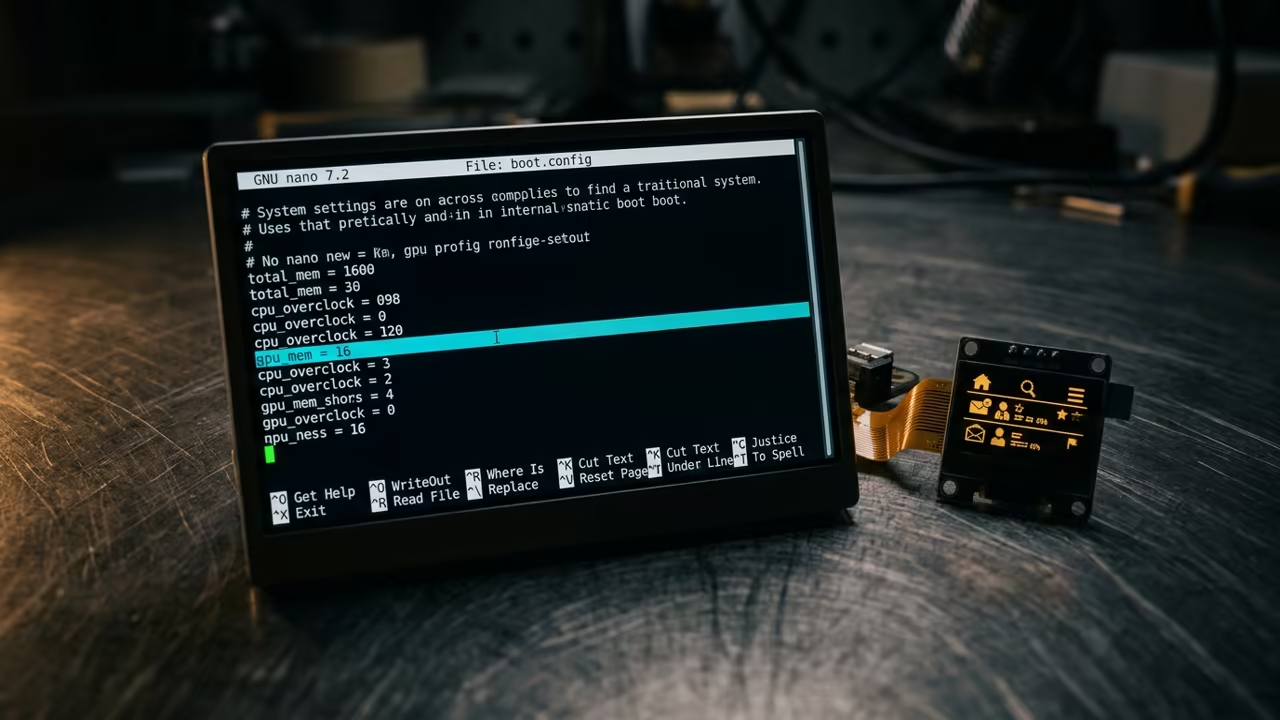
sudo nano /boot/config.txt
gpu_mem=16
Performance Comparison
Compare these environments to see why OpenBox wins every time. The memory footprint is the most critical metric for the Pi Zero.
| Parameter | Description | Value |
|---|---|---|
| OpenBox | RAM Usage | 45MB |
| LXDE | RAM Usage | 110MB |
| XFCE | RAM Usage | 210MB |
| Environment | Metric | Result |
This setup creates a professional grade tool for focused communication. It proves that efficiency beats raw power in specialized workflows.
You now have a stable system that defies the hardware limits.
Learning and Support
Reach out for personalized technical help to refine your setup. Dive deeper into these optimizations with the online tutorials.
Online Tutorials and Technical Help: https://ojambo.com/contact
🚀 Recommended Resources
Disclosure: Some of the links above are referral links. I may earn a commission if you make a purchase at no extra cost to you.
Leave a Reply