
The Security Risk of Root Level Daemons
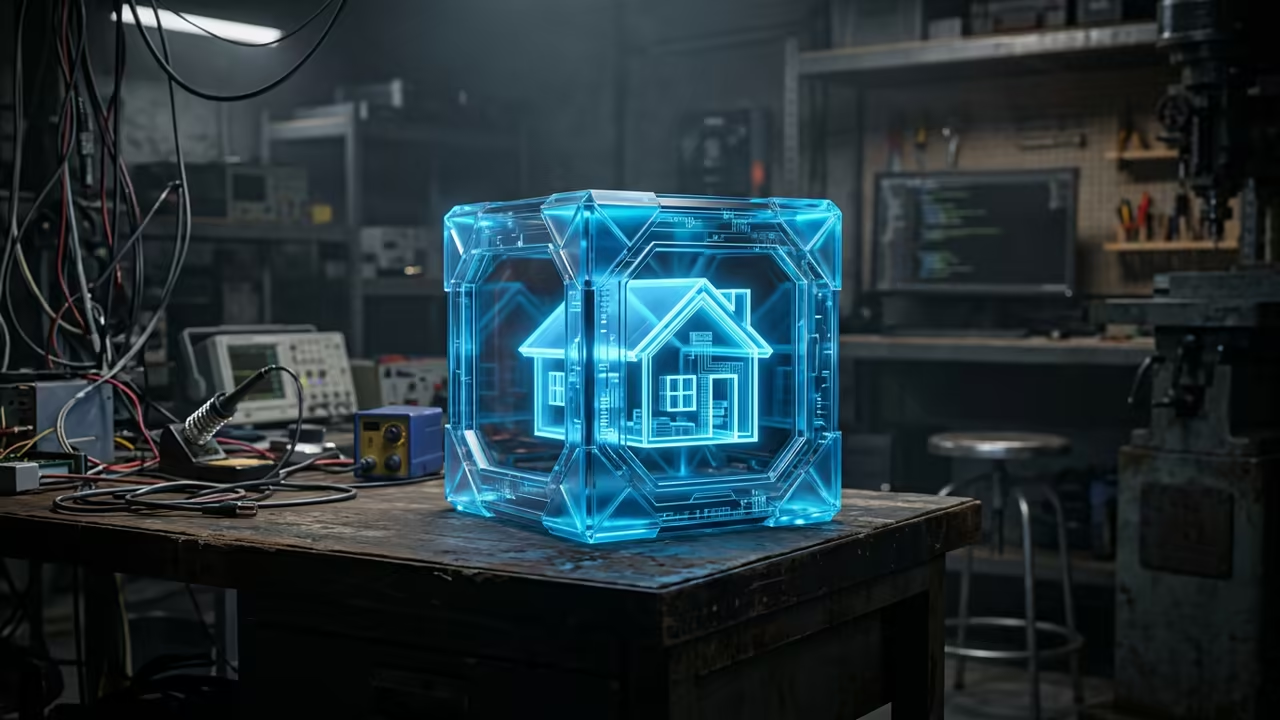
Most smart home users blindly trust root level daemons. This creates a massive security hole in the home.
You are essentially handing the keys to your house to a single process. One vulnerability could expose every single connected device.
Disclaimer: I may earn a commission from purchases made through these links at no extra cost to you.


The Rootless Solution
Podman Desktop solves this by introducing rootless container orchestration. It removes the dangerous central daemon entirely.
This approach ensures that your home assistant instance remains isolated. A breach in the container does not compromise the host.
The Experience of Absolute Control
Implementing this setup feels like finally locking the front door. You gain a sense of absolute control over your digital perimeter.
This architectural shift is exactly what I detail in my book. You can master these sovereign systems in The Sovereign Business at https://amzn.to/4ugGEYr.
True technical freedom comes from owning your infrastructure completely. Avoid relying on bloated software that demands total system access.
Deploying Home Assistant with Podman Desktop
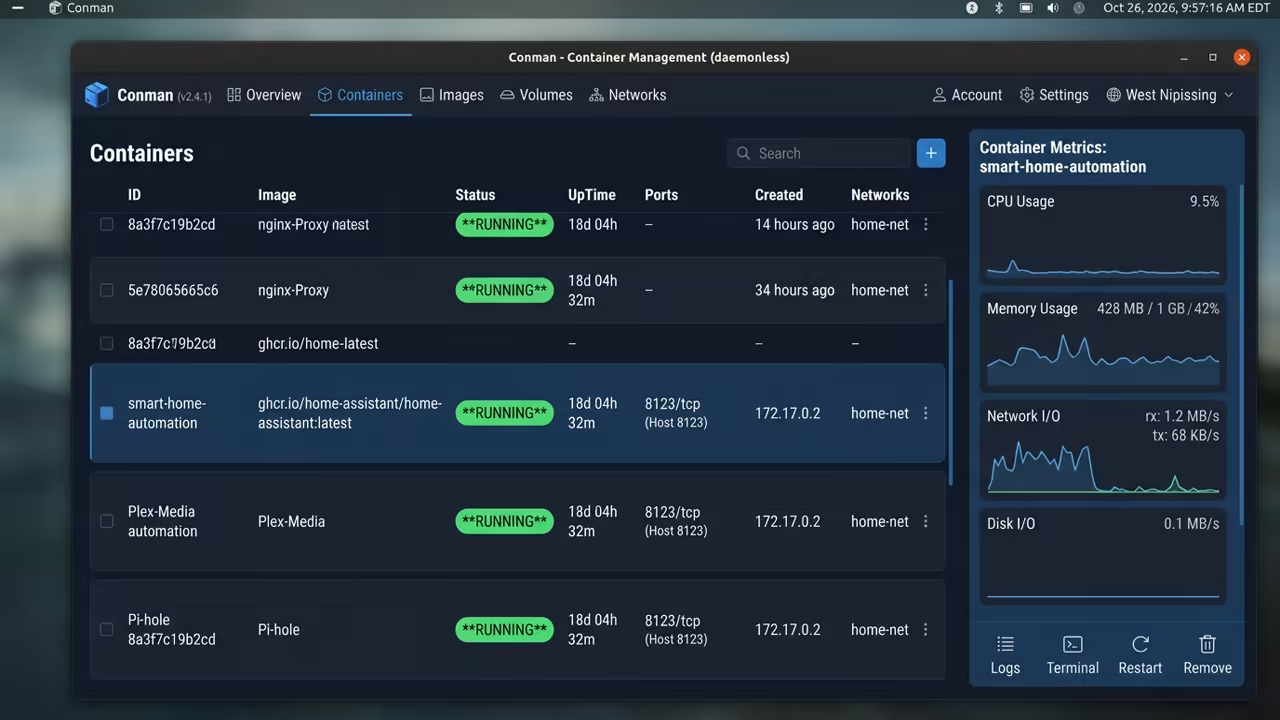
Running home assistant through Podman Desktop provides a clean interface. It simplifies the complex world of rootless pod management.
You can pull the stable image directly from the registry. The process is fast and requires zero root permissions.
The command for this is straightforward and efficient.
podman pull docker.io/homeassistant/home-assistant:stable
Now you must map your configuration directory for persistence. Without this your data vanishes after every restart.
Use a local folder in your home directory for this. This keeps your smart home settings safe and portable.
The run command requires specific flags for network discovery. Host networking is essential for finding smart bulbs and switches.
podman run -d --name homeassistant --network host -v /home/user/ha-config:/config homeassistant/home-assistant:stable
Insider Configuration Secrets
A secret tip for 2026 is using the podman compose integration. It allows you to manage multiple services as one unit.
Ensure you set the correct SELinux labels on your config folder. This prevents the container from being blocked by security policies.
chcon -Rt svirt_sandbox_file_t /home/user/ha-config
This small step is where most beginners fail. It ensures a seamless boot process every single time.
Architectural Breakdown
Comparing these two engines reveals a clear winner for security. Docker depends on a root daemon for all operations.
Podman operates as a fork of the container process. This removes the single point of failure from the equation.
| Parameter | Docker | Podman |
|---|---|---|
| Architecture | Daemon based | Daemonless |
| Security | Root required | Rootless capable |
| Resource Use | Moderate | Low |
| K8s Native | No | Yes |
| Parameter | Docker | Podman |
The performance difference is negligible for most home users. However the security benefits are absolutely massive.
You will notice that Podman Desktop integrates perfectly with Linux. It provides a visual way to monitor resource usage.
You can easily update your home assistant image. A simple click in the GUI handles the pull and restart.
The Path to Sovereignty
This setup connects deeply to previous architectural breakthroughs in rootless computing. It represents the peak of self hosting efficiency.
You are no longer just a user of smart tools. You are now the architect of a secure digital fortress.
The transition to a sovereign stack is a journey. It starts with a single rootless container on your desktop.
You can then expand this to a full Kubernetes cluster. The learning curve is rewarding and empowers your technical growth.
The sovereign approach ensures your data never leaves your walls. This is the only way to truly own your home.
Many professionals use this method to protect sensitive client data. It is the gold standard for modern server management.
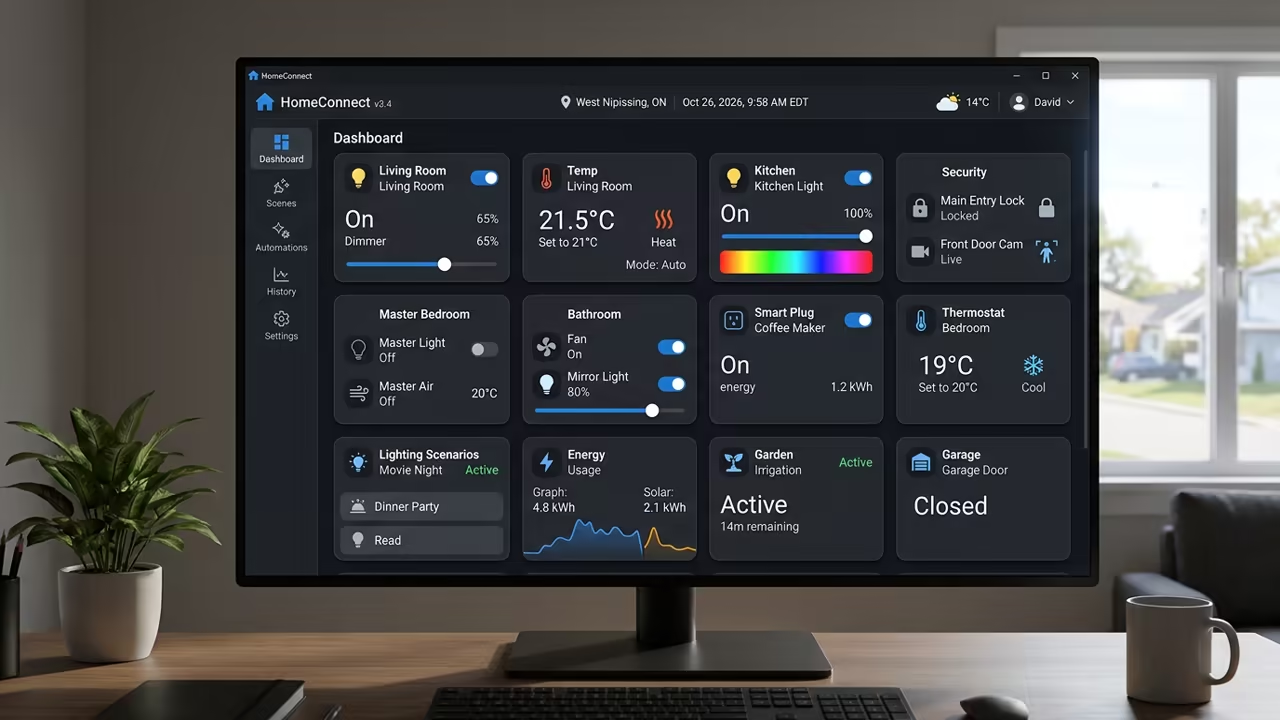
Integrating home assistant this way makes it nearly invisible to attackers. Your network remains clean and your devices stay safe.
This is a must have secret for any tech enthusiast. It turns a hobby into a professional grade deployment.
Online Tutorials & Technical Help: https://ojambo.com/contact
🚀 Recommended Resources
Disclosure: Some of the links above are referral links. I may earn a commission if you make a purchase at no extra cost to you.
Leave a Reply